Active Directory Forests: Why Separate Domains Still Share Risk
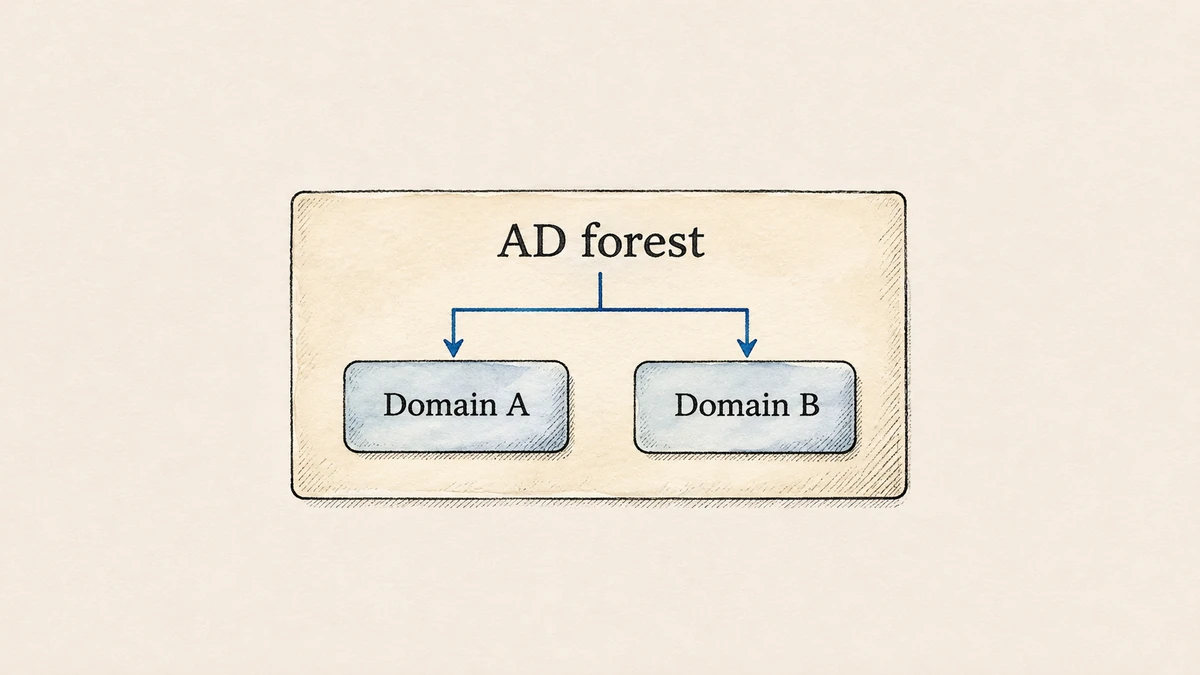
An Active Directory forest can be small enough to contain just one domain. The woodland name describes how accounts and computers are organized, not how many offices or servers a company owns.
Active Directory Domain Services, often shortened to Active Directory or AD, is Microsoft's directory system for managing network identities and resources. A forest is its top-level grouping, containing one or more domains that share directory definitions, configuration and trust relationships.
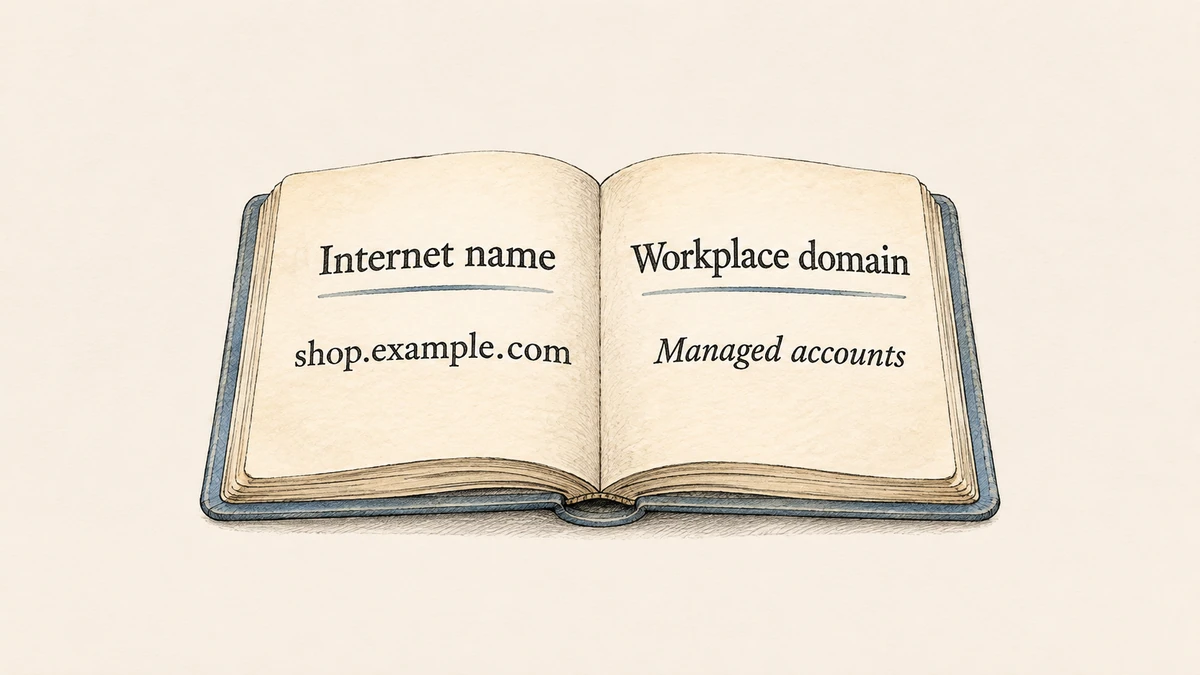
A domain groups directory entries such as user accounts, groups and computers. It isn't simply another name for a company website, even though Active Directory domains use names that resemble web addresses.
Active Directory in Five Minutes
How domains form a tree
Domains with connected names can belong to the same tree. In this invented example, example.com is the parent domain and staff.example.com is its child.
Microsoft calls that a contiguous namespace: the names fit together in a shared hierarchy. Its domain-tree explanation describes the relationship.
A second tree might use example.net with a child named research.example.net. Both trees can belong to one forest, despite having different root names.
| Grouping | What the example shows |
|---|---|
| Domain | staff.example.com holds its own directory entries. |
| Tree | example.com and its child domains have connected names. |
| Forest | The example.com and example.net trees share the larger directory structure. |
A tree can start with one domain, and a forest can start with one tree. Neither requires a separate branch for every country, department or subsidiary.
What the domains share
The schema defines the kinds of entries the directory can hold and their properties, such as the information stored about a user. Domains in a forest use the same schema.
They also share configuration information and a global catalog, which supports searches across the forest. Microsoft's directory model guide describes these shared parts.
That arrangement helps the directory work as a connected system while domains hold separate portions of its data.
Trust helps sign-ins travel; permissions still matter
Domains within a forest have automatic, two-way trust relationships. These let identity checks pass between domains instead of requiring each domain to treat every outside account as unknown.
The relationships are transitive, meaning trust can extend through the connected domains. An account from one domain can therefore be recognized when it seeks a resource in another.
Recognition doesn't grant access to every file or application. Microsoft's trust documentation makes the permission requirement explicit: the account still needs the appropriate access rights at the resource.
For example, a staff account might be recognized by the research domain while still being refused access to a restricted research folder.

- Run a test server or a home lab without giving up desk space.
- Start right away with 16GB of memory and a 500GB SSD already inside.
- Drive two 4K screens when it doubles as an everyday desktop.
A shared forest is a security decision
Separate domains within one forest don't provide complete isolation from the people who control the directory infrastructure. Directory service administrators manage that infrastructure, including the servers that maintain accounts and perform sign-in checks.
Microsoft's administrator-scope guidance explains why forest participants must trust these administrators. Their powerful access can affect other domains in the same forest.
Creating a new domain for a department doesn't remove that shared risk. If a group needs a separate security boundary, a separate forest may be part of the design, along with carefully controlled connections and administration.
For ordinary delegation, organizational units are containers within a domain that let administrators group entries and assign management duties. A department that needs someone to manage its accounts may need such a container, rather than an entire new forest.
Domain Explained: A Website Name or a Workplace Network?
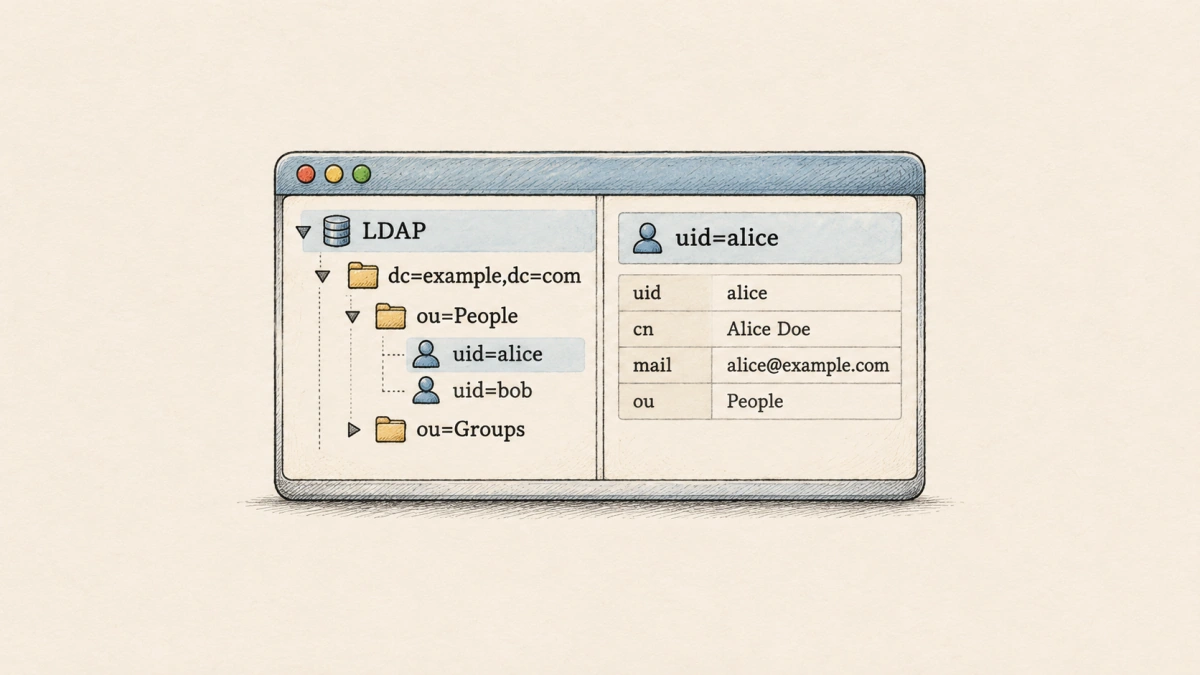
LDAP: How an App Finds One Record in a Directory
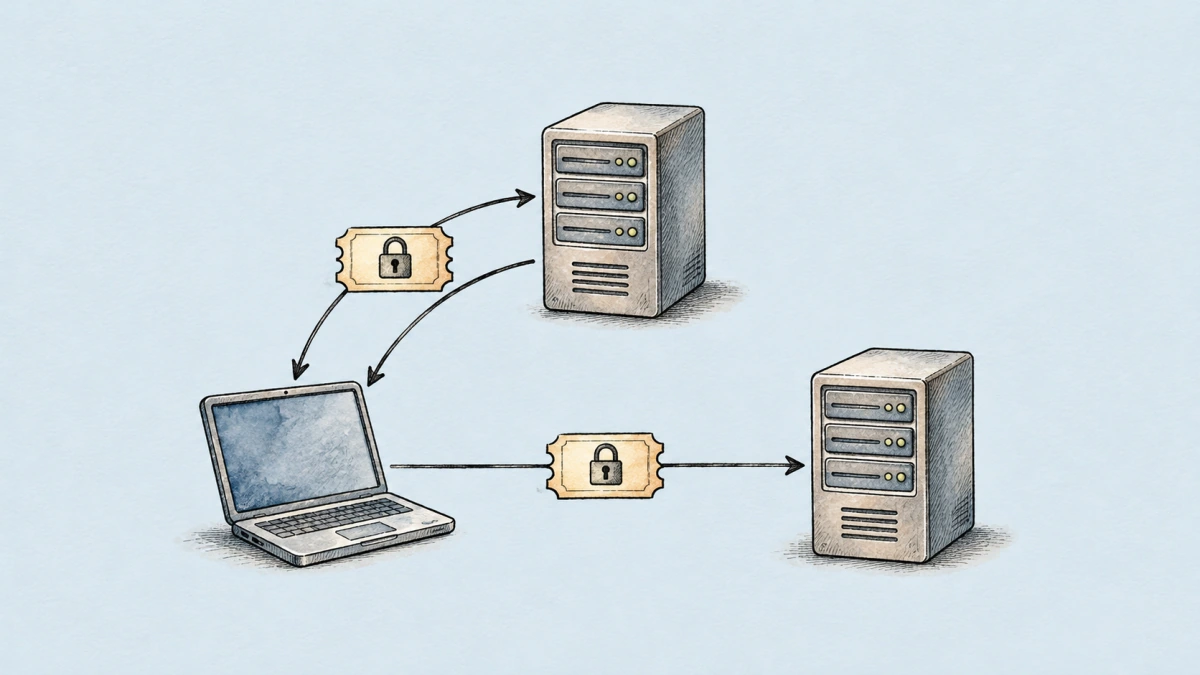
Kerberos: How Tickets Take the Place of Repeated Passwords
QUOTE:
"Amateurs hack systems, professionals hack people."