Password Escrow: Who Can Get You Back In?
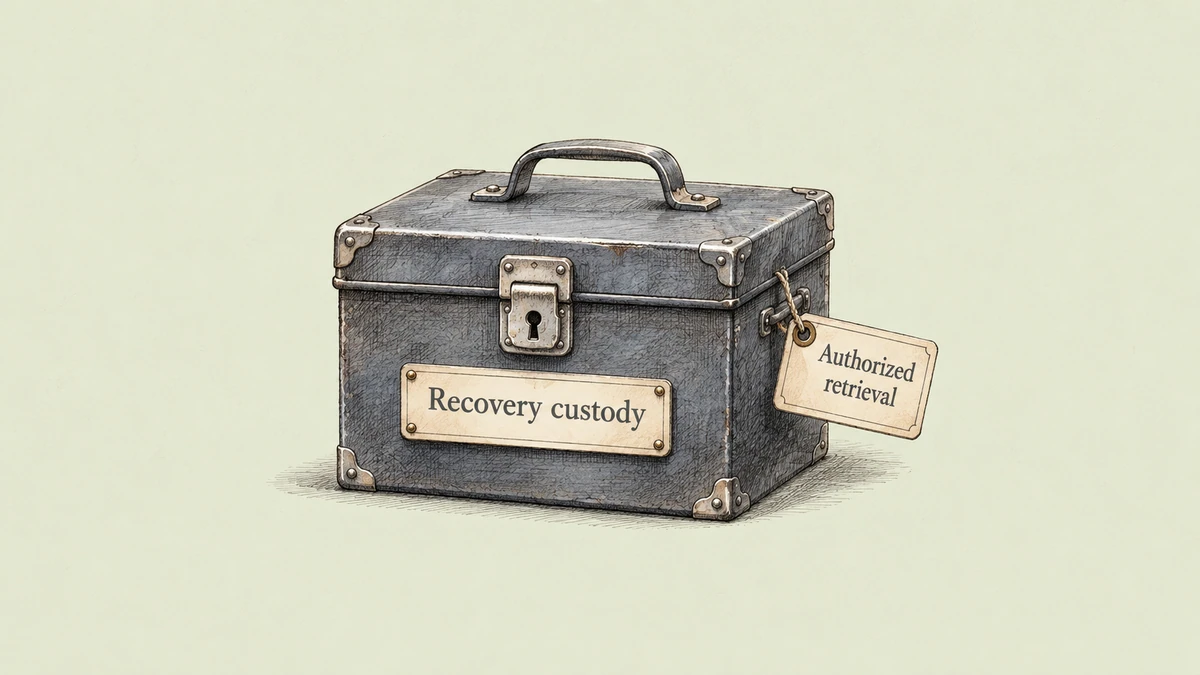
Password escrow puts a recoverable copy of a password in controlled custody so authorized people can retrieve it when agreed conditions are met. It helps prevent one person's absence or forgotten password from locking everyone else out.
The custodian—the person or service keeping the copy—might be an organization's support team, rather than an outside company. Cornell's IT guidance, for example, describes departments securely storing password copies for encrypted university data.
That copy creates another way into the protected information, so the release rules matter as much as the storage.
Be clear about what's being kept
A saved password, a password reset and an encryption recovery key solve different problems.
For ordinary account sign-ins, a well-designed service stores a password hash: a value used to check a password attempt without keeping a reversibly encrypted copy of the original password. OWASP, an application-security nonprofit, recommends this approach for password verification.
Such a service can offer a password reset without being able to show you the old password. Deliberate password escrow serves a different purpose: preserving a retrievable copy where one is needed.
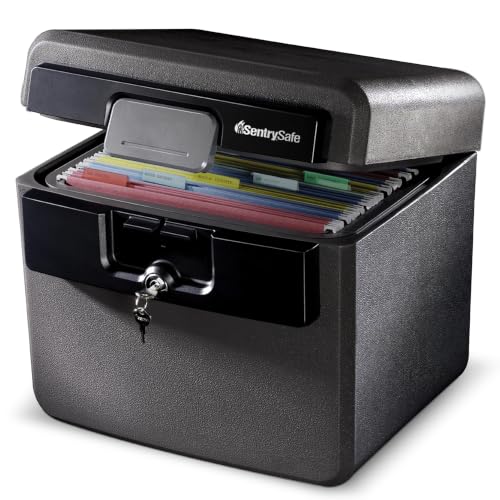
- Keep passports, deeds and recovery codes safe through a fire or a flood.
- Carry it out the door in an emergency thanks to its portable size.
- Hang file folders inside so important papers stay organized.
Key escrow preserves cryptographic key material for recovery. A key is a data value used by encryption, the process that protects information from unauthorized reading.
The National Institute of Standards and Technology's key-escrow definition concerns retaining a private encryption key for that purpose. Resetting an account password doesn't, by itself, recreate a missing key needed to read encrypted files.
Identify exactly which account, device or collection of files the recovery arrangement covers.
Emergency access can work without handing over your password
Some password managers provide a controlled way for a trusted contact to gain access to stored information. A password manager is software that keeps passwords and other secrets in a protected collection, often called a vault.
Bitwarden's emergency-access feature lets eligible paid account holders appoint a contact in advance and choose view or takeover access. A request can be approved by the account holder or granted after the configured waiting period.
The account holder can reject a request before that period ends. View access exposes the individual vault's items, while takeover lets the contact establish a new master password and take control of the vault.
Granting emergency access has consequences even without sharing your existing master password.
What Is Actually Inside a Password Manager?
Plan the release before there's an emergency
The arrangement should establish who can request access, how their identity and authority will be checked, and who can approve release. It also needs a record of what was released, to whom and why.
For organizational emergency accounts, Microsoft's guidance emphasizes restricted access to credentials, monitoring, separate storage and regular validation. Credentials are passwords or other evidence used to prove an identity when signing in.
Make sure the recovery route doesn't depend entirely on the system you're trying to recover. A password locked inside the same unavailable vault won't help open it.
OWASP's secrets-management guidance calls for securely backed-up emergency credentials and routine recovery tests. Update stored copies when the relevant passwords change, and review who can obtain them when responsibilities change.
Finally, a working password can't rebuild a broken drive or restore deleted photographs. Escrow preserves an access route; backups preserve the information you hope to reach through it.
Separation of Duties: Who Checks the Person With Access?
Split Keys: Sharing Control Without Sharing the Whole Secret
Cybersecurity Recovery: Returning Services to Useful Work
QUOTE:
"Amateurs hack systems, professionals hack people."