DLP Explained: What That Data-Sharing Warning Means
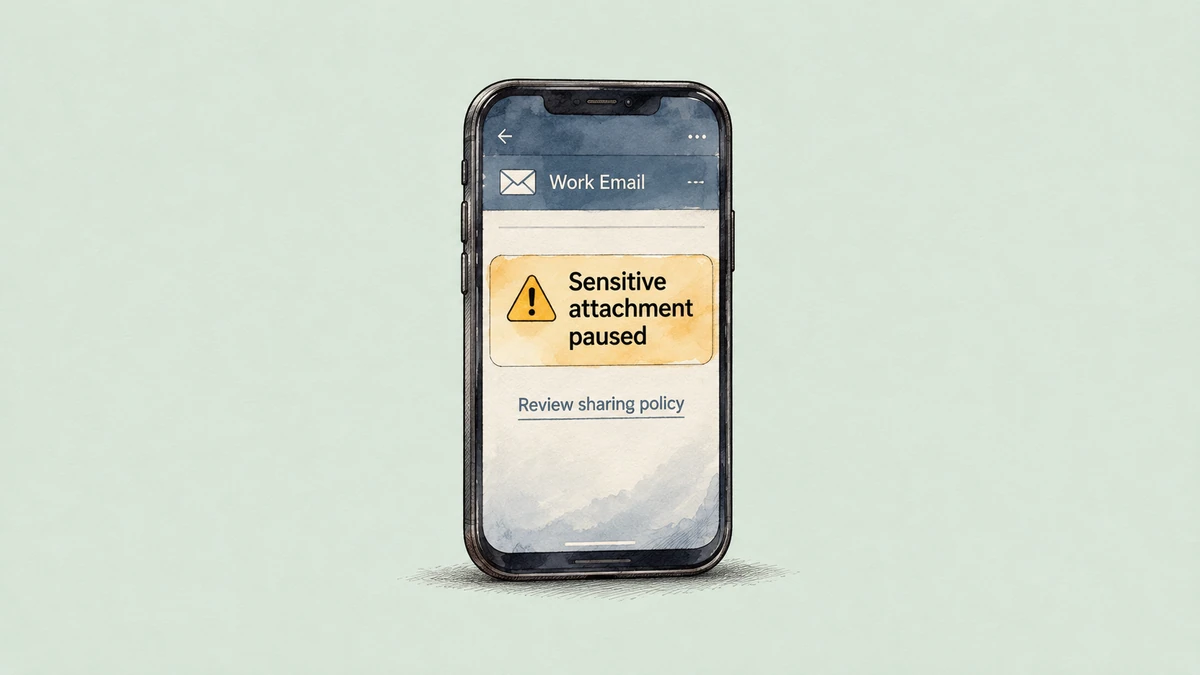
A DLP warning means software has matched your activity to a rule about sensitive information. It may pause an email, flag a document or block an upload, depending on the policy.
DLP stands for data loss prevention: the rules, tools and working habits that help keep private information from being shared or used improperly. That information might include employee records, customer details or a company's confidential plans.
An alert isn't a verdict on your intentions, and it doesn't necessarily mean information has escaped.
How Software Stops Data From Walking Out the Door
What set off the warning?
DLP tools can examine what a file contains and what's happening to it. A document that stays within an approved team might be allowed, while sending the same document outside the organization triggers a rule.
Detection can combine clues rather than search for one forbidden word. Microsoft's DLP documentation, for example, describes checking text patterns and nearby information to identify sensitive content.
A rule can also use a sensitivity label, a tag that identifies how information should be handled. A file labeled confidential may receive different treatment from a public brochure, as described in Microsoft's policy reference.
Suppose you're sending a report to an outside accountant, but you've attached the full employee spreadsheet by mistake. A rule about personal information leaving the company can catch that mismatch before you've noticed the attachment.
A warning, a block and a record are different things
The policy decides what happens after a match, and the available actions vary by product and location. Three common responses are:
- Audit: Record the activity for later review, without necessarily interrupting it.
- Warn: Tell you about the policy and, where allowed, let you continue.
- Block: Prevent the action covered by the rule.
Google's Chrome DLP guidance documents all three responses, including warnings that record a user's decision to proceed. It also explains that upload blocking depends on the browser's configured controls.
Some systems allow a configured exception, such as requiring you to explain why a transfer is necessary. Others offer no override, so the wording of the actual notice matters.

- Stop a stranger from plugging a drive into a computer you leave unattended.
- Lock ten ports at once, and open them again with the included key.
- Keep dust out of the ports you rarely use.
When the work is legitimate
Read which information or action the notice identifies, then check the file and its recipients. In the accountant example, the right fix might be sending the intended report through the company's approved sharing service.
If the notice seems wrong, use the listed support or review process. Include enough context to explain the task without copying the sensitive contents into an unrelated help request.
A false positive occurs when the system flags something it shouldn't, such as harmless sample data mistaken for real personal records. Reporting it gives the team responsible for the rule something specific to investigate.
No warning doesn't mean no monitoring
A policy might be recording matches quietly, or running in a test mode. Microsoft's simulation mode lets administrators examine matches before turning on enforcement.
Coverage also has limits: the relevant devices, applications and file types must be supported and included in the setup. A missed violation is a false negative, and a quiet screen can't tell you whether something was allowed, missed or never inspected.
DLP also doesn't restore a document you've accidentally deleted; that's a job for a saved copy or backup. When you're unsure whether sharing is permitted, the organization's handling rules and review process still apply—even when the software says nothing.
Data Leakage: How Private Information Escapes Without Disappearing
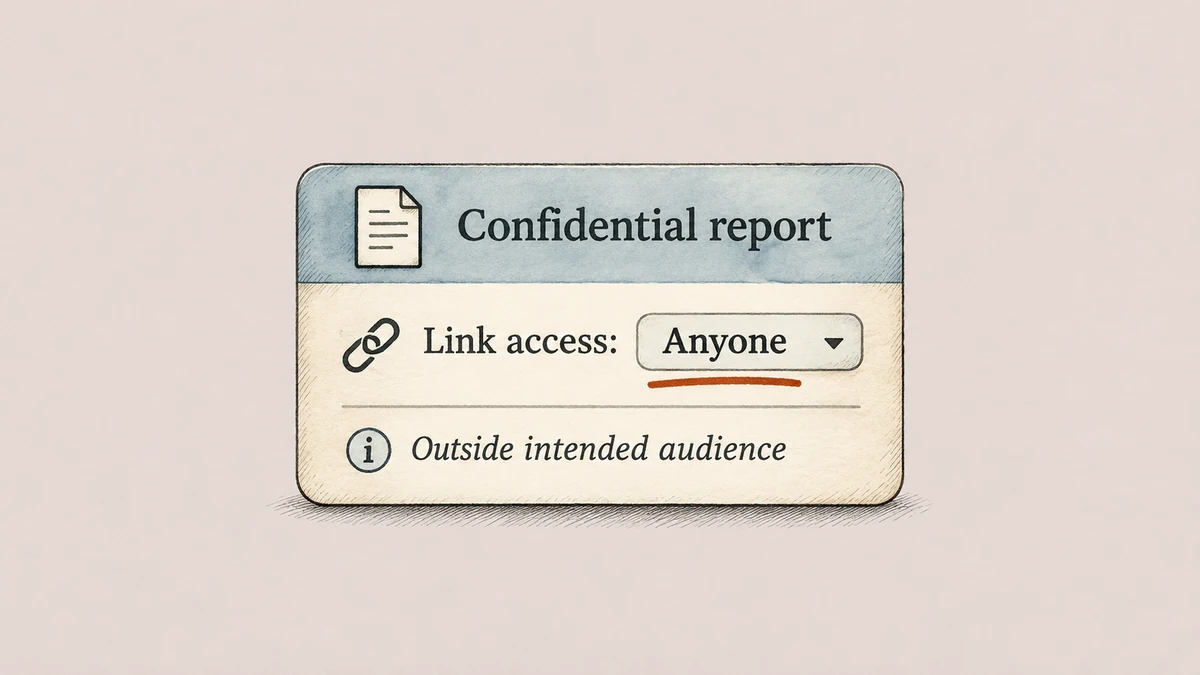
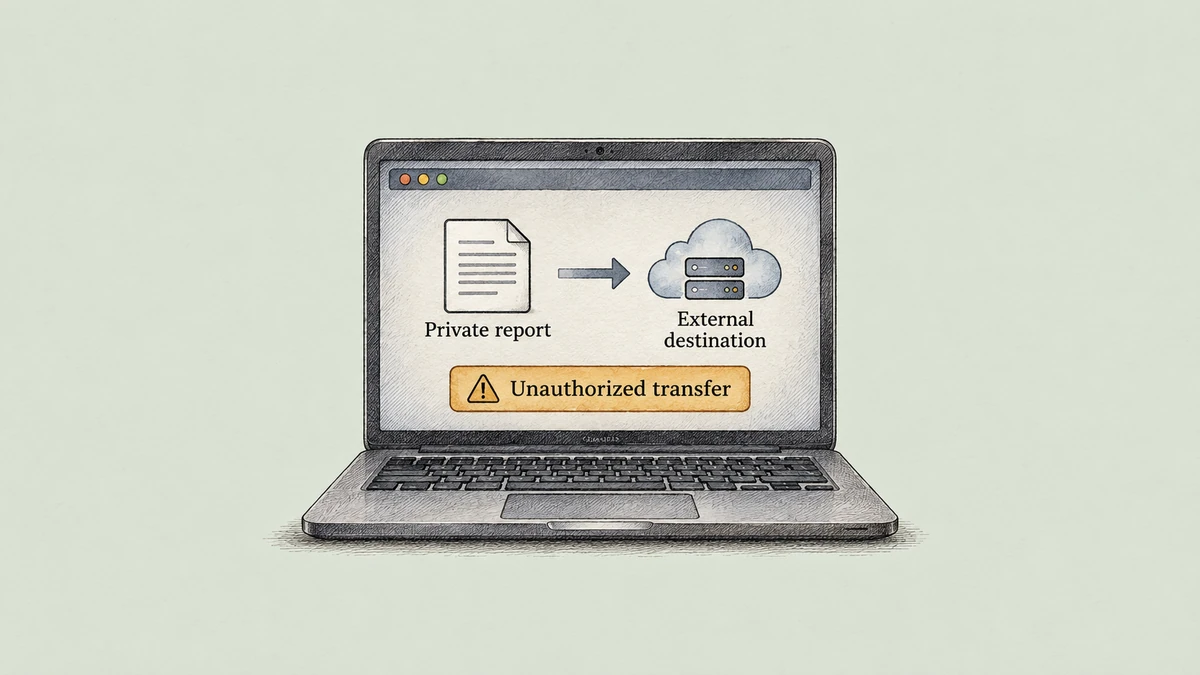
Data Exfiltration: How Information Leaves Without Disappearing
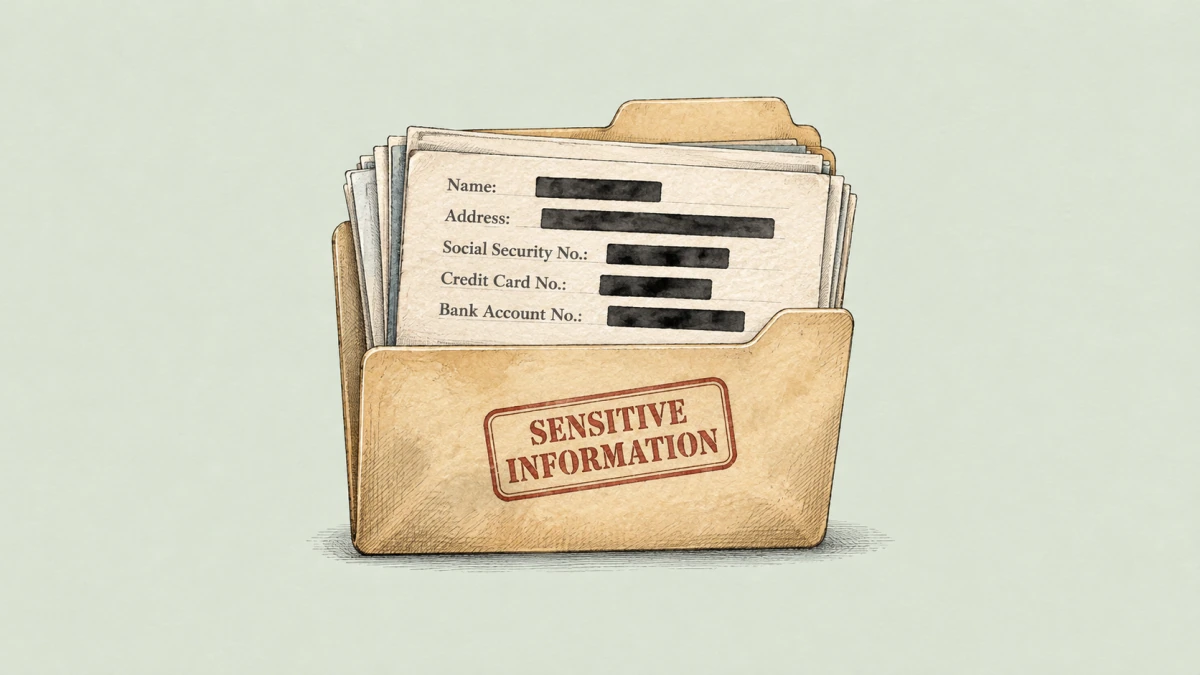
What Makes Information Sensitive?
QUOTE:
"Amateurs hack systems, professionals hack people."