Data Loss Prevention: What Gets Blocked—and What Doesn't?
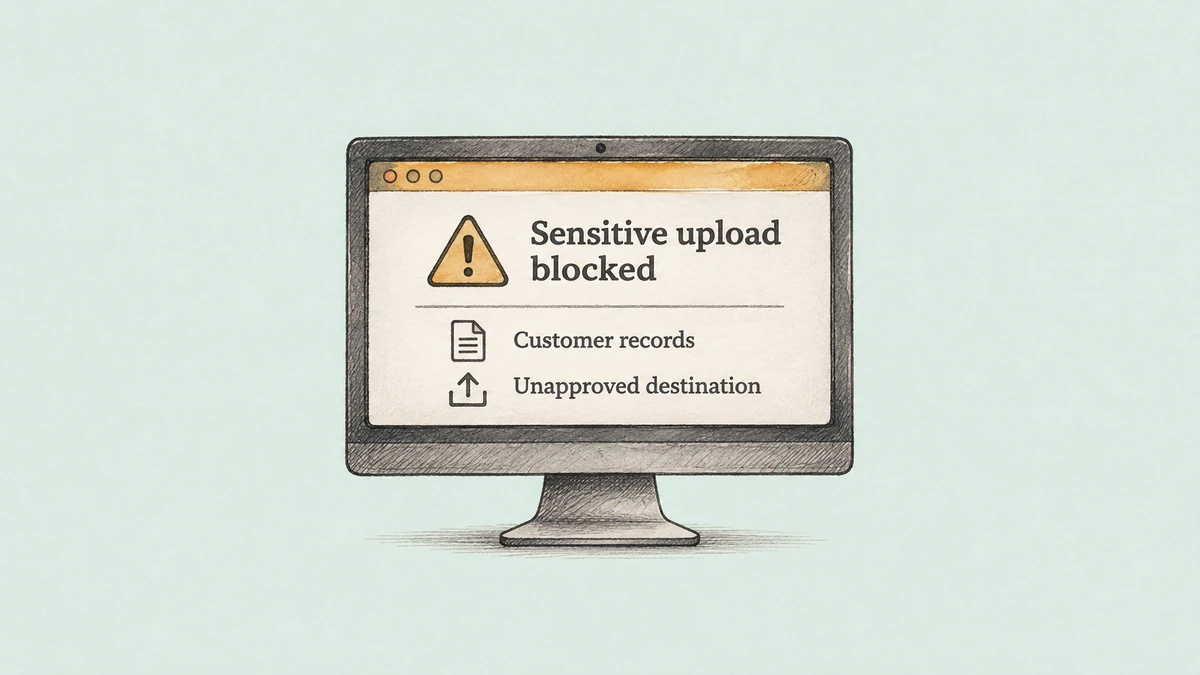
A data loss prevention policy turns a handling rule into a check: which information is sensitive, where it may go, and what should happen when someone tries to move it.
Data loss prevention, or DLP, combines policies and technology to reduce inappropriate use or disclosure of sensitive information. The information might be a customer list, a private research report, or employee payment details.
The name can be confusing: DLP mainly addresses information escaping its allowed uses, while backups and recovery help when files are deleted or damaged.
How Software Stops Data From Walking Out the Door
Write the decision before configuring the tool
Suppose a company allows a research team to share internal reports with colleagues but requires approval before uploading them to an outside service. A useful DLP policy needs more detail than “protect our research.”
| Part of the policy | What the team needs to specify |
|---|---|
| Information | Reports carrying the company's confidential-research label |
| Location | The devices, applications, and storage services covered by the tool |
| Activity | An attempted upload to a destination outside the approved set |
| Response | Warn the user, record the event, or block the upload |
This is an example policy, not a feature every DLP product automatically provides.
Microsoft's DLP policy reference separates the information to detect, the places to monitor, the conditions that trigger a rule, and the resulting actions. That separation helps teams find the problem when a rule behaves unexpectedly.
For instance, a correct rule won't protect an upload from a device outside its coverage.
How does the system recognize sensitive information?
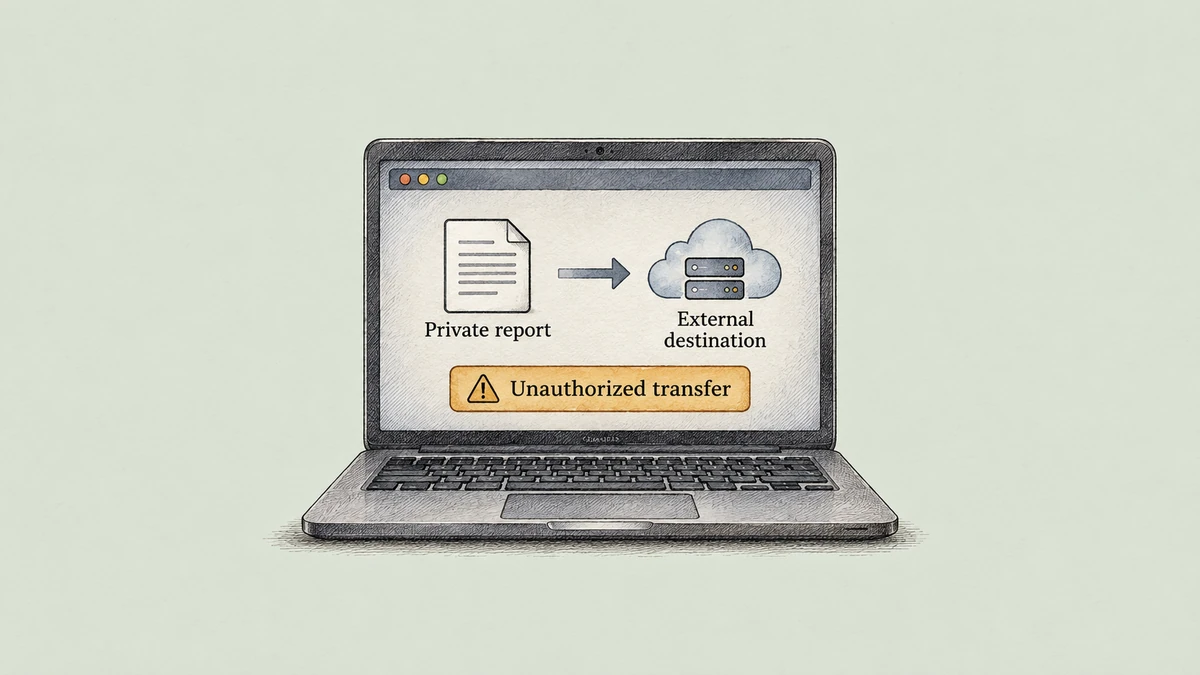
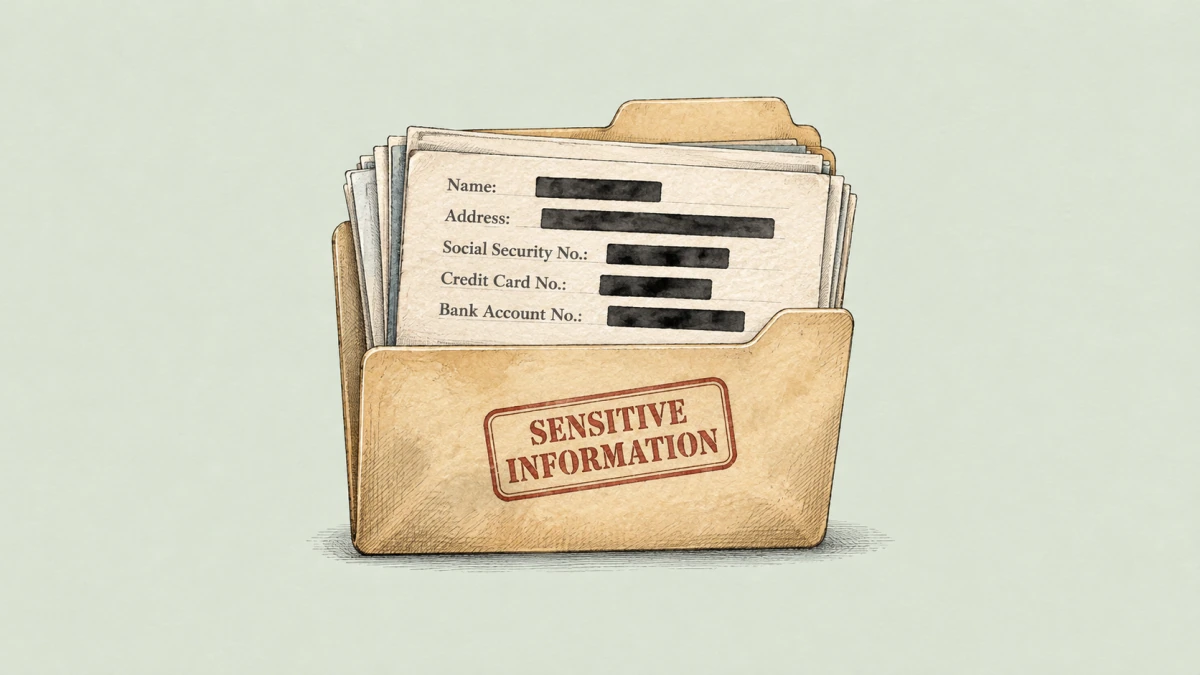
Some checks look for recognizable patterns, such as payment-card numbers, along with supporting context. Others use a sensitivity label, a tag that marks how information should be handled, or a trained system that recognizes certain kinds of documents.

- Stop a stranger from plugging a drive into a computer you leave unattended.
- Lock ten ports at once, and open them again with the included key.
- Keep dust out of the ports you rarely use.
A document's filename alone is a weak description of its contents: “meeting-notes” could contain public talking points or private employee information.
Microsoft's DLP overview describes content analysis and several possible responses. Depending on the policy, a tool may notify the user, allow an override with an explanation, or block an action without an override.
A detection isn't necessarily a block. A rule may be set only to record activity while the team learns how it performs.
Insider Threats in Two Minutes
Coverage follows the places people work
You'll see three descriptions of the information DLP can protect: at rest means stored, in motion means being transferred, and in use means being handled by a person or application.
A stored report in a shared folder, an email attachment leaving the company, and text being pasted into a browser are different situations. They can require different integrations and settings, even within one product.
File formats, scan limits, supported applications, and the ability to examine the contents can affect coverage. Buying a tool doesn't establish that it can inspect every file or every route out of the organization.

- Carry sensitive files on a drive that stays locked without your PIN.
- Unlock it on any computer, with no software to install.
- Lose it without losing sleep: the contents are encrypted in hardware.
Test the rule against real work
A false positive flags an allowed activity as a problem; a false negative misses an activity the rule was supposed to catch.
Both matter. A policy that blocks ordinary work repeatedly can overwhelm reviewers and encourage people to look for another way to send the information.
Microsoft's simulation mode lets teams examine policy matches before enforcing the policy. Testing should include both examples that should trigger the rule and legitimate work that should pass.
When a rule blocks a necessary task, provide an approved sharing method or a clear review process. A warning is more useful when the person receiving it knows what to do next.
Give alerts someone to answer to
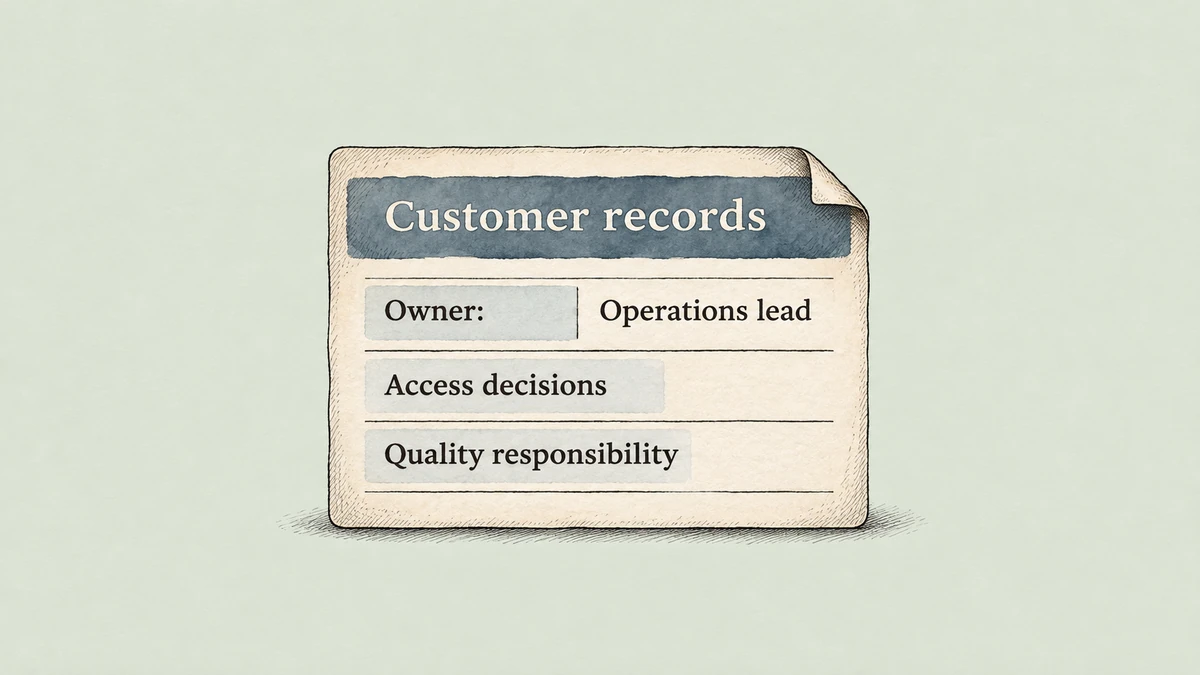
Decide who reviews matches, who can approve exceptions, and how recurring problems lead to rule changes. A match shows that a condition was met; it doesn't, by itself, prove an employee intended to steal information.
Review records may contain sensitive details, so limit who can access them as well.
For the research report, a successful rollout means the intended sharing routes work, prohibited routes receive the intended response, and someone checks the exceptions. The number of alerts alone won't tell you whether that policy is doing its job.
Data Exfiltration: How Information Leaves Without Disappearing
What Makes Information Sensitive?
What Is a Data Owner? The Person Behind the Data Decisions
QUOTE:
"Amateurs hack systems, professionals hack people."