Deauthentication Attacks: Why Wi-Fi Can Accept a Fake Disconnect
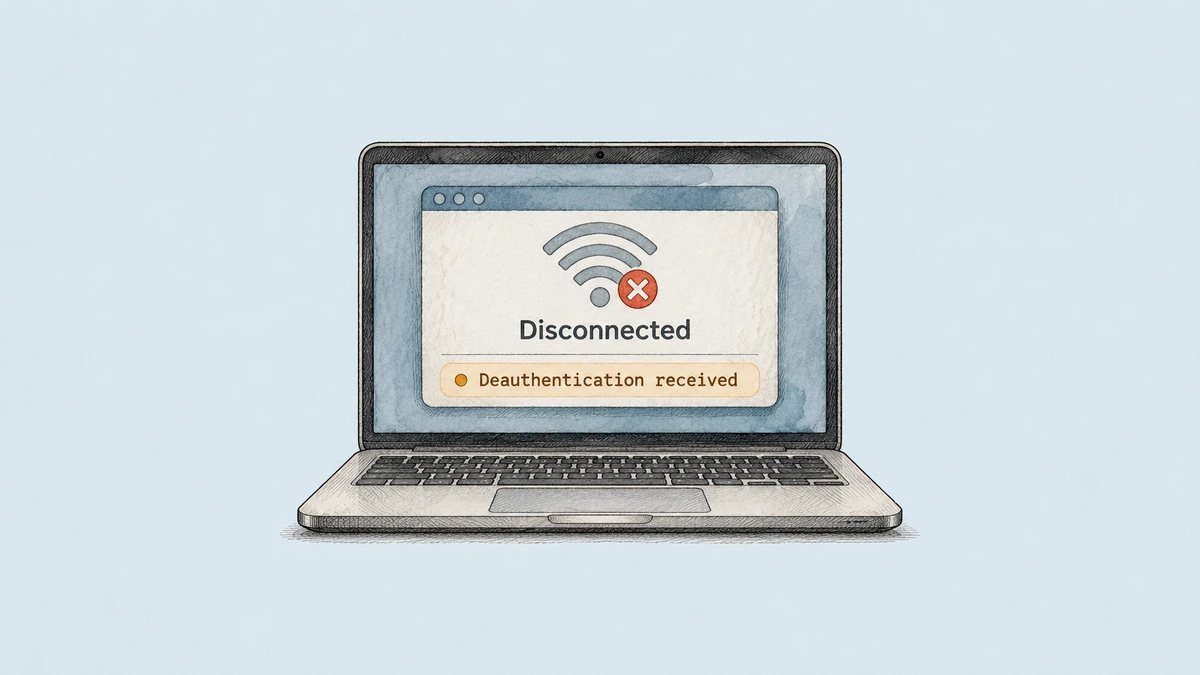
Wi-Fi has a legitimate message for ending a connection. If a device accepts that message from someone pretending to be its network, an outsider can knock it offline without knowing the Wi-Fi password.
A deauthentication attack, often shortened to a deauth attack, abuses that disconnect mechanism. The attacker forges the message to end a connection that hasn't been protected against this forgery.
The immediate result is disruption. Disconnecting someone doesn't reveal their password, grant the attacker network access or automatically expose the person's private messages.
Wi-Fi Jammer or Deauther: What's the Difference?
The Message That Ends the Connection
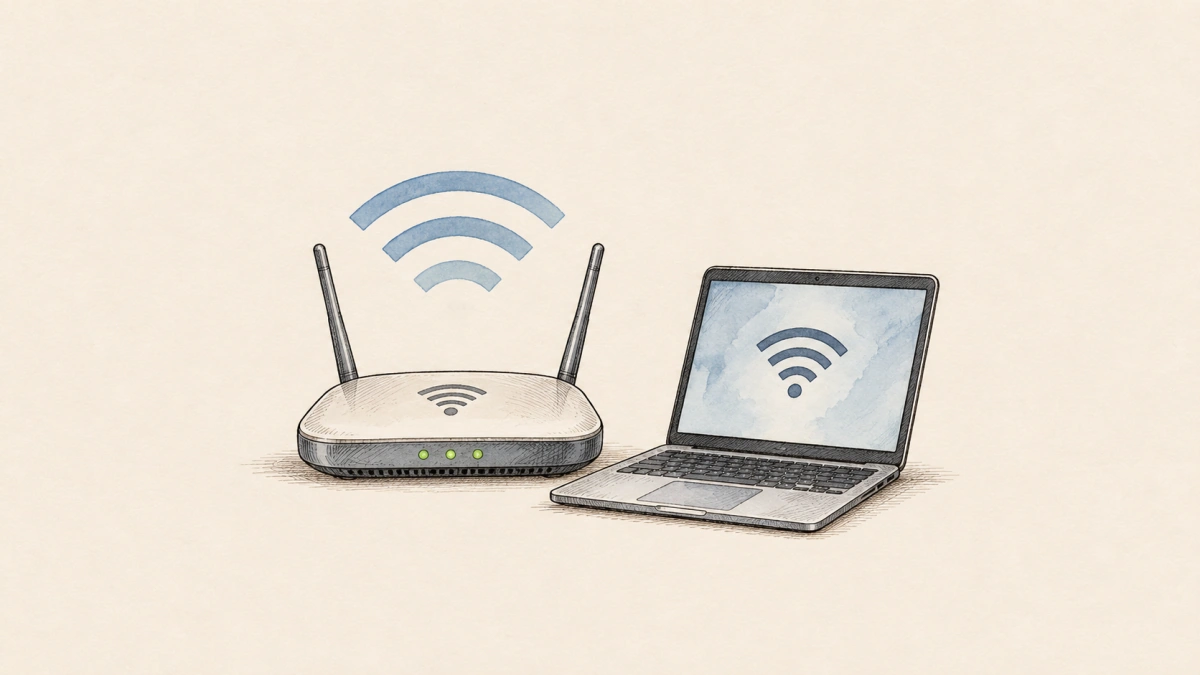
An access point connects wireless devices to a network. At home, it is often part of the router, the device that directs traffic between your home network and other networks. A laptop or phone connecting to it is called a client.
Wi-Fi devices exchange frames, units of wireless communication. Some carry users' data; management frames help establish and manage the connection itself. Deauthentication and the related disassociation message are legitimate management messages that can end a connection.
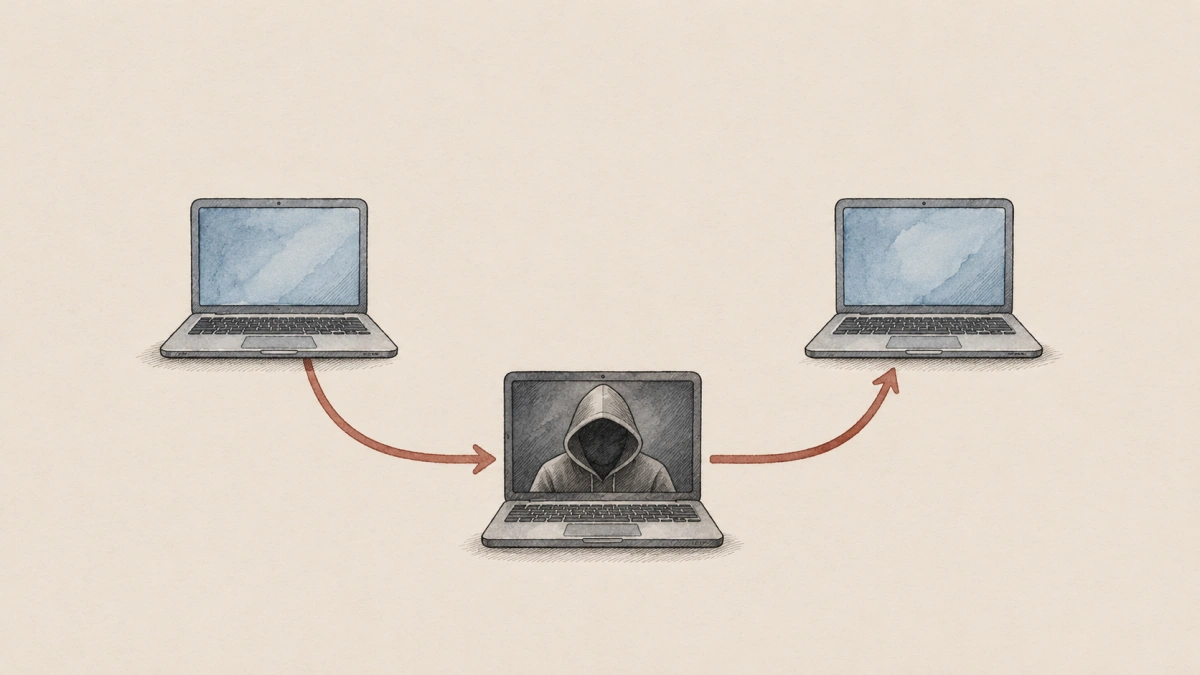
Wi-Fi uses radio signals. An attacker close enough for a receiver to pick up their transmission can send a forged message that appears to come from the access point or client. If management messages lack protection, the receiver may accept the claimed identity and disconnect. Repeating the disruption can prevent normal use of the network, a denial of service.

- Pick up networks your laptop's built-in Wi-Fi can't reach.
- Practice wireless security testing with an adapter Linux supports.
- Get a stronger, steadier signal from the built-in amplifier.
Encryption makes data unreadable without the right secret information. Protecting a user's data this way doesn't, by itself, verify who sent a disconnect message. The Australian Cyber Security Centre's wireless-network guidance identifies unprotected management frames as a route to this kind of spoofing-based disruption.
That's the reason a strong Wi-Fi password, though valuable for access control, isn't the specific fix for a forged disconnect message.
What Protected Management Frames Change
Protected Management Frames, or PMF, adds checks to selected management messages. You may also see the feature identified as 802.11w.
The devices agree to use PMF and establish keys, secret values used in security calculations. Once protection is established, mathematical checks let them verify protected messages and reject forgeries. Checks against replay also prevent an old protected message from being reused as though it were new. Deauthentication and disassociation are among the messages covered. Cisco's PMF documentation explains these protections.
PMF doesn't cover every message used to find or join a network.
It also doesn't prevent radio jamming, deliberate interference that makes radio communication difficult or impossible. Verifying who sent a message can't make a receiver hear clearly through interference. Fortinet's PMF guidance makes this boundary explicit.
WEP, WPA, WPA2 or WPA3: Which Should You Use?
A Dropped Call Still Needs an Explanation
A video call freezing doesn't establish that someone forged a disconnect message. Weak reception, interference and configuration problems also need investigation.
Review logs, records of events kept by the access point and client, for the time of the interruption. Check whether one device or several were affected, and whether the pattern fits signal problems or configuration changes. On a managed network, wireless monitoring can add evidence about the frames being received. NIST's wireless-security guidance treats monitoring, maintenance and configuration as separate parts of protecting a network.
Even if monitoring captures a suspicious frame, its claimed source address isn't reliable proof of who sent it when the message wasn't verified. It may be the identity the attacker copied.

- Give every phone, laptop and TV a steadier connection with Wi-Fi 6.
- Stop the buffering at busy hours, with room for many devices at once.
- Replace an aging router and get stronger coverage across more of your home.
Requiring Protection Changes Who Can Connect
A router offering PMF support doesn't tell you whether every connected device uses it. The setting matters.
- Optional or capable: clients that support PMF can use it, while clients without it may still connect.
- Required: a client must agree to use PMF to connect.
Vendor labels differ. Cisco documents optional and required behavior in its wireless-controller guidance.
WPA2 and WPA3 are Wi-Fi security standards. WPA2 can use PMF, so it isn't accurate to call every WPA2 connection unprotected. WPA3 connections require PMF.
A mixed WPA2/WPA3 network, also called transition mode, can still admit older WPA2 clients without PMF. A WPA3 label in the router's settings therefore doesn't establish that every device on that network has protected management messages.
Before requiring PMF, test the devices that need to connect. Some older clients can't use it or have compatibility problems. Apply suitable router and device updates, then check which clients actually use PMF.
If an older device stops connecting just after PMF becomes required, that may be the setting doing exactly what it promises: refusing an unprotected connection. Plan how to handle that device before making the change.
Wi-Fi: The Connection Before the Internet Connection
Man-in-the-Middle Attacks: An Encrypted Login Can Reach the Wrong Site
Denial of Service: How an Attack Makes a System Unusable
QUOTE:
"Amateurs hack systems, professionals hack people."