Denial of Service: How an Attack Makes a System Unusable
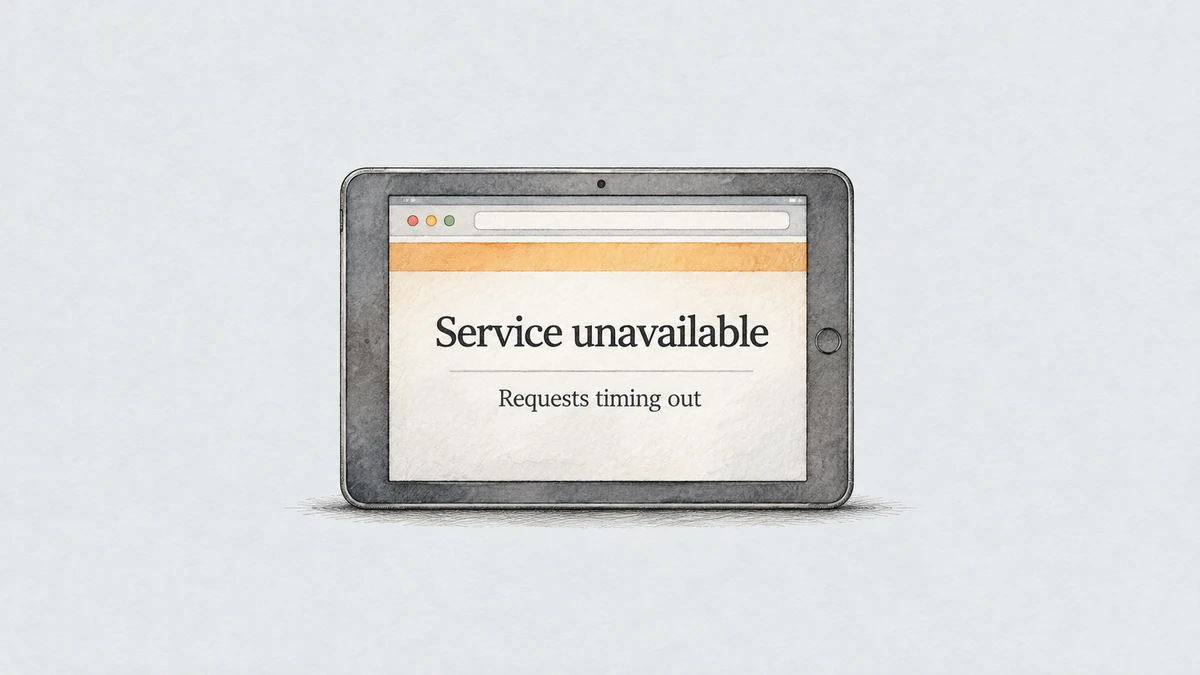
A denial-of-service attack doesn't have to steal a file or break into an account. Its goal is to stop legitimate users from getting the service they need, or delay it enough to make it useless.
Denial of service, or DoS, targets availability: whether people can use a system when they need it. The National Institute of Standards and Technology's definition includes both blocked access and delayed time-critical operations.
“Denial” describes the result, not one particular technique.
The target can run out of different things
A network connection has limited bandwidth, the amount of data it can carry in a given time. A flood of unwanted traffic can use that capacity before useful requests reach the service.
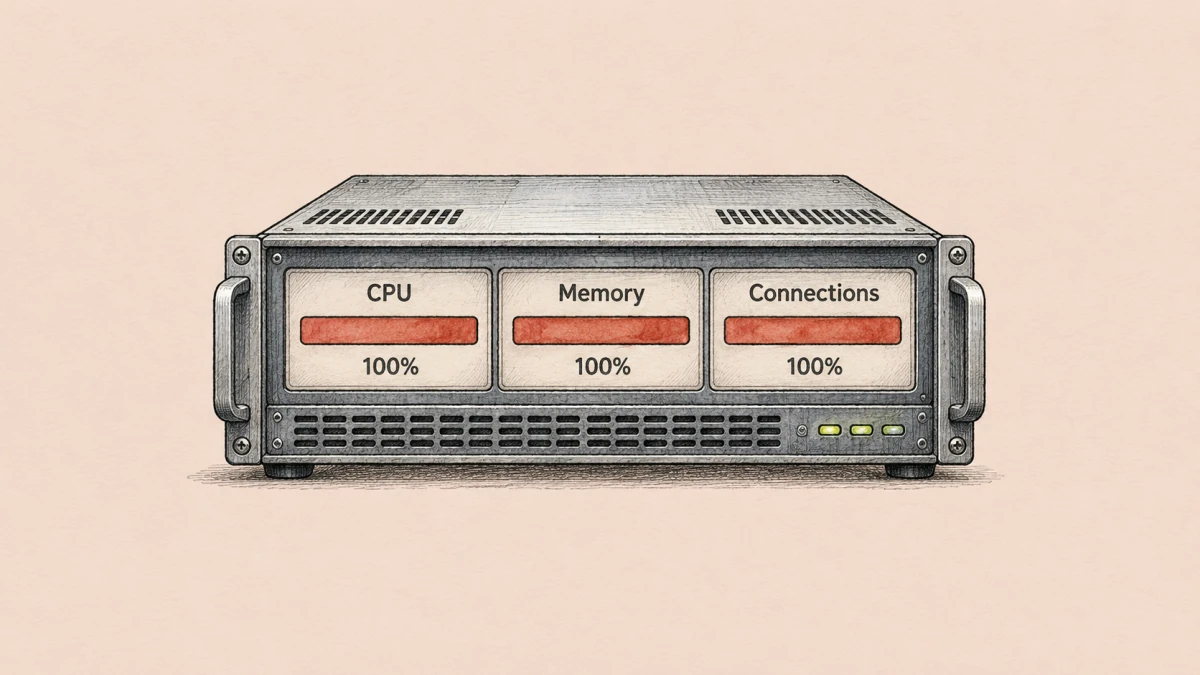
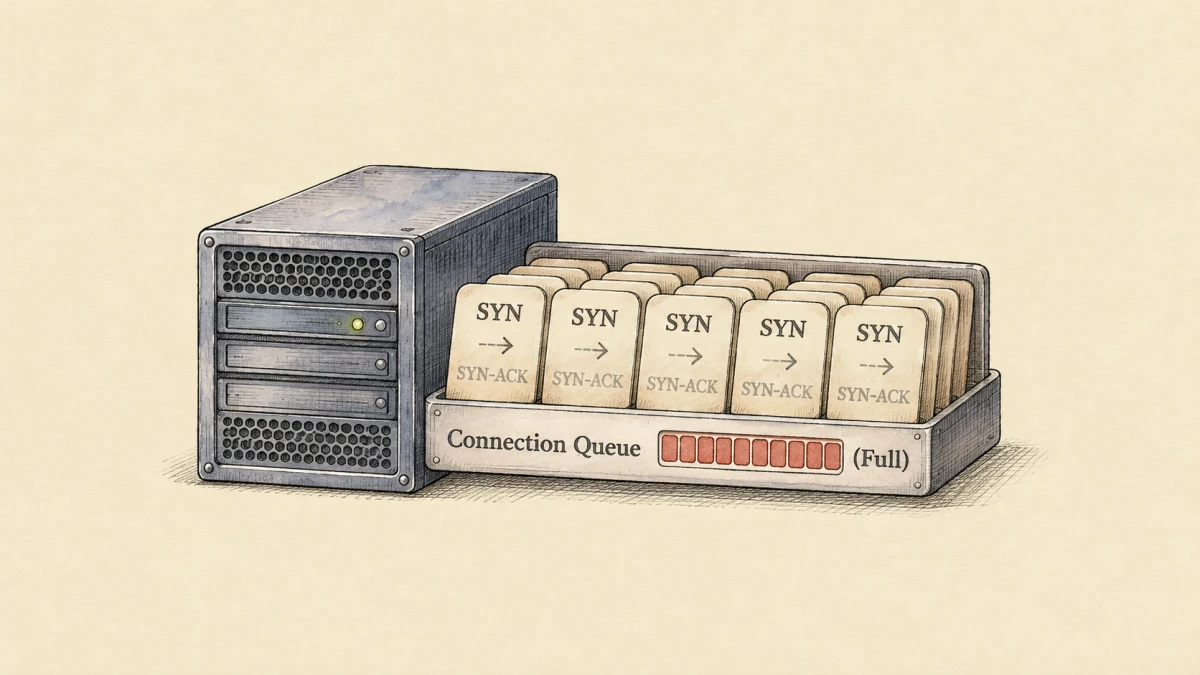
A server, a computer that provides a service, also has finite memory, processing time, and space for tracking connections. Attackers can exhaust those resources even when the internet connection still has room.
Some requests make an application—the software providing a service—do a lot of work. Repeating those requests can keep its computers busy while ordinary users wait.
The Internet Architecture Board's denial-of-service analysis separates resource exhaustion from another route: exploiting faulty software so that it crashes. An attack doesn't always require a huge traffic flood.
For example, a buffer overflow means software writes beyond the memory space set aside for some data. That error can cause a crash; it isn't simply another name for a busy network.
Where DDoS fits
Distributed denial of service, or DDoS, uses multiple sources to disrupt the target. It's a type of denial-of-service attack, rather than an entirely different goal.
The word “distributed” describes the attack's sources, not the number of people organizing it. One attacker may control many participating devices.
That distribution can make blocking individual sources harder, but the immediate problem remains the same: legitimate work can't get through.
What Actually Happens During a DDoS Attack?
An outage isn't proof of an attack
A broken connection, software failure, or sudden crowd of real customers can also make a service unavailable. A spinning browser icon doesn't reveal the cause.
For the service's operators, useful evidence includes traffic patterns, error records, resource usage, and reports from the hosting or network provider. These help identify what is failing and whether the behavior looks deliberate.
Keep a record of when the trouble started and which functions are affected. A site that loads its homepage but can't complete a booking has a different symptom from a connection that carries no traffic at all.
- Skip the install: pfSense Plus comes preloaded, so you can start writing rules right away.
- Get a firewall, router and VPN in one silent box that sips power.
- Keep receiving pfSense Plus updates for the life of the product.
Match the response to the bottleneck
Adding more application servers won't clear an already saturated internet connection. Traffic may need to be filtered earlier, through the network provider or a service with enough capacity to absorb and screen it.
The Canadian Centre for Cyber Security's guidance recommends planning with providers and checking what their protection actually covers. Its discussion of traffic filtering also explains why help outside the affected network can matter.
For repeated web requests, rate limiting sets a threshold on how many matching requests can be handled over time. Amazon Web Services describes rate-based rules that block or challenge requests when a configured threshold is exceeded.
Choose and monitor those limits carefully: real users can also be caught by them.
A software-crash vulnerability needs the appropriate fix or mitigation, while an overwhelmed application may need tighter limits on costly work. These problems can occur together, so one defensive setting won't cover every attack.
Prepare the provider contacts and response roles before an outage. During one, the first useful question is which resource or function legitimate users have lost—and what can restore it.
Resource Exhaustion: The Missing Capacity That Stops the Work
SYN Floods Fill the Space Where Connections Wait
Distributed Denial of Service: Beyond Blocking IP Addresses
QUOTE:
"Amateurs hack systems, professionals hack people."