Data Leakage: How Private Information Escapes Without Disappearing
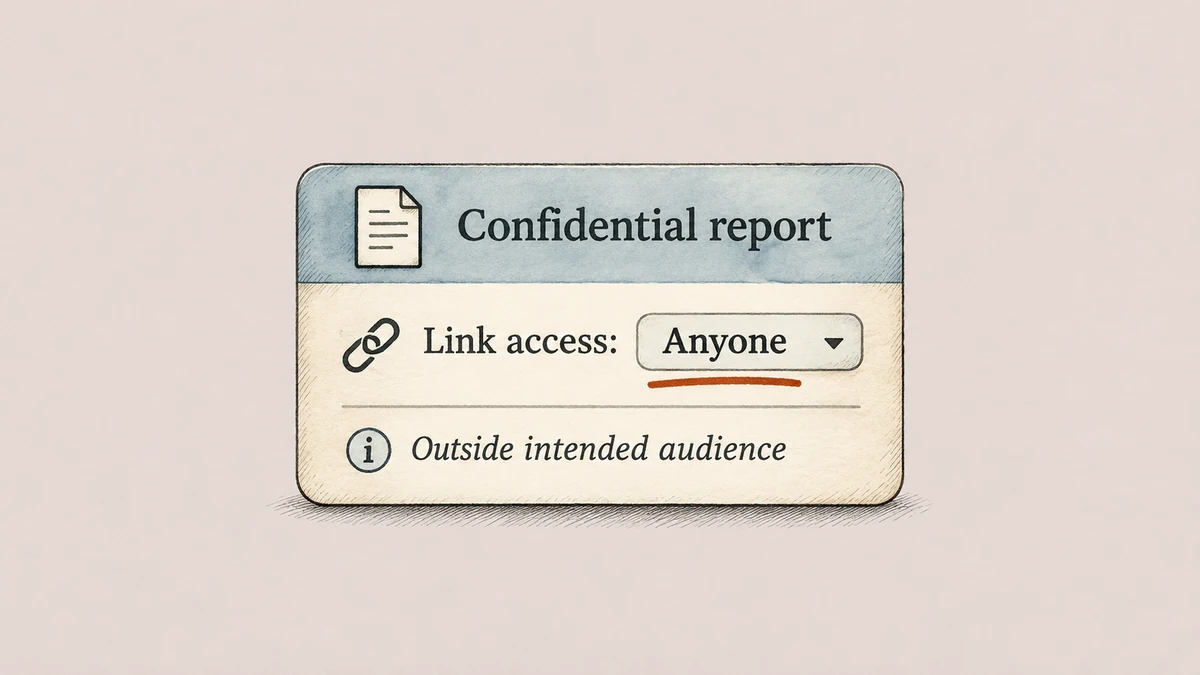
A confidential file can leak while its original stays exactly where it belongs. The problem is that a copy, a sharing link, or the information inside it has reached someone who shouldn't have it.
Data leakage is the release of information beyond its intended, trusted audience. It can be accidental or deliberate, as the National Institute of Standards and Technology's definition of information leakage makes clear.
The boundary isn't necessarily the office wall. Sharing payroll with the wrong internal group can expose private information even when nothing leaves the company.
Follow the copy, not just the original
A team may carefully protect its main customer database while exporting a spreadsheet to a less restricted place. Once that copy exists, the database's original permissions don't automatically follow it.
Leaks can happen through ordinary work:
- An email goes to the wrong recipient, or includes the wrong attachment.
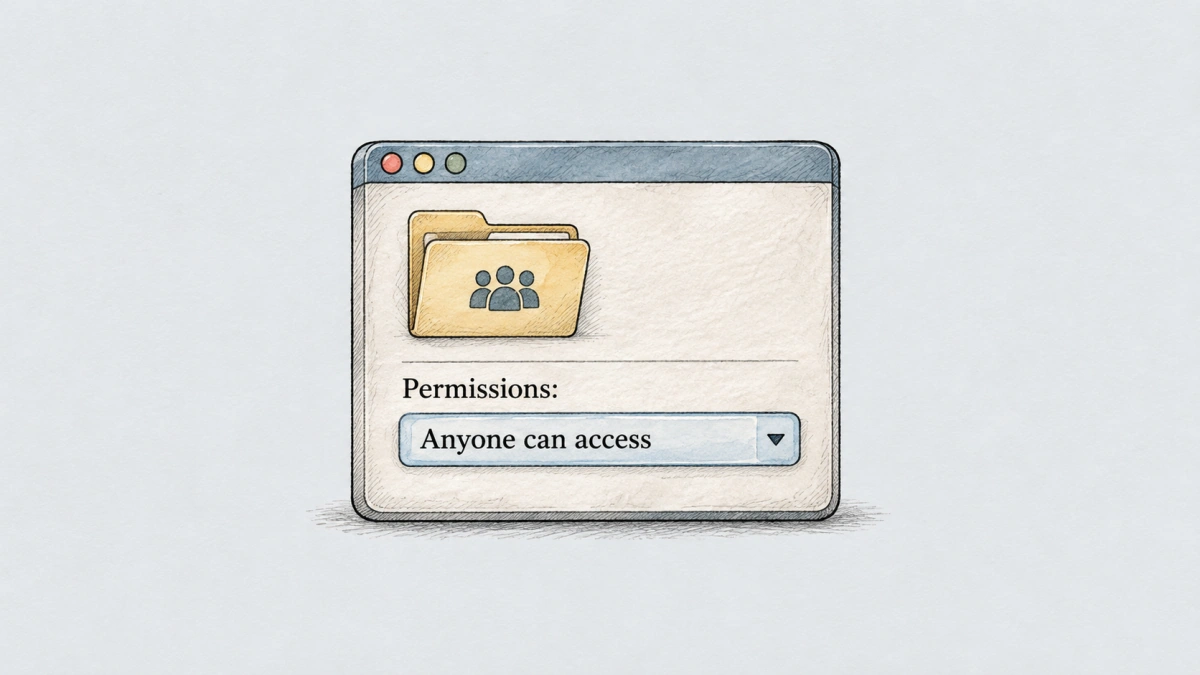
- A shared folder gives a wider group access than the sender intended.
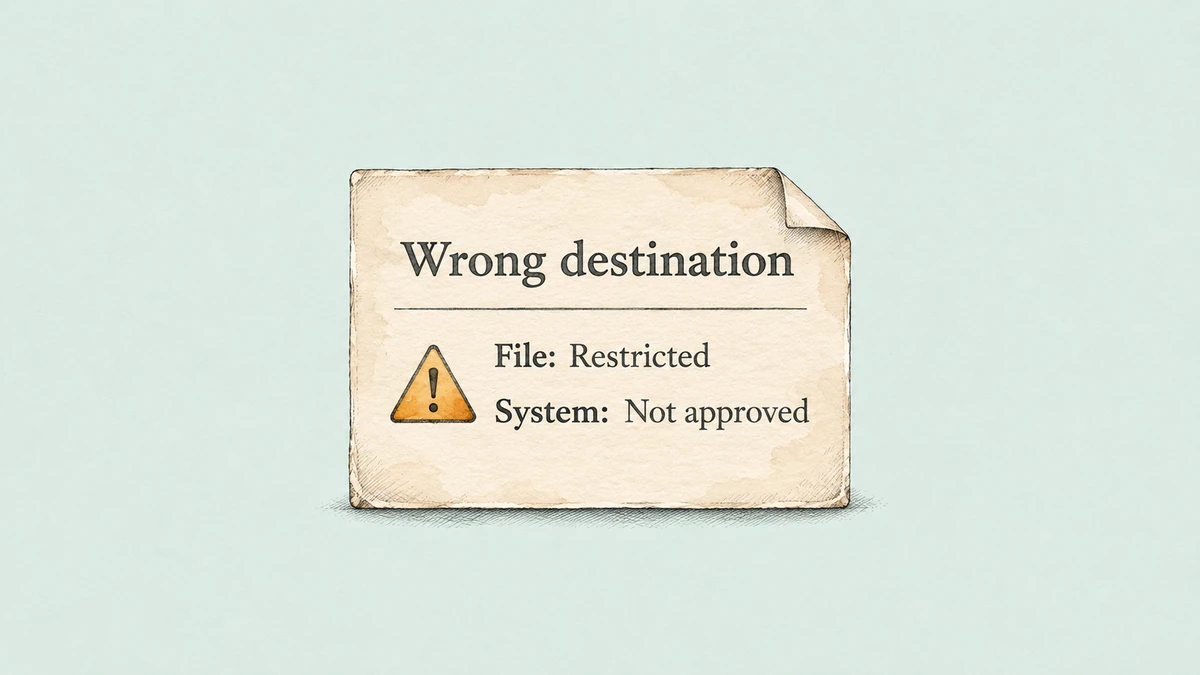
- Someone pastes private records into an online service that isn't approved to receive them.
- An unprotected storage device is lost or passed to another person.
None of these situations requires someone to break into the original system. Deliberate theft can also cause leakage; exfiltration is the term for moving stolen data out of a system or network.
How Software Stops Data From Walking Out the Door
The words “leak” and “breach” often overlap in reports. Calling something a leak doesn't establish whether it was a mistake, an attack, or a legally reportable incident.
A link's audience can be bigger than its email's audience
Suppose you send a document link to one supplier. The email names one recipient, but the link's settings determine who can open the document.
Microsoft distinguishes several sharing-link types in its file-sharing services, SharePoint and OneDrive. An “Anyone” link can work for anyone who obtains it, while a “Specific people” link is limited to the named people.
For sensitive material, check the actual audience and whether recipients can edit the file. Also check existing access: making one link restrictive doesn't necessarily remove permissions someone already has through another route.
Removing a link can stop future access through that link. It can't retrieve a copy someone has already downloaded, photographed, or forwarded separately.
Encryption helps with some routes
Encryption converts readable information into a form that requires a digital key to read. Properly protected storage can reduce exposure when a powered-off laptop or removable drive is lost.
But a logged-in user or application may already have access to the readable information. Sending that information to the wrong person can still leak it, even if the laptop's drive is encrypted.
The British National Cyber Security Centre's data-security guidance treats encryption, access restrictions, and protection of additional copies as related tasks. Which protection helps depends on how the information could escape.

- Stop a stranger from plugging a drive into a computer you leave unattended.
- Lock ten ports at once, and open them again with the included key.
- Keep dust out of the ports you rarely use.
Put checks where people share
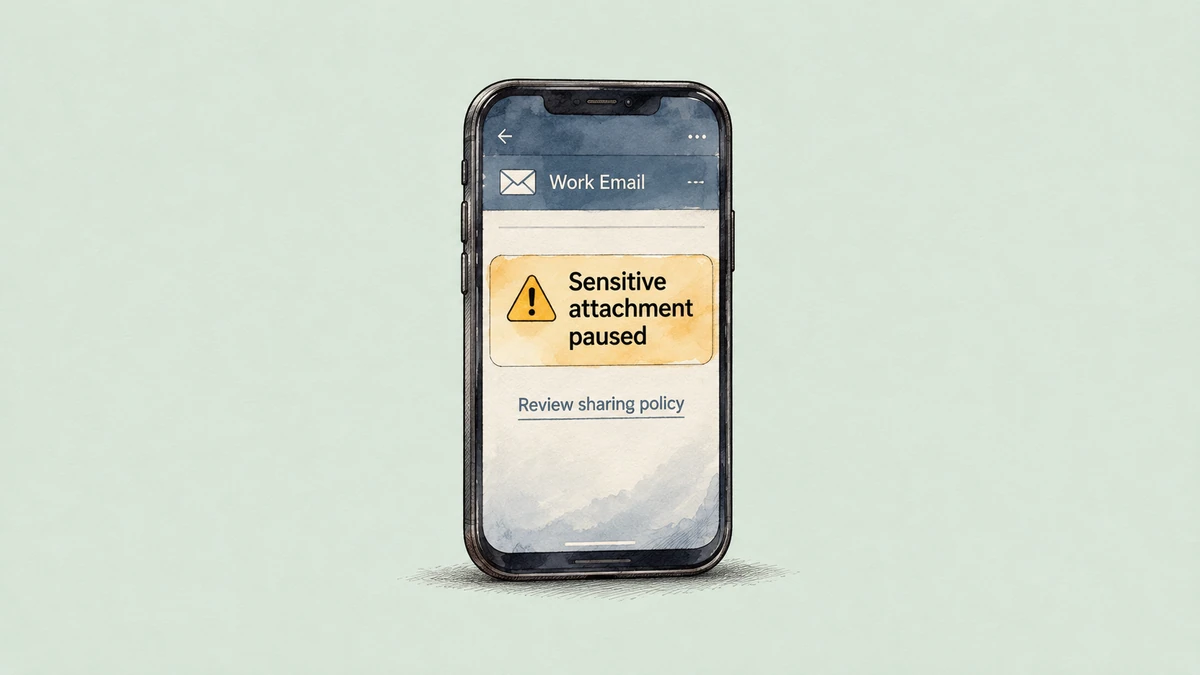
Data loss prevention, or DLP, combines rules and tools to detect or restrict inappropriate handling of sensitive information. Despite the name, much of this work concerns disclosure, rather than rescuing deleted files.
For example, a rule might warn someone before they email a document containing account numbers outside the organization. Microsoft's DLP documentation describes warnings, blocking, and other actions, depending on the policy and supported location.
Such checks need testing and adjustment. A rule can miss information it doesn't recognize or interrupt legitimate work, so teams need approved sharing methods that people can actually use.
If you discover a leak, report the file, destination, sharing method, and approximate time to the responsible team. Don't forward the exposed material widely to demonstrate the problem.
The team can restrict further access, preserve relevant activity records, and investigate who may have received the information. Closing the original route is a start; assessing copies already outside your control is part of the response, too.
DLP Explained: What That Data-Sharing Warning Means
Unprotected Shares: Who Else Can Open That Folder?
Data Spill: When Sensitive Information Lands in the Wrong Place
QUOTE:
"Amateurs hack systems, professionals hack people."