Cyclic Redundancy Check: What a CRC Error Really Tells You
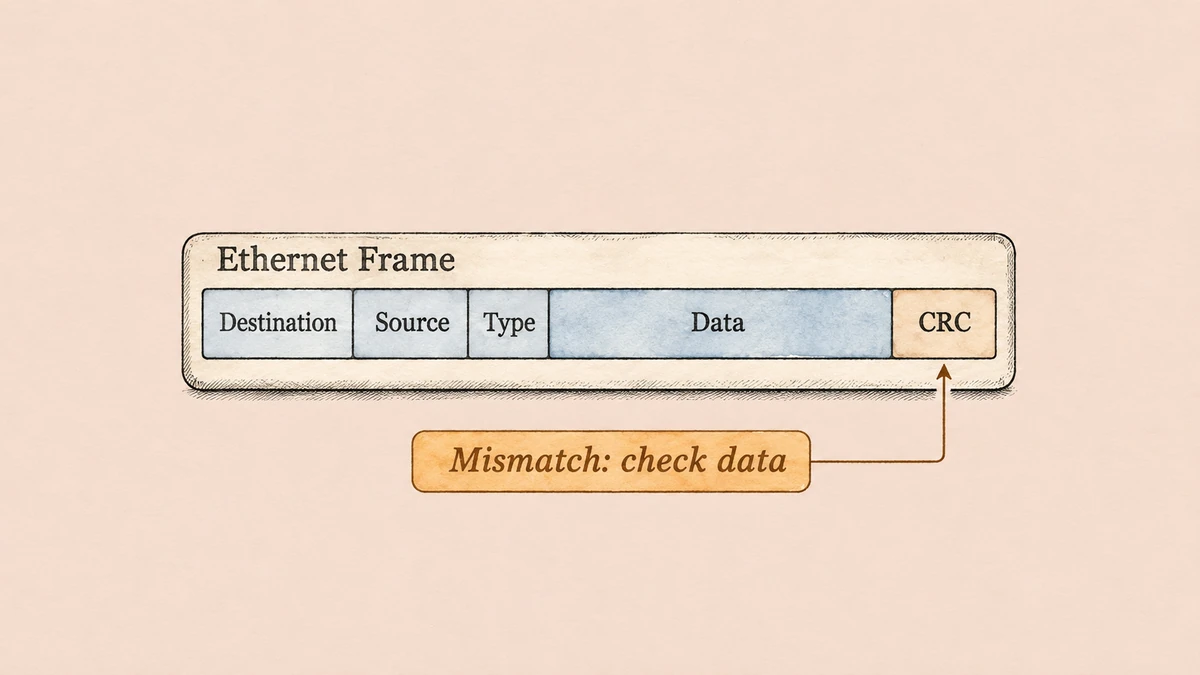
A cyclic redundancy check, or CRC, helps a computer notice when data has been damaged in storage or on its way somewhere. It adds a small check value that the receiving software can test before relying on the data.
CRCs are built to catch accidental changes efficiently. You'll find them in network equipment and file formats, where a flipped bit—a 0 becoming a 1, or the reverse—can turn good data into something else.

- Know in seconds whether a cable is wired right, crossed over or broken.
- Catch opens, shorts, miswires and split pairs before they cause mystery outages.
- Read the result easily in a dim closet on the backlit screen.
How the check travels with the data
A CRC is a type of checksum, a short value calculated from a larger block of data. Its calculation follows agreed mathematical rules based on the data's bits, the 0s and 1s computers store and transmit.
Here's the basic exchange:
- The sender calculates a CRC for the data it wants to protect.
- It sends the data together with that check value.
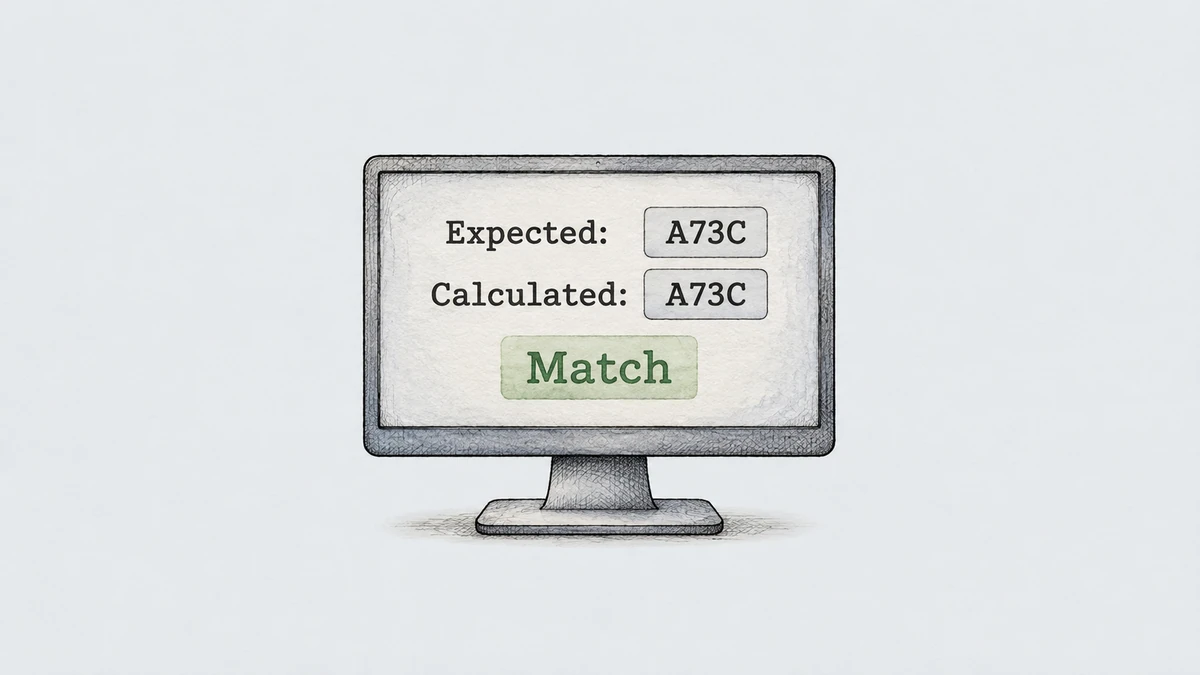
- The receiver calculates the CRC again and checks whether the results agree.
A mismatch tells the receiver that the data and its check don't fit together. The same idea works with stored files: software can compare a freshly calculated result with a value saved earlier.
The technical analysis in RFC 3385 describes this approach and its limits. A CRC detects many common error patterns, but some changes can escape detection.
A picture file contains more than pixels
Consider a PNG, a common image-file format. A PNG file is divided into chunks, blocks that hold things such as image information, color details, or the compressed picture data.
Each chunk carries a four-byte CRC covering its type and data, according to the PNG specification. A byte is a group of eight bits, so this check is 32 bits long.
If a chunk is damaged, software checking its CRC may catch the problem before displaying the image. What happens next depends on the error and the program; the CRC doesn't reconstruct the missing or damaged picture on its own.
Detection and repair are separate jobs. A program might reject the file, skip an optional damaged chunk, or ask for another copy, depending on the format and how the program works.
What “CRC-32” tells you
The number in a name such as CRC-32 describes the length of the result in bits. It doesn't fully identify the calculation: different CRC designs can produce results of the same length.
Both sides must use the same rules and check the same bytes. Otherwise, a mismatch can come from a disagreement about the calculation rather than damaged data.
A 32-bit check has roughly 4.3 billion possible results, which sounds enormous until you consider how many different files can exist. Different data can produce the same CRC—a collision—so a match can't prove that every byte is unchanged.
Why Do Hashing Algorithms Keep Changing?
A CRC can't tell you whom to trust
An attacker who can replace both the data and its CRC can calculate a new, matching check. RFC 3385 explicitly distinguishes these accidental-error checks from protection against attacks.
A malicious file can therefore pass a CRC check perfectly. The result doesn't tell you who created it, whether it's safe to open, or whether someone deliberately replaced the original.
For proof tied to a publisher, a digital signature lets software check a signature made with the publisher's secret digital key. Verification uses a related public key that must be trusted to belong to that publisher; the checksum guide explains how those checks fit together.
When CRC errors keep appearing
On a network device, a rising CRC error count is a reason to investigate the connection. Cisco's troubleshooting guidance points to physical problems such as faulty cables and connectors among the common causes.
For a file, try obtaining a fresh copy from a trusted source and note whether the error repeats. The message identifies a failed check; it doesn't, by itself, diagnose a broken drive or a cyberattack.
Checksum: What a Matching Number Can—and Can't—Tell You
Data Integrity: How to Keep Records and Their Connections Reliable
Store-and-Forward: Receive the Whole Thing, Then Send It On

QUOTE:
"Amateurs hack systems, professionals hack people."