Checksum: What a Matching Number Can—and Can't—Tell You
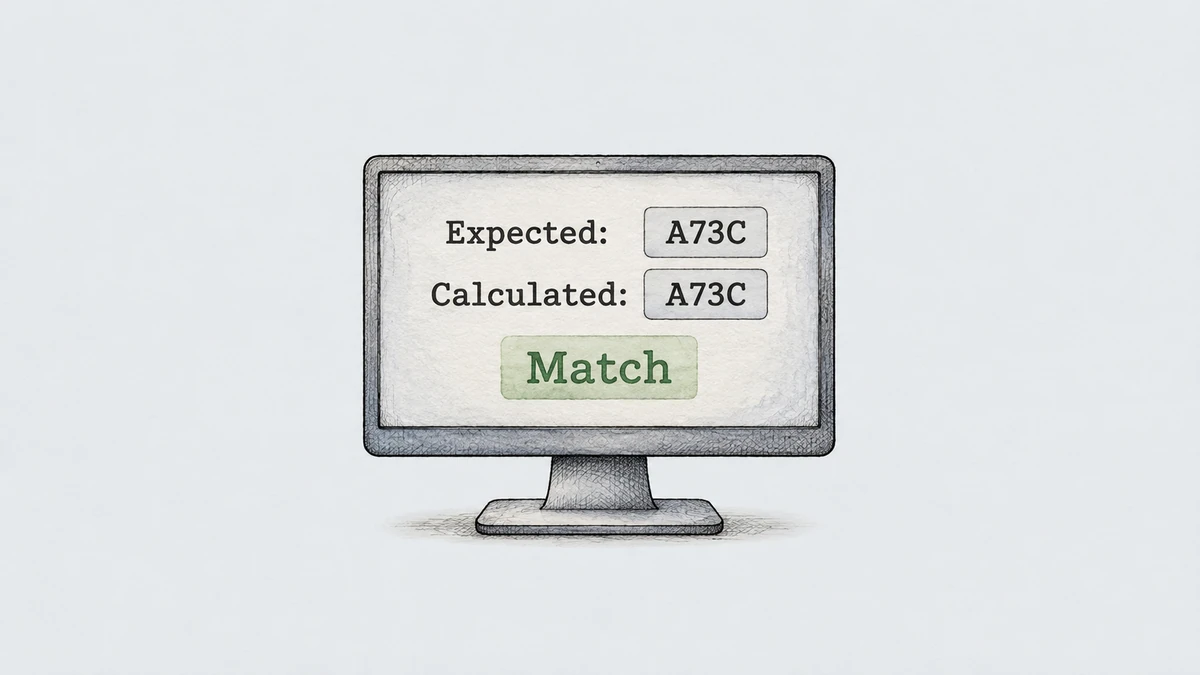
A download can reach 100 percent and still be wrong. A checksum gives your computer something more useful than a finished progress bar: a value it can recalculate and compare.
A checksum is a short value calculated from data to help detect changes. The same calculation on the same data produces the same result, so a mismatch tells you that something doesn't agree.
That basic idea appears in downloads, stored files, and network traffic. NIST describes a checksum as a value used to detect changes in the data it accompanies.

- Pull the drive from an old computer and read it on your laptop in a minute or two.
- Build a home practice lab for imaging and file recovery with free tools like Autopsy.
- Swap drives without tools or a reboot, so your time goes to the data and not the hardware.
Two different receipts can have the same total
Here's a deliberately simple example: add two numbers and use their sum as the check. If the original data is 12, 34, the check is 46.
Change the second number to 35, and the total becomes 47. The mismatch catches that change.
Now change the data to 13, 33.
The total is back to 46, even though neither number matches the original pair. Two different inputs producing the same check is called a collision.
Real checksums use more carefully designed calculations than this toy example, but a short result can't uniquely describe every possible file. A matching checksum is evidence to evaluate, not a promise that every possible change would have been caught.
Not every checksum does the same job
Some checks are designed to catch accidental damage quickly. The Internet checksum, for example, is used by TCP, a protocol that carries data for many internet connections.
Such a check helps detect damaged data during transmission; it doesn't establish that the sender is trustworthy. Someone deliberately changing data can often calculate a new check to go with it.
For downloaded software, you may instead see SHA-256, a cryptographic hash algorithm. That's a method designed to make it impractical to find different data with a matching result, rather than merely catch routine errors.
People often call the resulting value a checksum, too. The word on a download page matters less than which algorithm produced it and where the expected value came from.
Older hashes such as MD5 and SHA-1 shouldn't be relied on to resist deliberate tampering. Microsoft's file-hashing documentation makes that distinction and uses SHA-256 by default.
Why Do Hashing Algorithms Keep Changing?
Checking a download without fooling yourself
Suppose a software publisher provides an installation file and its expected SHA-256 value. You calculate the value for your downloaded copy and compare the full result, not just the first few characters.
Three details need to line up:
- The file: match the exact release and version of the download.
- The algorithm: a SHA-256 result can't be compared with an MD5 result.
- The reference: obtain the expected value through a source you trust.
A mismatch can mean an incomplete transfer, damaged storage, the wrong version, or deliberate alteration. The checksum alone can't diagnose which happened, so resolve the mismatch before using the file.
The third detail is easy to overlook. If an attacker replaces both the download and the checksum shown beside it, your comparison can pass perfectly while you hold the wrong file.
That's why publishers may also provide a digital signature, a check they create using a secret value called their private key. A related public key lets others verify that signature without learning the secret.
You must establish that the public key belongs to the intended publisher; otherwise, an attacker could sign a replacement file with their own keys.
Ubuntu's download-verification process illustrates the two jobs: verify the signed checksum list, then compare the downloaded file with the value on that list.
What a successful check leaves unanswered
A checksum doesn't hide the file's contents; that's the job of encryption. It also doesn't scan for malicious software or prove that the publisher made a safe program.
A dangerous file can have a perfectly correct checksum. What you've checked is its relationship to a reference value—and the quality of that reference is part of the result.
Cyclic Redundancy Check: What a CRC Error Really Tells You
Hash Functions: Small Outputs With a Big Job
Data Integrity: How to Keep Records and Their Connections Reliable
QUOTE:
"Amateurs hack systems, professionals hack people."