Data Corruption: When a File Exists but You Can’t Trust It

Some corrupted files refuse to open. Others open normally and quietly supply the wrong information, which can make the damage harder to spot.
Data corruption means information has been damaged or changed so that it no longer matches its intended contents or structure. It can happen while data is being stored, processed, or transferred.
Corruption affects integrity: whether information remains correct and protected against improper change. A file can still exist on the drive while the information inside it is no longer dependable.
Why Do Hashing Algorithms Keep Changing?
What can damage the data?
A write operation changes data in storage. Interrupting one can leave a file incomplete or inconsistent, depending on the application and the storage system's protections.
Power loss is one possible trigger, but it doesn't corrupt every open file. SQLite, software for managing organized collections of data, documents recovery mechanisms for interrupted writes that can restore a consistent state when their underlying assumptions hold.
Failing storage, faulty memory, and software errors can also change data incorrectly. Malware, meaning harmful software, may damage files deliberately.
The National Institute of Standards and Technology's data-integrity guidance addresses both malicious activity and mistakes. Seeing a damaged file alone doesn't establish which caused it.
An interrupted download may simply be unfinished. Completing or repeating the download from its trusted source can be more appropriate than trying to repair the partial file.
A readable file can still be wrong
An unreadable document or a photo with broken blocks is an obvious symptom. Silent corruption changes data without immediately producing a noticeable error.
For example, a damaged value in an inventory record might still look like an ordinary number. The application may accept it even though it no longer reflects what was originally recorded.
The reverse also matters: a file-opening error doesn't prove that the contents are corrupt. The wrong application, missing access permission, or an unsupported file format can also prevent opening.
Check what the error actually says and whether the problem affects one file or many before deciding that the storage device has failed.

- Keep every photo and file on a box you own, and reach them from anywhere.
- Let backups run on their own so one dead laptop doesn't take your files with it.
- Add two drives and a failed disk no longer means lost files.
Detecting damage doesn't automatically repair it
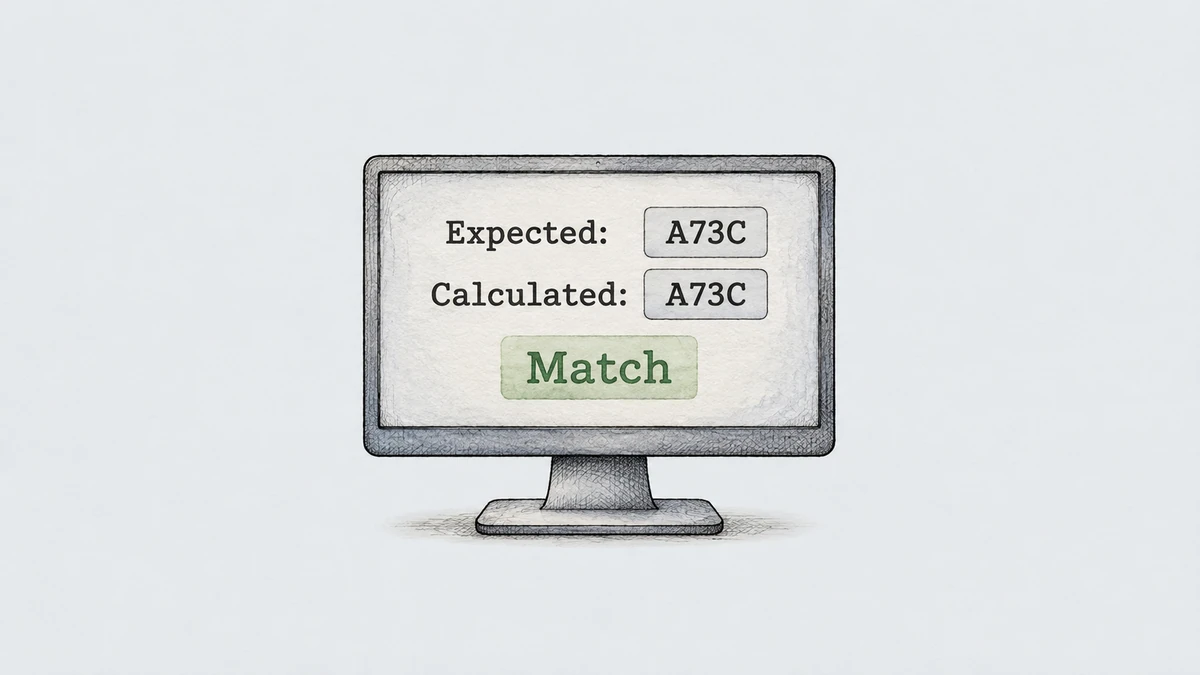
A checksum is a value calculated from data to help detect changes or errors. Comparing a fresh calculation with a previously saved value can reveal that the stored data no longer matches.
Microsoft's ReFS integrity-stream feature uses checksums to validate file data when the feature is enabled. ReFS is a file system, the software structure that organizes information on storage.
When supported redundant storage is available, ReFS can attempt a repair using that protection. Redundant means extra information or copies are available to withstand a failure; detection alone doesn't supply the missing original contents.
A matching checksum also doesn't prove that the information was correct before the checksum was recorded. A consistently saved wrong inventory number can pass a storage-integrity check.
The 3-2-1 Rule for Backups You Can Count On
Preserve your recovery options
If an important file appears damaged, keep the original and work on a separate copy where possible. Avoid repeatedly saving changes over the only version you have.
Check for a known good backup, a copy kept for recovery, or an earlier saved version. Version history retains previous versions of a file, and services such as OneDrive can restore them when the relevant history is available.

- Back up a laptop in minutes, with read speeds up to 1,000MB/s.
- Toss it in a bag without worry: no moving parts and drop protection up to two meters.
- Carry a second copy of your files wherever you go.
For some documents, the application's repair feature may help. Microsoft says its Open and Repair command may recover damaged Office files; it isn't a guarantee of complete recovery.
For a work device, report recurring errors or suspected malicious changes to the support or security team. Repairing one document won't resolve a storage fault or an active attack that keeps damaging others.
Keep older usable copies, not just the latest one
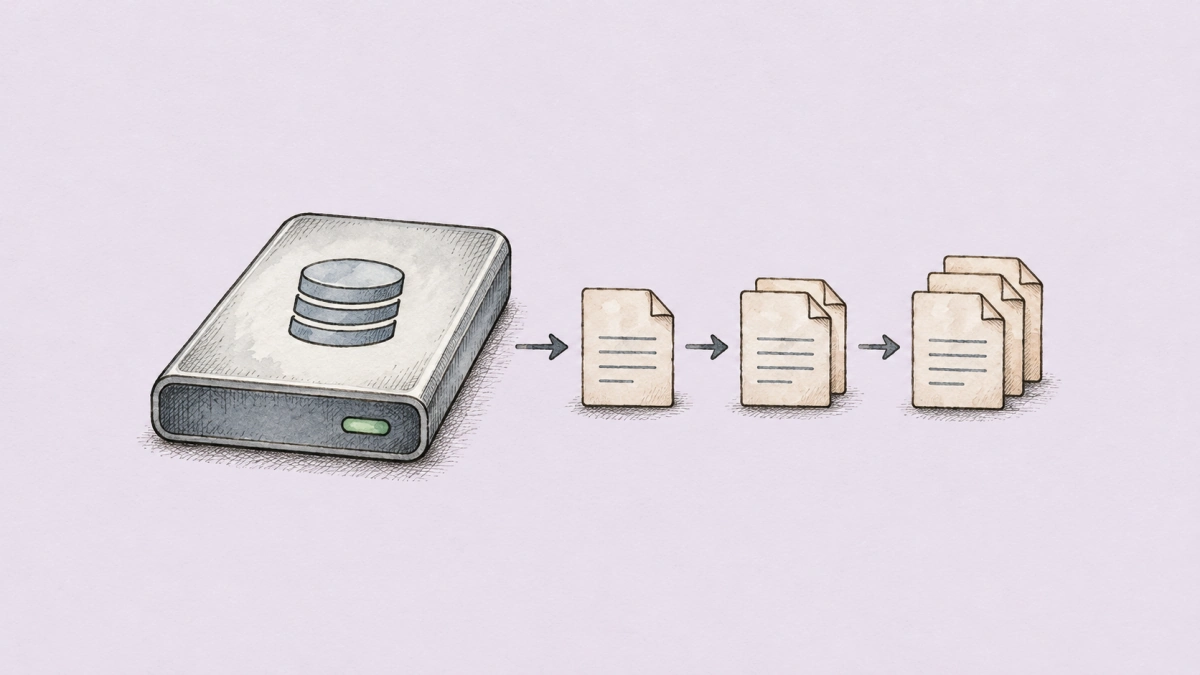
Copying an already damaged file produces another damaged copy, so keeping earlier versions and checking that they can be restored matters.
Let saves finish and use the operating system's safe-removal process for removable storage. Those habits reduce avoidable interruptions, while backups provide a separate route back when prevention fails.
After recovery, check the contents as well as whether the file opens. A spreadsheet that launches successfully still needs the expected rows, values, and formulas before you rely on it again.
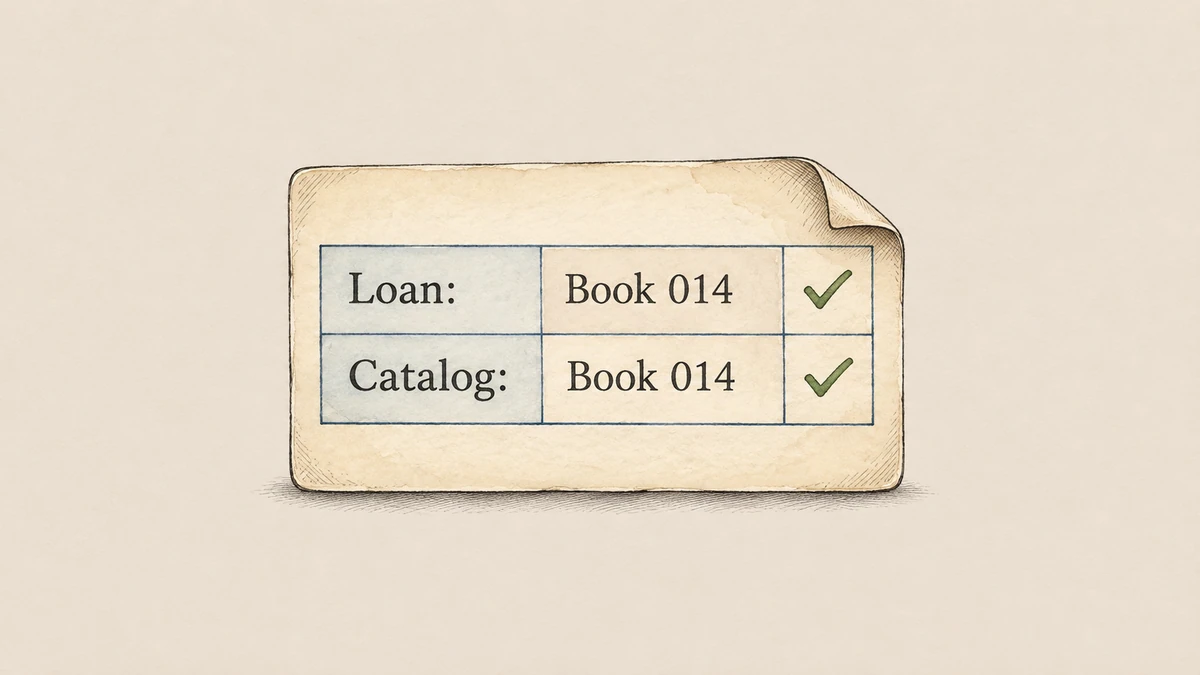
Data Integrity: How to Keep Records and Their Connections Reliable
Checksum: What a Matching Number Can—and Can't—Tell You
Incremental Backups: Save the Changes, Understand the Restore
QUOTE:
"Amateurs hack systems, professionals hack people."