Computer Network Defense Infrastructure Support Keeps the Tools Working
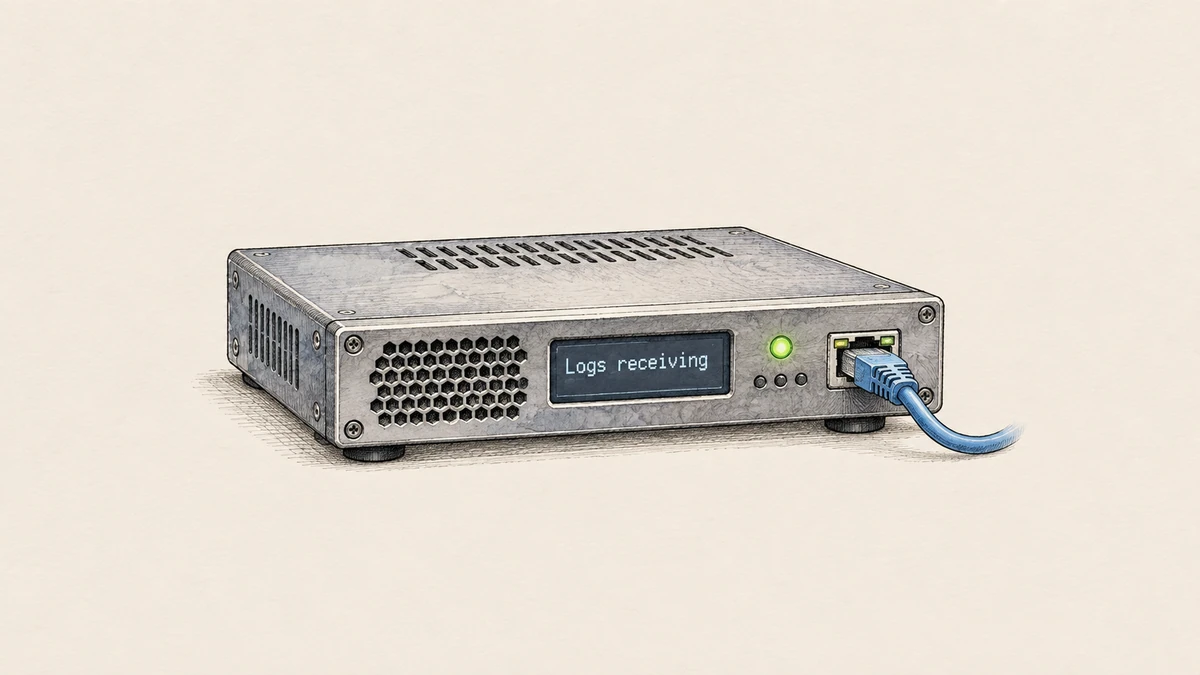
A security tool can be switched on and still fail to protect anything. It might have stopped receiving records, lost a needed connection, or kept a rule that no longer fits the network.
Computer network defense infrastructure support is the work of installing, configuring, testing, and maintaining the systems that security teams rely on. Here, infrastructure means the underlying equipment and software that make those defenses possible.
The 2013 NICE framework, which describes cybersecurity work and skills, used this name for a specialist area. Its tasks included managing defensive tools, testing changes, and keeping their configurations and recovery arrangements in order.
The distinction from analysis is useful: an analyst examines suspicious activity, while support staff keep the equipment and information sources available for that examination. In a small team, the same person may do both.
How Analysts Make Sense of Thousands of Alerts
Follow the information all the way through
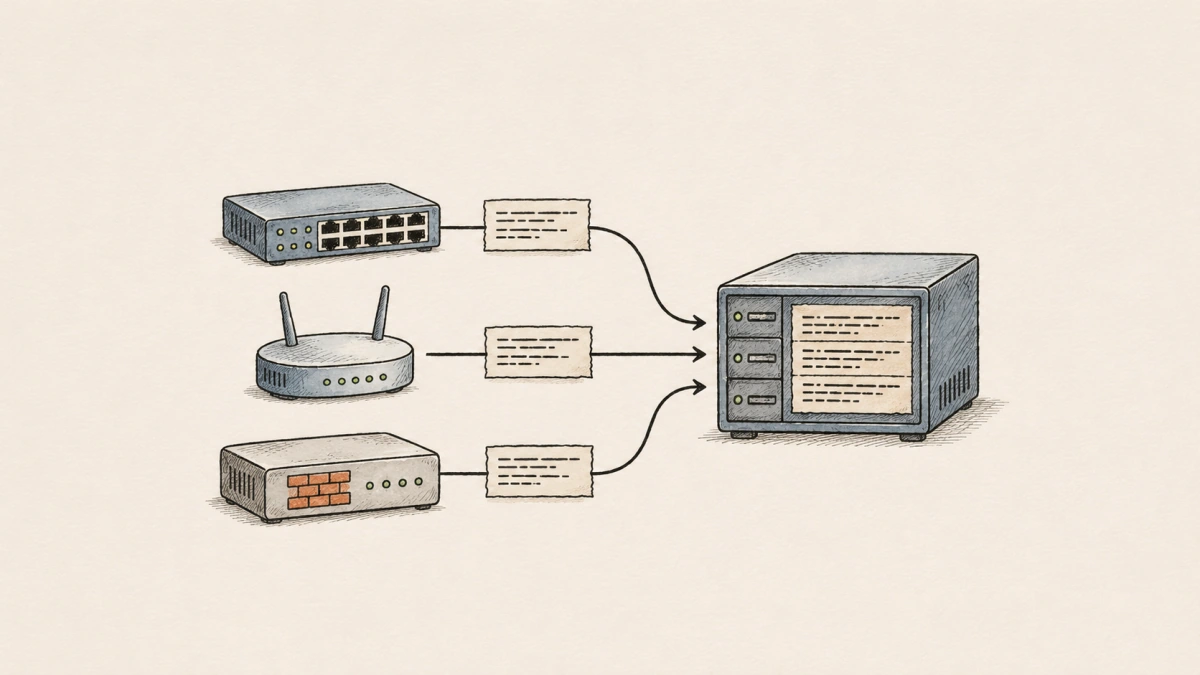
A log records events produced by a device or application. To be useful to an analyst, the right events must be recorded, delivered, stored, and understood by the tools reading them.
Suppose a firewall still blocks unwanted connections but its event records stop reaching the monitoring system. The traffic rule may be working even as the security team loses part of its view.
A firewall filters network traffic according to rules. Its status light doesn't tell you whether its records arrived at the place where someone investigates them.
Support work checks that whole path, including whether records are current, whether their contents are being read correctly, and whether enough storage is available. Changes to software can also change the format of the records it produces.
- Skip the install: pfSense Plus comes preloaded, so you can start writing rules right away.
- Get a firewall, router and VPN in one silent box that sips power.
- Keep receiving pfSense Plus updates for the life of the product.
The international guidance on prioritizing security logs calls for regularly checking the health of important data sources. That turns missing information into a problem to investigate rather than a quiet gap nobody notices.
Make changes that can be checked and reversed
A configuration is the set of settings that determines how a system behaves. For security equipment, small changes can affect who gets access, which events are detected, or whether legitimate work continues.
Before changing a rule, record its purpose, the systems it affects, and the result you expect. Test it under appropriate conditions and keep a way to restore a known working configuration if the change causes trouble.
For example, a new restriction may correctly block an unwanted connection while also interrupting an approved backup. Testing should check necessary traffic as well as the activity the rule is meant to stop.
Inside a Security Operations Center
The National Institute of Standards and Technology (NIST) firewall guidance treats testing and ongoing management as part of deployment. After a change, confirm what the equipment actually does rather than relying only on a successful save message.
Defensive equipment needs patches, software updates that fix problems such as security flaws, just as the computers it protects do.
NIST's patch-management guide includes verifying that updates were installed and took effect. An update that was merely scheduled hasn't yet repaired the system.

- Stay online through short outages with battery power for your router and computer.
- Save your work and shut down cleanly instead of losing it to a flicker.
- Charge your phone from the built-in USB port even while the power is out.
Protect the controls that run the defenses
An administrator's account can change how security equipment behaves. Access to those controls deserves careful limits because an attacker who obtains it may be able to weaken protections or interfere with monitoring.
Least privilege means giving an account only the permissions needed for its job. Reviewing administrator access and removing access that's no longer needed reduces unnecessary opportunities to change the defenses.
Multi-factor authentication, or MFA, requires more than one kind of proof when signing in, such as a password plus a physical security key. Connections used to manage the equipment should also be restricted.
Joint guidance for communications infrastructure recommends restricted management access, protected logging, and stronger authentication. It also emphasizes monitoring configuration changes so unexpected alterations receive attention.
Keep protected copies of necessary configurations and check that the team can restore them. A replacement device is much more useful when the approved settings and recovery procedure are available with it.
Support work is doing its job when records arrive, updates take effect, and tested recovery procedures get the security tools running again.
What Are Network Taps? What a Copy of Traffic Can Reveal
Syslog Carries the Record From the Device to the Investigator
System Administration Is the Work That Continues After Setup
QUOTE:
"Amateurs hack systems, professionals hack people."