Bandwidth Explained: Why a Fast Plan Can Still Feel Slow
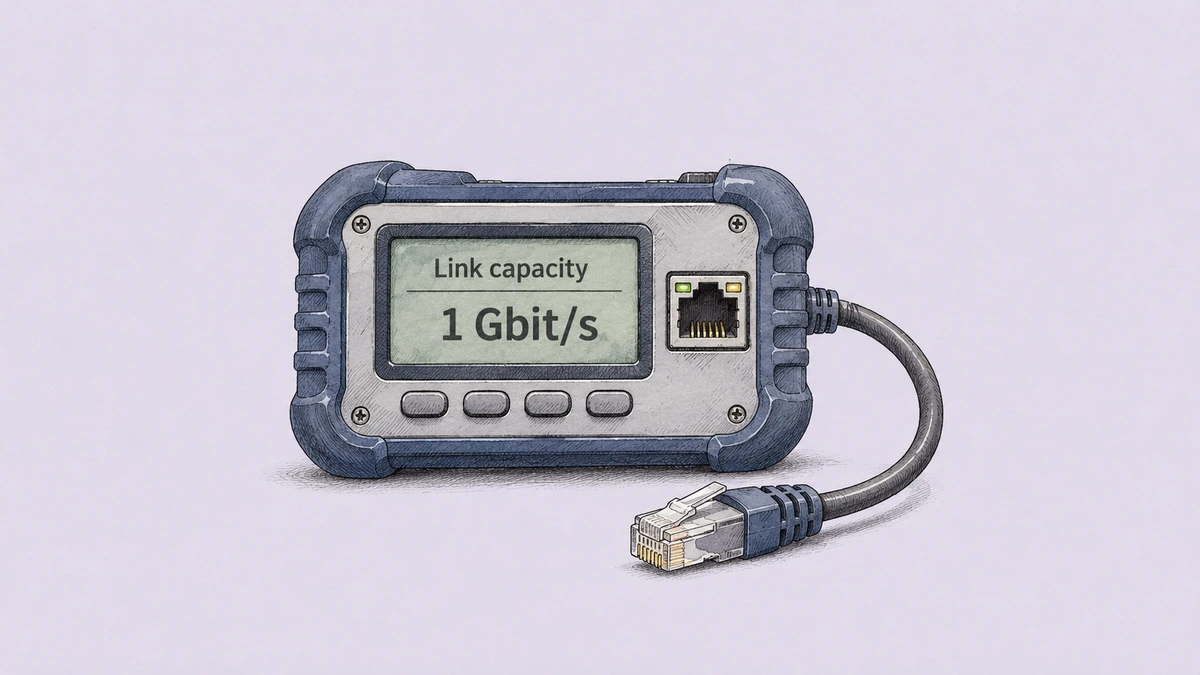
You're paying for a fast internet connection. The video call still freezes. A more expensive plan might help, but the problem could be somewhere that extra capacity won't reach.
Bandwidth is a connection's capacity to carry data per second. A network is a group of devices that can communicate with one another.
In networking, bandwidth is usually expressed in bits per second, such as megabits per second, or Mbps. One megabit is one million bits; a bit is a single 0 or 1 used to represent information.
Capacity matters when several people are sending or receiving data at once. It also sets a limit on how quickly a large file could move across a connection. But capacity isn't the same as the rate you actually achieve, and neither tells you the whole story about delay.
What Does Internet Speed Really Measure?
Three Numbers Behind One Complaint
“The internet is slow” can describe several different problems.
| Term | What it describes | The question it answers |
|---|---|---|
| Bandwidth | Data-carrying capacity per second | How much could this connection carry? |
| Throughput | The transfer rate actually achieved | How much data is getting through? |
| Latency | The time data takes to travel | How long does it take to get there? |
A connection might have plenty of capacity but still suffer delays. Latency is usually measured in milliseconds, or thousandths of a second. It helps explain why a game can respond late even when it doesn't need to transfer a huge amount of data.
Be careful with the measurement, too. A one-way delay covers a journey in one direction; a round-trip measurement covers going out and coming back. MDN's latency guide explains why response times involve more than the capacity of the link.
Throughput is what a transfer actually achieves under the conditions being measured. It may be lower than the connection's rated capacity because other traffic is using it, because another part of the route is slower or because the devices and software can't keep up. Cisco's bandwidth and throughput explanation makes this distinction.
Why 100 Mbps Doesn't Mean 100 Megabytes a Second
Connection rates and file sizes often use different units. The small letter matters:
- Mb means megabits.
- MB means megabytes.
- Eight bits make one byte.
For a hypothetical connection rated at 100 Mbps, the conversion is:
100 megabits per second ÷ 8 = 12.5 megabytes per second.
That's a theoretical rate before allowing for overhead: extra information used to address, deliver and manage the transfer. Cisco's network performance guide explains both the units and this extra traffic.
At a sustained useful transfer rate of 100 Mbps, a 1 gigabyte (GB) file would take 80 seconds. Here, a gigabyte means one billion bytes. That's an idealized calculation, not a promised download time on a 100 Mbps plan. Overhead and other limits can make the real transfer take longer.
So a download meter showing fewer than 100 MB/s doesn't, by itself, show that a 100 Mbps connection is broken. The units are eight times apart before any performance problem enters the picture.
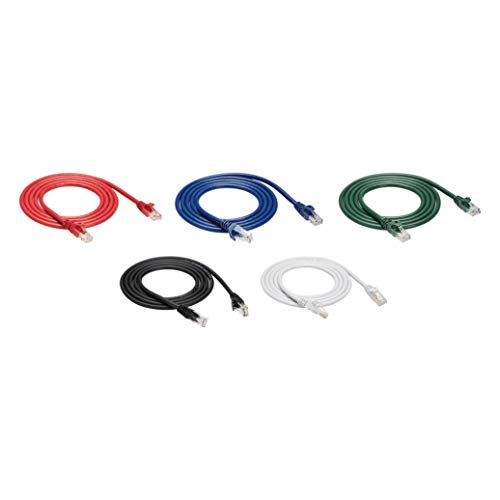
- Give a desktop, console or TV a steadier connection than Wi-Fi.
- Tell your cables apart at a glance with five different colors.
- Stay ready for faster internet with support for speeds up to 10 Gbps.
Follow the Whole Path
Data doesn't travel directly from an internet provider's advertised rate into your app. It crosses several connections between your device and the remote computer supplying the information.
The part with the least capacity can become the bottleneck, the point that limits the whole transfer. The networking reference RFC 5136 describes path capacity in terms of its smallest-capacity link. Existing traffic also affects how much capacity remains available.
The Whole Internet, Explained in Nine Minutes
Imagine a household with several people online. One person is downloading a game while another watches a video and a third joins a call. They're sharing the connection. Pausing the large download may free capacity for the others; it doesn't raise the connection's maximum rate.
Check the other direction as well. Downloading brings data to you. Uploading sends it away. A video call does both: it receives the other person's picture and sends yours. A large photo backup can compete for upload capacity even when nobody is downloading much.
A faster internet connection won't remove every bottleneck. Wi-Fi, the wireless connection between your device and the local network, can be one limit. Equipment, delays along the route and the remote service can also restrict performance. Cisco documents an example of an application underusing a high-capacity link because delay and communication behavior limit the transfer.

- Give every phone, laptop and TV a steadier connection with Wi-Fi 6.
- Stop the buffering at busy hours, with room for many devices at once.
- Replace an aging router and get stronger coverage across more of your home.
When Traffic Is Sent to Cause Trouble
An attacker can also consume a connection's capacity. A distributed denial-of-service attack, or DDoS attack, uses multiple sources to disrupt a service. Some attacks flood it with enough traffic to use up available bandwidth, as Cloudflare's explanation describes.
More capacity may provide some room, but the attacker may be able to fill the larger connection too. The UK's National Cyber Security Centre makes that limit clear in its denial-of-service preparation guidance. Bandwidth alone isn't a complete defense.
Narrow Down the Problem Before Upgrading
Start with the symptom. A large file arriving slowly points you toward achieved transfer rate. A call with long pauses or a game that responds late also needs a look at delay.
Then make a few controlled comparisons:
- Pause competing transfers. Try the same activity while large downloads and uploads are stopped. Improvement gives you a reason to investigate shared demand.
- Compare Wi-Fi with a wired connection, if practical. This can help separate local wireless problems from the wider connection. Cables and wired equipment have their own limits, too.
- Check sending as well as receiving. An upload bottleneck can matter to calls and backups even when download performance looks healthy.
- Try another service. If only one destination is slow, that service or the route to it may be part of the problem.
If the call works over a cable but freezes over Wi-Fi, you've found a reason to investigate the wireless connection. A bigger internet plan won't necessarily fix that part of the journey.
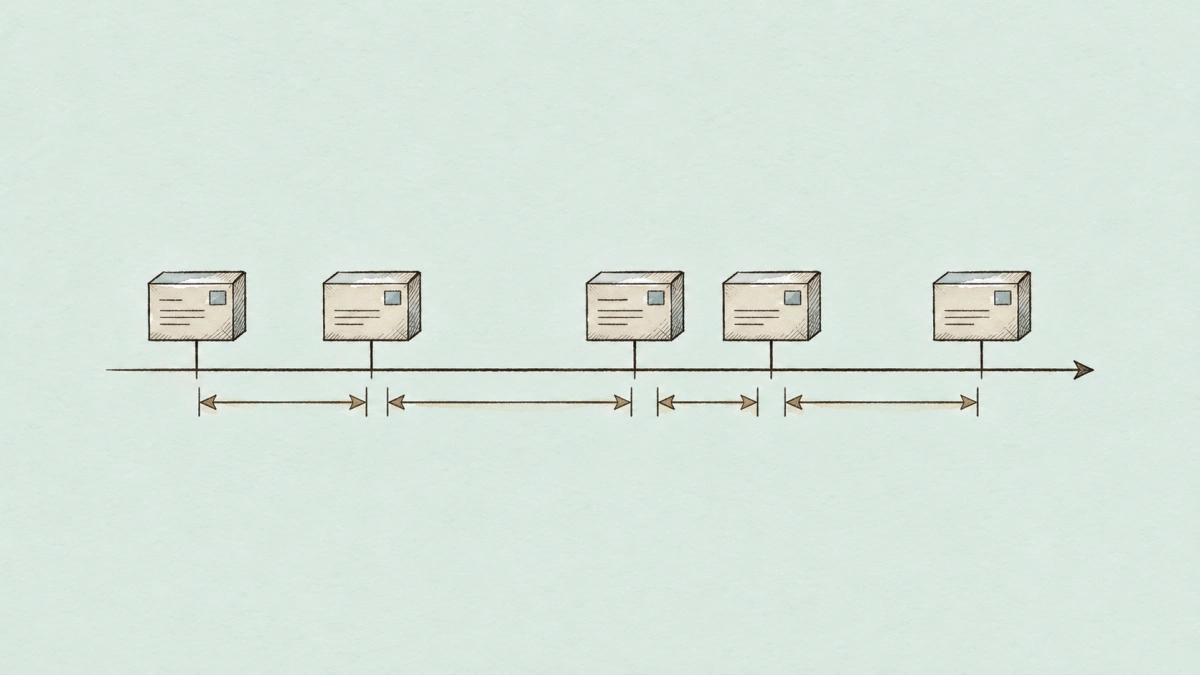
Jitter: Why a Fast Connection Can Still Carry a Choppy Call
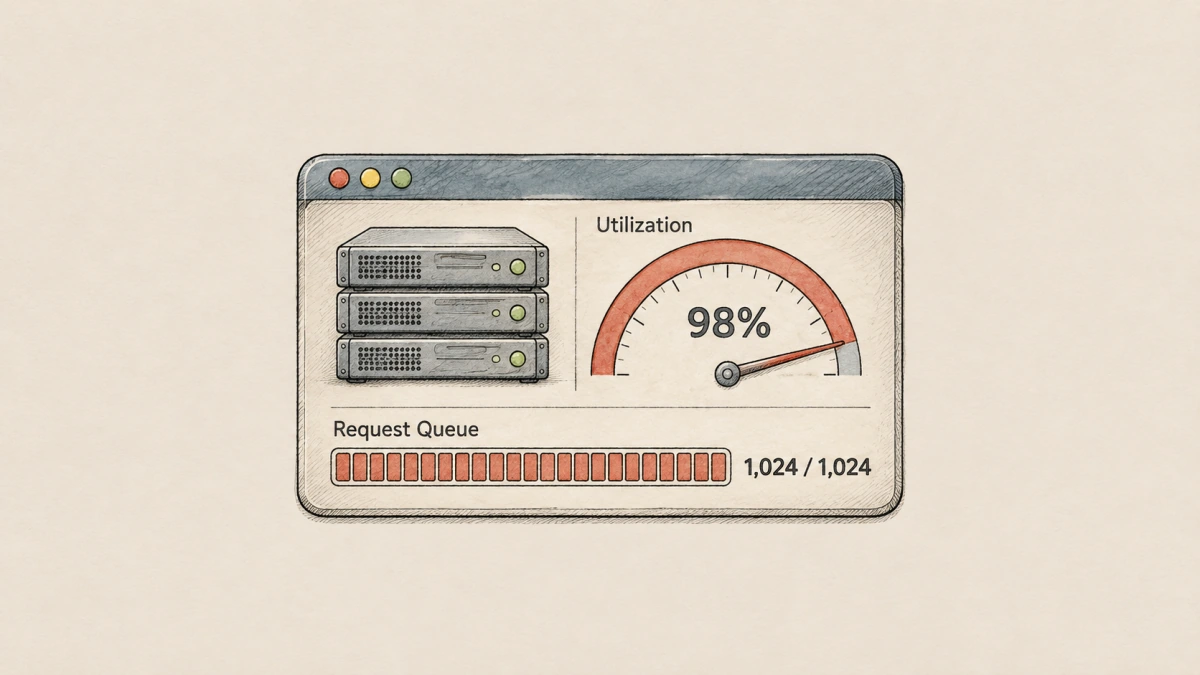
Overload: When Work Arrives Faster Than It Can Be Finished
Network Resilience: Three Ways to Call, One Way to Fail
QUOTE:
"Amateurs hack systems, professionals hack people."