Biometrics: How Your Fingerprint Becomes a Match
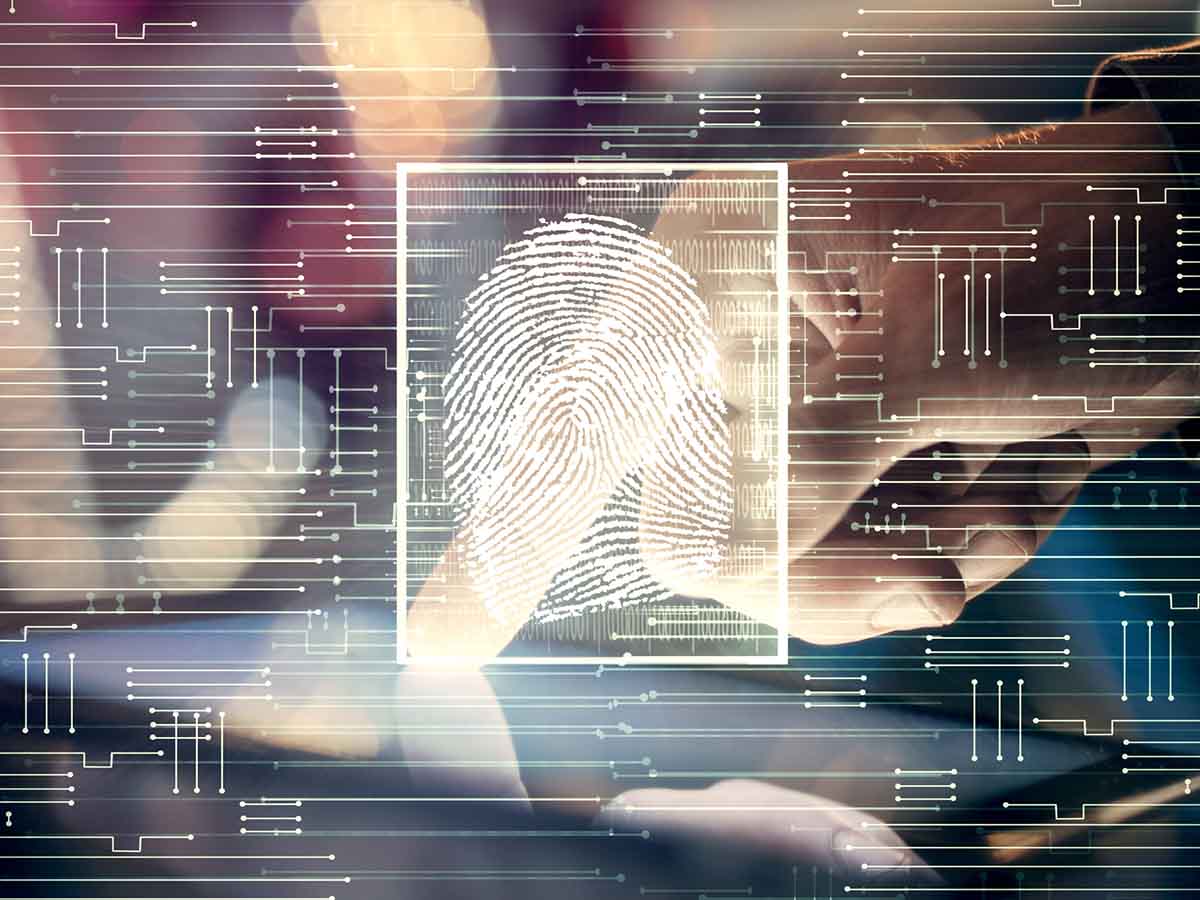
Your finger never lands on a scanner in quite the same way twice. A biometric system has to recognize enough of the pattern without demanding a perfect copy of the last reading.
Biometrics uses physical or behavioral traits to recognize people automatically. Fingerprints, faces and iris patterns are examples in NIST's definition; NIST is the National Institute of Standards and Technology.
Recognition is a measurement with room for error, even when the result appears instantly on a screen.
How Does a Fingerprint Scanner Know It's You?
What the scanner compares
During enrollment, the setup stage, a system captures a sample and extracts useful features. It turns those features into a template: a mathematical representation that later readings can be compared against.
A fingerprint template might describe parts of the ridge pattern. The system scores how closely a new reading resembles the stored pattern, then compares that score with an acceptance threshold—a chosen cutoff.
That cutoff creates a tradeoff, explained in NIST's account of biometric errors. A stricter match requirement can reject more impostors while also turning away more legitimate users.
| Result | What went wrong |
|---|---|
| False match | Readings from different people are judged to match |
| False non-match | Readings from the same person are judged not to match |
Neither error means the system has discovered a new fact about who you are.
For example, a fictional office's fingerprint reader might reject an employee after a poor scan. That calls for another approved way to check the employee, not a conclusion that the person is an intruder.
Checking a claim isn't the same as searching a crowd
Verification checks a claimed identity against its enrolled record. If you identify an account and offer a fingerprint, the system can compare it with the template associated with that account.
Identification searches across many enrolled records to find possible matches. A face-search system looking through a database is doing a different job from a one-to-one check, a distinction NIST makes in its facial-recognition testimony.
A candidate returned by a search isn't, by itself, proof that the person committed an act. The capture conditions, system performance and other evidence still matter.

- Unlock your PC with one touch instead of typing a password in front of others.
- Add fingerprint sign-in to a computer that never had a reader.
- Use it for passkeys and popular password managers too.
A fingerprint isn't a secret password
People leave fingerprints on objects, and faces appear in photographs. You can't treat a biometric trait as a secret that only its owner could possibly present.
Some readers use presentation attack detection, checks intended to spot an imitation such as a fake finger. Those checks add protection, but they don't eliminate every possible mistake or attack.
For the network authentication systems covered by NIST's digital identity guidelines, biometrics must accompany a physical authenticator, such as a device. The guidelines also require a non-biometric alternative; they don't endorse a face or fingerprint as sufficient on its own.
Where the template lives matters
Biometric matching doesn't always mean uploading your face or fingerprint to a central database.
Apple says its device biometric systems protect and match templates locally in the Secure Enclave, an isolated security subsystem. The biometric data doesn't leave the device or enter its backups, according to Apple's documentation.
That's one design, not a promise about every service with a camera or scanner. Before enrolling elsewhere, find out where the template is stored, who can access it and how you'll regain access if recognition fails.
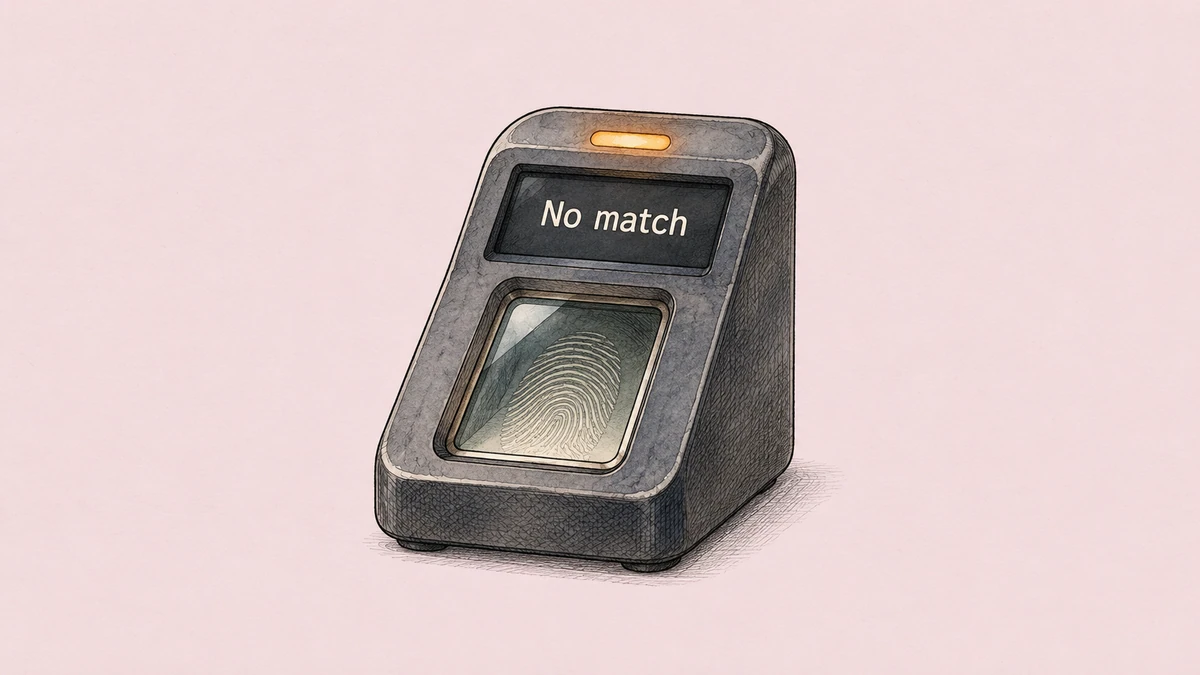
False Rejects: Why Your Own Device Might Not Recognize You
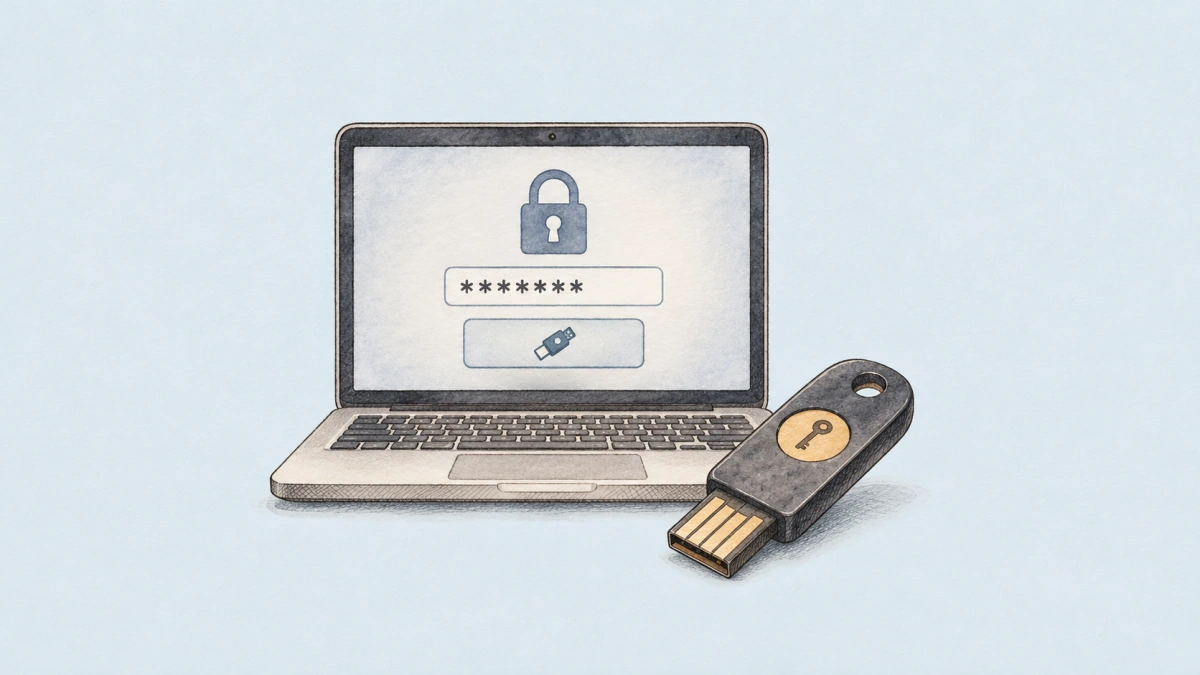
Two-Factor Authentication: A Stolen Password Isn’t Enough
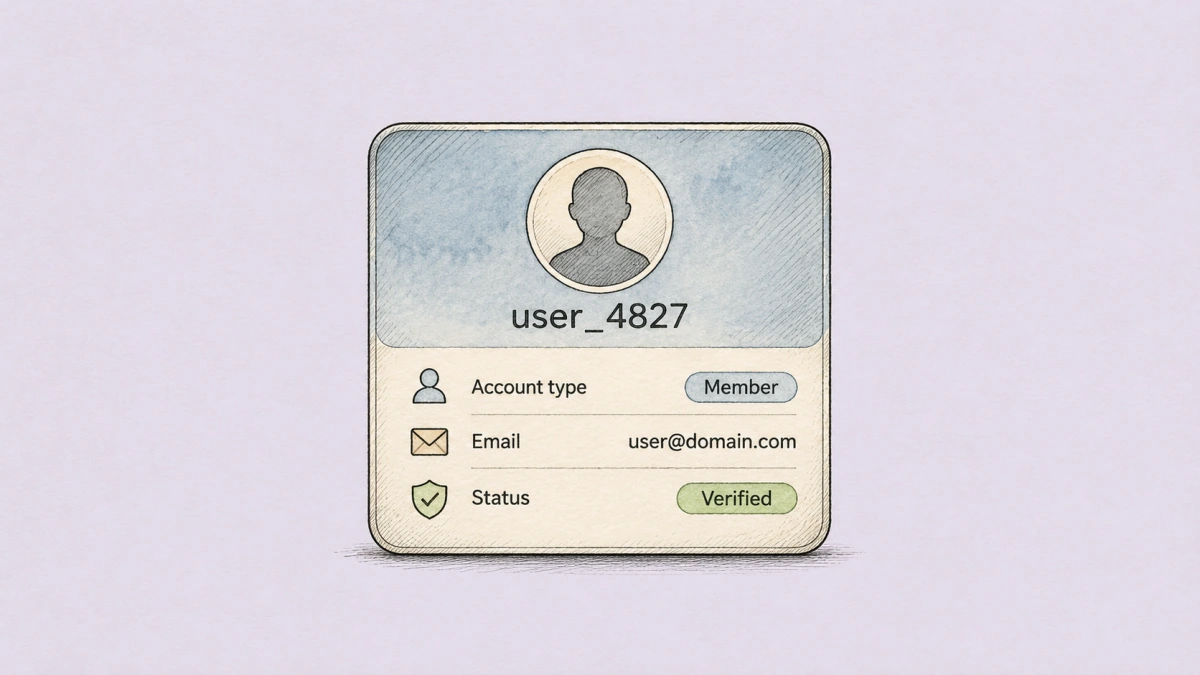
Digital Identity: What a Sign-In Proves—and What It Doesn’t
QUOTE:
"Amateurs hack systems, professionals hack people."