Access Control Mechanisms: What Actually Enforces the Rule?
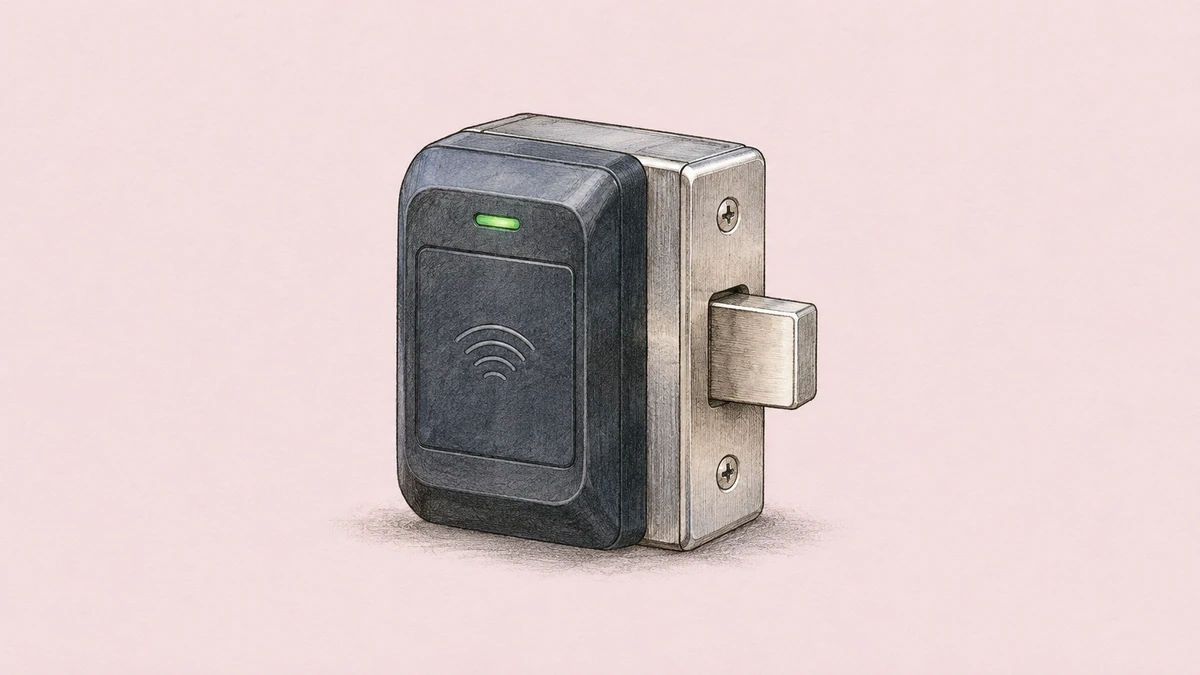
“Staff only” is a rule; the badge reader and door latch are what make it stick. An access control mechanism is the hardware, software or procedure that puts an access rule into effect.
In a computer system, that mechanism might be the code deciding whether you can open a file. In a building, it might combine a security desk, an approved visitor list and a controlled door.
NIST's definition includes technical features and operating procedures. The mechanism's job is to permit authorized use and detect or refuse use that falls outside the rules.

- Unlock your PC with one touch instead of typing a password in front of others.
- Add fingerprint sign-in to a computer that never had a reader.
- Use it for passkeys and popular password managers too.
The rule and the machinery are different things
An access policy states what should be allowed. For example: “Only the payroll team may change an employee's bank details.”
An access-control model supplies a way to organize that policy. A role-based model groups permissions by duties, so the payroll role receives particular powers.
The mechanism applies the rule to a real request. It has to determine whether the account making a change has the required permission and then allow or prevent the change.
A well-written policy can't rescue a missing check. A perfectly functioning check can also enforce a bad policy, such as giving every employee the payroll role.
What happens when you press Save
Suppose a staff member asks an app to update a payment record. Several jobs have to come together:
- Identify the requester. The system uses the signed-in account or other accepted evidence to establish who's making the request.
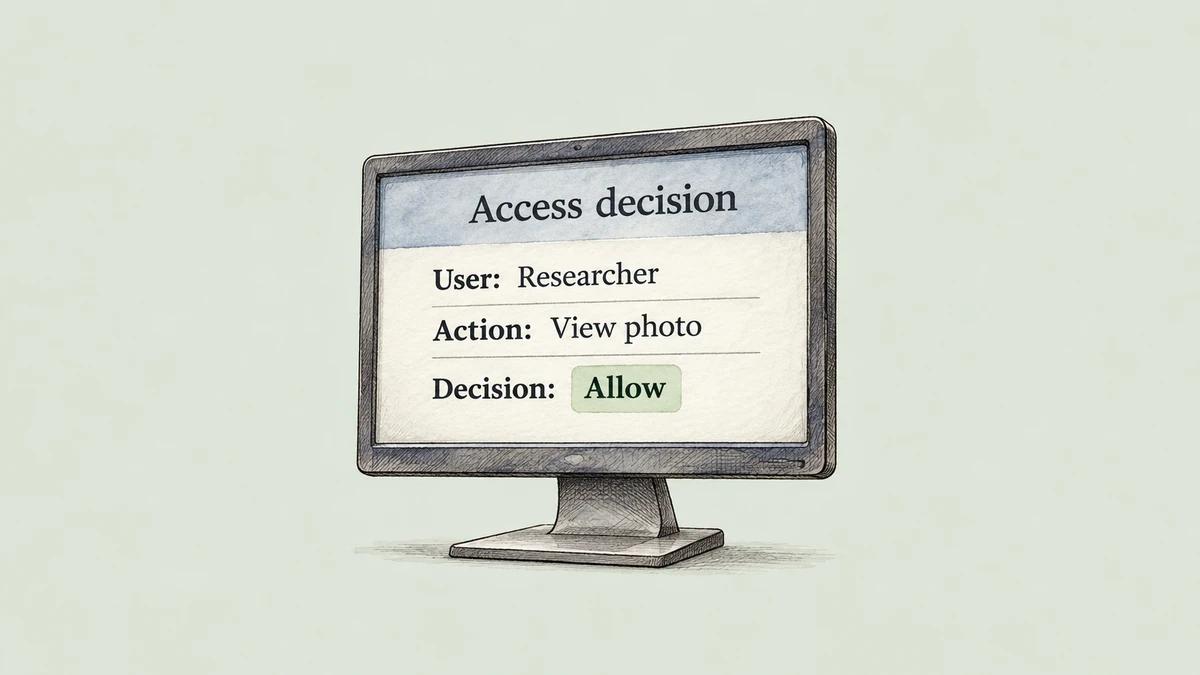
- Decide whether it's allowed. It compares that identity, the requested action and the particular record with the applicable rules.
- Enforce the answer. It carries out the permitted change or refuses it.
Technical designs often call the second part a policy decision point and the third a policy enforcement point. The names describe jobs, which can live in one system or be split across several components.
NIST's guide to attribute-based access control explains that division. For an electronic door, the controller can make the decision while the locking hardware enforces it.
The Many Ways to Decide Who Gets In
A password doesn't decide every permission
A password helps with authentication, which checks a claim about identity. Authorization is the separate decision about what that identity may do.
A fingerprint reader or a security key, a physical device used to prove you're signing in, can help establish identity, too. None of them, by itself, tells the payroll app whether this account should edit that particular employee's record.
That distinction is why access control involves more than choosing a stronger login method. The application still needs rules about resources and actions after the account is recognized.
Look for the route around the check
Consider a Save button that's hidden from ordinary employees. If the server, the computer handling the app's requests, accepts their payment changes anyway, the screen is concealing an action rather than preventing it.
OWASP's access-control guidance places enforcement in trusted server code and calls for testing permission boundaries. The requester mustn't be able to rewrite the check that decides their own access.
For a system you manage, test a permitted account and a restricted account against the same protected action. Also check that a refusal leaves the record unchanged; displaying “access denied” after saving the change would be a very unhelpful success.
Access Control Services: Where Permission Gets Decided
Access Control Lists: The Rules That Let Requests Through
Mandatory Access Control: Even the Owner May Be Told No
QUOTE:
"Amateurs hack systems, professionals hack people."