Authenticity: How to Check the Source Behind a Digital Claim
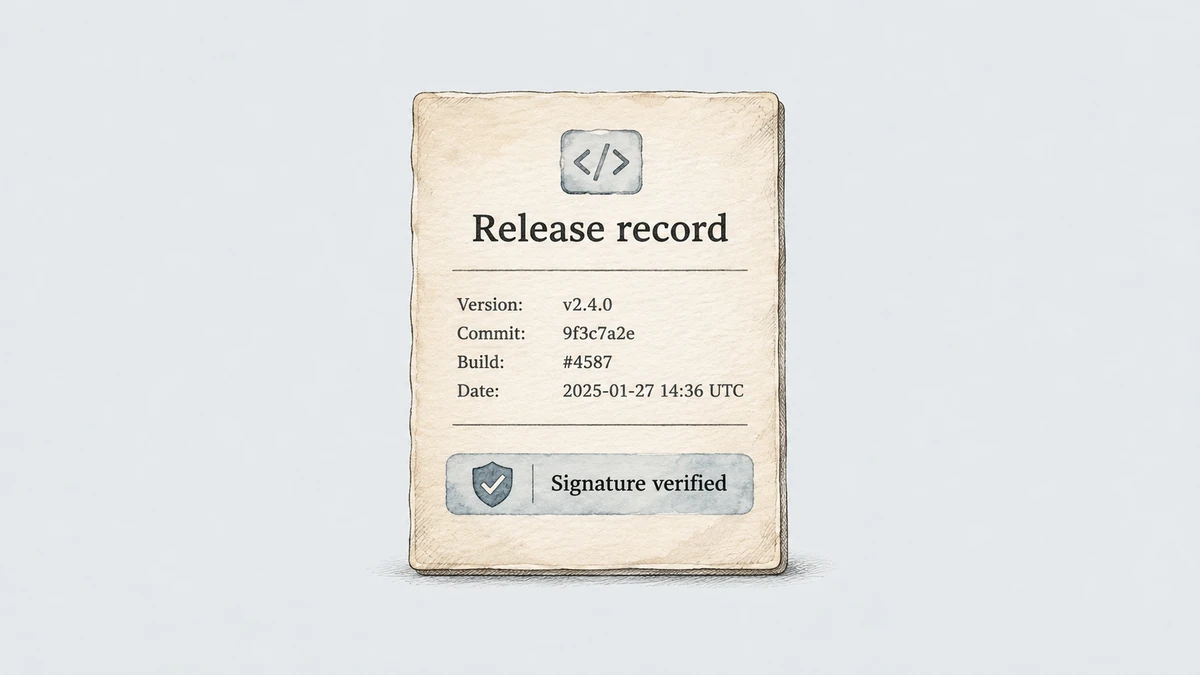
An authentic message can still contain a mistake. Authenticity concerns whether something is what it claims to be, including where it came from; it doesn't make every statement inside it true.
In cybersecurity, that distinction matters for emails, websites, documents and software. The NIST glossary includes both the broad idea of being genuine and the more specific property of data coming from its claimed source.
The sender and the message are separate questions
Suppose a supplier sends a signed notice about a delivery date. If you can verify that it came from the supplier and hasn't changed since signing, you have evidence about its origin and integrity.
Integrity concerns whether data has been altered improperly. It overlaps with authenticity, but the questions are different: a perfectly preserved forgery still came from the wrong source.
The supplier could also have made a scheduling mistake before sending a genuine notice. No check on the message’s origin can establish whether the delivery truck will actually arrive on Tuesday.
That example is fictional, but the distinction is practical. Evidence that an instruction came from a particular source isn't the same as evidence that the instruction is correct or sensible.
A digital signature carries checkable evidence
A digital signature is a mathematical result created from data using a private signing key, which is a secret value the signer controls. A related public key lets others check the signature without receiving that secret.
How Does a Digital Signature Prove Anything?
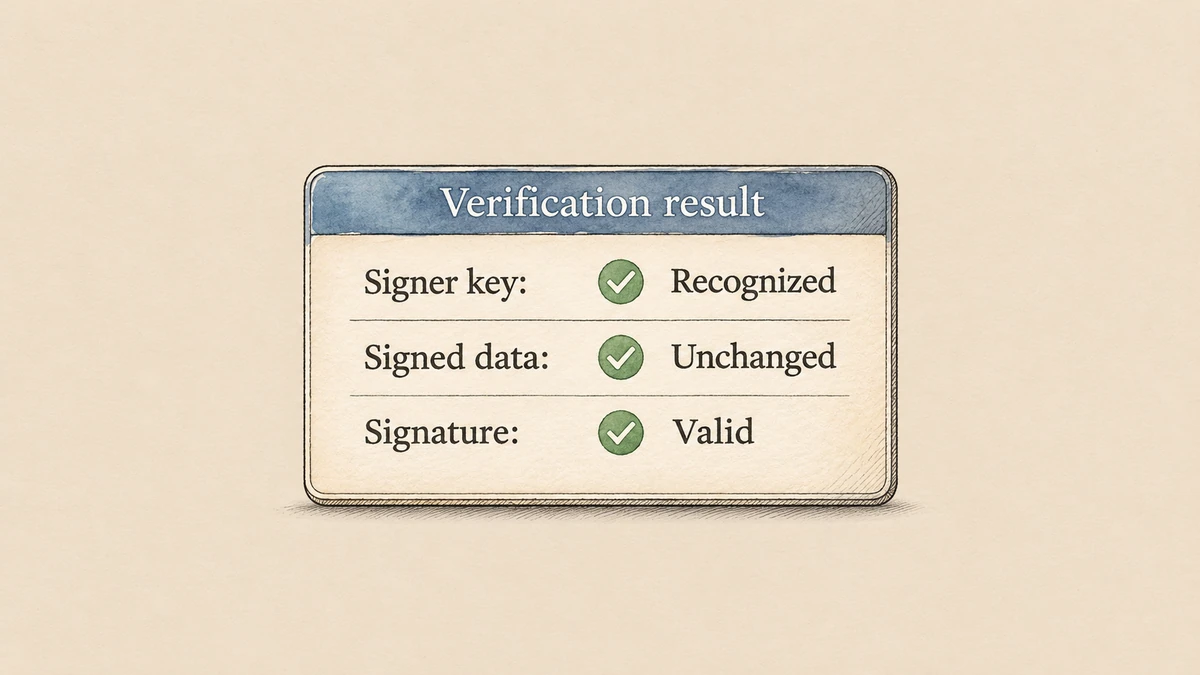
A valid check provides evidence that the corresponding private key was used and that the signed content hasn't changed. The NIST definition describes signatures as supporting checks on origin and data integrity.
There's a further question: does that public key belong to the sender you intended? An attacker can create their own key pair and sign their own false message, so a mathematically valid signature alone isn't enough.
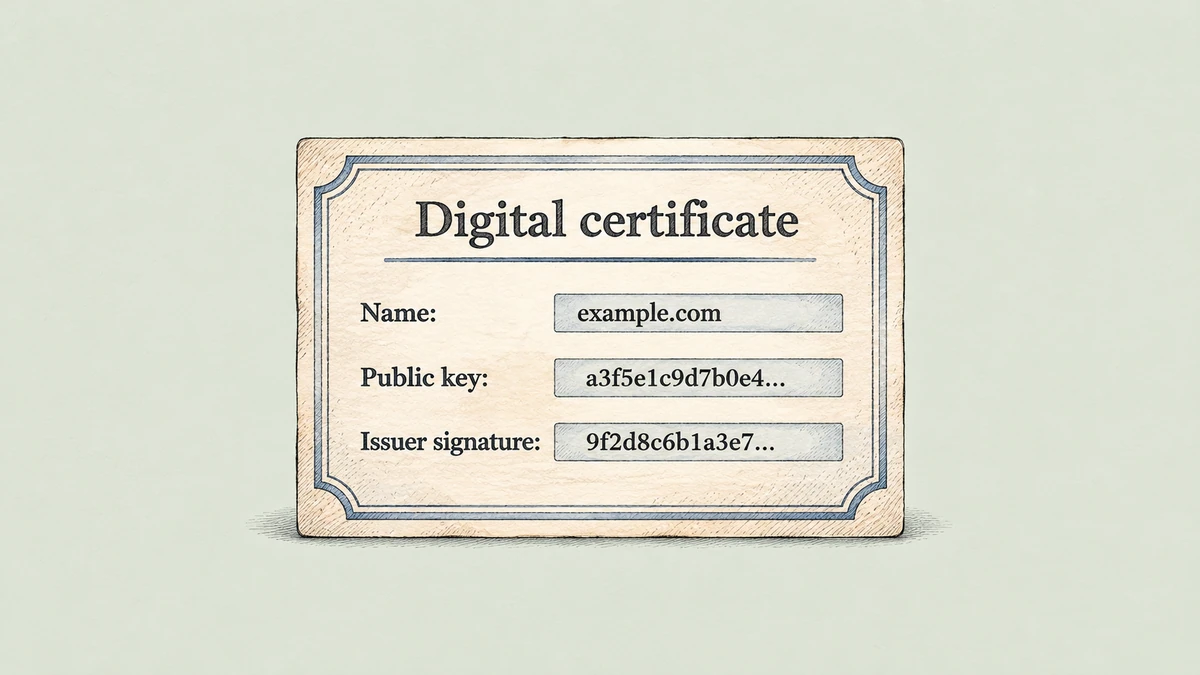
A digital certificate can help connect a public key to a named identity. It's a signed electronic record issued under a set of verification rules, and the receiving software must trust and validate that connection.
For example, Microsoft’s Authenticode system uses signatures and certificates to help identify a software publisher and check the signed code for changes. This supplies evidence beyond a publisher’s name simply printed on a download page.
Signed doesn't automatically mean safe
A publisher can sign software that contains a bug or performs an unwanted action. Microsoft explicitly notes that a valid Authenticode signature doesn't guarantee safe software.
The signing key matters, too. Microsoft warns that a stolen signing key can be used on malicious code, making it appear connected to a legitimate publisher.
So “signature valid” needs context: which signer, which content and which trusted key? It isn't a review of everything the program will do after installation.
- See exactly what you are approving before you sign.
- Manage more than 15,000 coins and tokens from one device.
- Navigate comfortably on a touchscreen.
A secure connection has its own limits
HTTPS is the protected form of web communication. It uses encryption, which scrambles traffic, and certificate checks to help your browser establish a protected connection to the site at the requested address.
An impostor can still obtain a certificate for an address they control. That can protect your connection to their site while the site itself lies about being your bank or employer.
The Chrome security team explains this distinction: connection security doesn't establish a website’s trustworthiness. A reassuring connection indicator isn't an endorsement of the page’s claims.
Match the evidence to the claim
A copied logo or a familiar display name is easy to present without proving control of the claimed identity. A signature check or authenticated connection provides stronger evidence, but only for the particular claim it checks.
For the supplier’s delivery notice, you'd want a verified source and unchanged content. For a surprising instruction in that notice, you may still need to contact the supplier through details you already trust before acting on it.
Digital Signatures: What a Verified File Actually Tells You
Digital Certificates: What Your Browser Can Actually Verify
Integrity in Cybersecurity: Keeping Data Trustworthy
QUOTE:
"Amateurs hack systems, professionals hack people."