Server Banners: What a Computer Gives Away When It Says Hello
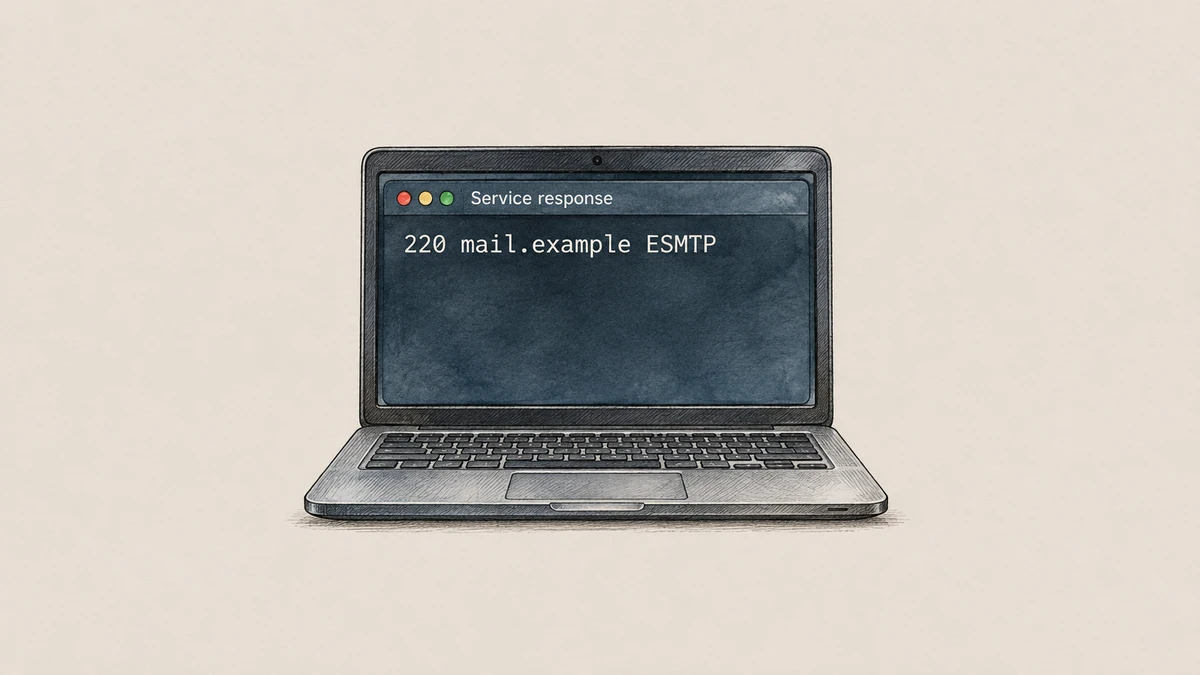
A server can reveal its software name before anyone signs in. That small announcement, often called a banner, helps administrators identify a service and can give attackers a useful starting clue.
In network security, a banner is identifying or explanatory information a service sends when another computer connects or makes a request. A service is a program that answers network requests, such as delivering web pages or accepting file transfers.
What the announcement looks like
On the web, a banner may appear in a response header: information sent alongside a page, usually outside the browser's visible page content. The header Server: Apache identifies the Apache web server software.
Some configurations add a version number, operating-system information or details about extra software components. Apache's ServerTokens setting controls how much of that information its server announces.
Other services introduce themselves differently. Secure Shell, or SSH, sets rules for secure remote connections, and its connection setup includes a software identification string.
Learn Nmap in Seven Minutes
Not every banner is a version label: an administrator can also set a login notice, such as a message about who may use a system. OpenSSH's Banner option sends such a notice before authentication, the check of a user's identity.
Why a short label attracts attention
Banner grabbing means collecting the information a service announces. For a website, that can involve examining headers returned with an ordinary request, as described in OWASP's server identification guide.
An administrator can use the result to investigate an unfamiliar service. An attacker can use the same clue to look for known flaws associated with the advertised software.
Reading a label doesn't itself break into the server.
The result is a lead to check, not a complete software inventory or proof that a particular attack will work.

- Learn Nmap from the person who wrote it.
- Find out what is really running on your network.
- Go from basic scans to advanced techniques with one reference.
The version number can mislead you
Suppose a scan reports that a server advertises an older software release. Before declaring it vulnerable, the owner needs to check the installed package and its security updates.
A supplier may have applied a newer security fix to an older release, a practice called backporting. Red Hat explains why a version number alone can therefore produce a false alarm about a flaw that's already fixed.
Banners can also be changed or removed, and other response details may still offer clues about the software. No identifying banner doesn't mean there's no identifiable service.
What hiding a banner actually changes
Reducing unnecessary detail can make a service less talkative, but it doesn't repair the code behind the announcement. Replacing a version label with a generic name leaves any existing flaw in place.
Apache's documentation explicitly warns against treating a hidden header as protection for the server. Required protocol information also needs to remain intact so legitimate clients can connect.
When a security report flags a banner, record what the service disclosed, then verify the actual software and patch status. Fix a confirmed weakness at its source; don't close the report merely because the label disappeared.
Fingerprinting: How Small Browser Details Can Give You Away
TCP Fingerprinting Reads the Habits of Network Software
Cyber Reconnaissance: How Ordinary Facts Become an Attack Plan
QUOTE:
"Amateurs hack systems, professionals hack people."