Pharming: When the Right Name Leads to the Wrong Server
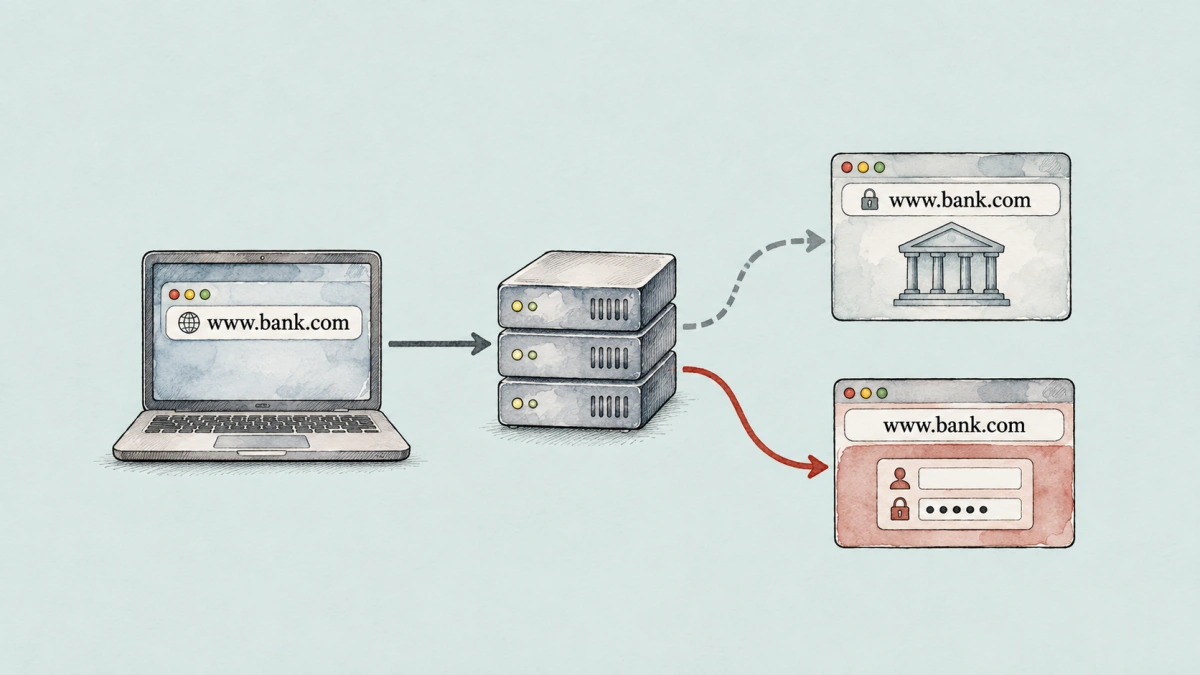
A saved bookmark can contain the correct website name and still lead a browser toward the wrong computer. Suppose an attacker has altered the service that supplies addresses for website names. The bookmark asks the right question, but the answer has been tampered with.
Pharming redirects someone toward a fraudulent site by interfering with the device or infrastructure used to reach the intended destination. The attacker may want to collect sign-in details or deliver harmful software.
Unlike a deceptive link that points directly to a lookalike address, this route doesn't require the visitor to choose the wrong name. The interference happens along the way.
When the Right Name Leads to the Wrong Place
From a name to a destination
The Domain Name System, or DNS, supplies address information for names. A browser needs that information to contact the computer, or server, providing the requested website. Typing the name correctly doesn't establish that the address supplied for it is correct.
In the bookmark example, the device could have been set to ask a malicious DNS service. That service can provide a misleading answer and direct the browser toward an attacker-controlled server. The attacker has changed where the name leads, rather than persuading the person to type a different name.
There are several places this can happen. Harmful software might alter a computer's DNS settings. An attacker might change those settings on a router, the device connecting a local network to other networks. Computers using that router's DNS settings can then be affected even if they don't contain the harmful software themselves.
In its 2011 account of DNSChanger, the Federal Bureau of Investigation described malware that changed DNS settings on computers and routers.
An attacker can also alter a domain's DNS records upstream, changing the address other systems receive for the real name. In that case, checking every visitor's computer for an infection would miss the place where the answer was changed. The DNS lookup and the device using it are separate parts of the journey.
The browser has another check to make
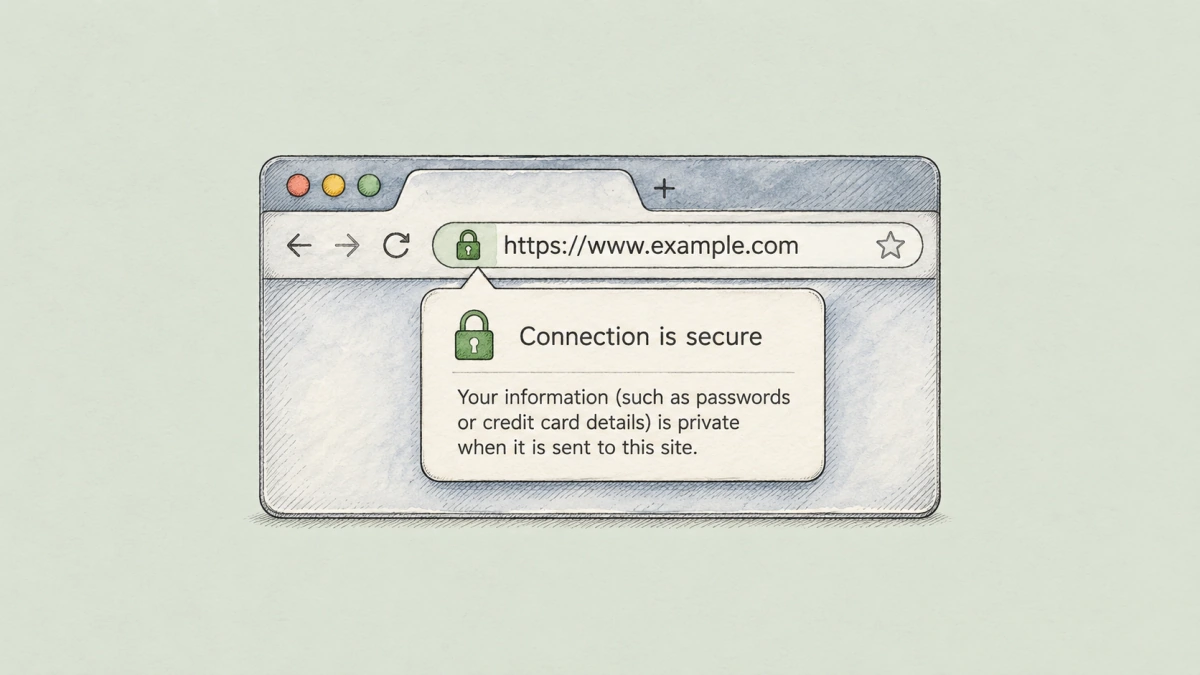
Reaching a server isn't the end of the process. With HTTPS, the secure form of the web's communication protocol, the browser also checks the server's identity using a digital certificate.
The browser checks whether the certificate is trusted and covers the website name requested. A false DNS answer doesn't, by itself, give the attacker a certificate the browser should accept for that name. Proper certificate and name checks can reject the wrong server, as the internet standard Service Identity in TLS explains. TLS, or Transport Layer Security, provides the connection protection used by HTTPS.
That makes HTTPS an important additional check. It also explains why copying a site's appearance isn't enough to complete every pharming attack.
Stronger compromises can defeat more than the address lookup. In a 2019 investigation, Mandiant documented attackers who manipulated DNS records and obtained trusted certificates. The attackers could therefore pass a check meant to expose an impostor.

- Make a stolen password useless without the key in your hand.
- Sign in with a tap instead of typing a code.
- Protect Google, Microsoft, Apple and more than 1,000 other accounts.
Repair follows the changed setting
The location of the interference determines where repair is needed. A changed computer setting, a compromised router and an altered domain record aren't the same problem, even if each sends a visitor toward a false destination.
Restoring a legitimate DNS answer can restore the route. It doesn't establish that harmful software has been removed from a computer, and it cannot retrieve sign-in details already entered on a fraudulent site.
Cache Poisoning: How One Bad Answer Spreads
Domain Hijacking: When Someone Else Controls Your Name
HTTPS: A Secure Connection Can Still Lead to a Scam
QUOTE:
"Amateurs hack systems, professionals hack people."