Access Matrix: A Table That Shows Who Can Do What
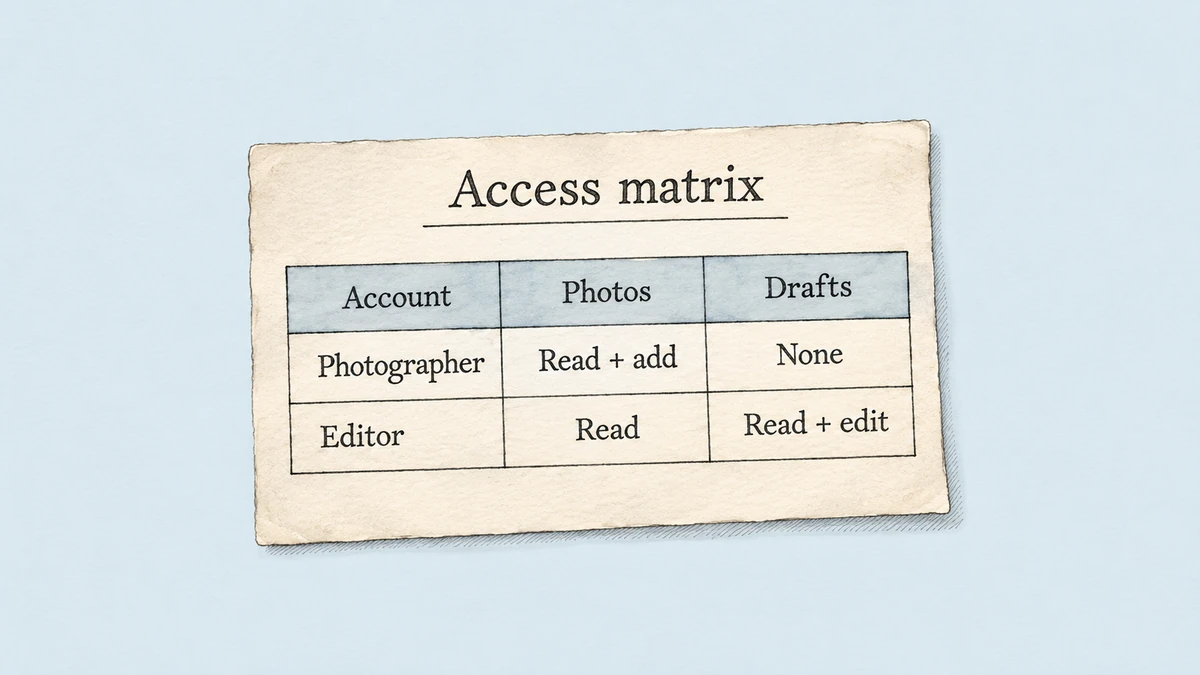
An access matrix turns permissions into a table: put the users down one side, the resources across the top and the allowed actions where they meet. A blank cell means that pair has no granted permission in the model.
You'll also see it called an access control matrix. The table is a model for describing access, not a security barrier that starts working merely because someone filled in a spreadsheet.
Here's a small example for a design studio. These are invented permissions chosen to illustrate the model, not rules every studio should copy.
| Account | Photo library | Article drafts | Invoice records |
|---|---|---|---|
| Photographer | Read, add | None | None |
| Editor | Read | Read, change | None |
| Bookkeeper | None | None | Read, add, change |
“Read” means view existing information; “add” means create a new item; “change” means edit an existing one. “None” makes the empty cells explicit, so readers don't have to guess whether a blank was intentional.
The Many Ways to Decide Who Gets In
Read across for a person, down for a resource
Follow the editor's row from left to right. The account can view photos and edit drafts, but it has no permission to open the invoice records.
Now follow the photo-library column downward. Both the photographer and editor can read it, while only the photographer can add images.
Those are two different questions answered by the same table: what can this account do, and who can use this resource? Seeing both views helps expose permissions that a long account list might hide.
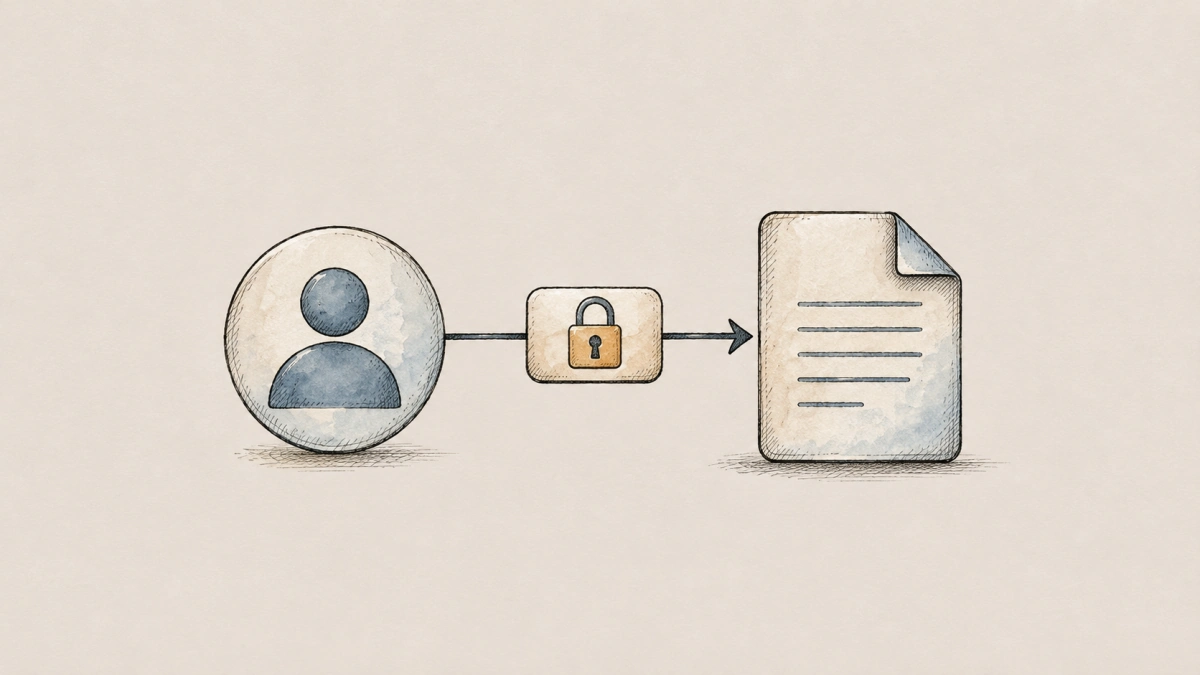
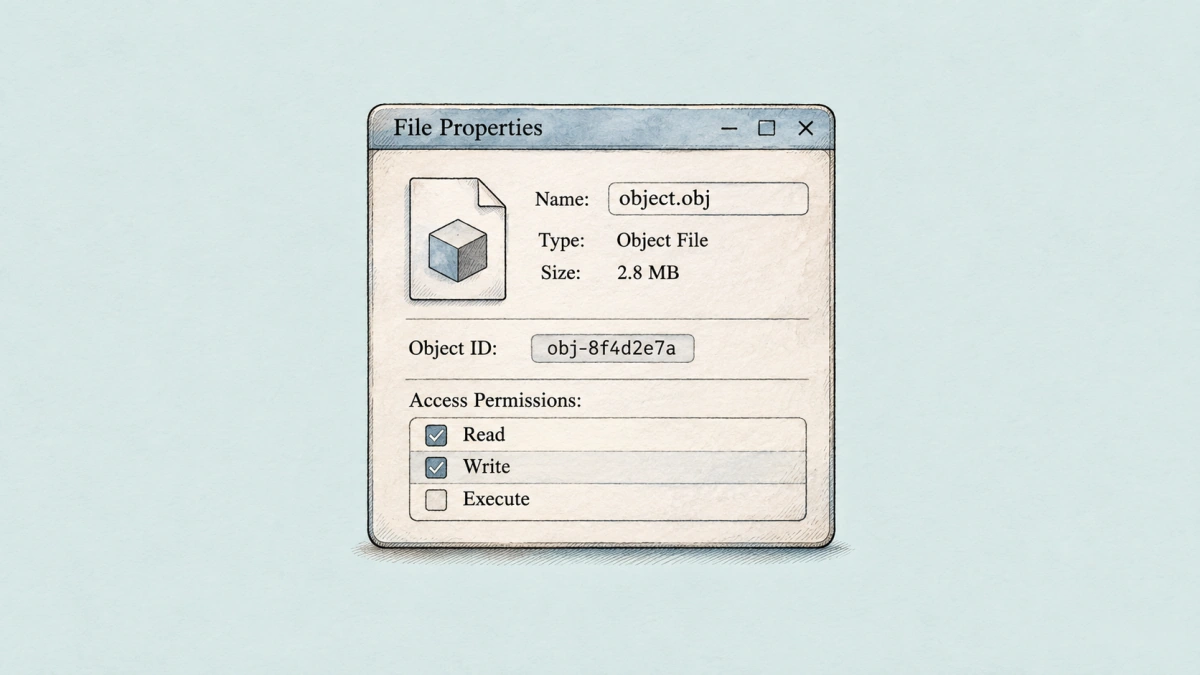
The formal names are subject for the requester and object for the resource being used. A subject can be a running program as well as a person acting through an account; an object might be a file, device or another protected resource.
NIST's access-control-matrix definition places subjects in rows, objects in columns and rights in the cells. A right is an allowed operation, such as reading or changing something.
Real systems don't need one enormous spreadsheet
With thousands of accounts and millions of files, the full table would become unwieldy. Many cells would be empty because most accounts don't need most resources.
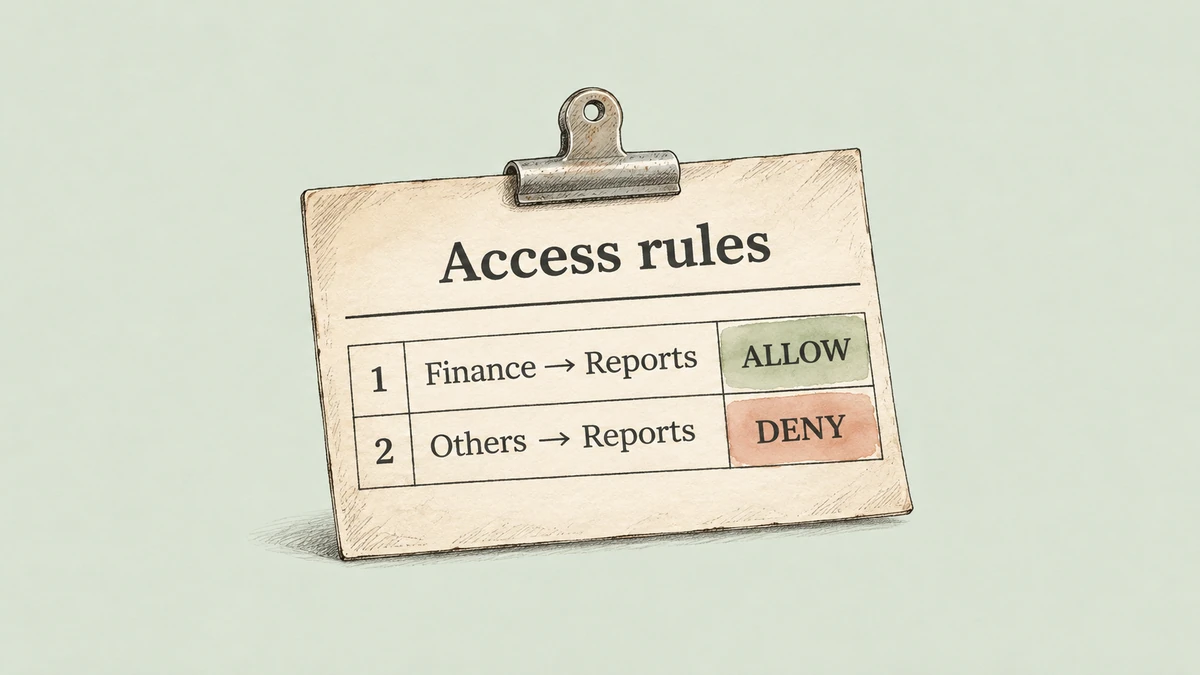
Systems can represent those relationships in smaller structures. An access control list, or ACL, keeps permissions with a resource—conceptually, a column of the matrix.
A capability list takes the account or program's side, collecting protected permissions for the resources it may use. That corresponds to a row; the system must prevent someone from simply inventing a new permission entry.
NIST's assessment of access-control systems describes these representations. The matrix helps explain the relationships even when the software stores them another way.

- Keep every photo and file on a box you own, and reach them from anywhere.
- Let backups run on their own so one dead laptop doesn't take your files with it.
- Add two drives and a failed disk no longer means lost files.
A tidy table can still describe the wrong access
If every account receives every right, the matrix may be perfectly organized and badly designed. The useful question is whether each permission matches a real task.
Our editor needs to change drafts, but the example doesn't grant permission to delete the entire draft collection. If deletion becomes necessary, that should be an explicit decision rather than an accidental bonus of “editing access.”
The table also needs a clear scope. Permission to read one customer's invoice mustn't silently turn into permission to read every customer's invoice because the column heading just says “invoices.”
Finally, compare the model with the system's behavior. A matrix that says “None” won't protect a file if the application lets that account open it anyway.
Subject: Who or What Is Asking for Access?
Object: The Particular File or Record a Rule Protects
Access Control Lists: The Rules That Let Requests Through
QUOTE:
"Amateurs hack systems, professionals hack people."