How to Unblock Instagram at School
- Try Your Phone's Other Way Online
- A VPN Takes a Different Route
- Follow a Packet Through a VPN Tunnel
- The Block Can Travel With the Laptop
- A Proxy Website Isn't the Instagram App
- What Changes When a Proxy Stands Between You and a Website?
- A Travel Router Still Needs a Connection
- Still Stuck? Read the Message
- If You Need Instagram for Class
Instagram, the app for sharing photos and videos, can work at home and then stall as soon as you join school Wi-Fi. The feed spins. Nothing new appears.
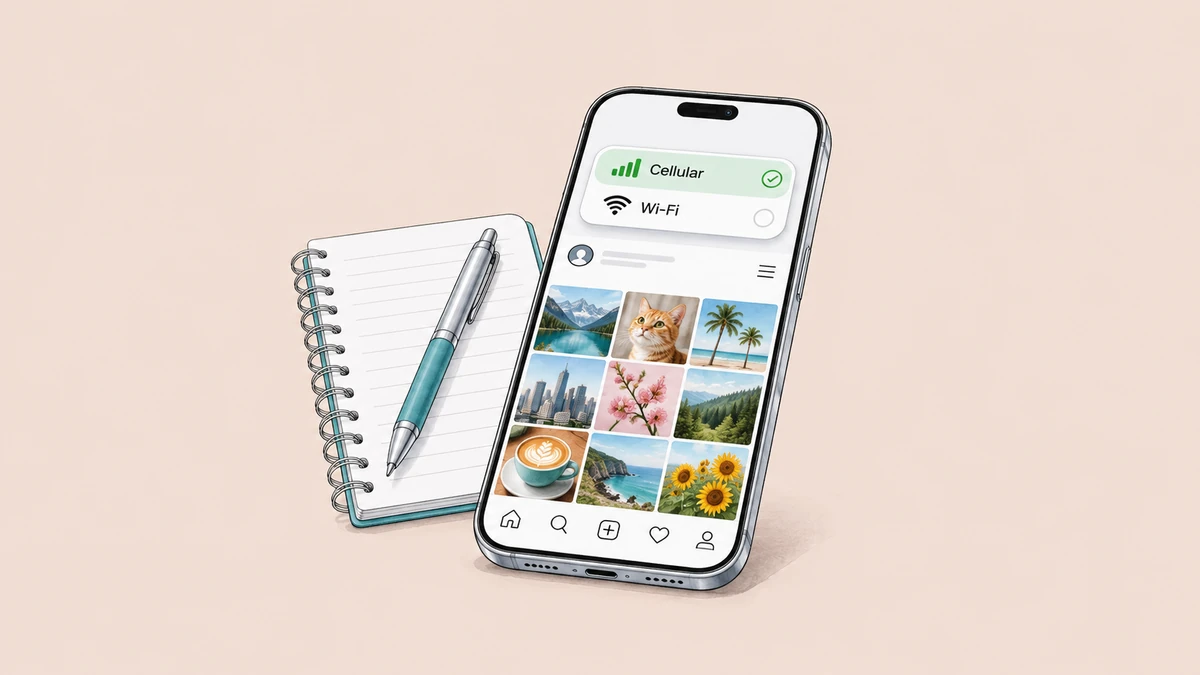
Before you download another app, try one change: turn off Wi-Fi on your personal phone and use your mobile data. If Instagram opens, the school connection is a likely cause of the trouble.
Try Your Phone's Other Way Online
With a mobile-data plan, your phone has two familiar routes to the internet. Wi-Fi uses the network nearby. Mobile data uses your phone company's service and your data allowance.
To try the second route:
- Turn off Wi-Fi in Settings. On an iPhone, go to Settings → Wi-Fi. Use Settings for this check: the Control Center button only disconnects Wi-Fi temporarily.
- Turn on mobile data. Look for “Cellular” or “Mobile data” in your phone's settings. The labels vary across Android phones.
- Open Instagram again. Give the app a chance to load on the new connection.
If it works, your phone is reaching Instagram through your carrier instead of school Wi-Fi. You may have avoided a school filter, or the Wi-Fi connection may simply have a problem. The test points you toward the connection; it doesn't tell you which explanation is right.
If nothing opens on mobile data, check your signal and plan. Reception can be poor inside a building. On an iPhone, also check that Instagram is allowed to use cellular data.
And remember whose data you're using now. A long session watching videos comes out of your phone plan's allowance.
A VPN Takes a Different Route
A virtual private network, or VPN, sends your internet traffic through another computer before it reaches Instagram. That computer is the VPN server.
Here's the simplified route:
- Without a VPN: Phone → school Wi-Fi → Instagram.
- With a VPN: Phone → school Wi-Fi → VPN server → Instagram.
Notice that school Wi-Fi is still in the picture. The change is where your connection goes next.
A VPN app encrypts, or scrambles, the traffic it sends to its server. This protected connection is often called a tunnel. The school sees a connection to the VPN server, while the Instagram traffic travels inside it. That can get past some network filters.
But the school can block the VPN connection, too. It's a different route, not a guaranteed open road. EFF, the Electronic Frontier Foundation, explains these limits in its guide to network filtering.
Follow a Packet Through a VPN Tunnel
If you already have a VPN, open its official app, check that it says connected, then try Instagram. Installing the app alone doesn't change your connection.
Still stuck? Some VPN apps let selected apps skip the tunnel, a feature called split tunneling. If yours offers that setting, check whether Instagram or your browser is excluded. The feature varies by service and device.
NordVPN Basic, shown below, is one example of a paid VPN service. Buying it gives you a subscription; it doesn't guarantee that your school's network will let it connect.

- Keep your browsing private on public Wi-Fi with one click.
- Protect the whole household on up to ten devices at once.
- Stop others from easily intercepting your personal details.
What About Privacy?
A VPN doesn't make you disappear. The school may still see which VPN server you're using, when you connect and how much data you send. Instagram still knows which account you've signed into.
Websites have their own protection, too. HTTPS encrypts the connection between your browser and a website, normally keeping page contents and passwords private. School Wi-Fi doesn't automatically give staff a copy of your messages. EFF's VPN privacy guide explains these separate protections and why you still have to trust your VPN provider.
School devices need a closer look, though.
The Block Can Travel With the Laptop
Schools can use filters and firewalls to decide which connections get through. They might block a website's name or the network addresses of its servers.
Sometimes the rule lives on the device itself. A school-managed device is one whose settings the school controls. Take it home, connect it to your phone's hotspot, and the restriction may come along for the ride.
Google confirms that school Chromebooks can remain restricted at home. Apple also describes filters that work across Wi-Fi, cellular and wired connections, including setups that inspect encrypted web traffic.
Software on a managed device can also observe activity before a VPN protects it. What applies depends on the school's setup. Changing the connection doesn't remove the school's control of the device.
A Proxy Website Isn't the Instagram App
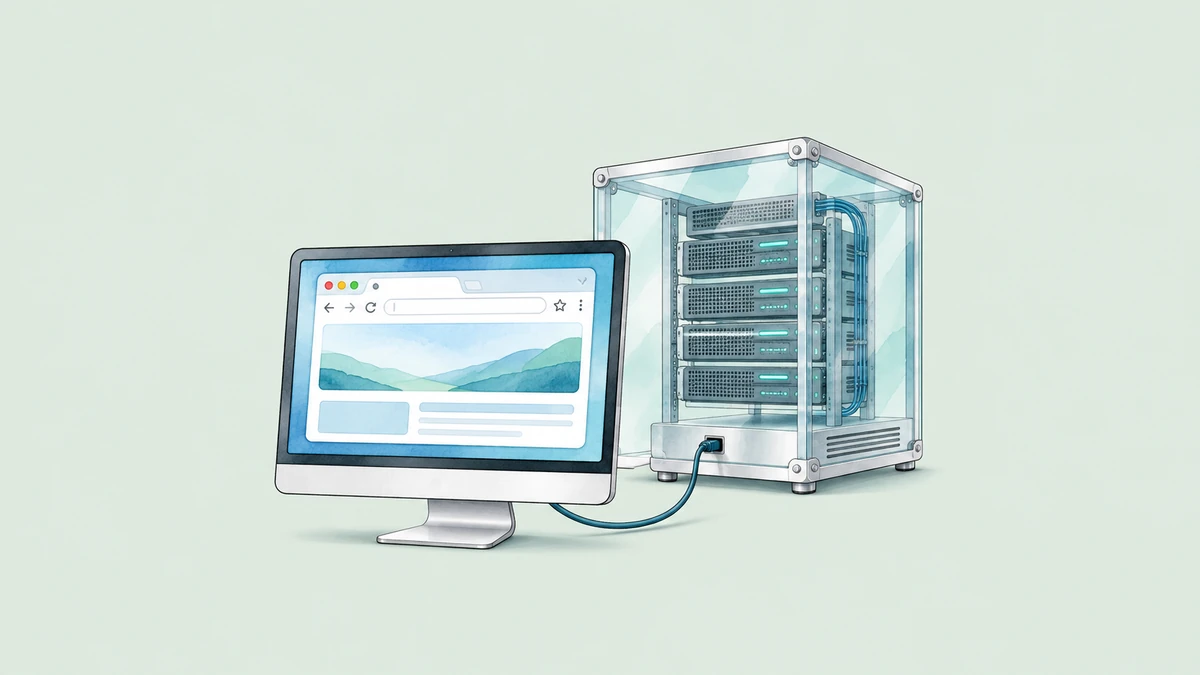
A proxy server fetches information on another program's behalf. With a web proxy, you enter a website address into a webpage and let that service fetch it for you.
That doesn't reroute the Instagram app on your phone. And loading a page through a proxy doesn't prove that its login, messages and videos will all work.
Some proxies pass along encrypted traffic; others handle the contents themselves. For example, hide.me says its web proxy decrypts and re-encrypts content. The proxy operator is part of the journey.
Don't hand your Instagram password to an unfamiliar proxy website. For a simpler check, open instagram.com directly in your usual browser. Comparing the website with the app can help you work out which one is having trouble.
What Changes When a Proxy Stands Between You and a Website?
A Travel Router Still Needs a Connection
A travel router creates a Wi-Fi network for your devices, but it needs a way onto the internet itself.
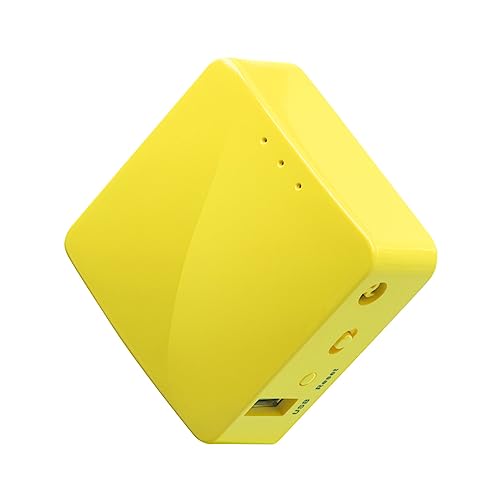
The GL.iNet Mango, model GL-MT300N-V2, can connect by network cable, repeat existing Wi-Fi or share a phone's mobile data. Sharing the phone's connection is called tethering. It can also use a USB modem, a plug-in device for mobile service, and it supports VPN connections. Its setup guide explains those choices.
If it connects through school Wi-Fi, the school filter is still in the path. A VPN on the router still has to get through that network. If it shares your phone's data, the phone supplies the internet service and the data allowance.
A new Wi-Fi name doesn't mean a new internet connection.
- Turn hotel or cafe Wi-Fi into a private network of your own.
- Power it from a laptop USB port and forget the wall adapter.
- Slip it in a pocket and take it on every trip.
Still Stuck? Read the Message
If other websites work but Instagram fails on both Wi-Fi and mobile data, try the basic app fixes: close and reopen it, restart your phone, and check the official app store for updates. These steps, covered in Google's troubleshooting guide, can help a faulty app. They won't lift a school block.
An account warning is a different clue. Meta says parents can block Instagram during school hours through Teen Account controls. Switching to another connection won't change that setting. Speak with the parent or guardian who manages it; for other account problems, follow the help in the message.
If You Need Instagram for Class
Schools may filter sites to limit distractions, block harmful content, reduce security risks or keep heavy internet use from slowing the network. New Zealand's Ministry of Education outlines these reasons in its school filtering guidance. Your school's policy will tell you which rules apply to you.
If you need a post for class, ask your teacher or the staff who manage the school's computers. Send the post's web address, say which device you're using and include the block message. They can decide whether to allow the page or check whether the block is a mistake.
Bring the useful clue from your first test: “Instagram works on my phone's data but shows this message on school Wi-Fi.” That's something they can investigate. A spinning feed gives them much less to go on.
14 Essential Reasons to Use a VPN
Are VPNs Legal?
What Is a Remote Browser and Why Use One?
QUOTE:
"Amateurs hack systems, professionals hack people."