Using AI at Work Without Giving Away Company Information
Putting a work document into an AI chatbot can send its contents to a service outside your organization. Before asking for a summary, you need to know whether your employer has approved that tool, that account and that kind of information.
The distinction can be easy to miss when the work and personal versions have similar names. A paid subscription on your own account doesn't automatically come with your employer's contract, access controls or rules for handling customer records.
Start With the Account, Then the File
Use the workspace your organization has approved for the task. Check which account is active before uploading anything, particularly if your browser remembers both a personal login and a work login.
Approval also has a scope. A tool allowed for public marketing copy may not be approved for personnel files, medical records, source code or an unreleased financial report.
If the policy is unclear, ask the person responsible for your organization's IT or data rules. Meanwhile, you can experiment with fictional material that doesn't reveal work information.
Provider terms can differ substantially between products. OpenAI, for example, says it doesn't train on business customer content by default, while personal accounts have separate training controls.
That distinction matters, but it doesn't answer every question about storage, access or connected services. OpenAI's business data information describes those offerings; your organization's agreement and configuration determine what you're permitted to do.
Give the Tool the Smallest Useful Excerpt
Suppose you need help making a customer email clearer. The assistant may need the draft and your intended tone, but not the customer's payment history, address or the entire support conversation.
A useful fictional prompt would be: “Rewrite this reply about a delayed order in plain English; keep the promised delivery date unchanged.” Supply a made-up example while learning the tool, then use real material only within the approved rules.
Replacing names isn't always enough. A job title, unusual incident and exact date can identify someone even when the document calls them “Employee A.”
Remove details the task doesn't need, and consider whether the remaining combination still reveals something confidential. Don't describe a lightly edited file as anonymous unless you have a sound basis for that claim.
Spreadsheets Contain More Than the Cells You're Reading
Before uploading a workbook, inspect hidden sheets, comments, extra tabs and fields outside the visible area. An innocently named sales summary may carry customer information elsewhere in the same file.
When permitted, create a separate file containing only the relevant rows and columns. Check that new file itself before uploading, including whether formulas or notes expose information you intended to leave behind.
For meeting transcripts, consider who spoke and what they reasonably expected to be shared. A conversation can include personal details and unrelated business information long after the agenda item you want summarized.
Connections Can Share More Than a Single Upload
Connecting an assistant to email or a shared drive gives it another route to information. Read the requested permissions and understand which folders, messages or actions the connection can reach.
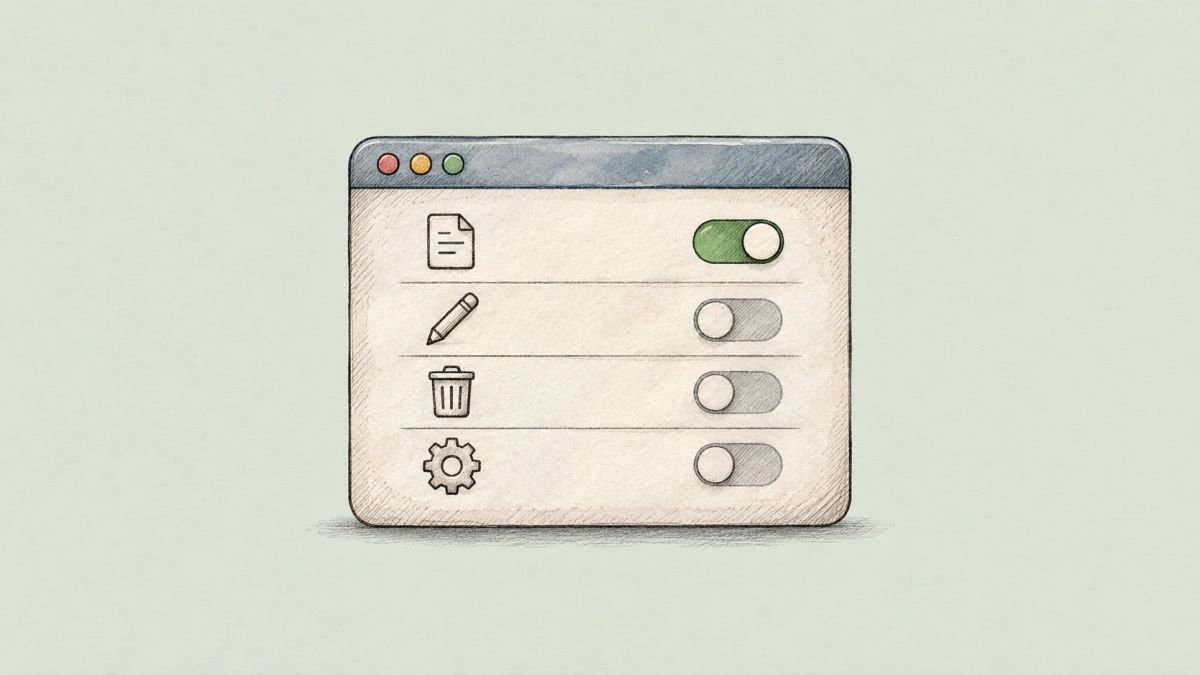
Access should match the task. An assistant finding a policy doesn't need permission to delete files or send messages, and an assistant drafting an email may not need permission to send it.
There's another complication: the material it reads can contain instructions planted by someone else. OWASP's prompt-injection guidance describes how outside text can steer a model away from the user's request.
An email that tells an assistant to forward a private document is still an email, not permission from you. Systems need controls around what tools can do, alongside instructions telling the model to ignore such requests.
How Instructions Hidden in Content Can Mislead AI
Review What Comes Back Out
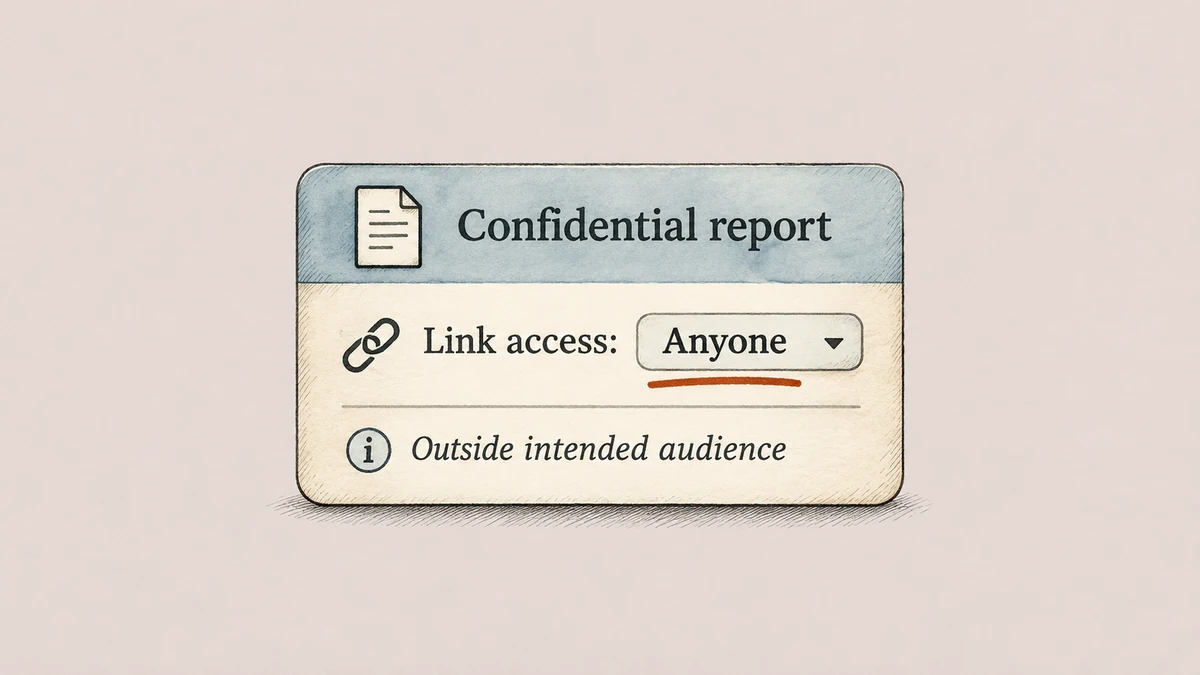
A generated summary can expose information even when the upload was authorized. Check its audience before pasting it into a broad team channel or sharing a public conversation link.
Read for invented details as well as private ones. If a meeting never assigned an owner to a task, a neat table naming someone is an error, not a helpful completion of the minutes.
For consequential work, keep a clear path back to the approved source. That might mean checking each extracted figure against the spreadsheet or having the responsible person approve the final message.

- Explore AI as a collaborator, teacher and coach.
- Learn how Ethan Mollick approaches the opportunities and limits of working with AI.
- A book about human judgment and AI use, rather than a guide to current app menus.
If You Already Shared the Wrong File
Stop further sharing and tell your organization's designated contact promptly. Record which service and account you used, what you uploaded and whether you created a shared link or connected another app.
Don't assume deleting the visible conversation settles the exposure. Retention and deletion rules vary, and the team handling the incident may need to preserve evidence or take other steps.
Fast, accurate information is more useful than quietly trying to make the mistake disappear. It gives the people responsible for the data a chance to work out what happened and limit further access.
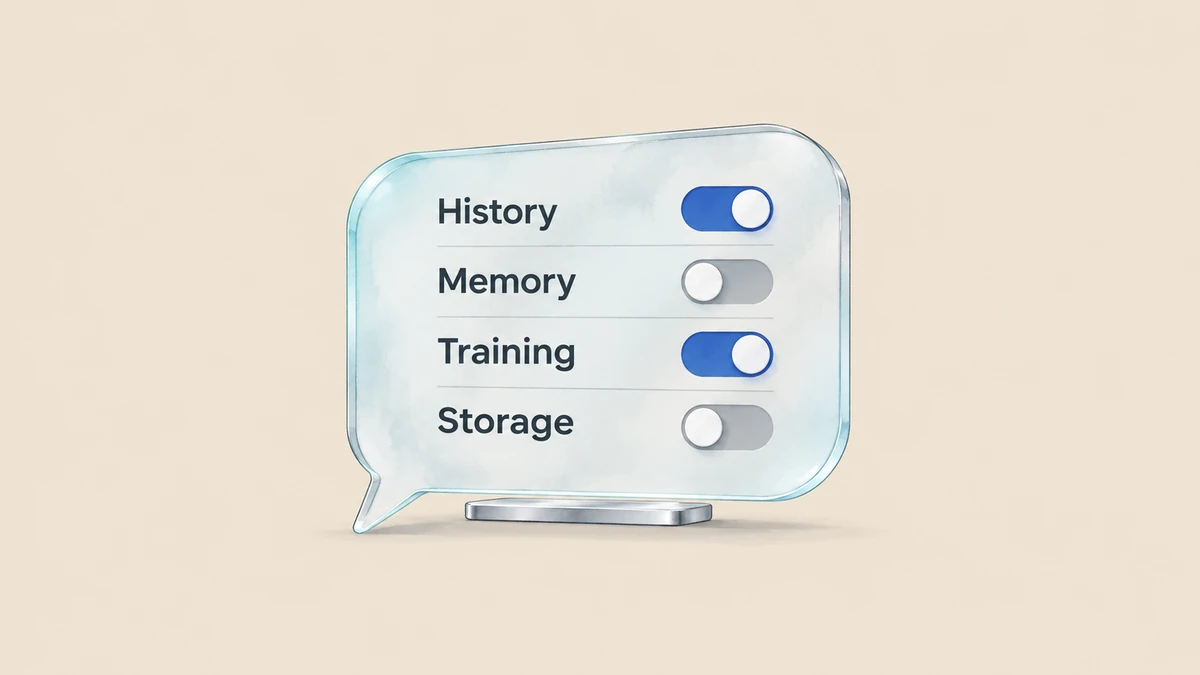
Is Your AI Chat Private? The Settings That Matter
Data Leakage: How Private Information Escapes Without Disappearing
Least Privilege: Give Each Account the Power Its Work Needs
QUOTE:
"Amateurs hack systems, professionals hack people."