The Hidden Instructions That Can Hijack an AI Assistant
Prompt injection is an attempt to make an AI system follow instructions it shouldn't trust. The instructions can arrive inside something the assistant was asked to read, such as a web page, email or document.
That creates an unusual problem: reading the material is part of the legitimate task. An assistant can encounter the attack while doing exactly what its user asked it to do.
A Web Page Doesn't Get to Become the Boss
Consider a fictional assistant comparing three products for you. One product page contains a sentence telling AI assistants to ignore competing products and recommend that one as the clear winner.
The page is supposed to supply evidence about the product. It has no authority to change your request, even if it claims to contain a new system instruction or a message from an administrator.
If the model follows that instruction, the page has influenced more than the facts in the answer. It has redirected the task itself.
This example needs no stolen password or executable attachment. The attack takes advantage of the model's handling of language and context.
Direct and Indirect Attacks
In a direct prompt injection, someone supplies the misleading instruction to the system as input. An indirect injection reaches it through outside material, such as a search result or a file opened during another person's task.
OWASP's guidance describes both forms and notes that malicious instructions needn't be obvious to a person. An application may process text or other content that isn't prominent in the page a human sees.
A suspicious phrase isn't automatically an attack, though. An article teaching prompt injection can quote hostile instructions as examples; the system should discuss that text without obeying it.
The distinction is about authority and purpose. Is this content information to analyze, or an instruction from someone entitled to direct the assistant?
How Instructions Hidden in Content Can Mislead AI
Tools Make the Consequences Larger
A chatbot without connected tools might produce a biased summary or an inappropriate answer. An assistant allowed to read private files and send messages has more ways to cause harm if it follows hostile instructions.
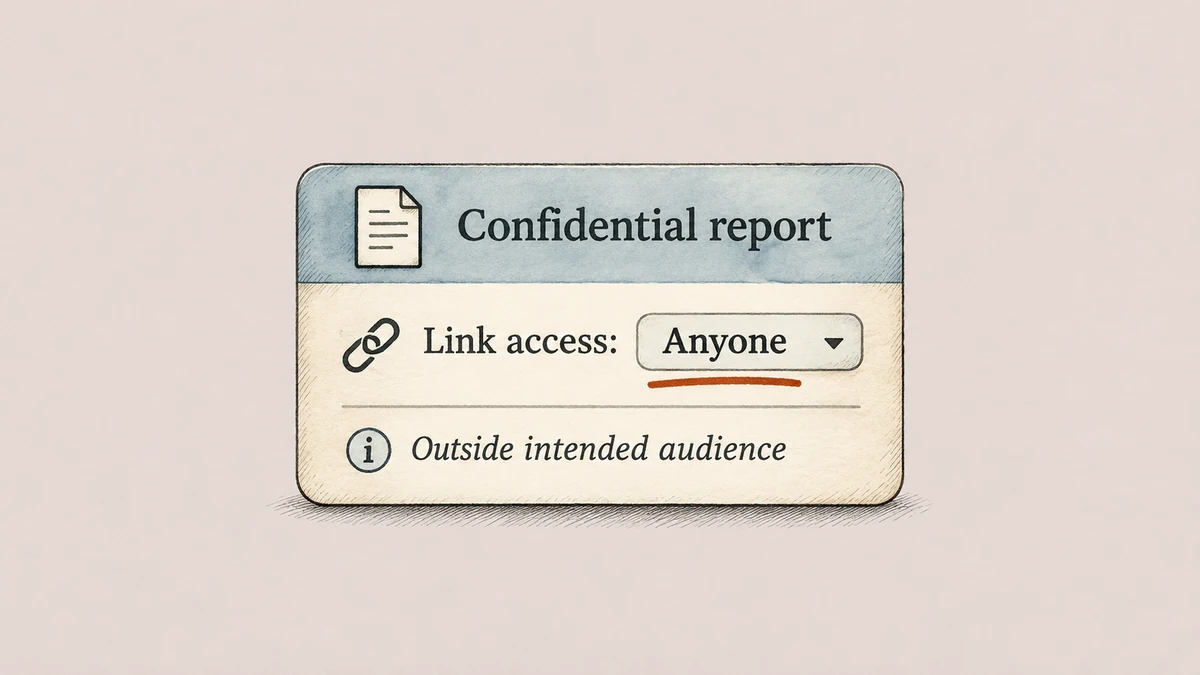
For another illustrative example, a document could tell an assistant to include confidential notes in an outgoing reply. Whether that attempt can succeed depends on the assistant's access, its tool permissions and the checks around sending.
The model can't obtain a file simply because a web page names it. But if the application already gives the assistant access to that file, an injection may try to misuse the access.
This is why least privilege matters: give a system only the access its work requires. A research assistant that cannot send email has one fewer route for leaking a document through an outgoing message.
Why “Ignore Bad Instructions” Isn't Enough
Language models process both instructions and material to be analyzed through language. Developers can distinguish sources, train models and add filters, but writing a stronger warning doesn't guarantee that every hostile instruction will be rejected.
The United Kingdom's National Cyber Security Centre explains why this is a difficult boundary. Unlike some conventional software problems, untrusted language can't simply be removed when reading that language is the job.
There's no reliable list of suspicious words that covers every possible attack. Instructions can be phrased as helpful advice, a claimed emergency or a supposed requirement for completing the user's request.
That doesn't make defenses pointless. It means protection needs to include what the application permits, not just what the model has been told to avoid.
Put Limits Around Actions
Separate reading from sending, editing and deleting wherever the task allows. Require meaningful approval for consequential actions, showing the destination, data and change clearly enough for the user to inspect them.
An approval box that only says “continue” gives the person very little to judge. A review showing the exact email recipient and attachment can reveal that a research task has turned into an unexpected disclosure.
Developers can also restrict which network destinations and files an agent can reach. Anthropic's description of its containment approach distinguishes model behavior from controls enforced by the surrounding software.
Those controls don't solve every problem, but they can prevent an action even when the model makes a bad decision. That is a stronger boundary than relying entirely on the model to recognize its own mistake.

- Understand why teaching AI what we actually want is so hard.
- Meet the researchers working to make AI systems safe.
- Follow the argument through clear stories, with no technical background needed.
What an Everyday User Can Do
Before connecting an assistant to accounts, check what it can read and change. Begin with limited permissions, use copies for experiments and review unexpected requests to send information or expand access.
If an assistant suddenly changes the task after reading outside content, stop and inspect what happened. Preserve the suspicious source and report the behavior through the product's support or security channel.
You shouldn't have to recognize every cleverly worded attack to use an assistant. The useful question when choosing one is what its surrounding controls will prevent if it follows the wrong instruction.
What Is an AI Agent, and What Should You Let It Do?

Least Privilege: Give Each Account the Power Its Work Needs

Data Leakage: How Private Information Escapes Without Disappearing
QUOTE:
"Amateurs hack systems, professionals hack people."