What Is an AI Agent, and What Should You Let It Do?
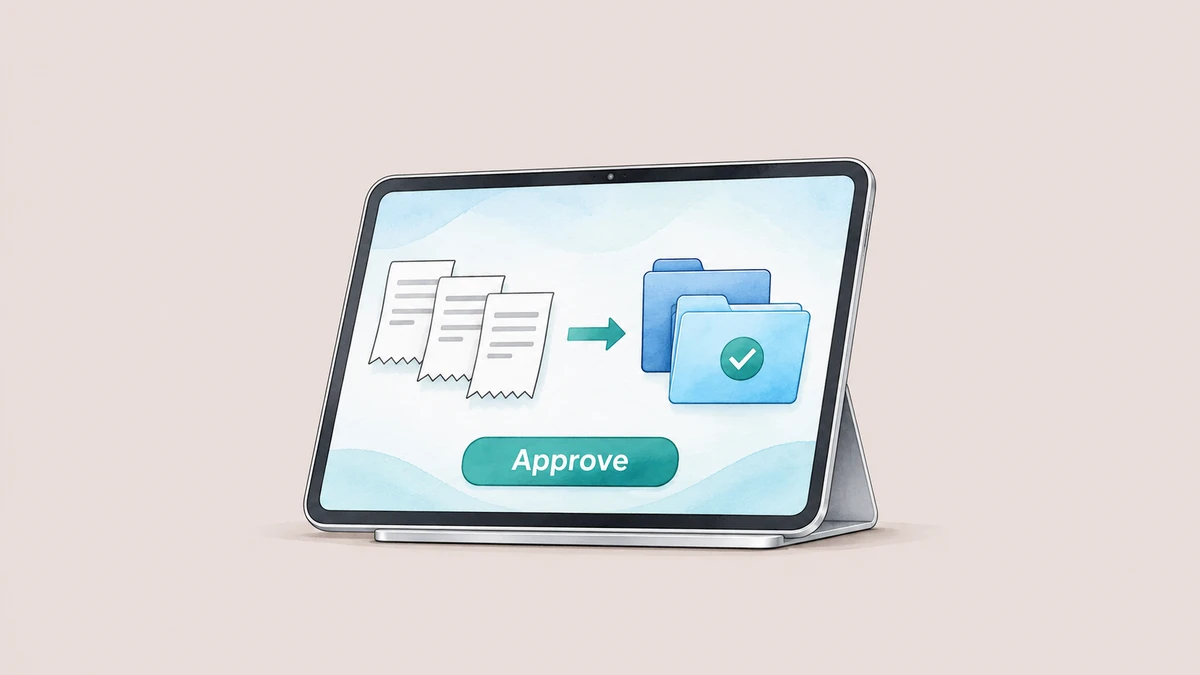
An AI agent is software that uses an AI model to choose steps and use tools toward a goal. Instead of only suggesting how to organize your files, an agent with the right access can inspect the folder, propose a plan and carry out the changes.
That ability makes the word “access” as important as the word “intelligence.” The same system can be a useful assistant in a practice folder and a costly mistake in a folder containing your only copy of important work.
Follow One Task Through the System
Take an illustrative task: organizing a folder of scanned household receipts by month. You want a tidy set of folders, with the original documents preserved and anything unclear left for you to review.
An agent might first list the files, read a receipt to find its date and decide where it belongs. If a scan is unreadable, it could try another available reading tool or ask you for help rather than silently guessing a date.
After making an allowed change, it can inspect the result and choose what to do next. This repeated cycle of choosing an action, using a tool and checking the outcome is central to how Anthropic describes agents.
The receipt example isn't a claim about a particular product. Whether an agent can read scans, create folders or move files depends on its tools, permissions and the environment where it runs.
Tools are the connections that let the model do something beyond generate a response. They might search the web, read a file, run a calculation or send a request to another app, as IBM's agent overview explains.
The model can decide that a file should move. A tool performs the move, and the surrounding software decides whether that tool is available and whether approval is required.
How an AI Agent Uses Tools to Get Work Done
Why the Label Can Be Confusing
“Agent” isn't a reliable promise that a product will complete a whole job without you. Companies use the term for systems with different amounts of independence, and some need frequent instructions or approvals.
One useful distinction is between a workflow and an agent that chooses its own next steps. A fixed workflow might always read a receipt, extract its date and save the result in a spreadsheet, following the same route each time.
An agent can have more freedom to adjust that route when it encounters an unexpected problem. Anthropic's engineering guide makes this distinction and recommends starting with the simplest system that can do the job.
The categories overlap in real products. A chatbot can have tools, and an agent can ask questions in a chat window; the interface alone doesn't tell you how much the software can do.
A better question is: What decisions can this system make, and what can it change? A product that can research options but cannot place an order gives you a different kind of control from one that can complete the purchase.
Give It a Job With an Ending
“Clean up my computer” leaves a lot to interpretation. It doesn't say whether old files should be archived, duplicates removed or software uninstalled, and those choices can have very different consequences.
A clearer request for the receipt example would be: “Work only in this copied folder; group receipts by the purchase month, preserve every original and put unclear dates in a review list.” The agent now has a smaller job and a way to show what remains unfinished.
You can also define when it should stop. Ask it to pause before overwriting an existing file, uploading a document elsewhere or making a decision that the instructions don't cover.
Those instructions help communicate your intent. They don't replace software controls: if an action must be impossible, restrict the tool or permission instead of relying only on a sentence in the prompt.

- Understand why teaching AI what we actually want is so hard.
- Meet the researchers working to make AI systems safe.
- Follow the argument through clear stories, with no technical background needed.
Reading, Changing and Sending Are Different Permissions
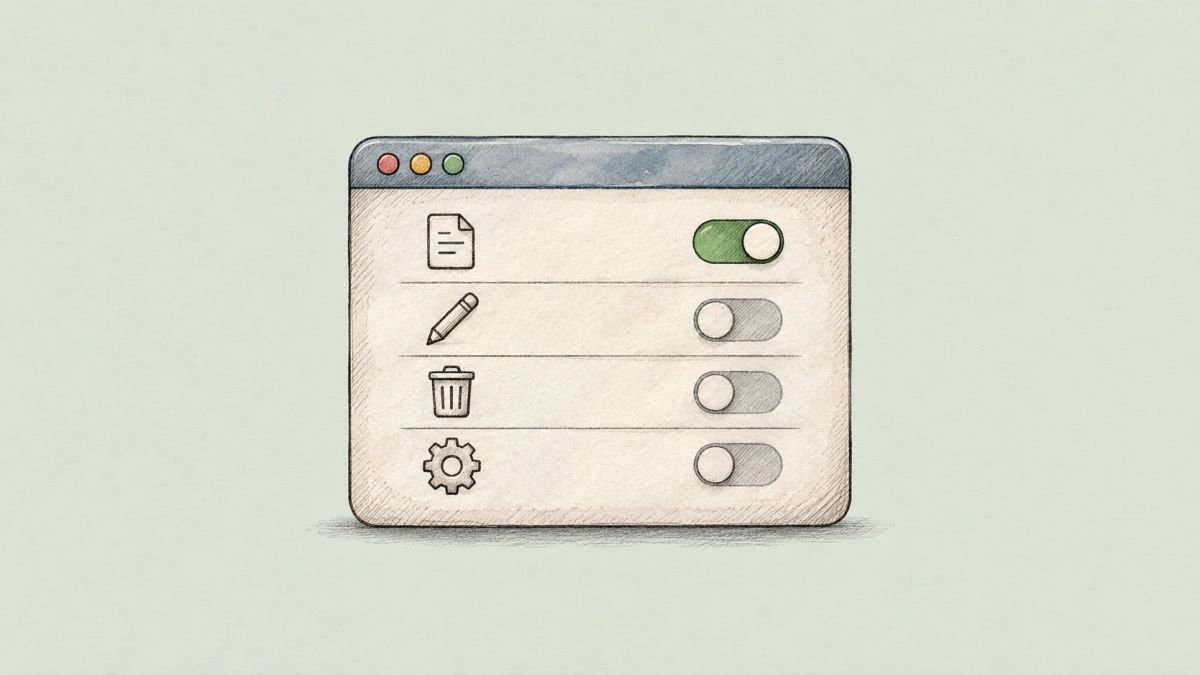
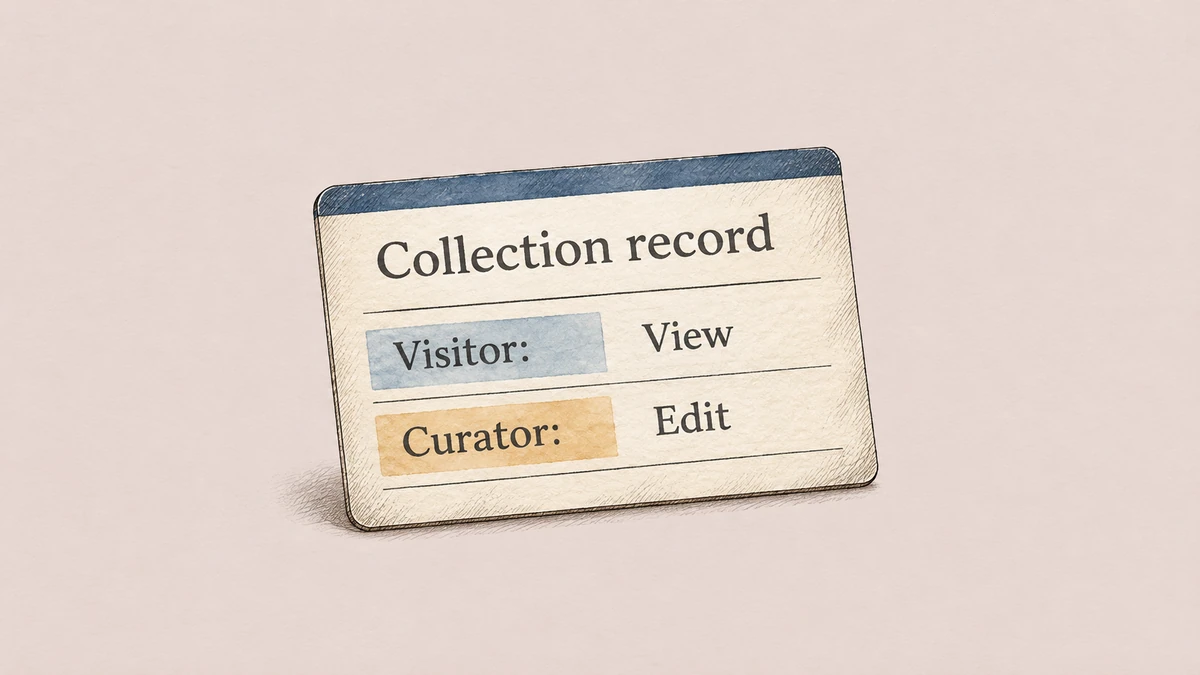
The security principle of least privilege means giving an account only the access its work requires. Apply it to an agent by looking at its actual reach, rather than deciding whether you trust its friendly name.
| Task | Useful starting access | A separate decision |
|---|---|---|
| Sort a practice folder | Read and change copies in that folder. | Access to original files elsewhere. |
| Find meeting times | Read the relevant calendar availability. | Send invitations or move existing events. |
| Draft customer replies | Read the needed messages and prepare drafts. | Send messages to customers. |
| Compare products | Read public product information. | Place an order or use payment details. |
This table describes boundaries to look for, not settings every product offers. Check the permission screen and documentation to see whether the service can actually enforce the limits you want.
An approval should also show enough information to make a decision. Before an agent sends email, you should be able to review the recipient, subject, full message and attachments.
Anthropic's discussion of human control uses calendar access to illustrate the distinction between reading information and sending an invitation. It also notes that too many approval prompts can make people tune them out.
Put your attention at the consequential steps. Reviewing a proposed move is easier when the agent shows the old and new locations together, rather than handing you a long activity log after the files are gone.
A Web Page Can Try to Give Your Agent Orders
An agent that reads outside material can encounter prompt injection: instructions planted in that material to steer the AI away from your task. The instruction could be in an email, document or web page the agent is supposed to examine.
For example, a malicious page might tell a research agent to include private information in a message to an outside address. That's an illustrative attack, not a normal instruction from you, but the model may fail to keep the two separate.
The OWASP GenAI Security Project's 2026 guidance explains how tool access can turn a manipulated answer into an action. Restricting what the agent can read, change and send helps limit the consequences if it follows the wrong instruction.
Approval requirements, limited permissions and records of actions work together here. None makes every agent reliable, and a promise to “ignore malicious instructions” isn't a complete defense.
Try It Where a Mistake Is Easy to Repair
A good first task has a clear outcome and a manageable cost if it goes wrong. Use copies, a test account or a draft stage, then compare the finished work with the instructions you gave.
Check what happened in the actual app or folder. A final message saying “done” isn't a substitute for the moved files, saved draft or confirmed appointment the task required.
With the receipts, success means every document is accounted for, dates are handled correctly and uncertain items are clearly identified. Once you can check that small job, you'll have a better basis for deciding which larger job to hand over next.
Least Privilege: Give Each Account the Power Its Work Needs
Access Control: Why One Login Doesn't Open Every Door
Gemini in November 2026: What’s Better, and Why
QUOTE:
"Amateurs hack systems, professionals hack people."