ChatGPT, Claude or Gemini: Which One Fits Your Life?
ChatGPT, Claude and Gemini are AI assistants you can talk to, give documents to and ask for help with everyday work. Choosing between them gets easier when you start with something you actually need done, rather than whichever model won this week's scoreboard.
OpenAI makes ChatGPT, Anthropic makes Claude and Google makes Gemini. All three can explain ideas and help with writing, but their tools, account limits and connections to other apps can change how useful they are to you.
Three Places to Start
The table below suggests a first stop based on each product's documented features. It's a way to narrow your trial, not a ranking based on testing we haven't done.
| What you want to do | A useful starting point | What to check |
|---|---|---|
| Try a mix of writing, questions, images and everyday research | ChatGPT | Whether your account includes the tools and allowances you need |
| Make and revise a document, presentation or small interactive tool | Claude | How its Artifacts workspace handles editing and sharing |
| Work with information in Google apps you already use | Gemini | Which Connected Apps your account supports and what access you grant |
These jobs overlap considerably. A recommendation to try Claude for a document doesn't mean ChatGPT or Gemini can't help write one.
ChatGPT: A Broad Starting Point
ChatGPT combines conversation with tools for tasks such as web research, images and files. OpenAI's product overview describes its range and explains that access and limits depend on the plan.
That makes it a reasonable first trial if you haven't settled on one use. Ask it to explain a confusing letter, improve a piece of your own writing or compare information from public sources, then judge the result against the original material.
Claude: Pay Attention to the Workspace
Claude's Artifacts feature puts work such as documents and interactive tools beside the conversation, where you can revise it. That arrangement matters if you want to develop something over several rounds rather than collect a single answer.
Try making a short briefing from public notes, then changing one section without rewriting the rest. Check whether the format exports cleanly and whether you understand who can see anything you share.
Gemini: The Appeal of Less Copying and Pasting
Gemini can connect to supported services, including Google apps, to find information or carry out permitted actions. Google's Connected Apps guide explains that availability varies by account, device and location.
Someone who keeps work in Gmail and Google Calendar may value those connections more than a small difference in writing style. Review each app's permissions, though: being convenient to connect doesn't mean everything in it belongs in an AI conversation.
Give Them the Same Small Assignment
For a useful comparison, choose a task whose answer you can check. A public event schedule works well: ask each assistant to find the sessions that fit your interests and flag any time conflicts.
Supply the same schedule, instructions and constraints. If one assistant uses web search while another only sees pasted text, you've changed the conditions as well as the product.
Look for the parts that affect your decision: missing sessions, invented details, correct times and useful follow-up questions. The most polished answer can still send you to the wrong room.
Next, try a revision. Tell each assistant exactly what it missed and see whether the correction helps or creates another mistake elsewhere.
One assignment won't identify a universal winner. It can tell you which assistant needs less supervision for a job you expect to repeat.
The App and the Model Aren't the Same Thing
A model is the trained system that generates an answer. The app adds the interface, tools, saved information and connections around it, and a product may offer more than one model.
This helps explain why a model's impressive score on a coding test doesn't settle whether you'll enjoy using its app to plan a family trip. The available tools and the amount of checking you need both count.
How Does a Chatbot Come Up With Its Words?
What Does a Subscription Cost?
All three offer free access as well as paid personal plans. These representative prices were checked on November 25, 2026, in U.S. dollars for monthly billing, before taxes or promotions.
| Service | Free option | Named paid plan | Monthly price |
|---|---|---|---|
| ChatGPT | Yes, with limits | ChatGPT Plus | $20 |
| Claude | Yes, with limits | Claude Pro | $20 |
| Gemini | Yes, with a Google Account | Google AI Pro | $19.99 |
These plans aren't identical packages, and each provider offers other tiers. Compare the tools and allowances you need, plus any storage or other services included in a bundle.
For an occasional user, free access may be enough. Upgrade when a specific limit repeatedly interrupts useful work, and check the renewal price if you begin with a discounted offer.
Compare the Personal-Account Privacy Controls
The following controls concern using conversations to train or improve models. They don't, by themselves, determine how long information is kept or whether it can be reviewed for safety.
| Service | What to check on a personal account |
|---|---|
| ChatGPT | Personal chats can help train models by default; turn off Improve the model for everyone in Data controls to opt out. |
| Claude | Model Improvement controls whether you allow chats and coding sessions to improve Claude; Incognito chats are excluded, while safety reviews and feedback have separate rules. |
| Gemini | Review training choices in Gemini History; with History off, future chats aren't used to train generative AI models unless you submit feedback. |
Check connected apps and sharing separately from training. A chatbot needs permission to reach your private files, and a shared conversation link can expose information regardless of the training setting.
Paying for a personal plan also doesn't make it an employer-approved workspace. Business accounts can have different contractual protections and settings, so follow your organization's rules for work information.
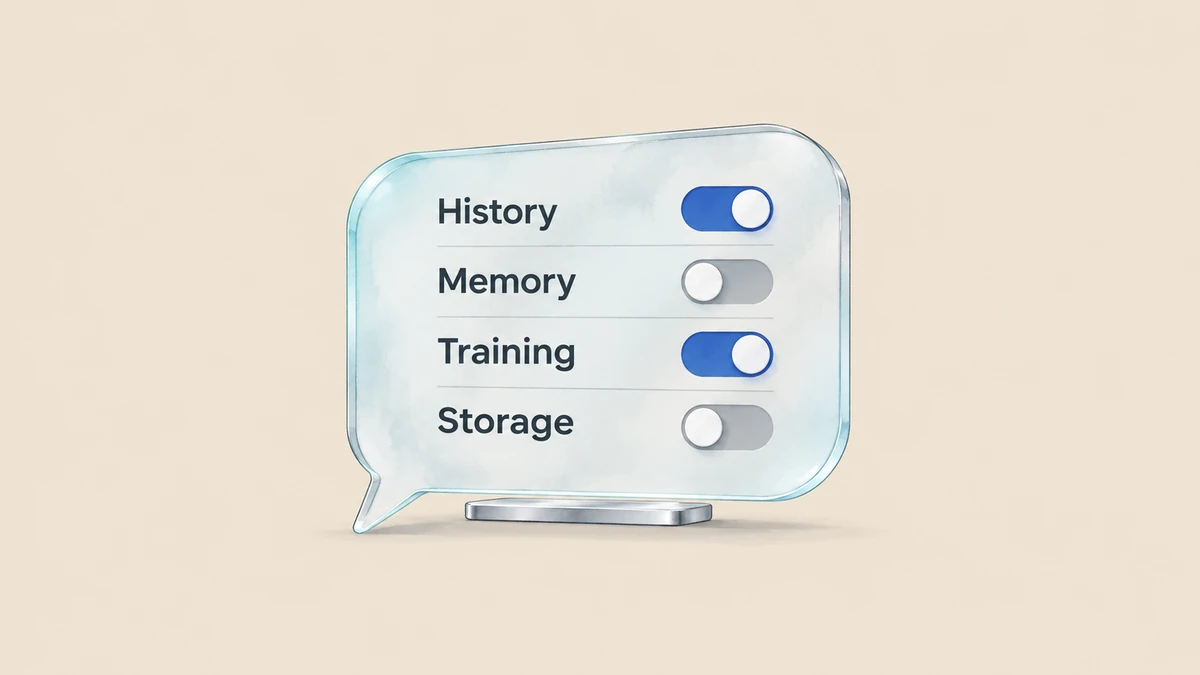
Our chatbot privacy guide explains how history, memory and training differ. Choose the service whose controls you understand, and share only what the task needs.

- Explore AI as a collaborator, teacher and coach.
- Learn how Ethan Mollick approaches the opportunities and limits of working with AI.
- A book about human judgment and AI use, rather than a guide to current app menus.
You don't need to pledge allegiance to a chatbot. Keep the one that fits your work, produces results you can verify and earns its place in your budget; try another when a real limitation gives you a reason.
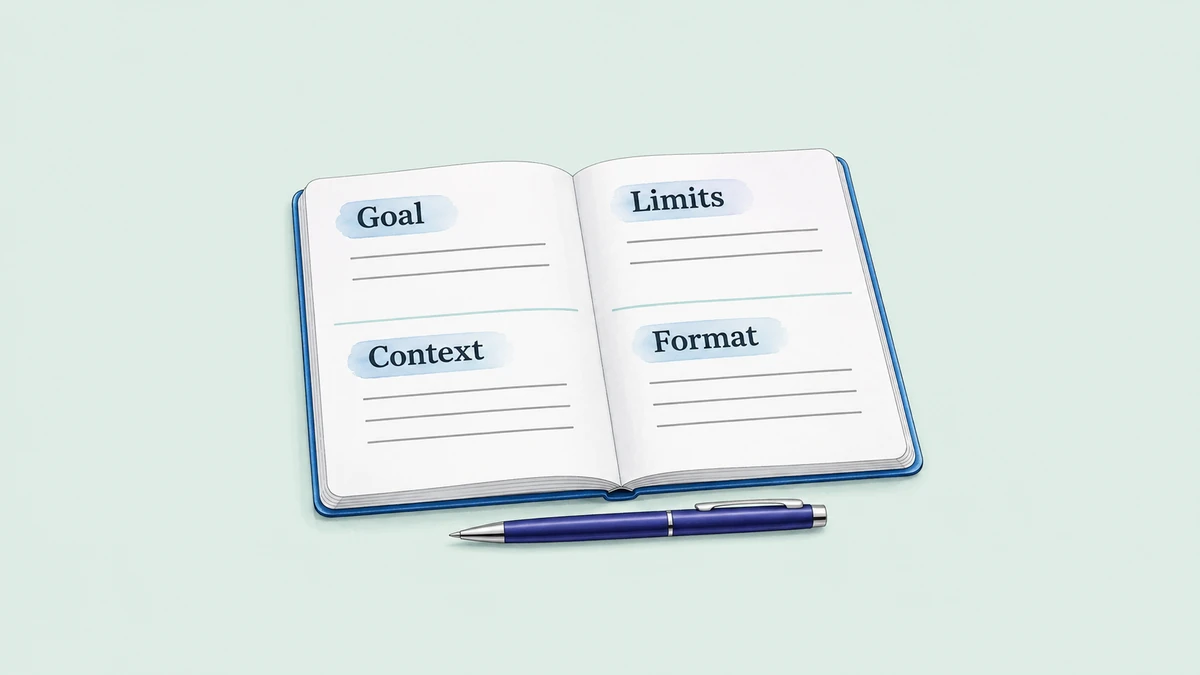
How to Ask AI Better Questions Without the Magic Words
Is Your AI Chat Private? The Settings That Matter
Why AI Makes Things Up—and Sounds So Sure About It
QUOTE:
"Amateurs hack systems, professionals hack people."