Zero-Day Attacks: When an Unknown Flaw Becomes a Way In
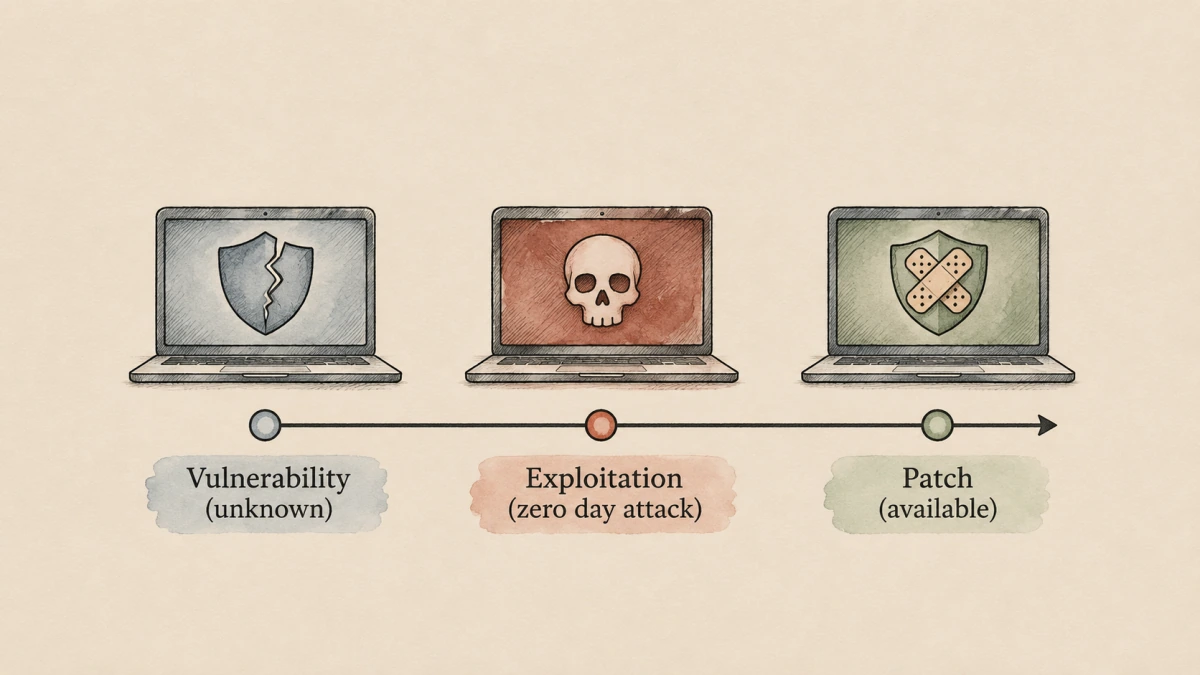
A zero-day attack takes advantage of a previously unknown security flaw. That flaw may be in a program, the physical hardware or the built-in software that runs a device.
The National Institute of Standards and Technology (NIST), a U.S. standards agency, uses that unknown-flaw meaning in its definition.
Another convention focuses on whether a fix exists. Google Threat Intelligence Group's exploitation research counts flaws used in real attacks before a patch was publicly available. Under that second convention, the vendor can already know about the problem while still preparing a fix.
Neither meaning requires an attack on the day a product is released. The faulty code may have been present for years. And “zero-day” doesn't impose a 24-hour deadline on the attacker.
What Happens When the Attacker Finds the Flaw First?
An old browser, a newly discovered route
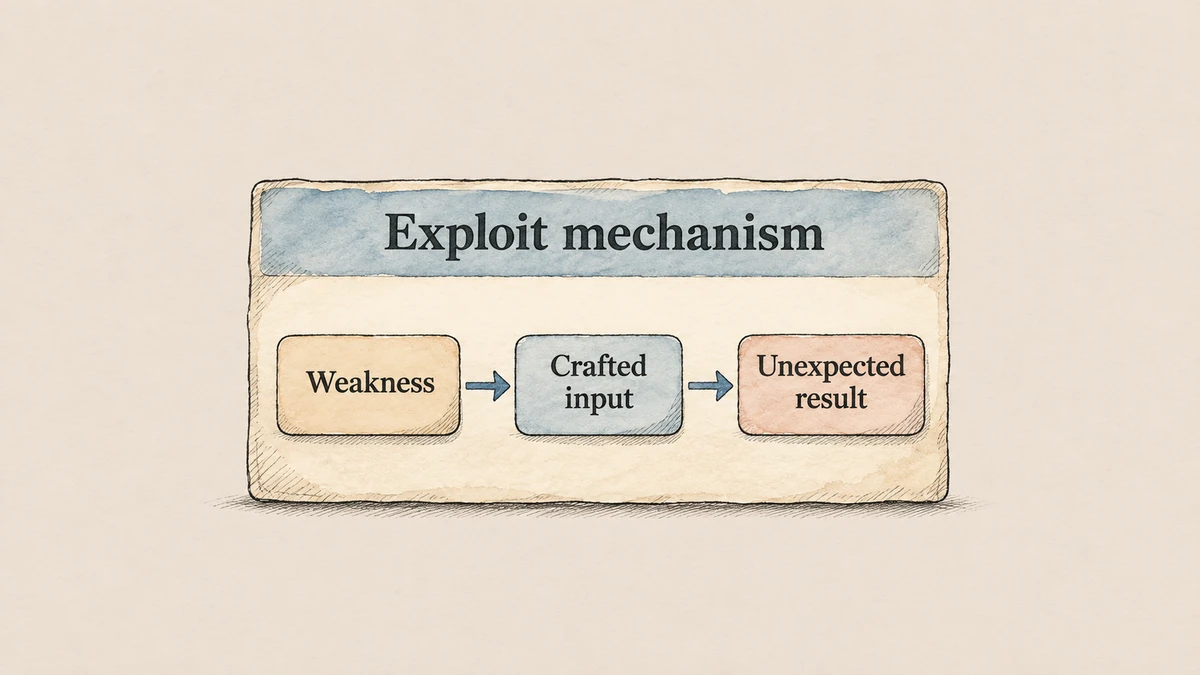
Imagine a browser has a flaw in how it processes part of a webpage. Its maker doesn't know about the flaw, and no fix exists. An attacker finds a way to construct a page that uses the flaw to make the browser run unauthorized instructions.
The vulnerability is the underlying weakness. The exploit is the method that makes use of it. When the attacker serves the crafted page to a target and attempts to trigger that behavior, the method becomes part of an attack.
Discovering the weakness isn't the same as building a working exploit. Building one doesn't establish that anyone has used it against real victims. In this example, the browser's maker hasn't identified the flaw or released a fix when the attack begins.
The result still depends on the particular flaw and the target. “Zero-day” describes the state of knowledge or patch availability surrounding the attack; it doesn't specify that every attempt succeeds or that the attacker gains every permission on the computer.
Disclosure starts another part of the work
Suppose investigators uncover the browser attack and notify its maker. Learning about the problem doesn't instantly produce a finished update. Public disclosure, temporary advice and a corrected release can arrive at different times.
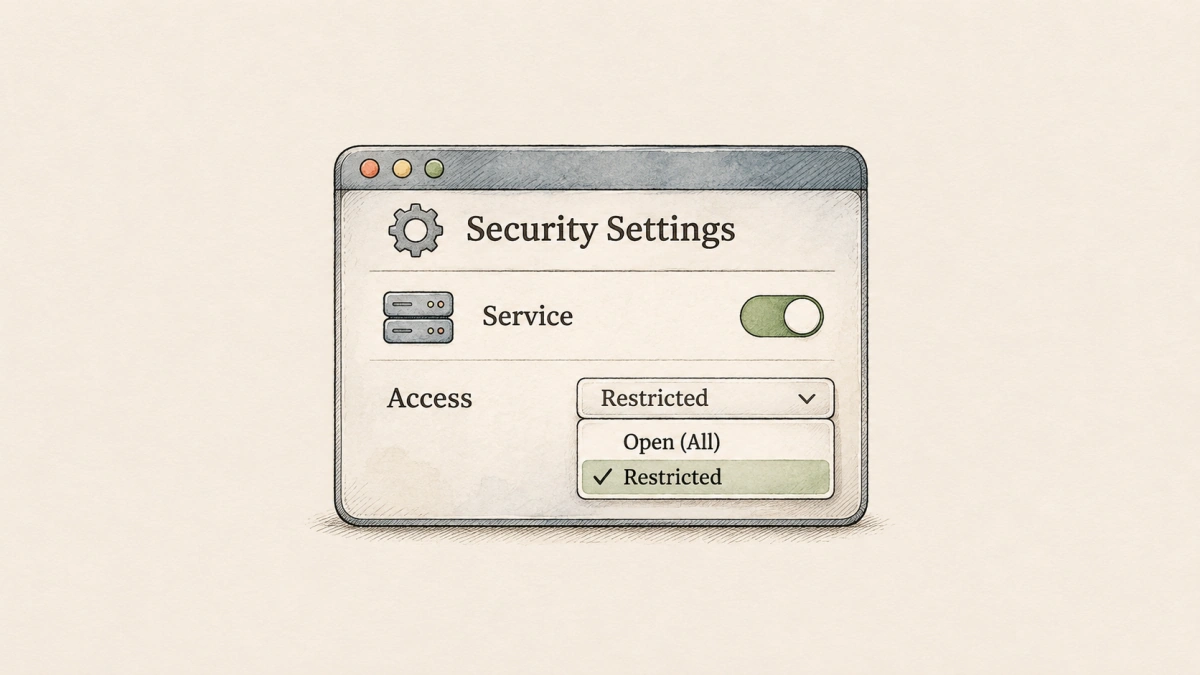
A mitigation reduces the risk without necessarily repairing the faulty code. The vendor might, for example, recommend disabling an affected feature while it prepares a patch. Whether such a measure is available depends on the flaw.
Microsoft's zero-day guidance describes workarounds and other mitigations during the period before a security update can be deployed. The U.K. National Cyber Security Centre advises tracking temporary measures and following through on remediation.
A patch changes the affected software to address the flaw. Releasing it creates an available repair. Installing and verifying it brings that repair to the machine that needs it.

- Catch the threats a built-in antivirus can miss.
- Get blocked from malicious sites before they load.
- Protect your devices around the clock, not only when you run a scan.
Closing the entry point isn't the whole recovery
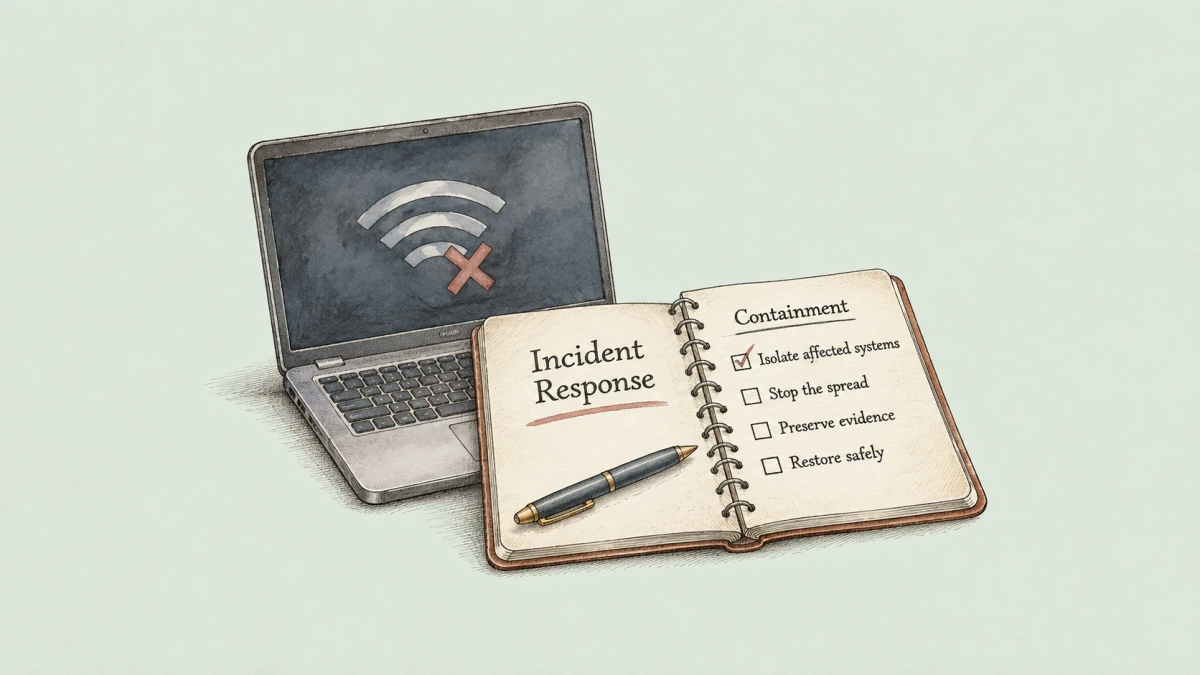
If the imagined browser was already compromised, an update doesn't establish what the attacker did beforehand. Investigators may still need to determine what ran, what information was accessed and whether other access remains.
The zero-day label in a security notice tells only part of that story. A patched browser can be protected against the same flaw going forward while its owner still has consequences from an earlier attack to address.
Exploits: How a Weakness Becomes a Working Attack
Mitigation: Why Reduced Risk Can Still Leave a Flaw
Incident Response: Why the Right Action Depends on the Attack
QUOTE:
"Amateurs hack systems, professionals hack people."