Hijack Attacks: When Someone Else Takes Over Your Access
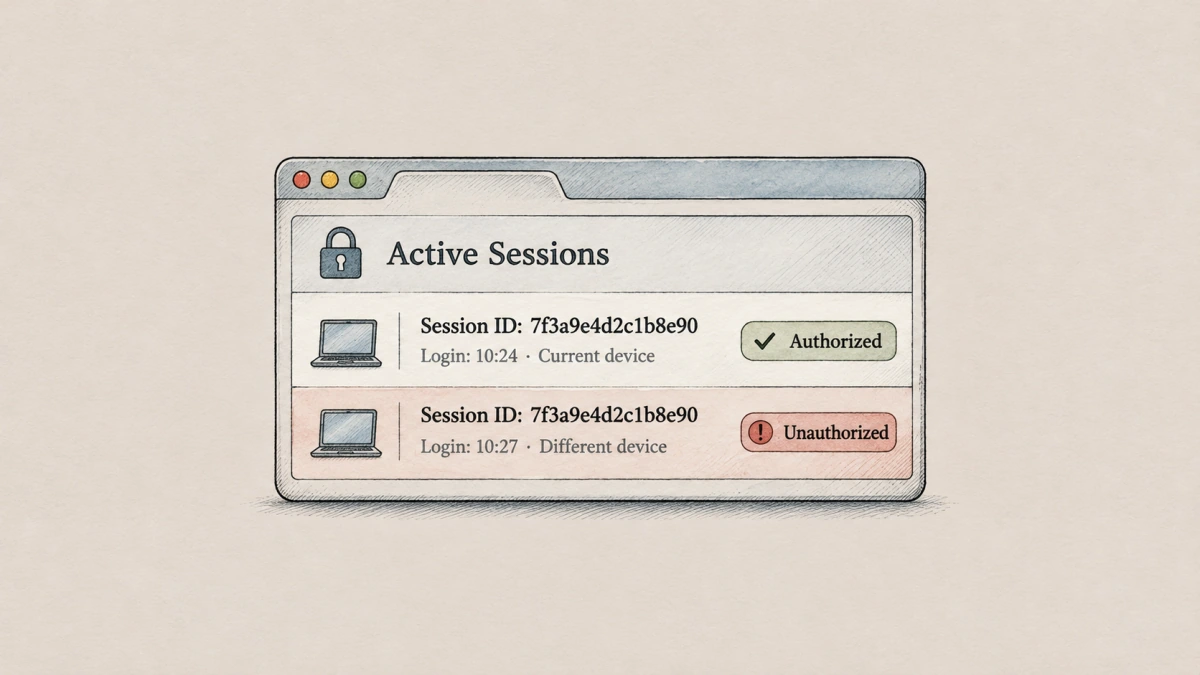
An attacker who copies a valid login session may be able to use an account without typing its password. That's one form of a hijack attack: taking unauthorized control of someone else's account, connection, browser, or service.
Hijacking is a broad label, rather than the name of one particular trick. To understand an incident, first identify what was taken over and what that access allowed.
A stolen session can act like a borrowed pass
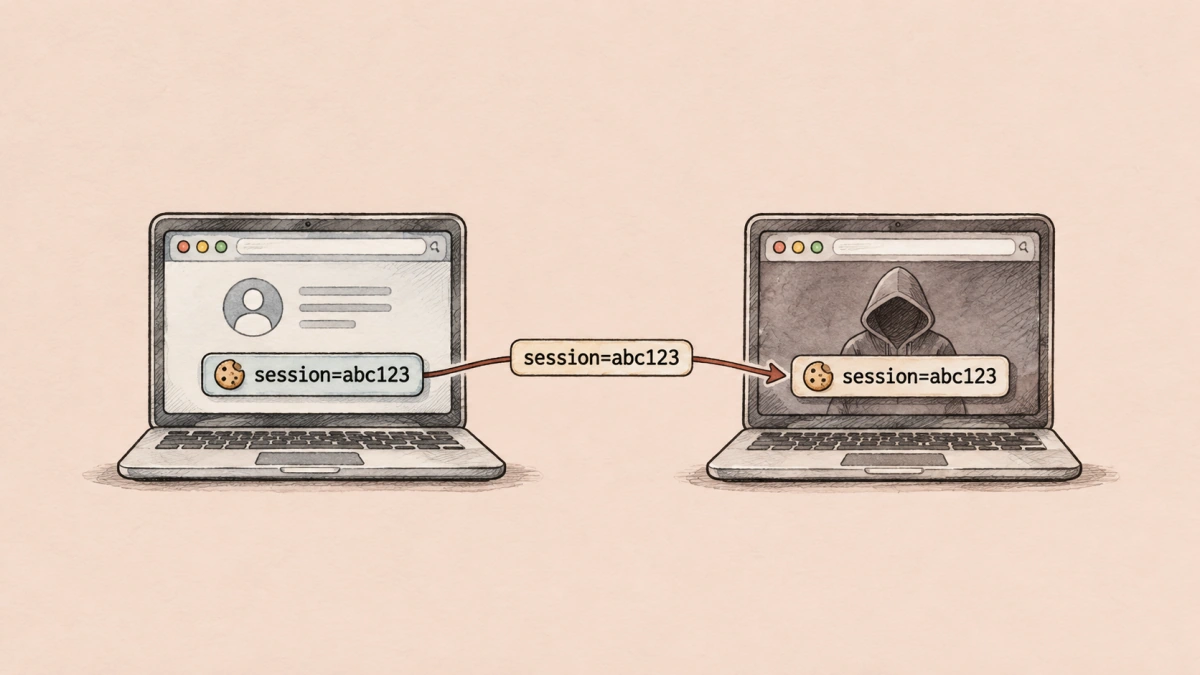
After you sign in, a website usually needs a way to recognize your later requests. It may give your browser a session token, a value representing the ongoing session, stored in a cookie, a small piece of browser-held data.
If someone steals a reusable token and the site accepts it, they may act with that session's permissions. They haven't necessarily changed your password or taken control of your entire computer.
Guidance from the software-security nonprofit OWASP explains that an authenticated session token can temporarily stand in for the login method that created it. That's why protecting the password alone doesn't protect every route into an account.
How a Stolen Session Can Take Over a YouTube Channel
Multifactor authentication adds another kind of proof, such as a security key you plug in or tap, to the login process. It helps protect that process, but a stolen session may let an attacker reuse access that was already approved.
Other takeovers leave different clues
An account takeover can also begin with a stolen password or an abused recovery process. An intruder might change the recovery address, read private messages, or send requests that appear to come from you.
Browser hijacking is different: unwanted software changes browser behavior, such as the search provider or the pages you visit. Google's Chrome guidance lists recurring unwanted extensions and redirects among possible signs of unwanted software.
A redirect alone isn't proof of a hijacked browser. Sites can redirect visitors for ordinary reasons, and a login failure can come from a mistyped password or a service problem.
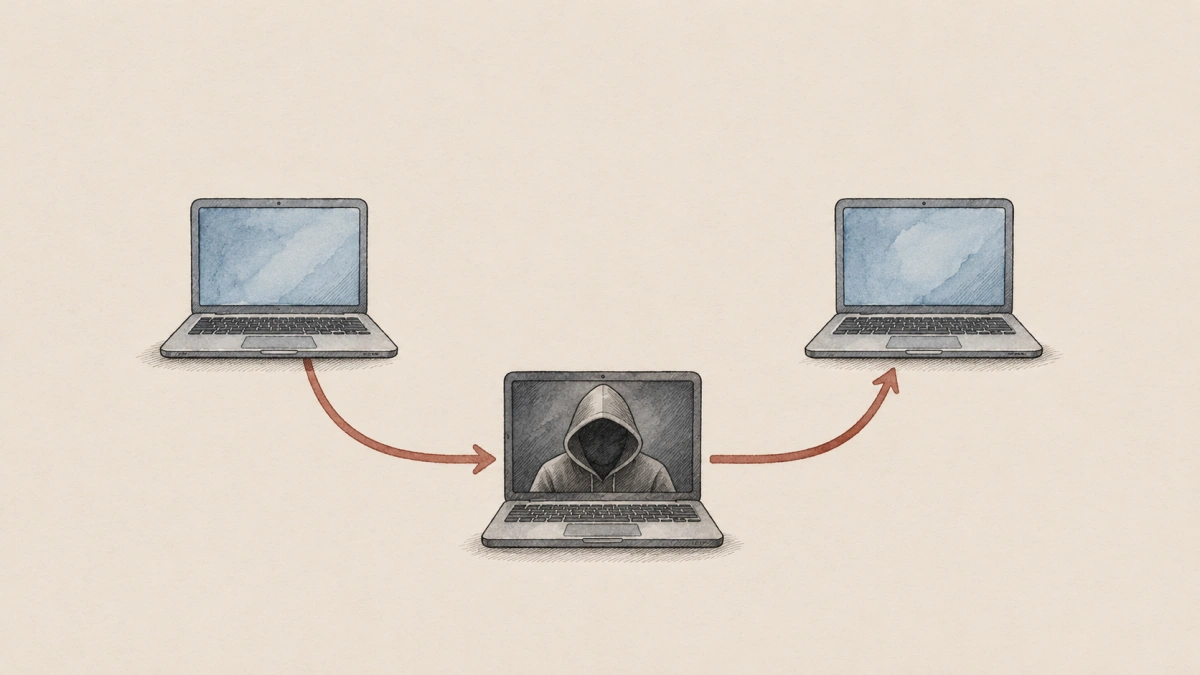
The same care applies to public Wi-Fi. Controlling the network doesn't automatically let an attacker read or alter a properly protected HTTPS connection to the intended site.
Transport Layer Security, or TLS, supplies HTTPS with encryption and checks against hidden changes in transit. Encryption scrambles the exchanged data so someone observing the connection can't simply read it.
That protection doesn't stop a fake website from collecting information you choose to enter there, or malicious software on your device from stealing data locally.

- Make a stolen password useless without the key in your hand.
- Sign in with a tap instead of typing a code.
- Protect Google, Microsoft, Apple and more than 1,000 other accounts.
Regaining control means ending the unwanted access
If account activity looks unfamiliar, open the service through its official app or a known address and use its security or recovery process. Google's account-recovery guidance, for example, calls for reviewing security events and signed-in devices.
Check the recovery details, remove access you don't recognize, and change a compromised password. Use the service's controls to end other sessions when available, rather than assuming a password change always does that automatically.
Closing a browser tab doesn't reliably cancel a copied token. The service needs to invalidate the session, meaning it stops accepting that token as proof of access.
If unwanted software is involved, address it too; otherwise, a fresh login could expose another session. For a work account or device, involve the support or security team so they can investigate related access.
The useful finish line is specific: the unauthorized session has ended, the entry route has been addressed, and the account's recovery settings are yours again.
Session Hijacking Can Bypass the Password Question
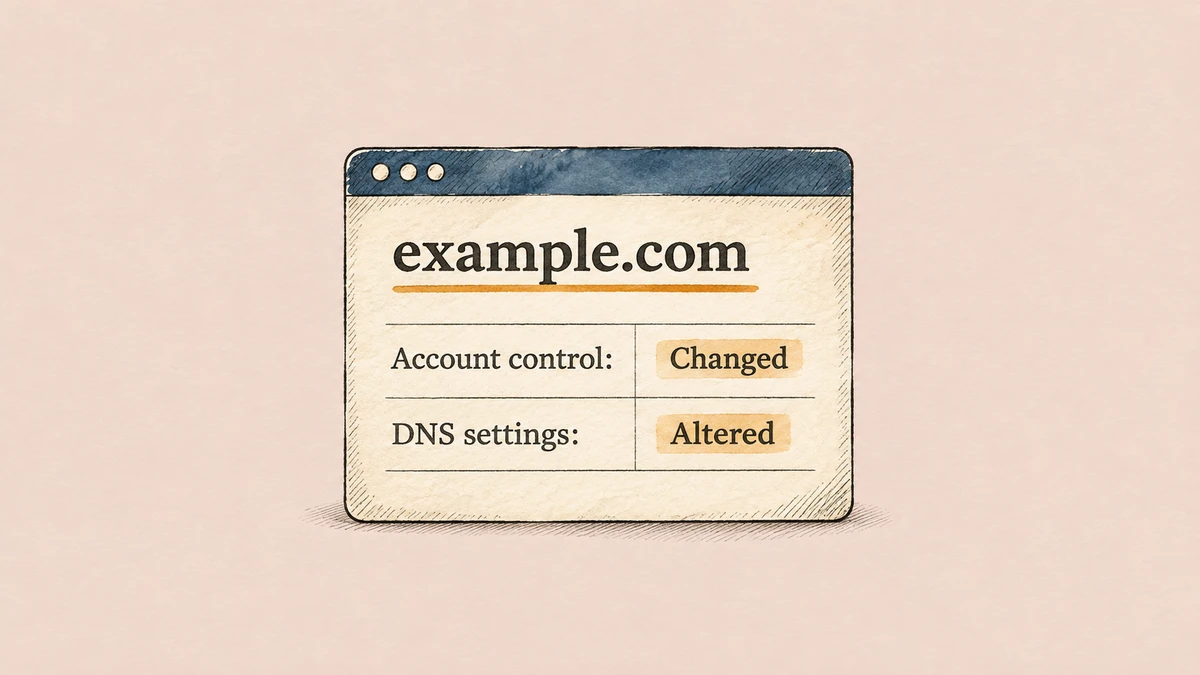
Domain Hijacking: When Someone Else Controls Your Name
Man-in-the-Middle Attacks: An Encrypted Login Can Reach the Wrong Site
QUOTE:
"Amateurs hack systems, professionals hack people."