CGI: The Handoff That Turns a Web Request Into an Answer
A bookshop's website can't keep a separate page ready for every possible search. Something has to take your request, look through the catalog, and assemble an answer.
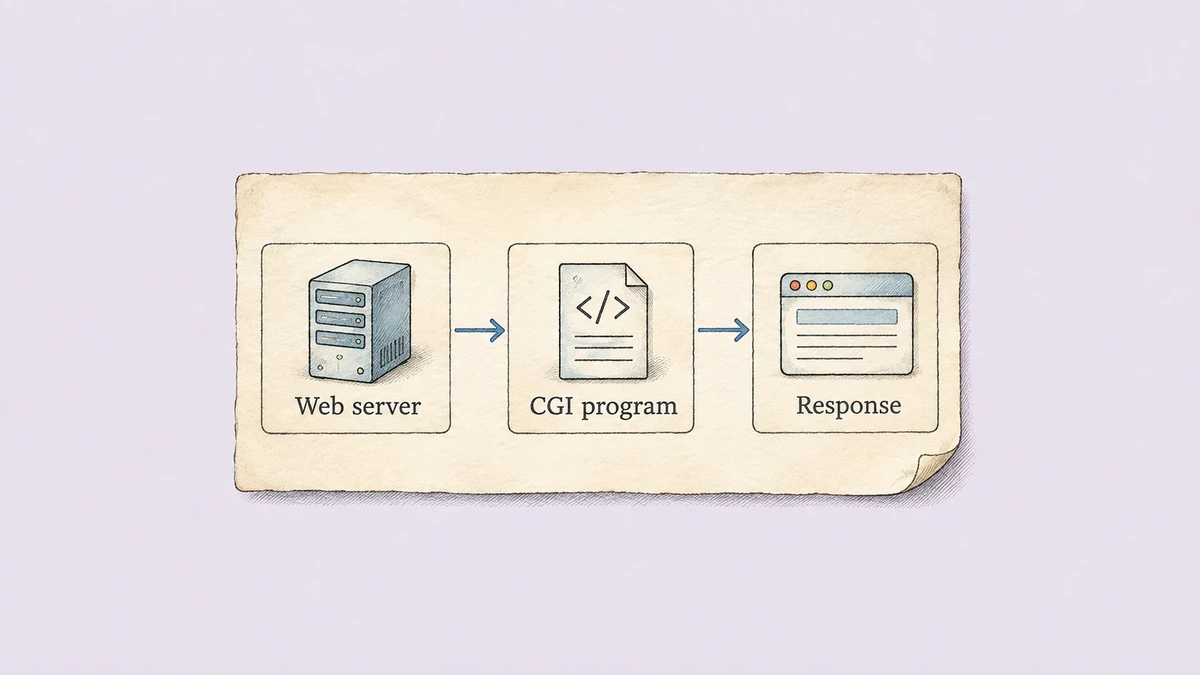
CGI, short for Common Gateway Interface, is one way a web server hands that work to a program. It defines how the server supplies information about a request and receives the program's response.
That program runs on the server, not inside your browser. The name also has nothing to do with the computer-generated imagery used in movies, despite sharing the same initials.
The handoff behind a search box
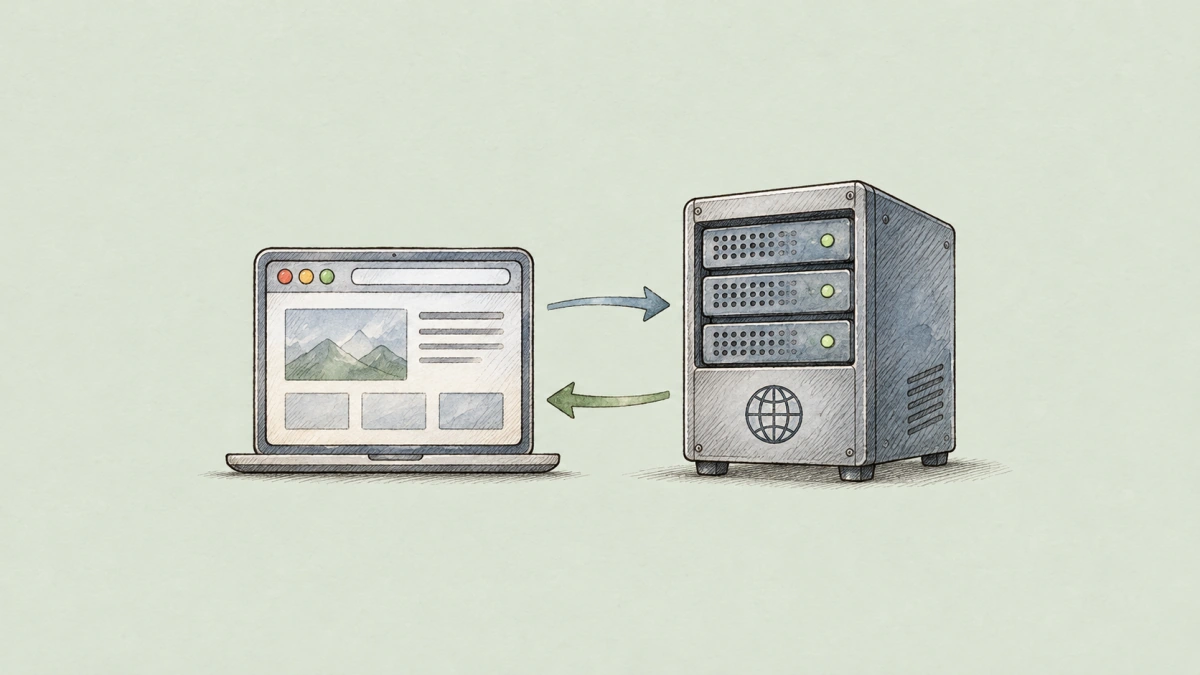
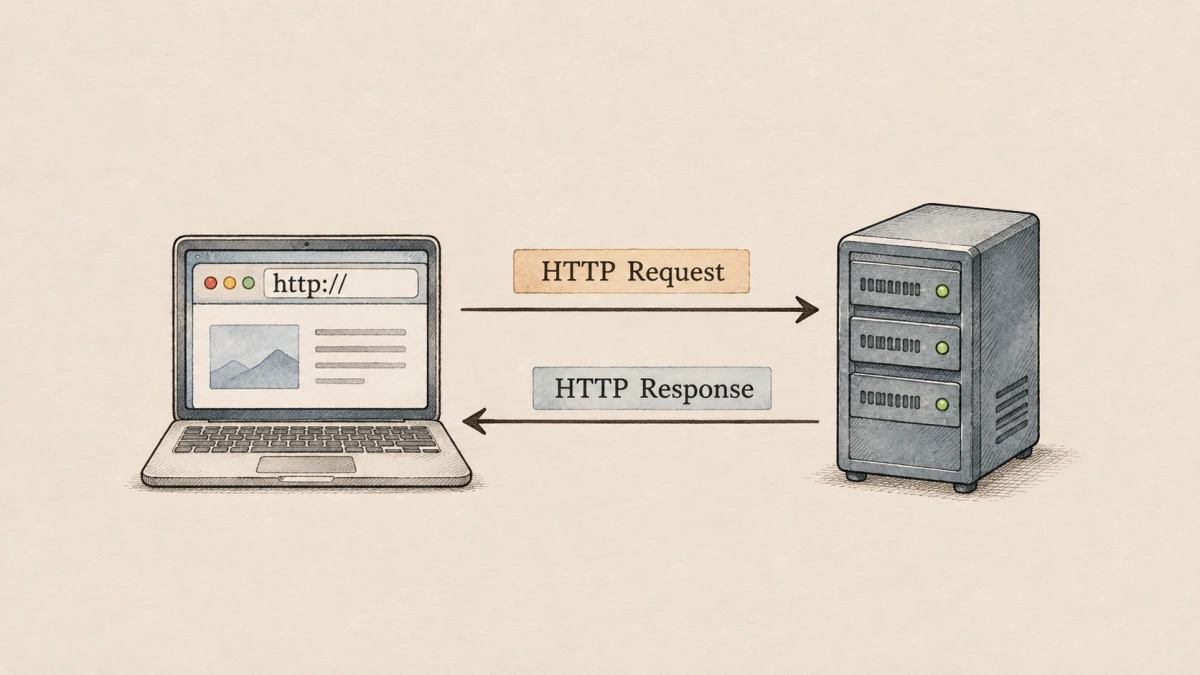
Imagine you're searching our bookshop for books about bees. Your browser sends the search to the web server, the software that receives requests for the site.
If the server is configured to use CGI for that search, it passes the request to the designated program. The program can read the search words, consult the catalog, and produce a page of matching titles.
The browser doesn't need to know that CGI was involved.
The CGI specification describes the information exchanged during this handoff. That includes details such as the request method—whether the browser is asking for content or submitting data—and any data supplied with the request.
How a Web Page Gets to Your Screen
The program's response includes headers, small instructions describing the result, followed by any content it returns. For example, a header can tell the server that the content is an HTML page, the kind a browser displays.
CGI isn't a programming language
A CGI program might be written in Python, Perl, C, or another language the server supports. CGI defines the conversation between the program and server; it doesn't dictate how the program searches those books.
You might see these programs called CGI scripts. Apache's CGI tutorial explains both the interface and the server settings that allow programs to run.
A folder named cgi-bin is a familiar clue that a site uses CGI, but the name alone doesn't prove anything. The server's configuration determines which requests run programs.
Nor does a working form prove that CGI is underneath it: websites have other ways to run code and produce responses.
Why FastCGI came along
Starting a fresh program for each request, as classic CGI setups commonly do, adds work. A quiet bookshop may barely notice; a busy service has to pay that startup cost over and over.
FastCGI lets programs stay running to handle more requests. Apache's FastCGI module uses that approach, keeping a pool of programs ready instead of starting each one from scratch.
CGI and FastCGI are related interfaces, not interchangeable names for all website software. Choosing between them involves the application, the server, and the amount of work each request requires.

- Learn to find the flaws in a web app before someone else does.
- Understand injection, broken logins and logic bugs well enough to fix them.
- Build the skills that web security jobs ask for.
Where the security risk enters
The search box accepts words from strangers, but the program behind it has permissions on the server. Trouble starts when those strangers can make it do more than search.
One example is command injection, where an application mistakenly treats outside input as instructions for the operating system. A carelessly written program might let a search term alter a system command instead of treating it as ordinary text.
OWASP's guidance favors using a programming language's built-in functions instead of assembling system commands from outside input. Developers also need to check that supplied values fit the task they're meant to perform.
The server settings matter, too. Apache warns that CGI programs can run commands with the permissions of the account executing them, so administrators should control who can install or change those programs.
Give that account only the access its job requires, restrict where programs can run, and keep the software maintained. The bookshop's search program should be able to find a beekeeping manual without also having the power to rewrite the shop's records.
Web Servers: What Happens After the Browser Asks
HTTP: The Requests and Replies That Make the Web Work
Input Validation Attacks: When Software Accepts the Wrong Data
QUOTE:
"Amateurs hack systems, professionals hack people."