Hybrid Password Attacks: Why Added Numbers Can Be Predictable
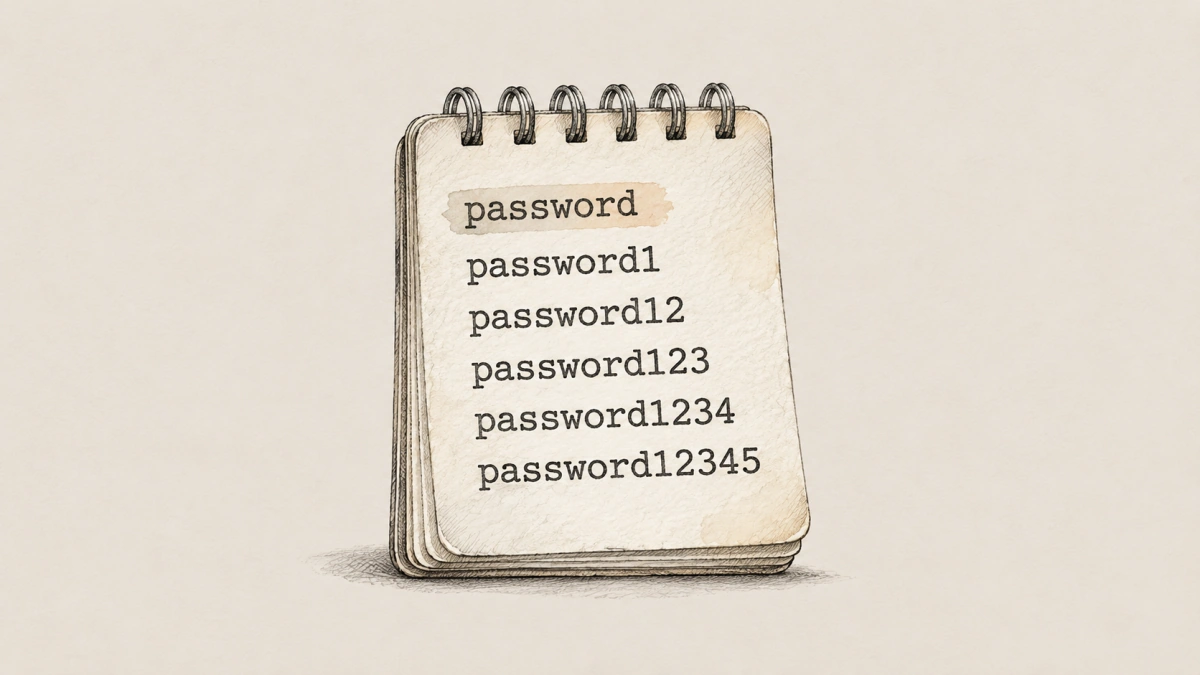
Adding two numbers to a familiar word can make a password look less ordinary without making it hard to guess. A hybrid password attack is built to try combinations like that: recognizable words with systematic additions.
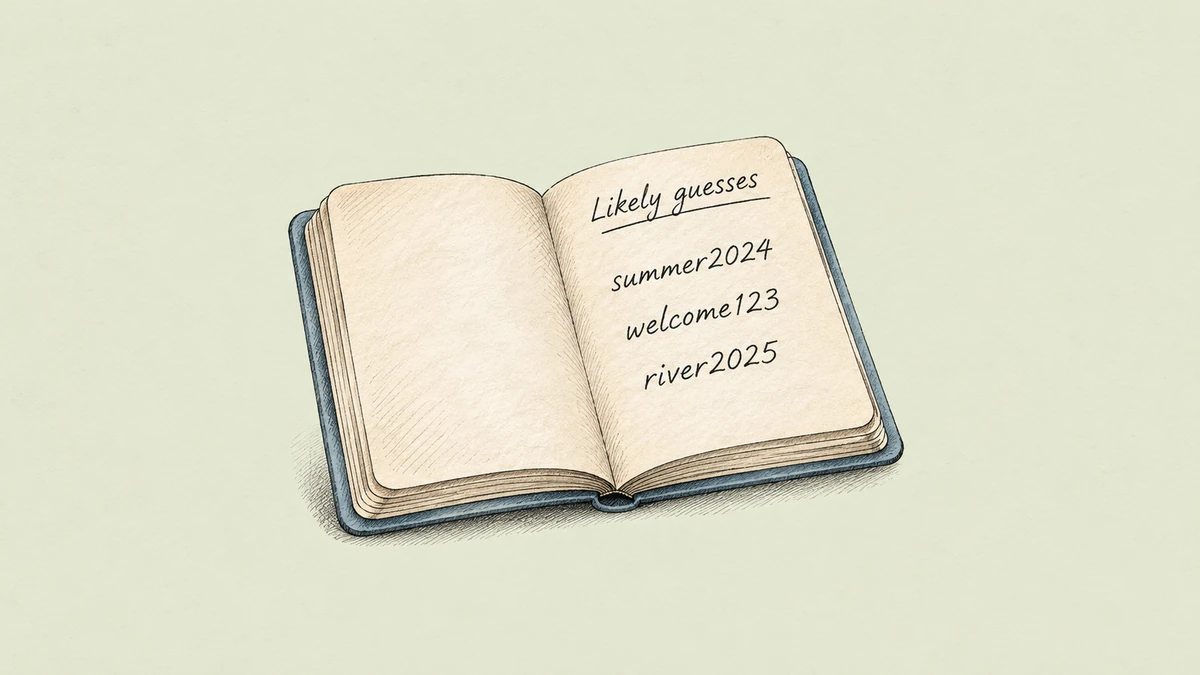
It combines a word list, which supplies likely password text, with a pattern for trying extra characters. The list might contain common passwords, names, or phrases, not just dictionary entries.
The guess has two parts
Consider the made-up example cedar42. An attacker who includes cedar in a word list and tries every two-digit ending would generate that guess among cedar00 through cedar99.
There are 100 possible endings in that example. Applied to 1,000 different words, that particular pattern produces 100,000 candidates—not every possible password.
Password-recovery software often calls the pattern a mask: instructions specifying what characters can occupy particular positions. Hashcat's hybrid-attack documentation describes combining a dictionary word with those patterned characters.
Two Ways Attackers Guess a Password
The extra characters can go before, after, or around the word, depending on the method. A hybrid attack therefore needn't try an entire word list first and then switch to an unrelated search of all combinations.
Its advantage depends on a good prediction: the chosen word and pattern have to cover the password. More computing power won't make a missing candidate appear in a search that never generates it.
A login page and a stolen database aren't the same target
An online attack submits guesses to the real service. That service can limit repeated attempts, add delays, or require another form of proof before allowing access.
Those controls matter more than a raw claim about how many guesses a computer can calculate. OWASP, a software-security nonprofit, explains login throttling as a way to limit password guessing through the normal sign-in process.
An offline attack happens when someone obtains stored password-checking data and tests guesses on their own equipment. The site's login delay no longer controls those tests.
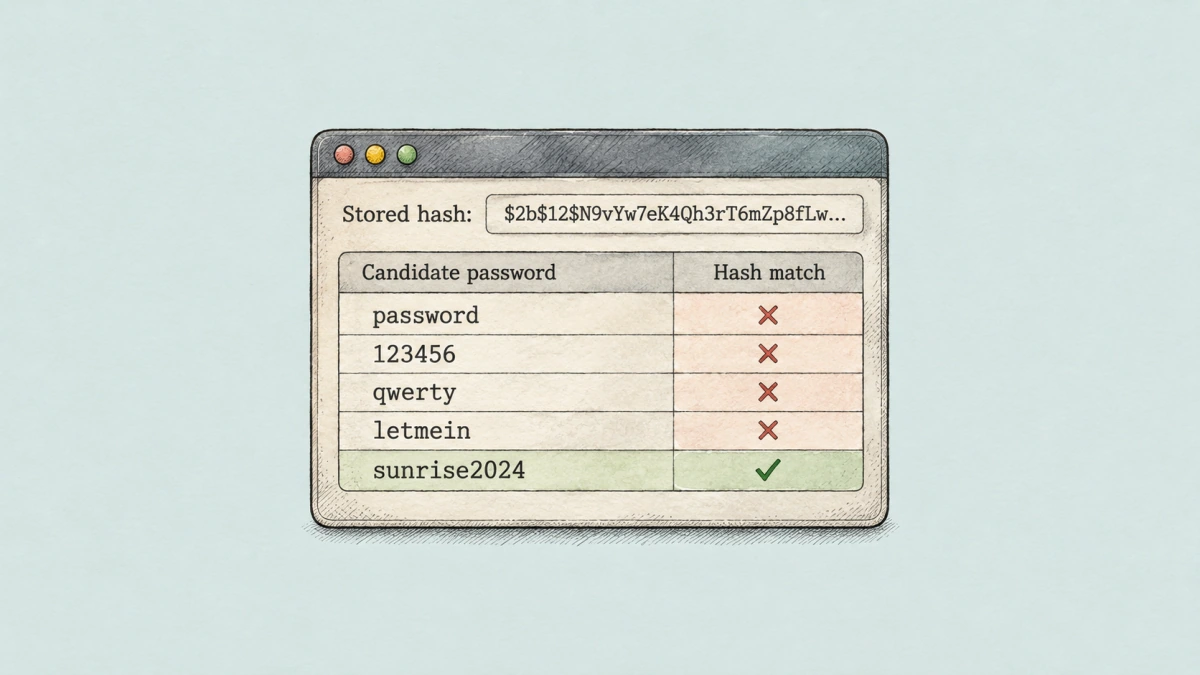
Well-designed systems store password hashes: values calculated from passwords using a one-way process, rather than readable passwords. An attacker can run the same calculation for a guess and check whether the result matches the stolen record.
The process tests a guess; it doesn't reverse the stored value to reveal the password. OWASP's password-storage guide recommends deliberately costly password-hashing methods and unique random salts, extra values used in hashing to hinder work reused across accounts.

- Stop typing passwords: the key enters them for you.
- Add a second factor to your accounts with the same device.
- Relax if you lose it: it is PIN-protected and built to resist tampering.
Make the pattern less useful
Choose a long, unique password for each account, preferably generated and stored by a password manager. A password manager is software that keeps credentials for you, so you don't have to build memorable variations of the same word.
The National Institute of Standards and Technology's password guidance supports password managers and generators, and warns against trivial changes to known weak passwords.
Multifactor authentication, or MFA, adds a different kind of proof, such as possession of a security key, alongside a password. It can protect the account when a password is guessed, although it doesn't make stolen password hashes harder to test offline.
When you're replacing a weak password, replace the underlying choice. Keeping the same word and advancing the year gives a guesser another familiar pattern to try.
Dictionary Attacks: Why Familiar Password Tricks Fail
Password Cracking: How Guesses Work Against a Stolen Database
Passwords: What the Secret You Type Actually Does
QUOTE:
"Amateurs hack systems, professionals hack people."