User Contingency Plans: How Work Continues During an Outage
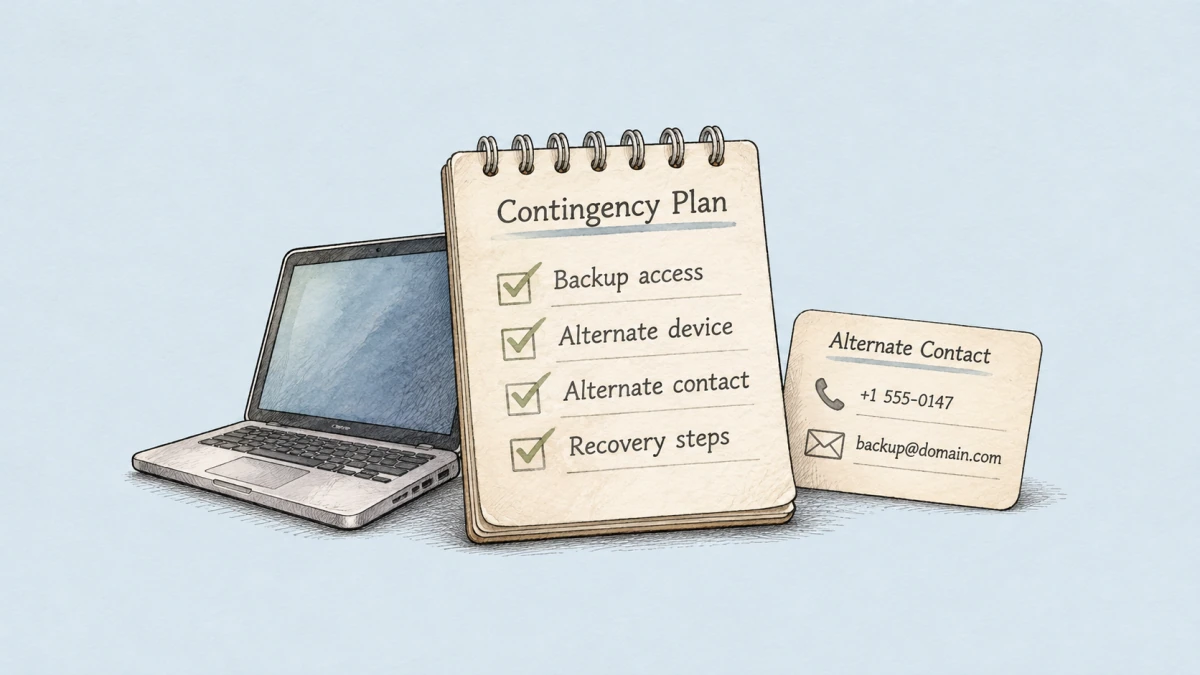
A user contingency plan explains how people can continue essential work when their usual information technology systems are unavailable. It gives users an approved alternative to the normal workflow while other staff work on restoring the service.
The SANS Institute's definition centers on those alternative work methods. The plan tells people what they can do next, what must wait and whom to contact.

- Stay online through short outages with battery power for your router and computer.
- Save your work and shut down cleanly instead of losing it to a flicker.
- Charge your phone from the built-in USB port even while the power is out.
The order still needs recording
Suppose a small business can't use its order-entry application. Customers are still calling. Staff need to know whether they may take orders and, if so, where to record them.
An approved temporary form could capture the details needed to process an order later. The plan would identify who may use it, where completed forms go and who can read them. It might also limit which orders staff can accept until they can check stock or other information in the unavailable system.
Those limits keep staff from promising work the temporary process can't support. Writing down a request doesn't necessarily mean the business can promise its usual delivery time.
Staff also need a clear signal to start the alternative process. Someone must be responsible for announcing that decision, answering questions and explaining changes. The contact method has to work during the outage; directions stored only inside the failed application won't be much help.
Recovery creates another handoff
When the application returns, the temporary records need to follow the work back into it. In the imagined business, someone should account for which orders have been entered and which remain outstanding. Otherwise, two employees might enter the same order, or each might assume the other already did.
The plan should assign that reconciliation: comparing the temporary records with the restored system and resolving differences. It should also say when staff stop using the temporary method.
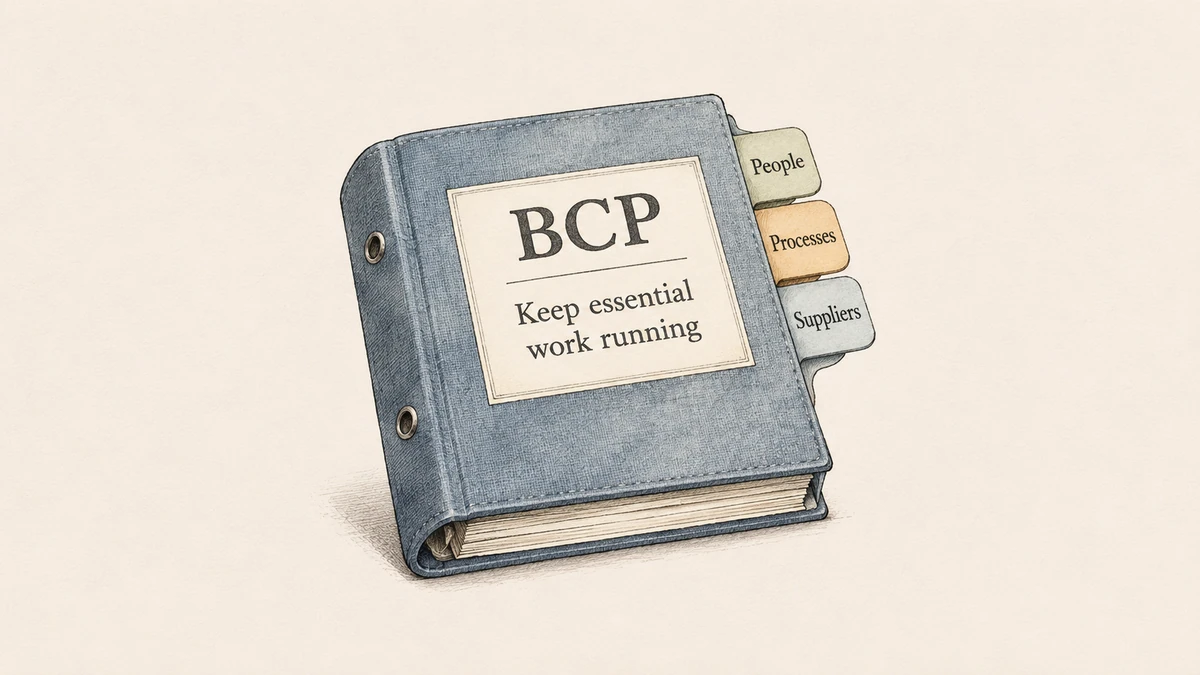
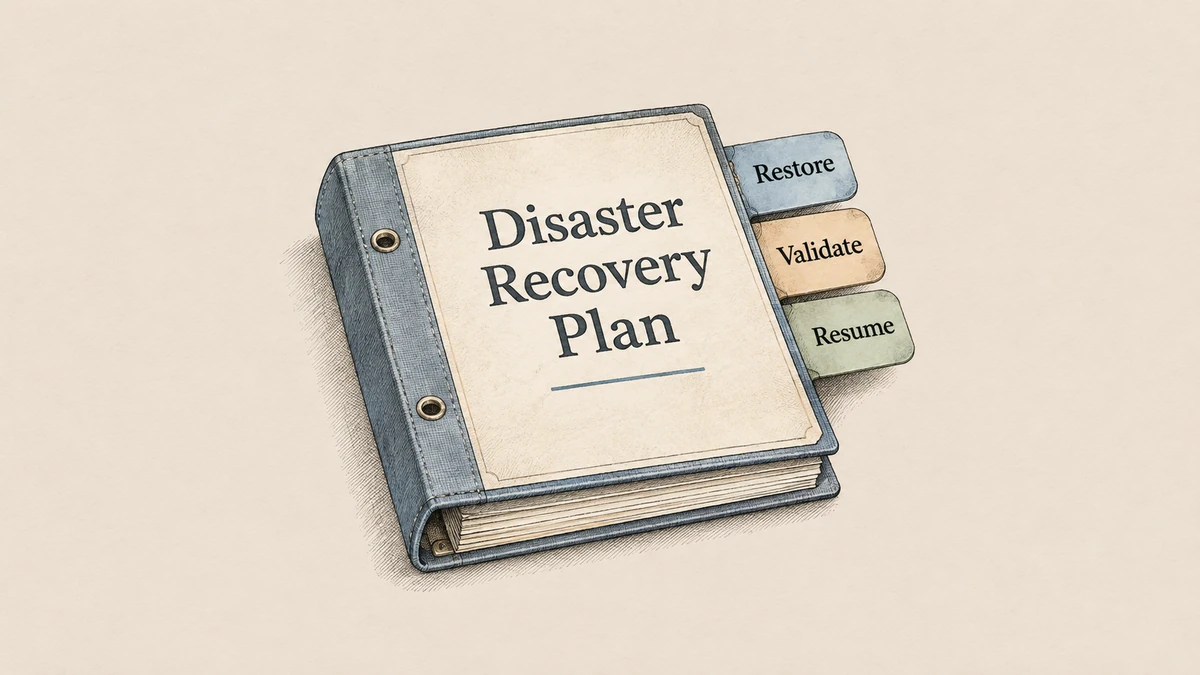
This connects the user plan with a business continuity plan, which keeps essential activities operating through disruption. A disaster recovery plan addresses the technical work of restoring systems. The people taking orders and the people restoring the application need coordinated instructions, even though their tasks differ.
Backup or Disaster Recovery: What's the Difference?
Test the alternative from start to finish
The National Institute of Standards and Technology’s contingency-planning guide includes temporary manual work, alternate systems and alternate locations among possible strategies. It also emphasizes assigned roles, training, exercises and maintaining the plan as conditions change.
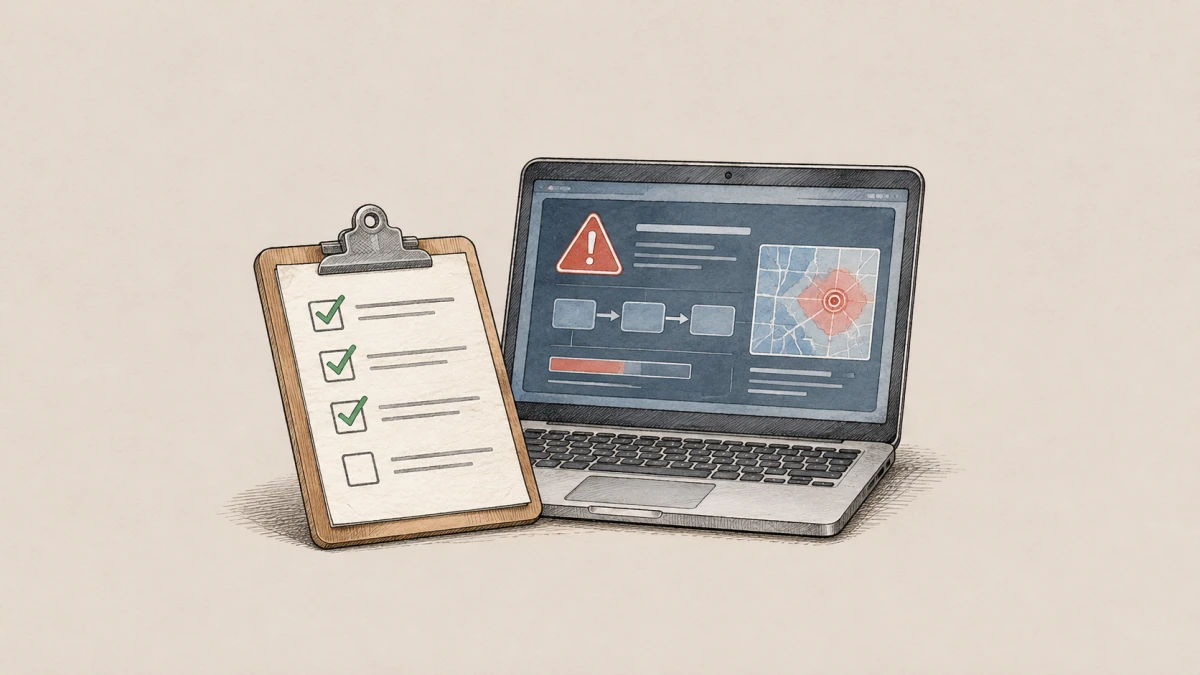
An exercise can expose a simple obstacle: the alternate application needs the same failed internet connection, or the person authorized to approve temporary orders is unreachable. A cloud service still needs a working route to reach it.
Practicing the full order journey—from the first temporary form to the last reconciled entry—shows whether the alternative actually supports the work it was meant to preserve.
Business Continuity Plans: Keep Working While Systems Recover
Disaster Recovery Plans: How to Bring Your Systems Back
Operational Exercise: Does the Backup Plan Actually Work?
QUOTE:
"Amateurs hack systems, professionals hack people."