System Administration Is the Work That Continues After Setup
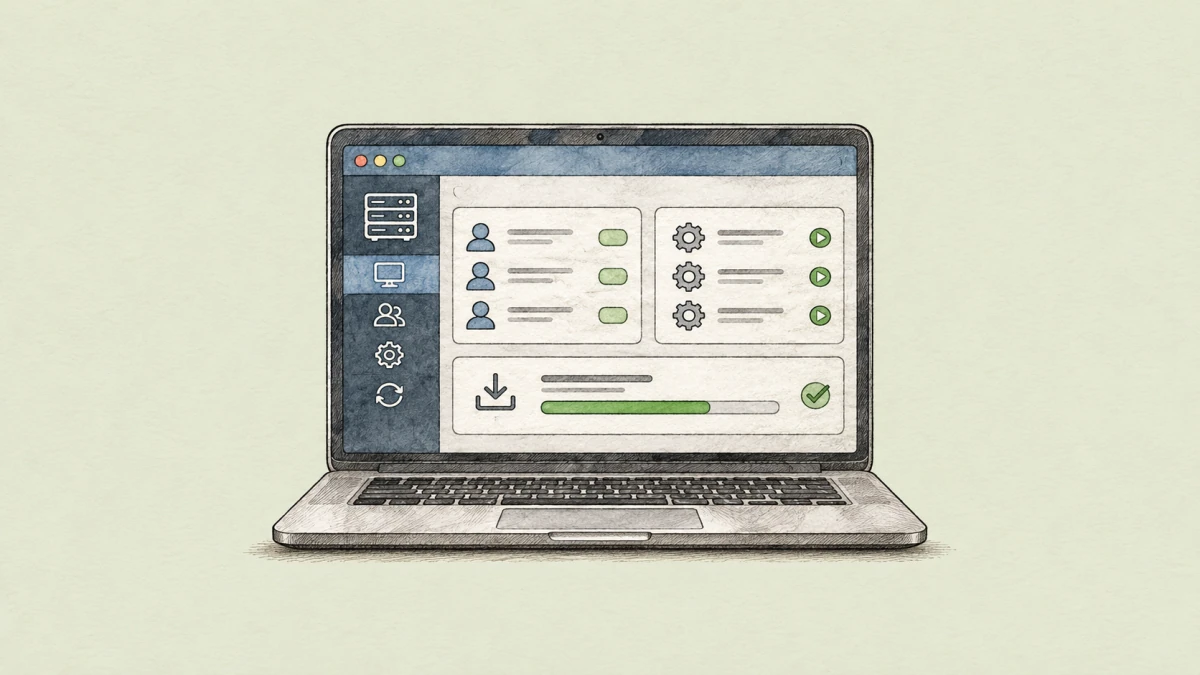
System administration is the work of setting up, operating and maintaining computer systems. An administrator uses permissions that allow changes ordinary users may not be able to make, such as installing software or managing accounts. Those powers carry responsibility for what happens after the change.
A system isn't finished when its first installation succeeds. Software needs repairs. People join and leave. Settings change, and components fail. An administrator deals with those changes so people can keep using the service.
The federal Cybersecurity and Infrastructure Security Agency's systems-administration work-role description brings installation, configuration, updates, accounts, backup, recovery and troubleshooting into the same role. Organizations can divide that work among several people or teams.
Linux in 100 Seconds
An update has more than one finish line
Suppose a team needs to update a server that stores shared working documents. A server is a computer or program providing a service to other computers. The update may repair a security weakness, but installing it also changes something people depend on.
The administrator first needs to identify the applicable update and understand the service affected. Testing can reveal a problem before the change reaches the working system. Preparation also includes arranging when and how to make the change under the organization's operational constraints.
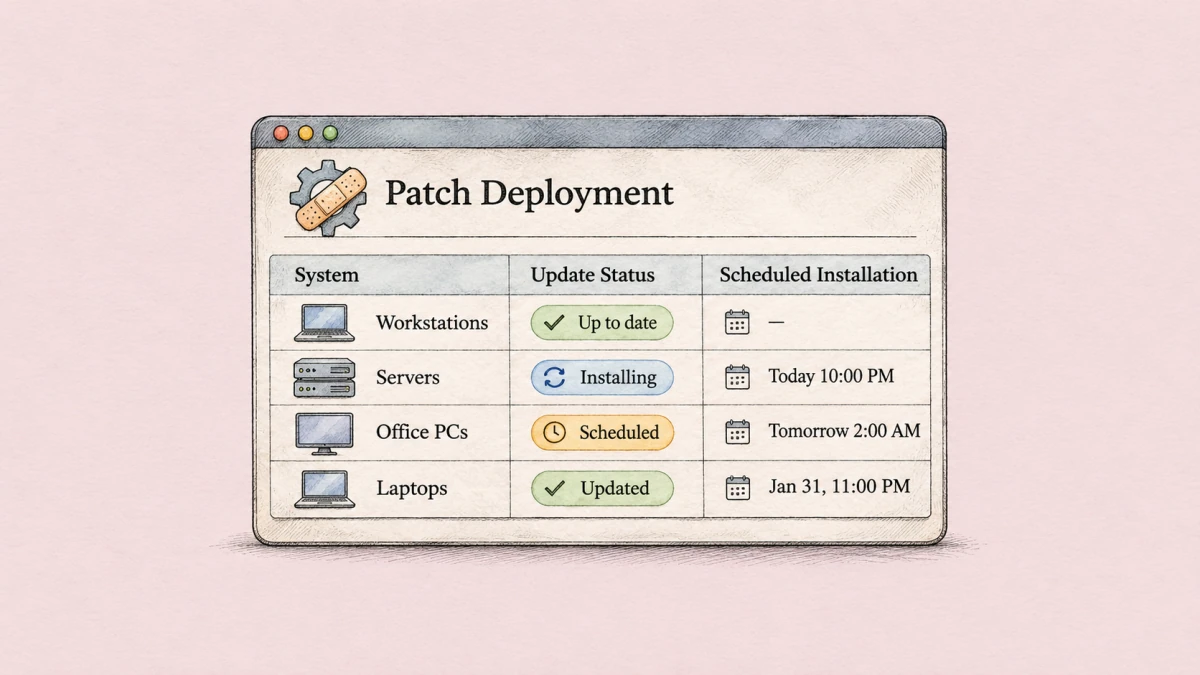
The administrator needs to verify that the update took effect and that the service still works. A download can finish without becoming the software actually running. A tool can report a successful job while a required restart or another step remains outstanding.
The National Institute of Standards and Technology's patch-management guide treats identification, prioritization, installation and verification as parts of one process. The fuller explanation of patching follows why a delivered fix and an active fix aren't always the same.
Access changes while the service stays
The same document server may remain in place as employees change roles. Someone starting work may need an account. Someone moving to another team may need different permissions. Someone leaving may need access removed.
Those changes belong to administration because a system's safety depends partly on who can use its functions. Privileges are the permissions to perform particular actions; administrative privileges can affect far more than one person's files.
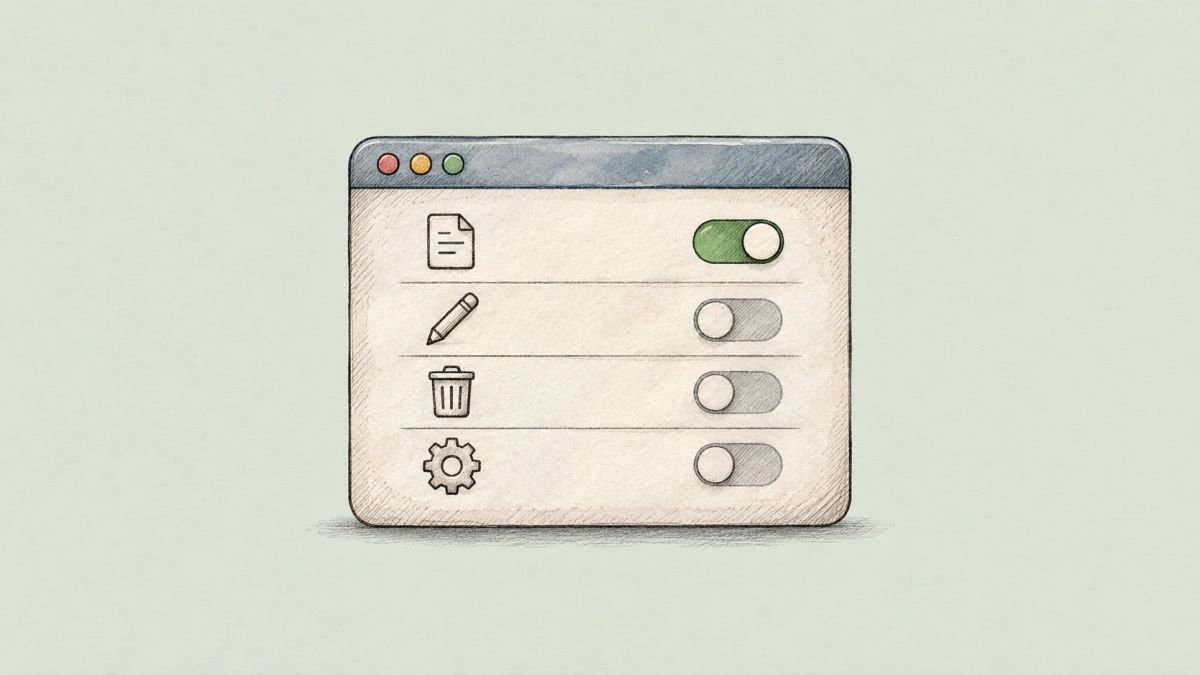
Least privilege means granting the access needed for the work. It helps explain why the ability to read shared documents and the ability to reconfigure the server should be considered separately.
Administrators carry out these changes within organizational policies. A job title doesn't give one person authority to settle every question about business risk or who should have access. The technical work and the approval responsibilities need to fit together.

- Run a test server or a home lab without giving up desk space.
- Start right away with 16GB of memory and a 500GB SSD already inside.
- Drive two 4K screens when it doubles as an everyday desktop.
Recovery is something to check before needing it
Maintaining a service also means preparing for a failed change, damaged component or lost data. Backups provide copies used for recovery, but a successful backup job isn't the same observation as a successful restoration.
Someone has to check whether the needed data can be restored and whether the service can use it. Configuration records—descriptions of the intended settings—also help the team rebuild a working system rather than guess how it was arranged.
Testing recovery and recording settings make the next failure less dependent on one person's memory of what they clicked during setup.
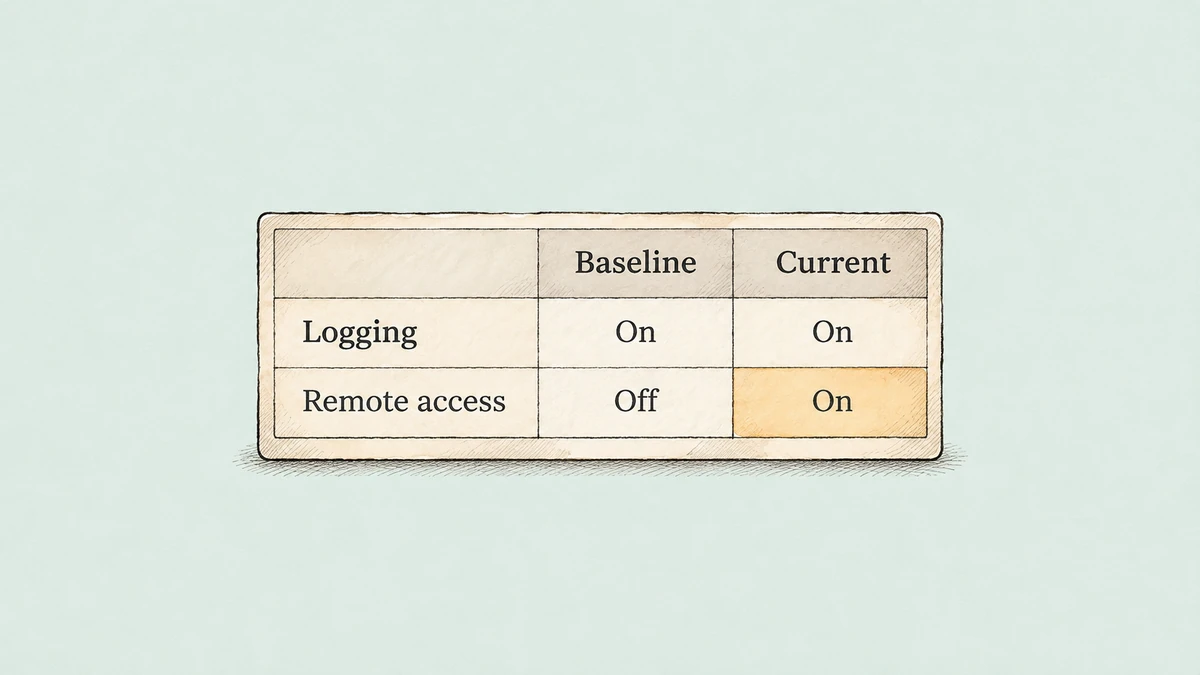
Configuration Management: Stop Losing Track of System Changes
Patch Management: Getting a Security Fix Onto Every System That Needs It
Least Privilege: Give Each Account the Power Its Work Needs
QUOTE:
"Amateurs hack systems, professionals hack people."