Full Duplex: Sending and Receiving Without Taking Turns
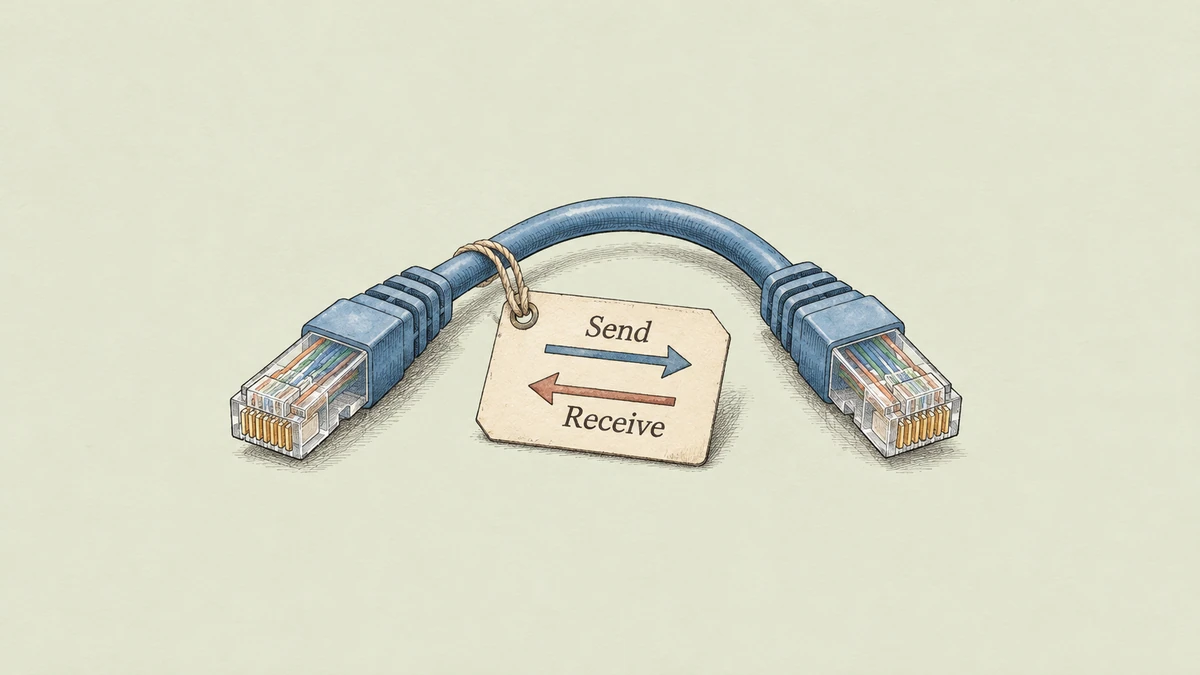
You can speak during a phone call while the other person is still talking. Full duplex describes that ability to send and receive at the same time, without making one direction wait for the other.
On a network, the term describes a communication link's behavior. It doesn't mean the connection is twice as fast at downloading, and a two-way app doesn't prove every link it uses is full duplex.
Which Ethernet Cable Do You Actually Need?
Two directions, three different arrangements
The distinction is about when each side can transmit:
| Mode | What can happen | Familiar example |
|---|---|---|
| Simplex | Communication goes in one direction | A radio station broadcasting to a receiver |
| Half duplex | Either side can send, but they take turns | A push-to-talk radio conversation |
| Full duplex | Both sides can send and receive simultaneously | A telephone conversation |
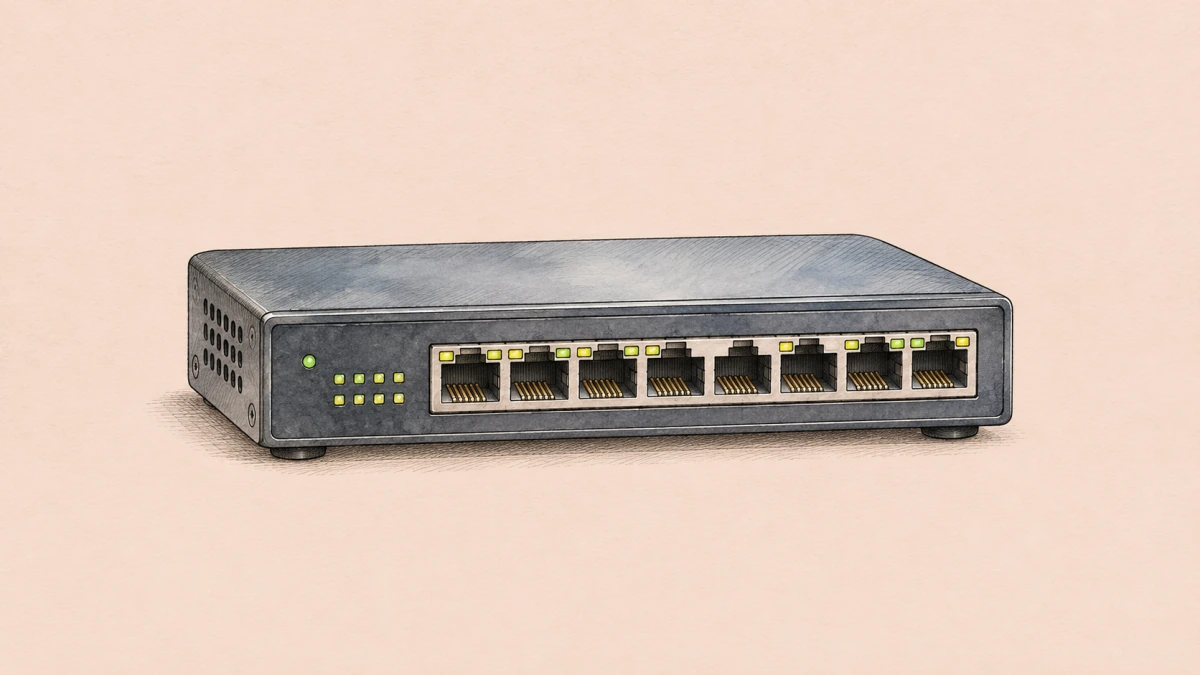
In computer networking, modern switched Ethernet commonly provides full-duplex links. Ethernet is a wired networking system, and a switch connects devices and forwards their traffic to the appropriate connection.
That means a computer can send data to its switch while receiving data from it. Cisco's interface documentation describes full and half duplex as distinct from the link's speed setting.
What “1 gigabit, full duplex” actually gives you
A 1-gigabit-per-second full-duplex link can carry up to that rate in each direction at the same time. A gigabit is a billion bits, and a bit is a single 0-or-1 value.
For example, the link can carry data toward your computer while carrying your outgoing data the other way. Adding the two directions gives a possible combined rate of 2 gigabits per second, but it doesn't create a 2-gigabit-per-second download path.
The advertised link rate also isn't a promise about how quickly a file will arrive. Some capacity carries network control information, and the remote server or another part of the route may be slower.
A duplex setting describes one link; it doesn't erase limits elsewhere in the connection.

- Keep work, guest and smart-home gear apart with up to 32 VLANs on one small switch.
- Copy any port's traffic to your laptop with port mirroring and see what is on the wire.
- Set it up from a web page instead of learning a command line.
Why a video call can work over half-duplex Wi-Fi
You're sending your voice and receiving someone else's during a video call, yet an ordinary Wi-Fi radio shares its airtime between transmitting and receiving. Cisco's wireless reference guide identifies this as half-duplex behavior.
The radio takes turns quickly, exchanging packets—small units of data—in both directions. An app can assemble those exchanges into a conversation that feels simultaneous, even though a particular radio isn't transmitting and receiving at the same instant.
This is why “my microphone and speakers both work” isn't a test of a network link's duplex mode.
When the two ends disagree
Older Ethernet equipment can run into a duplex mismatch: one end uses full duplex while the other uses half duplex. The connection may still appear active while suffering errors and poor performance, as Cisco's troubleshooting guide explains.
Autonegotiation lets compatible devices agree on link settings, and it's generally the appropriate choice when both ends support it. Forcing full duplex on only one end of an older 10- or 100-megabit Ethernet connection can cause the very mismatch you're trying to avoid.
If you're investigating a slow wired connection, check the settings and errors at both ends. Selecting the option that sounds faster isn't a substitute for making the two devices agree.
Ethernet Explained: What the Cable Does—and Doesn’t Do
ACK Piggybacking: When a Receipt Rides With the Data
A Network Switch Learns Where to Send the Next Frame
QUOTE:
"Amateurs hack systems, professionals hack people."