A Packet Sniffer Shows the Traffic That Reaches It
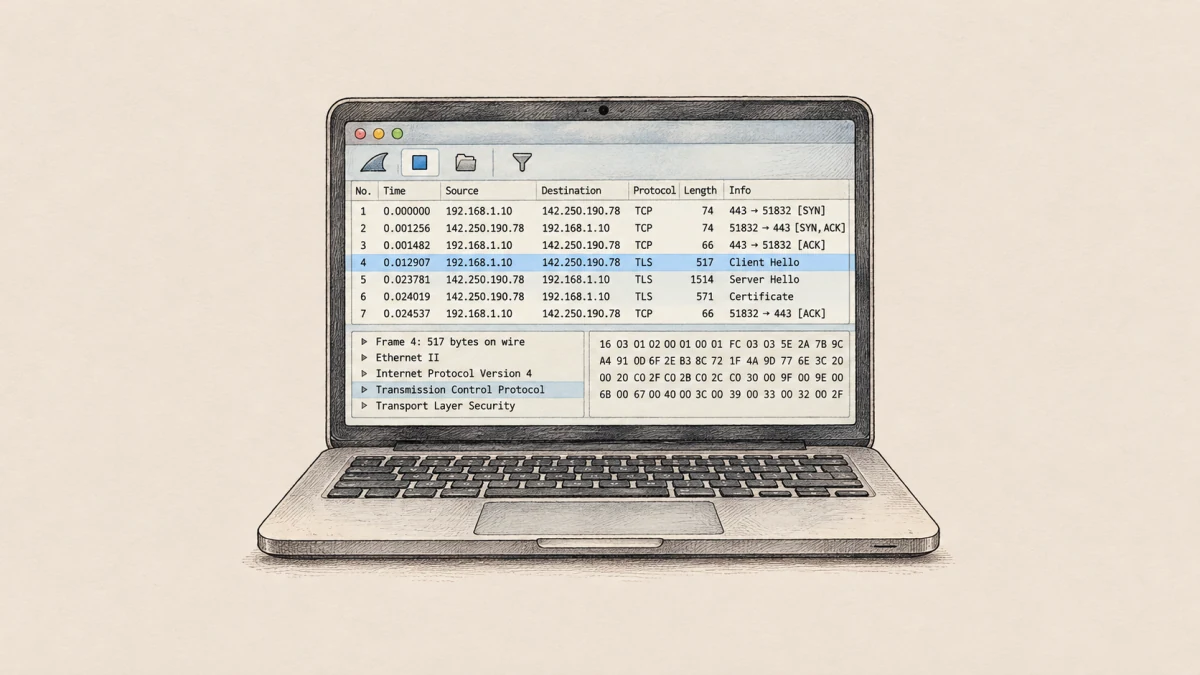
A packet sniffer is a tool that captures network traffic so someone can inspect it. Networks carry information in packets, units of data that include delivery details and content. A sniffer records those units at a particular listening point.
The same observation capability can support a permitted investigation or be misused for unwanted network sniffing.
That record can help with troubleshooting. Suppose an application appears to hang while contacting another computer. A capture might show a request leaving, followed by no visible reply. The person investigating now has a more specific observation to work with than “the application is slow.”
It still isn't a complete diagnosis. The response may be missing because of a problem elsewhere, or because the chosen capture point didn't see it. Understanding the tool's view is part of interpreting what it records.
See What Your Computer Is Really Sending
The listening point determines the evidence
A computer's network interface is its connection to a network, such as an Ethernet adapter. A sniffer using that interface can capture traffic available there. Installing the software doesn't make every conversation elsewhere on the network arrive at that computer.
On a switched Ethernet network, the switch normally directs traffic between two devices toward the intended destination rather than delivering it to every port. A neighboring computer therefore won't ordinarily receive every packet exchanged by that pair.
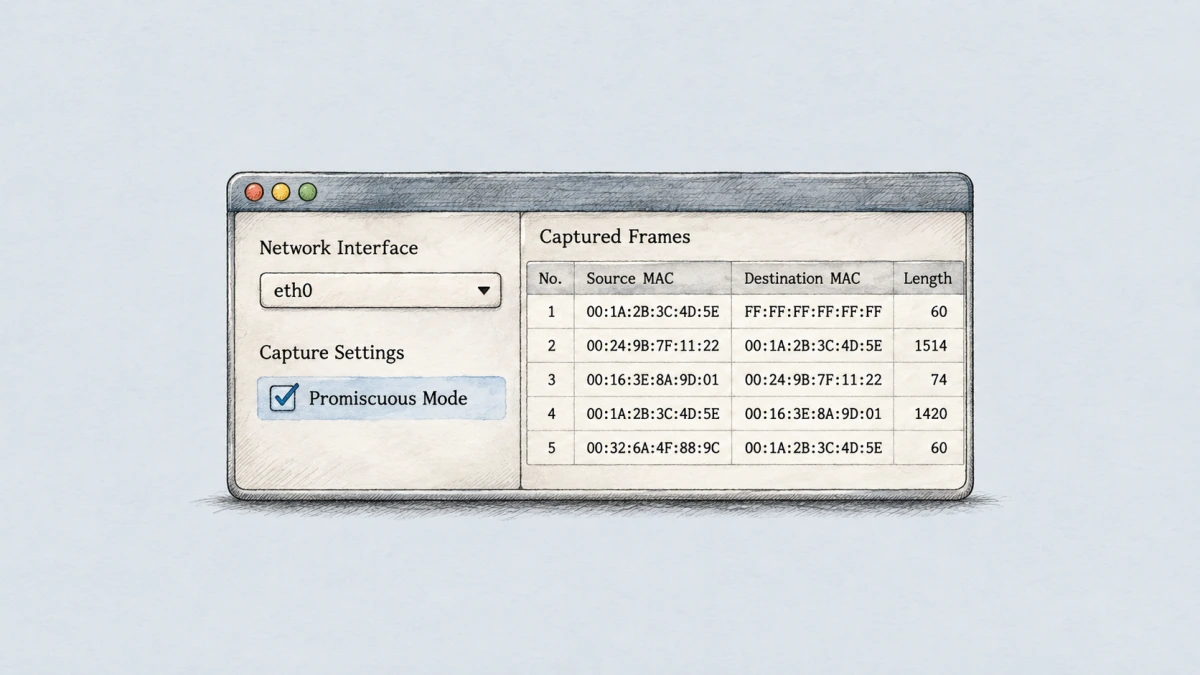
A setting called promiscuous mode lets an interface accept more of the traffic that already reaches it. It doesn't make the switch send over conversations that aren't arriving there. The Wireshark project's Ethernet capture guidance explains this distinction.
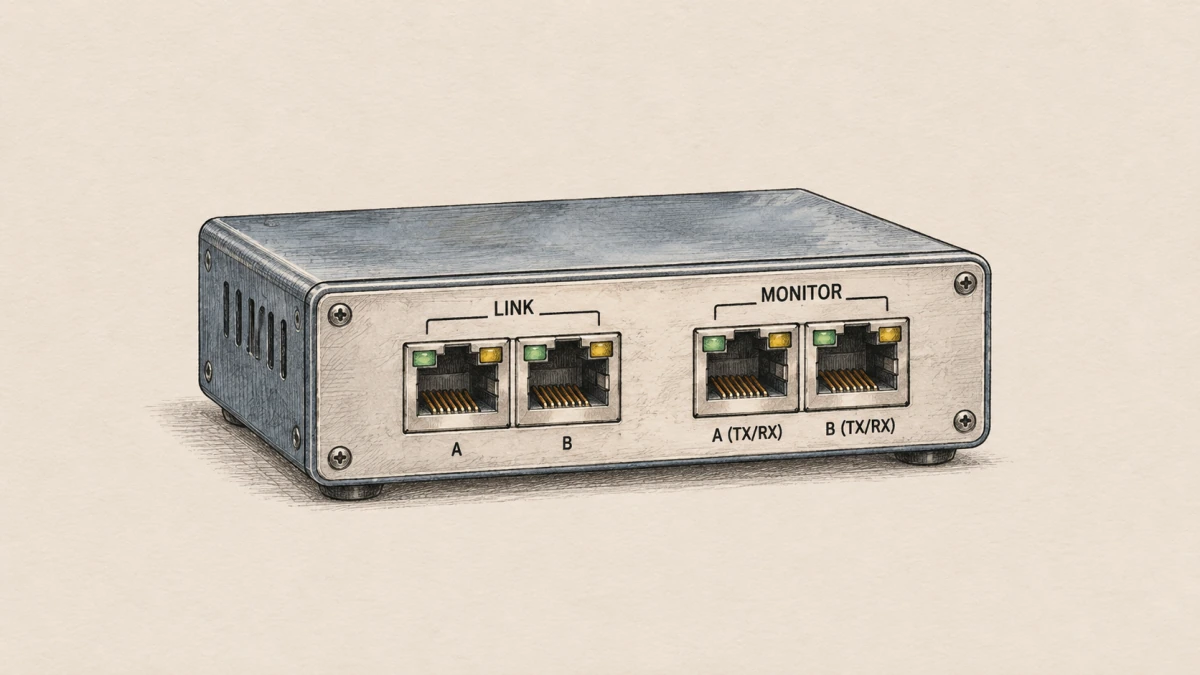
For an authorized investigation, a network administrator may arrange a mirror port, which receives copies of selected traffic from a switch. Another option is a network tap, a device that provides monitoring equipment with a copy of traffic on a particular connection. Both change where the investigator can observe; neither makes that view cover every possible path.
Captured doesn't always mean readable
A packet carries more than the message a person wants to send. Its addressing and other delivery information help the network move it. A capture may therefore reveal where traffic goes, when it arrives and how much data travels, even when its contents are encrypted.
TLS, short for Transport Layer Security, protects application content between the systems using it. Without the appropriate secret information, a sniffer can't simply turn that protected content into the original message. The fact that the tool displays a packet doesn't mean it can display the document or password inside the encrypted exchange.
Those remaining observations can still be useful. Timing and lengths may help someone investigate a connection problem without reading the application's message. Conversely, traffic sent without suitable protection may expose readable information in the capture.

- See every packet on a link without slowing it down.
- Feed a monitoring tool real traffic instead of a sample.
- Power it from a USB port, with no extra adapter to carry.
Recording traffic is a separate job from stopping it
Wireshark is a packet analyzer: it presents captured data for examination. Its own documentation makes clear that it isn't an intrusion detection system and doesn't independently warn about suspicious activity. It observes rather than altering traffic.
A security product can combine capture with other functions, but a sniffer's basic job doesn't promise alerts, blocking or repairs. The record needs interpretation.
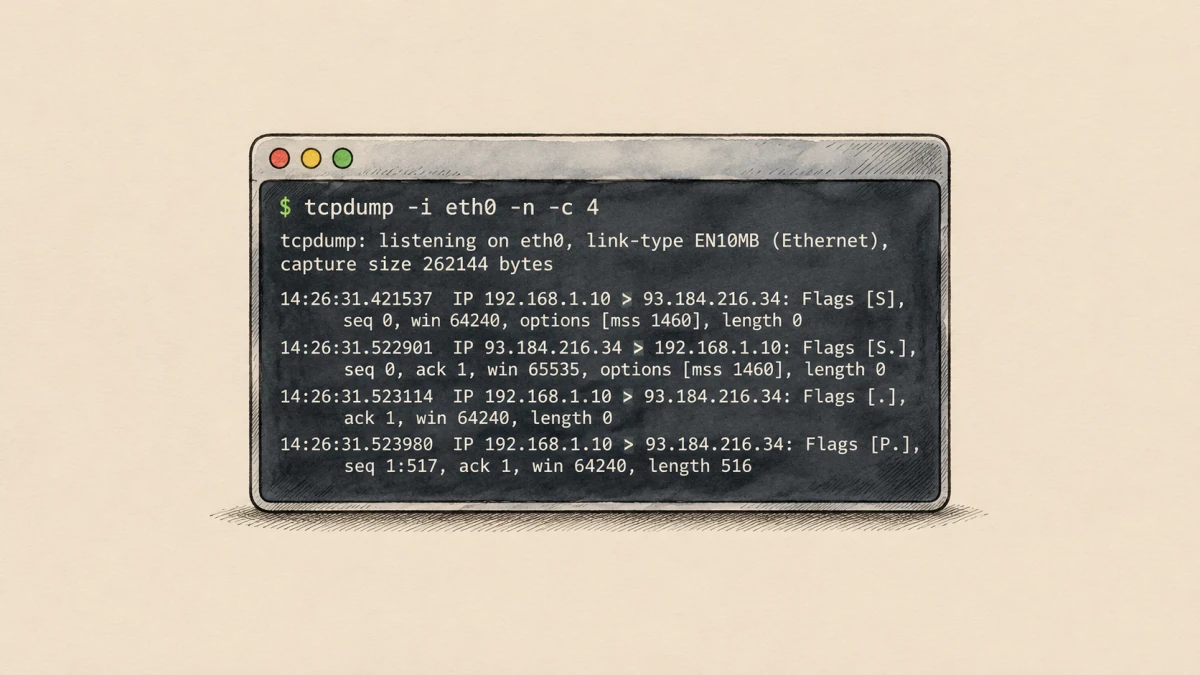
tcpdump Shows the Traffic That Reaches Its Observation Point
Promiscuous Mode and the Packets Your Computer Never Sees
What Are Network Taps? What a Copy of Traffic Can Reveal
QUOTE:
"Amateurs hack systems, professionals hack people."