Where a Security Perimeter Actually Draws the Line
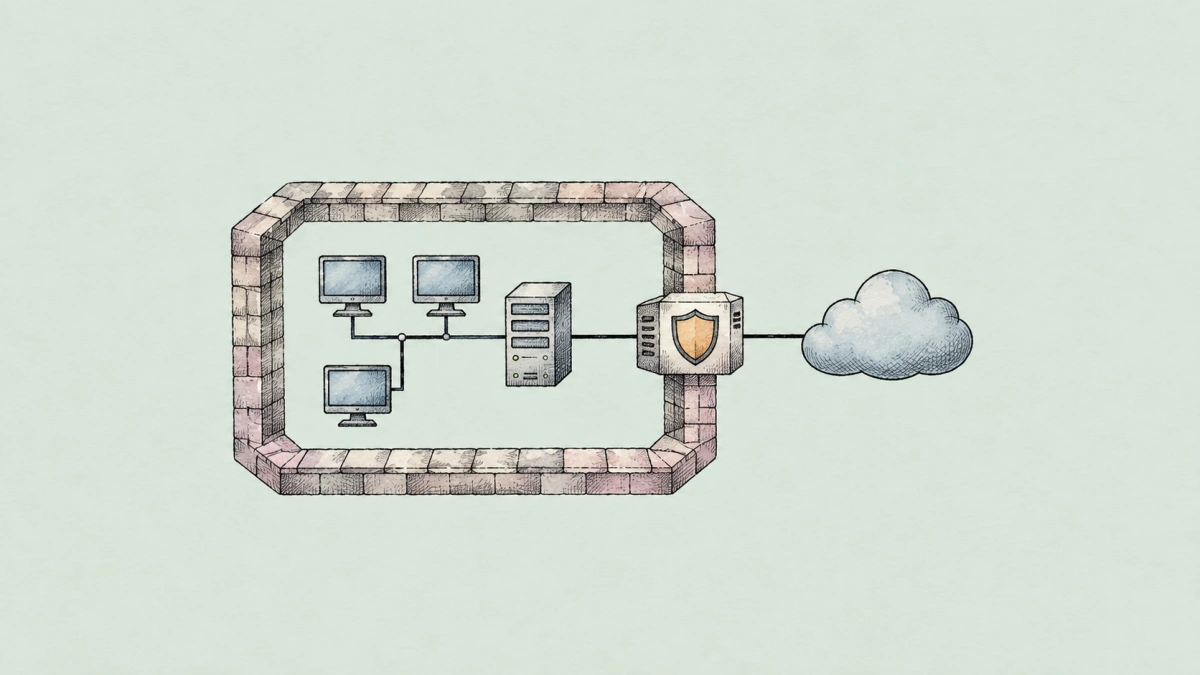
A security perimeter is a defined boundary around systems or resources where security rules apply. It may separate an office network from the internet, or a smaller group of sensitive systems from the rest of an organization. The boundary identifies what is being protected; controls enforce the rules at its crossings.
A perimeter can be physical, such as a controlled room, or logical, meaning it is defined by how systems and connections are arranged. The U.S. National Institute of Standards and Technology (NIST) includes both meanings in its security-perimeter definitions.
In networking, the important detail is the path a connection takes. A control can inspect traffic that reaches it. Traffic taking another path may never encounter that check.
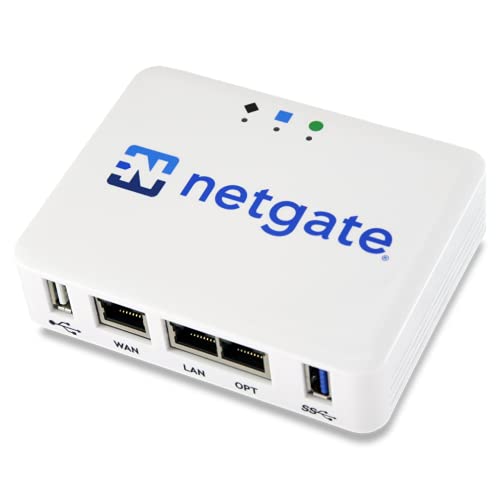
- Skip the install: pfSense Plus comes preloaded, so you can start writing rules right away.
- Get a firewall, router and VPN in one silent box that sips power.
- Keep receiving pfSense Plus updates for the life of the product.
Follow a connection through the office boundary
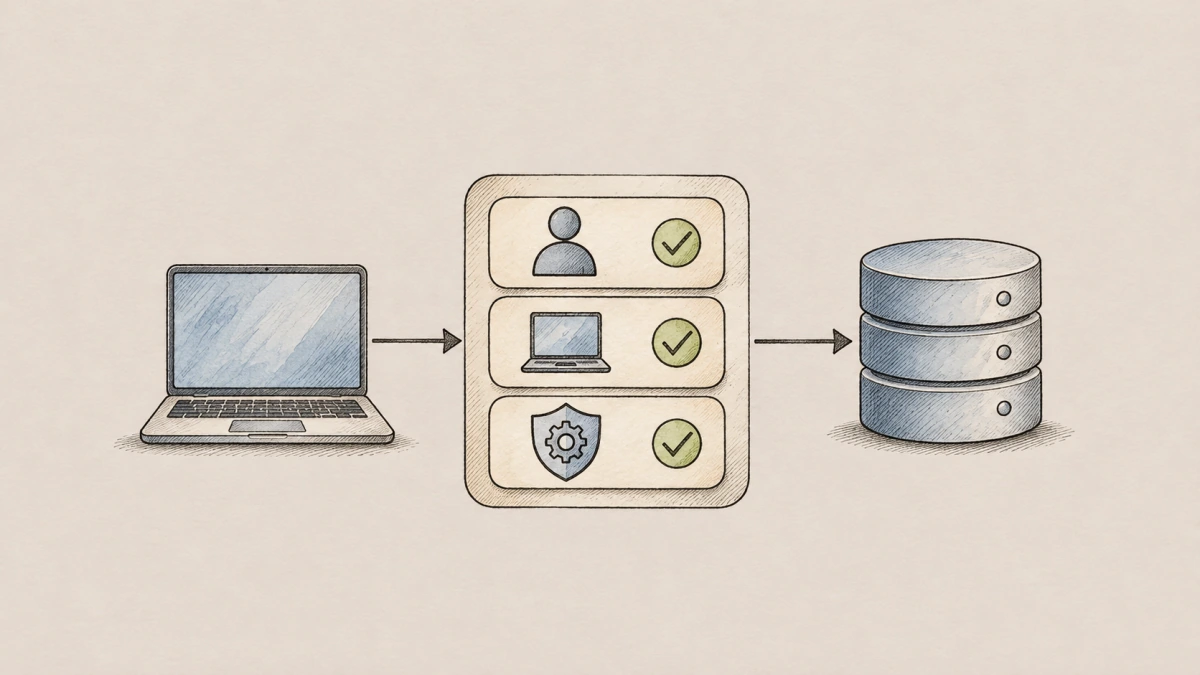
Suppose a laptop inside an office contacts a service on the internet. Its traffic passes through a firewall, software or a device that allows or blocks communications according to rules.
The firewall sits at a crossing between networks with different security requirements. It can limit which connections pass through. Its decision is about the traffic its rules and features can evaluate; permission to pass isn't a guarantee that everything carried by the connection is harmless.
Now consider the same laptop contacting another computer inside the office. Depending on the network arrangement, that traffic may stay entirely within the internal network. The firewall at the internet connection doesn't see it.
That is a limit of where the firewall sits. A guard at one door can't inspect a journey that never uses that door. The NIST firewall guide explains this difference between outer-boundary protection and internal traffic.
Smaller boundaries inside the office
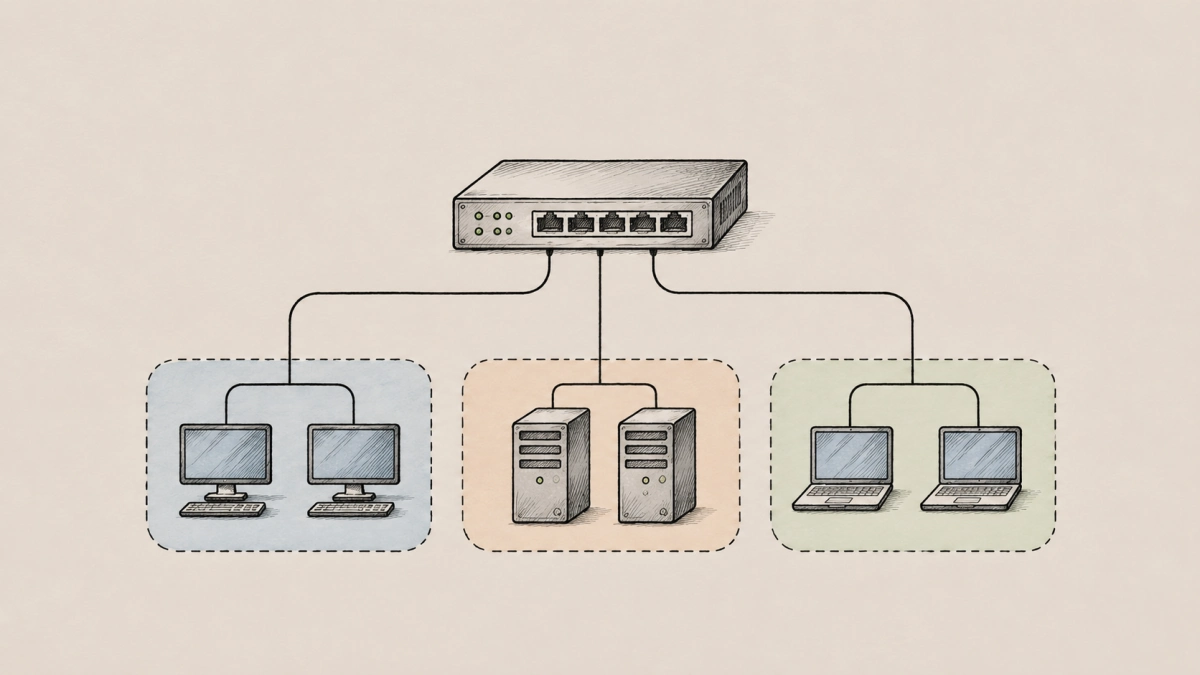
A network can have controls between internal areas as well as at its outside connection. A sensitive service might sit behind a boundary that restricts access from other office systems. Guest connections can also be separated from systems that hold private information.
A host firewall controls traffic to and from an individual computer. “Host” here means the device itself. That puts a check near the resource rather than relying entirely on the organization's outer connection.
These arrangements don't make the outer perimeter useless. They give different boundaries different jobs. One controls communication with outside networks; another controls which internal systems can reach a particular service.
The firewall's placement and rules therefore matter together. Drawing a boundary on a diagram doesn't determine what a permitted connection can do after it crosses.
How a Firewall Decides What Gets Through
Location is one fact about a request
Remote workers and cloud services may operate beyond a network boundary the organization owns. Even inside that boundary, a connection's location doesn't establish that the user or device deserves access to everything there.
Zero trust is an approach that avoids granting trust solely because of network location or device ownership. The NIST zero-trust architecture focuses decisions on users, devices and the resources they want to use.
Authentication checks a claimed identity. Authorization decides what that identity is allowed to do. Being connected to office Wi-Fi doesn't answer either question for every application.
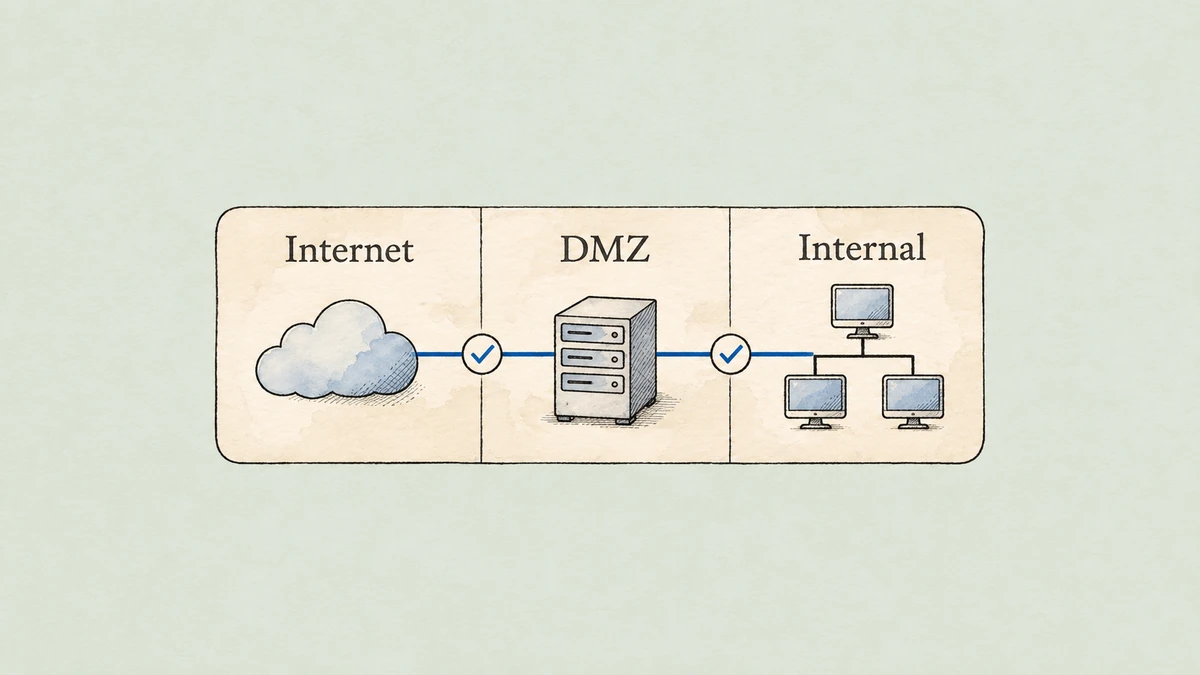
What Is a DMZ? Separating Public Servers From Private Systems
Network Segmentation: How Far Can One Intruder Go?
Zero Trust: Why Being on the Office Network Isn't Enough
QUOTE:
"Amateurs hack systems, professionals hack people."