SSL: An Old Protocol With a Name That Stuck
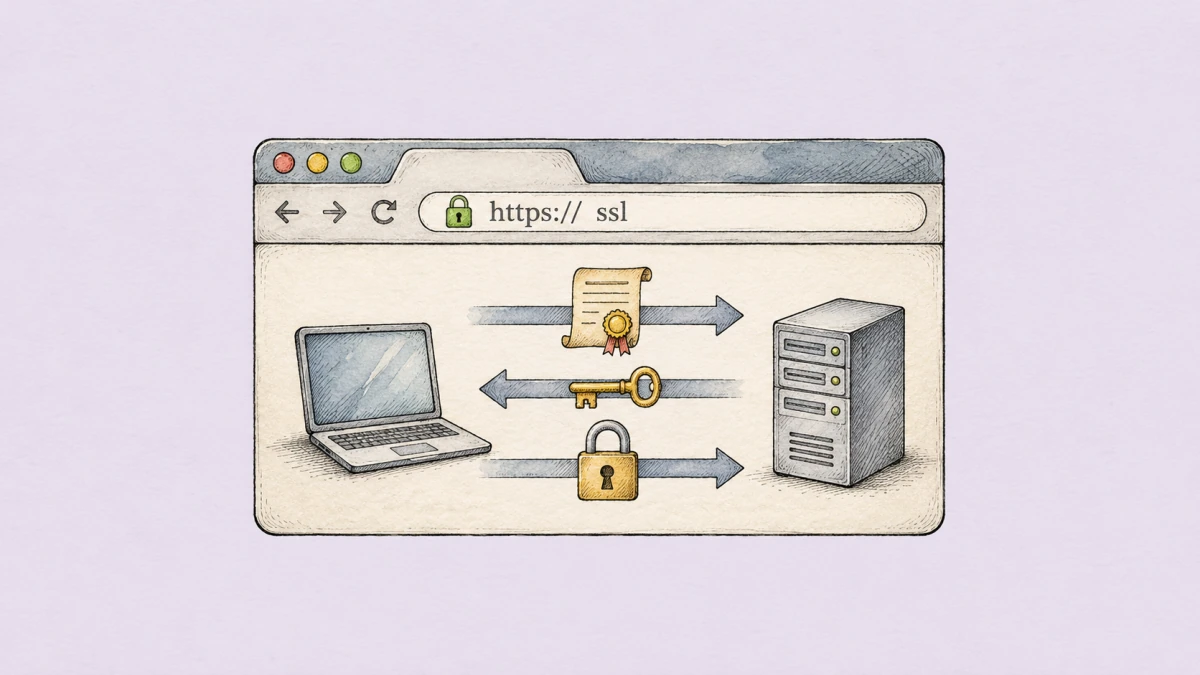
Secure Sockets Layer, or SSL, was a protocol for protecting information as it traveled between computers. Its successor is Transport Layer Security, or TLS—the technology used by modern HTTPS connections. SSL itself is obsolete, although its name still appears in phrases such as “SSL certificate.”
That naming habit can create a confusing choice. A service offering an “SSL certificate” may be talking about a certificate used with TLS. A server actually using an old SSL protocol is a different matter.
The internet standards community's recommendations for secure TLS use prohibit SSL versions 2 and 3. They also prohibit TLS 1.0 and 1.1. The familiar old name isn't a reason to keep those old protocols enabled.
HTTP, HTTPS, SSL, TLS: Untangle the Alphabet Soup
A certificate isn't the connection
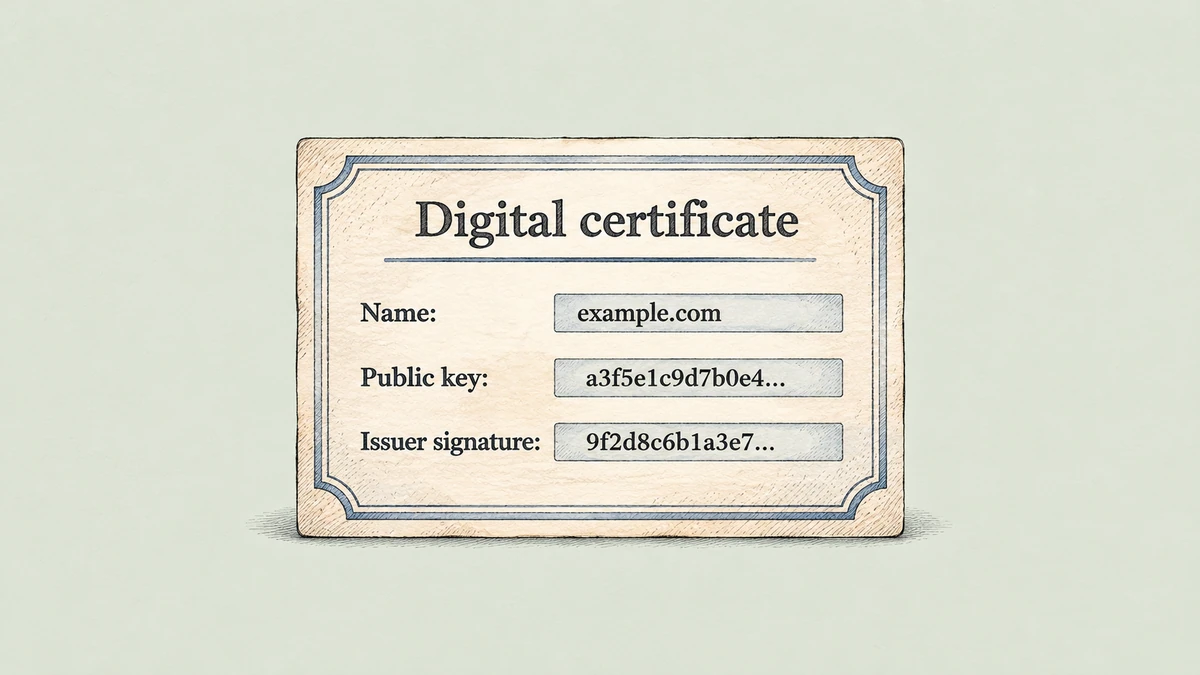
A protocol supplies the rules for communication. A certificate supplies identity information that helps one participant check the other. On the web, a server certificate links a domain name, such as a website's name, with a public key, a data value used to check the server's identity.
The browser checks that information while establishing a protected connection. A certificate is therefore part of the process; it isn't the software that encrypts every message or the name of the protocol version being used.
The certificate issuer Let's Encrypt uses the combined wording “SSL/TLS” in its description of HTTPS certificates. That is a concrete example of the older name persisting around the newer technology. It doesn't make SSL and TLS interchangeable protocol versions.
HTTPS means web communication over a TLS-protected connection. HTTP supplies the web request-and-response rules; TLS protects the exchange. Seeing “SSL” in a certificate menu, “TLS” in technical settings and “https” in a web address can therefore describe related parts of one setup.
What TLS does while the page loads
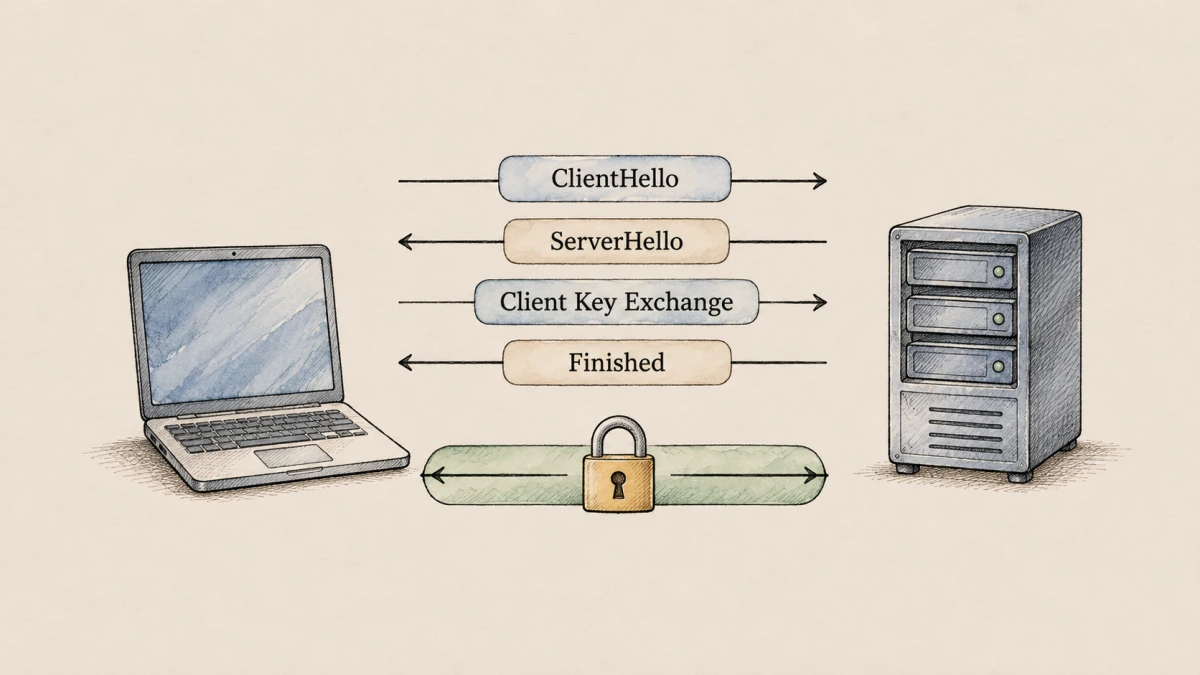
Before sending the protected application data, the browser and server conduct a handshake, an initial exchange that establishes how they will protect the connection. It includes a check of the server's identity and establishes shared secret values used to protect later messages.
Mozilla's TLS explanation identifies three central protections: encryption, integrity and authentication.

- Make a stolen password useless without the key in your hand.
- Sign in with a tap instead of typing a code.
- Protect Google, Microsoft, Apple and more than 1,000 other accounts.
Encryption makes the contents unreadable to someone who lacks the appropriate key. Integrity checks help detect unauthorized changes to the protected messages. Authentication helps the browser establish that it's communicating with the server for the expected name.
These protections apply to the exchange between the participating systems. They don't decide what the receiving website should do with information after it arrives.
Suppose a deceptive website asks for personal details. It can have a protected connection for its own domain name. The encryption can work as intended while the site's operator receives information they shouldn't have been given.
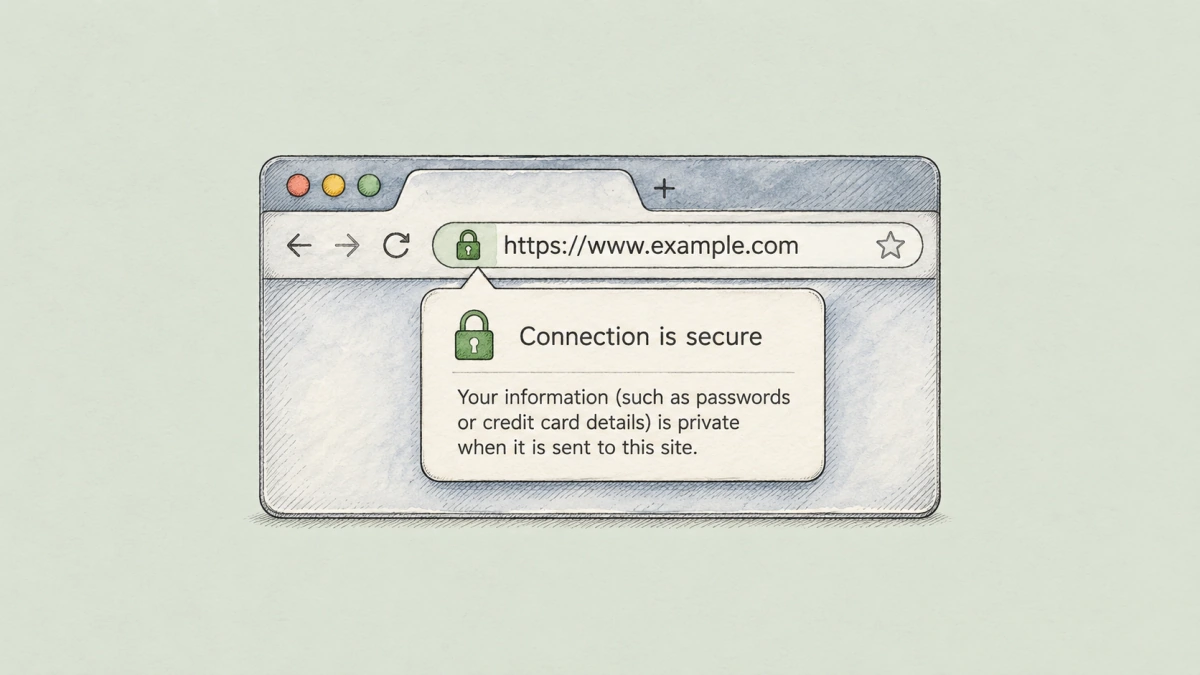
Google's guidance on Chrome's connection indicators makes that distinction: a private connection doesn't establish that the site itself is trustworthy. Users still need to check the site name and take care with sensitive information.
TLS Protects the Connection. The Destination Still Gets the Data.
HTTPS: A Secure Connection Can Still Lead to a Scam
Digital Certificates: What Your Browser Can Actually Verify
QUOTE:
"Amateurs hack systems, professionals hack people."