Scavenging: The Information Left Behind
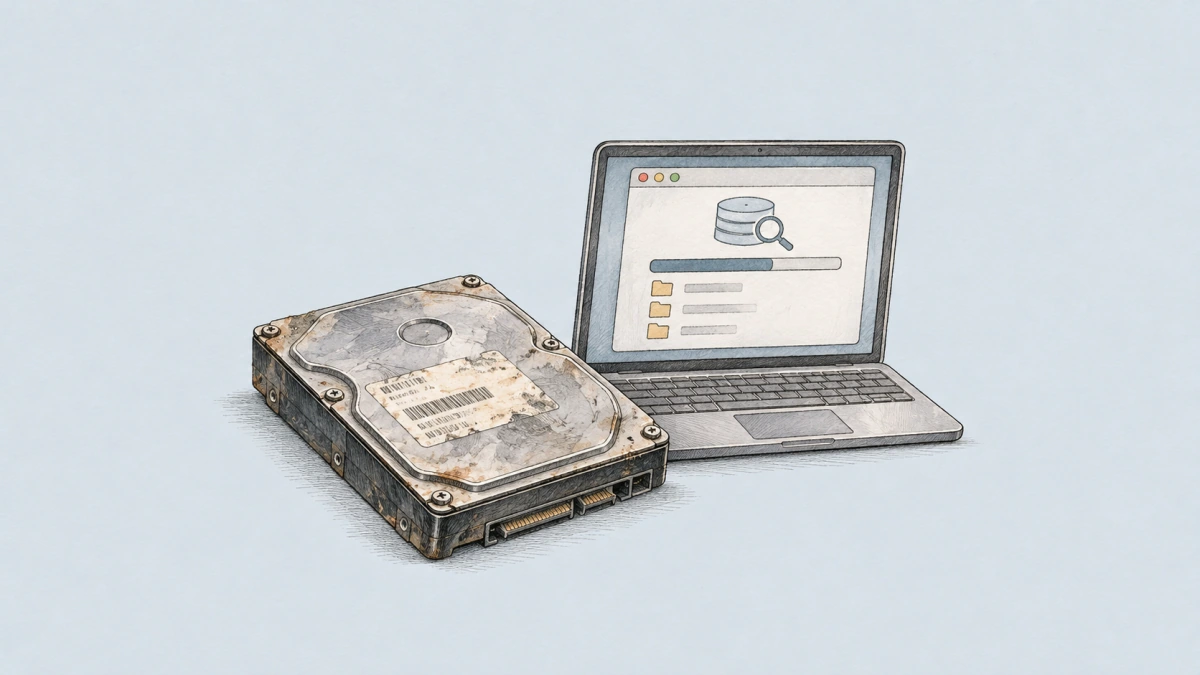
Scavenging means looking through discarded material or leftover data for useful information. In cybersecurity, the concern is what someone can recover after the original owner believes the information is no longer available.
A discarded printout might still be readable. A storage device might still contain data after its files have disappeared from ordinary view. The leftover information is sometimes called residual data: data that remains after use, deletion or another operation.
The National Institute of Standards and Technology (NIST) definition centers on acquiring data from that residue. The term describes where information is found. It doesn't, by itself, establish whether the person recovering it has permission.

- Turn bank statements into confetti nobody can piece together.
- Destroy old credit cards and CDs as well as paper.
- Get through a stack quickly, 12 sheets at a time.
Out of sight isn't the same as unrecoverable
Deleting a file tells a system to stop treating it as an ordinary available file. Whether its contents remain recoverable depends on the storage device and what happens afterward. The absence of a filename on screen isn't enough to prove that the underlying information is gone.
Suppose a business sends a used drive for disposal after removing its documents. An employee may no longer be able to open those documents in the file browser, while someone receiving the drive may still recover them through another route.
Repair and reuse raise the same question. A device doesn't have to be thrown into a bin to leave the owner's control. It can be transferred to another employee, sent to a repair service or sold.
This is why sanitization has a more demanding meaning than ordinary deletion. NIST defines it in terms of making access to specified data infeasible for a given level of effort. It is a result to establish, with a method suited to the device and the sensitivity of its contents.
A drive isn't one simple row of storage boxes
An instruction to overwrite data sounds straightforward: replace the old contents with new contents. But the software issuing the instruction may not reach every place the device has stored information.
A solid-state drive, or SSD, stores data in electronic memory. It can use spare storage cells and spread writes around to reduce wear, a process called wear leveling. Those internal arrangements can leave storage beyond what an ordinary overwrite operation addresses.
NIST's 2025 Guidelines for Media Sanitization explains why techniques must match the media. A rule that sounds plausible for one kind of storage isn't a universal answer for another.
How Identity Theft Works and How to Guard Against It
The guide distinguishes three broad outcomes:
- Clear: protect the storage locations available through the device's ordinary commands against simple, software-based recovery.
- Purge: make recovery of the target data infeasible even with advanced laboratory methods, while potentially leaving the device reusable.
- Destroy: meet that same recovery-resistance goal while also making the storage unusable.
These are categories for choosing and checking a method, not three commands to run in sequence. A full format, a wipe utility or a damaged casing doesn't automatically establish the required result for every device.
Cryptographic erase takes another approach: it removes the secret data values, called keys, needed to read encrypted data. Encryption makes information unreadable without the required key, but this disposal method depends on suitable encryption having protected the data in the first place and on proper handling of the keys. Turning on encryption at the last moment isn't a blanket answer to old remnants.
The same word has a different job in DNS
You may also encounter DNS scavenging. DNS, the Domain Name System, stores records used to find services by name. In Microsoft's DNS administration terminology, scavenging removes stale records that are no longer needed.
Microsoft's DNS aging and scavenging documentation describes that housekeeping process. It is a different use of the word from recovering information left on discarded storage.
Dumpster Diving: What Your Trash Can Tell a Stranger
Data Theft: What Happens When Someone Takes Your Information
Memory Forensics: Finding Clues in a Running Computer
QUOTE:
"Amateurs hack systems, professionals hack people."