Cybersecurity Response Begins With a Decision
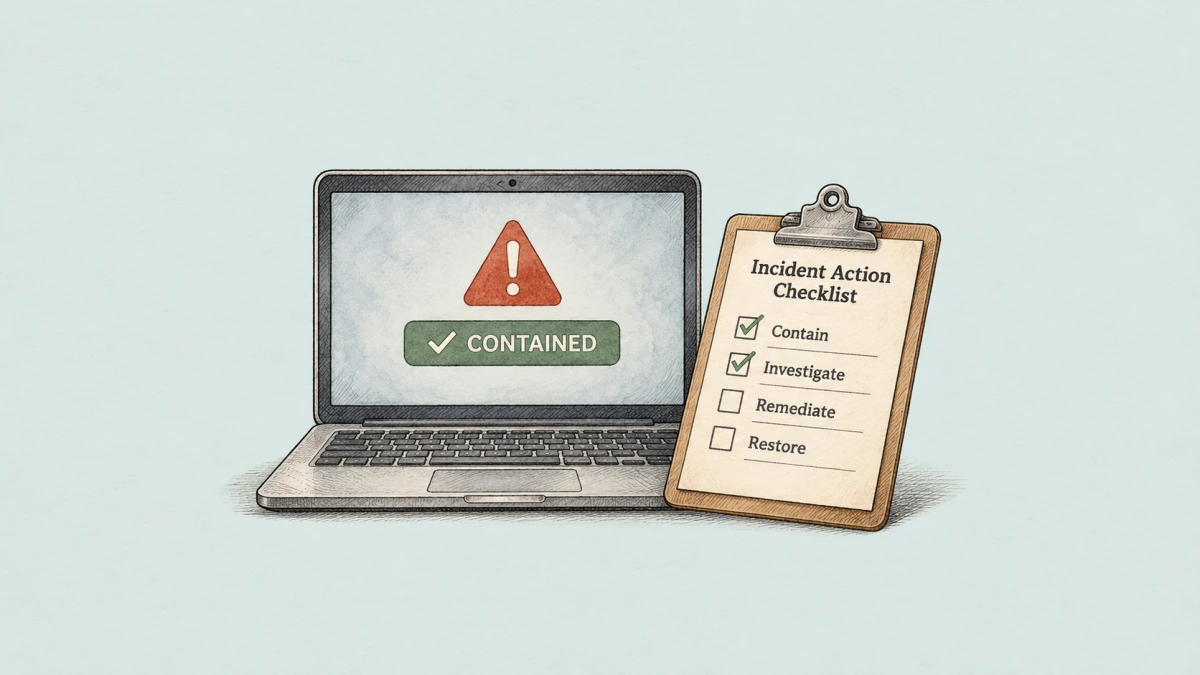
In cybersecurity, response is the work of handling an incident and limiting its effects. People investigate what happened, decide how to interrupt the harm and coordinate the work needed to get affected services running safely again.
An incident is an event that threatens the security of information or systems. An alert is a warning that one may be happening. For example, a tool might flag an unexpected login caused by an intruder using a stolen account, or by an authorized employee whose activity needs explaining.
Acting on that warning can disrupt legitimate work, too. Disabling an account may interrupt an intruder, but it can also stop its owner from doing their job. Responders need enough information to choose an action suited to the problem, while recognizing that waiting has costs of its own.
What to Do When a Security Incident Hits
Finding the size of the problem
The first report may describe only one part of an incident. A complaint about a missing file, for instance, could lead investigators to examine related records and discover other affected systems. Or it could turn out to have an ordinary explanation.
Responders validate reports and assess the impact. Which services or information are involved? Is the harmful activity continuing? What essential work is affected? Answers determine urgency and help the team decide where to concentrate its effort.
Logs, the records computers keep of activity, can help reconstruct events. An account's sign-in record may be one clue; changes to files or systems may supply others. Investigators use the evidence available rather than assuming the first alert describes every affected device.
This coordinated work is called incident response. The U.S. National Institute of Standards and Technology, or NIST, publishes response recommendations that connect report validation and analysis with decisions about urgency, communication and action. These jobs can overlap. A team may need to interrupt an attack while it's still working out how far the attacker reached.
Limiting harm changes the situation
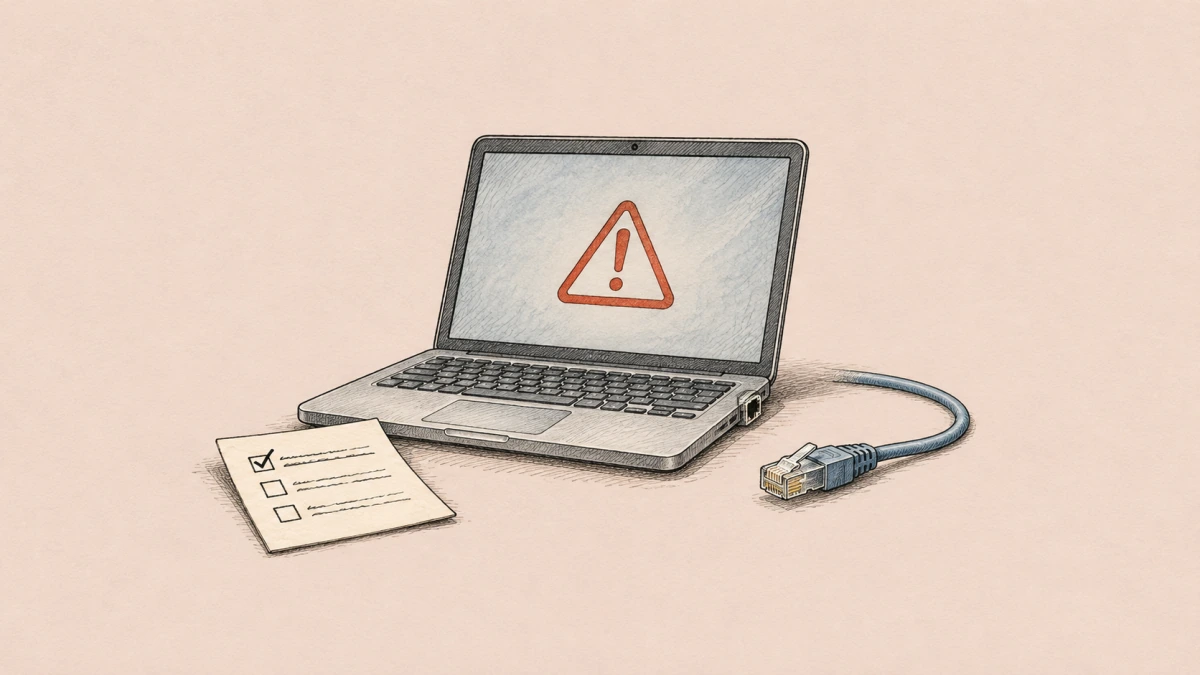
Containment means restricting an incident's ability to cause further damage. Depending on what has happened, responders might isolate an affected computer, restrict an account or block a harmful connection.

- Back up a laptop in minutes, with read speeds up to 1,000MB/s.
- Toss it in a bag without worry: no moving parts and drop protection up to two meters.
- Carry a second copy of your files wherever you go.
The action needs a purpose. Isolating one computer helps if that connection is part of the attack. It doesn't settle whether other computers were affected earlier, or undo information already taken. The team still needs to investigate the wider incident.
Ransomware offers a concrete example. This is malicious software that can make files unusable and accompany demands for payment. The joint U.S. agency StopRansomware Guide calls for identifying affected systems and isolating them in a coordinated way. It also calls for reviewing records to find other systems involved.
Even the choice between disconnecting a computer and turning it off can matter. In that ransomware guidance, agencies warn that shutting down destroys evidence held in volatile memory, the computer's temporary working storage. The guide reserves power-down for situations where disconnection isn't possible. The choice depends on the incident being handled.
Disconnecting or shutting down changes both what an attacker can do and what evidence investigators can examine afterward.
The Ransomware Recovery That Reached £45 Million
The people outside the technical team
Someone needs authority to approve disruptive action. Other people need to know what work they can continue and what services are unavailable. Outside providers may have responsibilities of their own.
Communication is therefore part of response, rather than a message added once the technical work is finished. If the affected systems include the organization's usual communication tools, responders may need an alternative way to coordinate. The ransomware guide specifically addresses communication outside the affected system when appropriate.
Keeping essential work going is a related task covered by a business continuity plan. A business might need temporary arrangements while a system remains unavailable. Those arrangements should work alongside the response rather than quietly reconnecting equipment the team has isolated.

- Keep passports, deeds and recovery codes safe through a fire or a flood.
- Carry it out the door in an emergency thanks to its portable size.
- Hang file folders inside so important papers stay organized.
Getting a service back takes more than stopping the alert
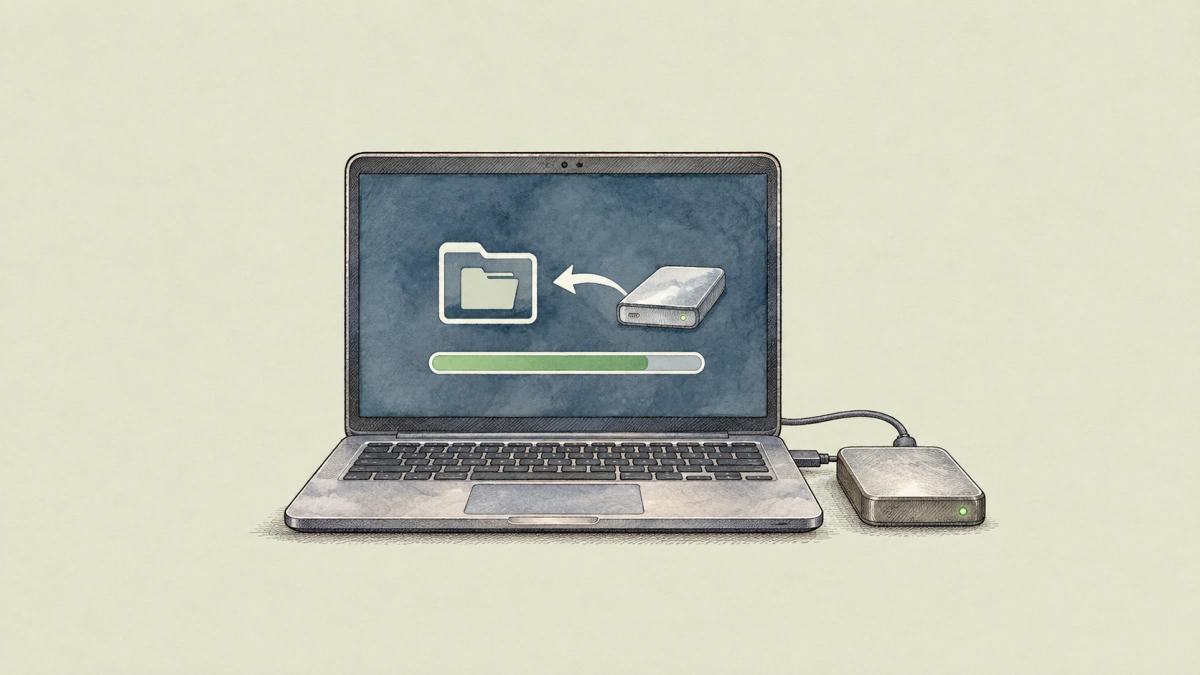
Once the immediate harm is contained, responders may still need to remove malicious software, close the entry point and eliminate ways the attacker could return. Recovery then restores affected services and checks that they operate as intended.
These aren't necessarily tidy, separate stages. New evidence can send the team back to investigate another account or contain another system. Restoring the most important services may proceed while less urgent work continues.
An alert may disappear as soon as a device is disconnected. Bringing that device back into use requires answers about what happened before the connection was cut and whether the problem has been removed.
Incident Handling: From a Suspicious Report to a Safer Recovery
Incident Response Plan: Who Can Act, and When?

Cybersecurity Recovery: Returning Services to Useful Work
QUOTE:
"Amateurs hack systems, professionals hack people."