Redundancy: What a Second System Can Keep Running

Two computers give a service somewhere to run when one fails. If both depend on one power source, though, a failure there can stop the pair. The spare has to survive, too.
Redundancy means providing additional components or paths that can keep a service working when something fails. Its purpose is better availability: making the service usable when people need it. The extra component might share the work or wait in reserve. Microsoft's explanation of redundancy describes both arrangements.
Give the Work Somewhere to Go
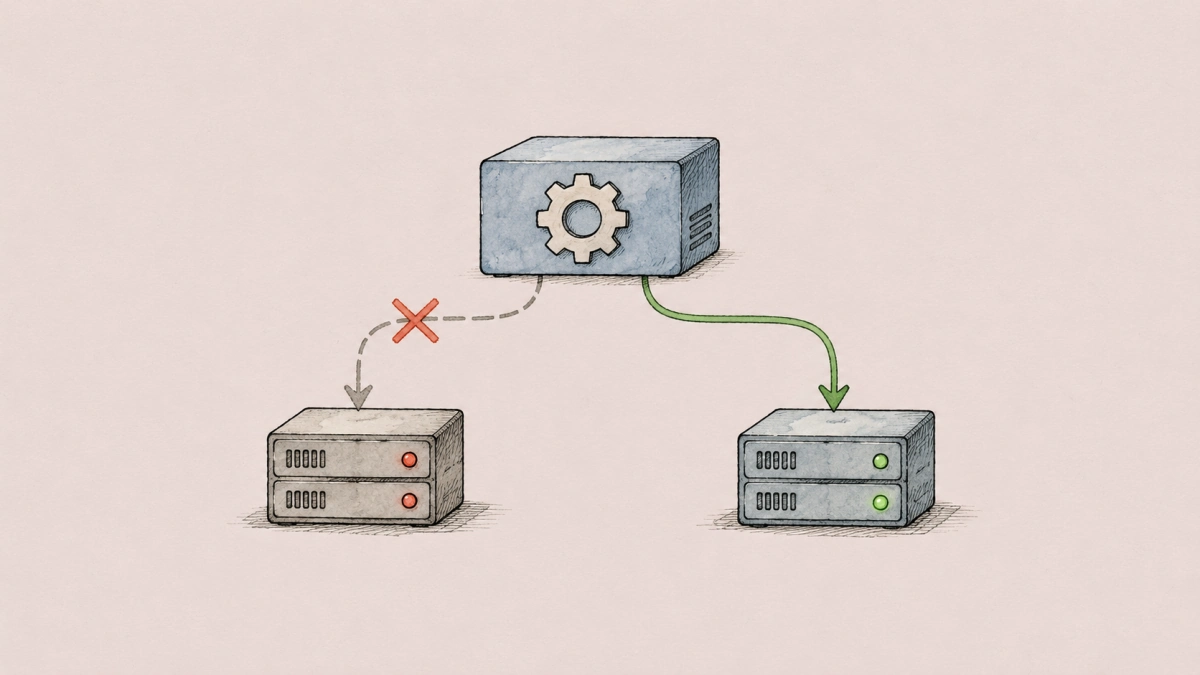
Imagine a library keeps its catalogue on a server, a computer that answers requests from staff and visitors. A second server is ready to run the catalogue if the first breaks. Moving the work to that replacement is called failover.
Something must detect the failure and direct work to the healthy server. The change may be automatic, or a person may have to make it. The library could have an interruption while that happens. AWS's failover guidance covers both approaches.

- Keep every photo and file on a box you own, and reach them from anywhere.
- Let backups run on their own so one dead laptop doesn't take your files with it.
- Add two drives and a failed disk no longer means lost files.
Capacity matters, too. If two servers normally share a busy workload, losing one leaves the other with more to do. It needs enough spare resources to handle that work, as AWS explains in its discussion of fault tolerance and fault isolation. Fault isolation means limiting how far a failure can spread.
Trace the Part They Share
Follow the library's power cables. Both servers might depend on one power source, which could disable the pair if it failed.
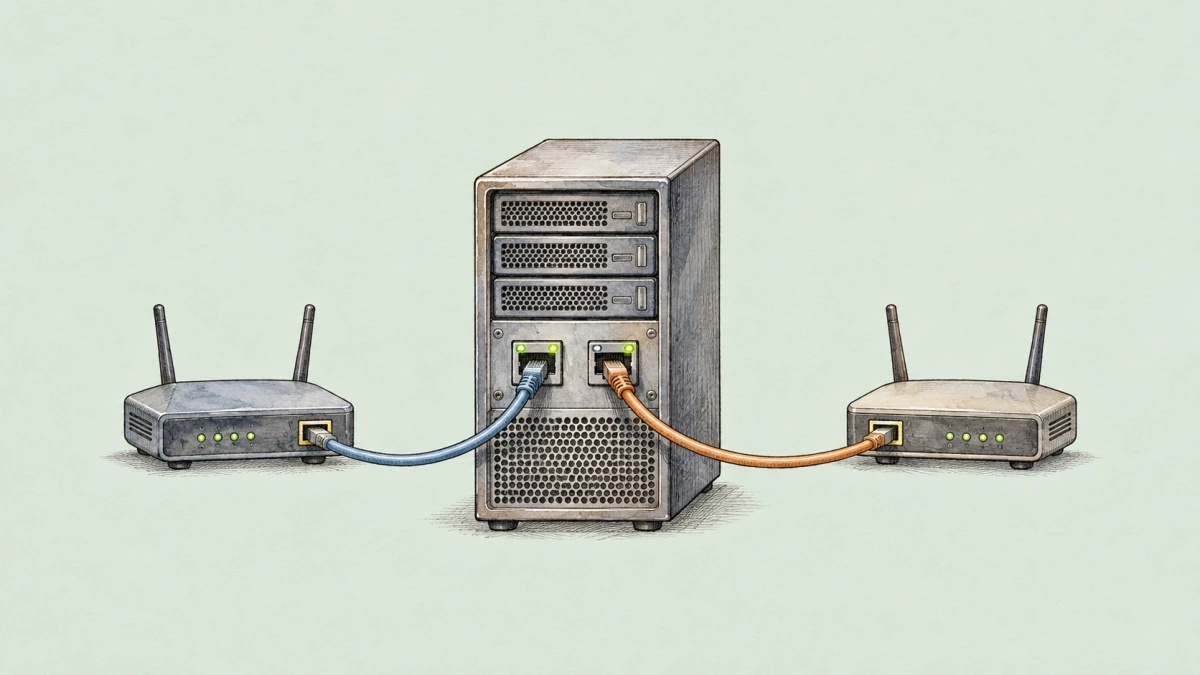
The same reasoning applies to connections. Two internet providers might both depend on one piece of equipment inside the building. Different provider names don't establish independent paths.
A useful design names the failure it is meant to survive. A second machine may cover a hardware fault. Surviving the loss of an entire location requires a different arrangement.
Try the Handoff Before Relying on It
A planned failover exercise checks whether work actually reaches the replacement and whether users can carry on. It can reveal a spare that exists on a diagram but can't run the service.
The failure detector deserves attention. Missing a broken service can prevent the switch; treating ordinary delays as failures can trigger needless switches. AWS's guidance warns about missing monitoring, overly sensitive detection and untested failover.
Testing gives evidence about the conditions tested. It doesn't establish that every outage will be invisible to users.
Backup or Disaster Recovery: What's the Difference?
Two Copies Can Make the Same Mistake
Data adds another problem. Replication keeps copies updated as information changes. If someone deletes catalogue records and that deletion reaches every replica, switching servers won't bring the records back.
A backup retains data that can be restored, potentially from before the deletion. Microsoft distinguishes these recovery copies from live replicas. It also notes that some replication copies changes later, leaving a replacement without the latest updates when a failure occurs.
Destructive attacks make the distinction especially important. The joint StopRansomware Guide recommends protected offline backups and restoration tests. Offline means disconnected from the systems an attacker might reach. That copy still needs protection, and someone needs to test whether it can be restored.
The restored records also need integrity: they must be free from the improper changes or destruction that caused the problem. If both live copies now show an empty folder, recovery has to start somewhere else.
Multihoming: Giving Network Traffic Another Way Out
Cold, Warm, or Hot? What a Disaster Recovery Site Has Ready
Cyber Resilience: Keeping Essential Work Moving Through a Failure
QUOTE:
"Amateurs hack systems, professionals hack people."