Program Infectors: When a Familiar App Carries a Virus
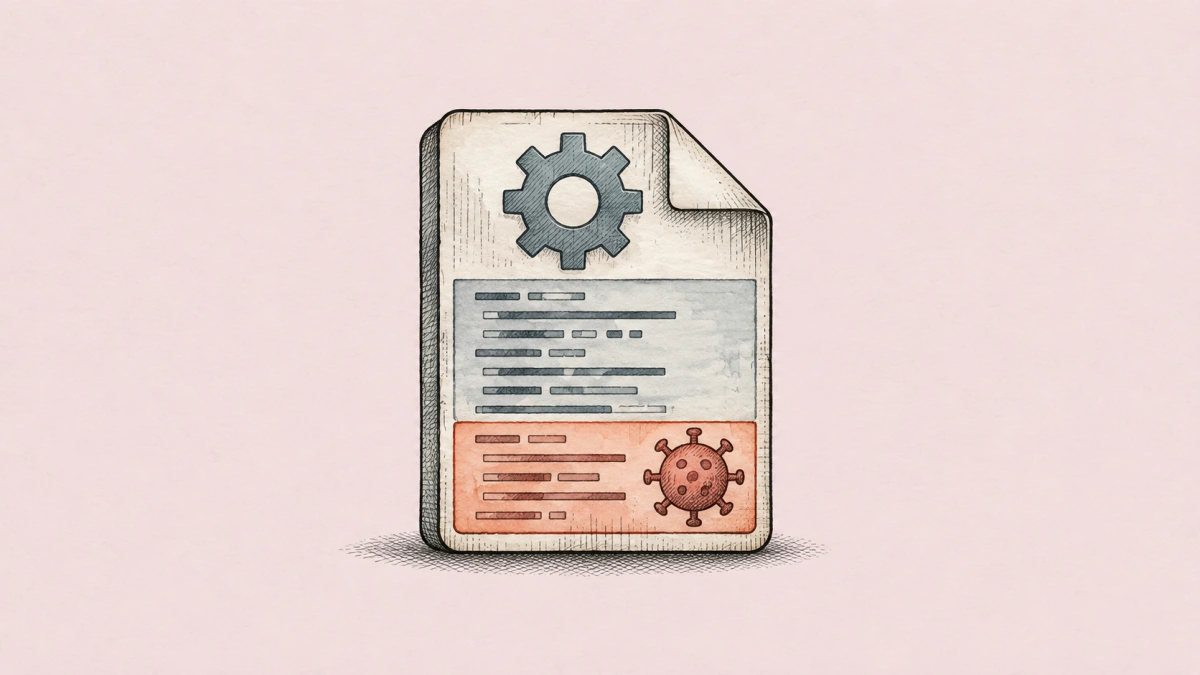
Suppose a drawing program still opens your pictures and saves your work, but its file has changed. Someone has added malicious code. Starting the program now gives that code a chance to run, too.
A program infector, also called a file infector, is a virus that infects executable programs. An executable is a file containing instructions a computer can run. The virus makes a legitimate program into a carrier by inserting its own code into it.

- Stop ransomware and malware before they reach your files.
- Bank and shop in a browser built to keep transactions private.
- Cover five devices, from Windows and Mac to phones.
The program becomes the carrier
A computer virus reproduces by inserting copies of itself into other files or programs. For a program infector, those hosts are executable files. When infected code runs, the virus may get an opportunity to infect more of them.
Return to the drawing program. In this example, the added code might search for another program file it can change. If it succeeds, that second file becomes a new carrier. Running it can continue the chain.
Deleting the original download may leave copies in other changed files. An investigation needs to trace those changes as well as where the infection arrived.
The National Institute of Standards and Technology separates file infectors from other kinds of malicious software in its malware prevention and handling guide. The term describes how the virus reproduces. Its other harmful actions, such as damaging data, are a separate part of its behavior.
A malicious download can work another way
A separate harmful program disguised as useful software is a Trojan horse. It deceives the person running it, but it doesn't need to insert copies of itself into other programs. A fake drawing app could therefore be a Trojan without being a file infector.
That difference helps explain why “I downloaded a bad app” doesn't identify the mechanism. The app could contain an infected executable, be a malicious program in its own right, or combine several behaviors.
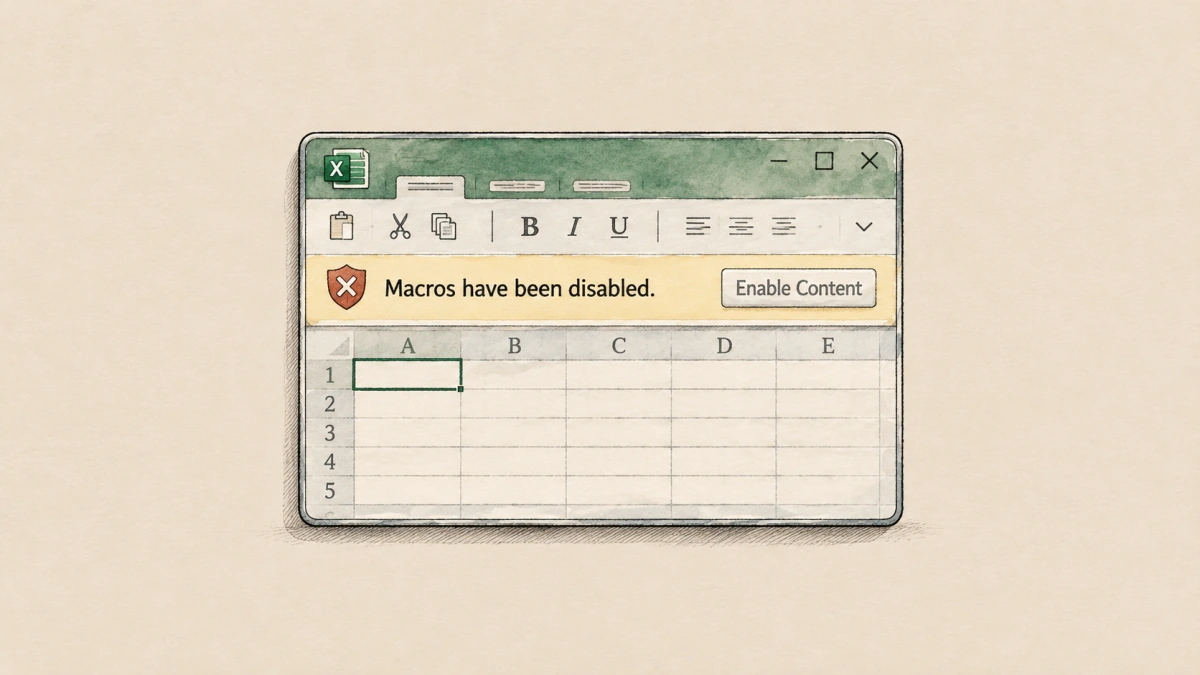
A Word document calls for another distinction. Some documents contain macros, small programs that automate work inside an application. A macro virus can use that system to infect documents or templates. It is a different infection method from attaching code to an executable program.
A Virus, a Worm, or a Trojan? The Difference Matters
Removing the virus may cost the file
Security software can detect an infected file, attempt to remove the malicious code or quarantine the file. Quarantine restricts its use so it can't run normally while the problem is addressed.
Disinfection isn't always possible. The original program may have been damaged, or the malicious code may be impossible to remove while preserving a usable file. A scanner reporting that it blocked or removed an infection therefore doesn't promise that the drawing program still works.
Recovery can require replacing affected programs with trusted copies and checking for other files the virus changed.
Computer Viruses: The Harmful Code That Copies Into a Host
Macro Virus: How an Ordinary Document Can Carry Copying Code
Boot Record Infectors: Malware That Gets an Early Start
QUOTE:
"Amateurs hack systems, professionals hack people."