Fork Bombs: When a Computer Runs Out of Room to Run Programs
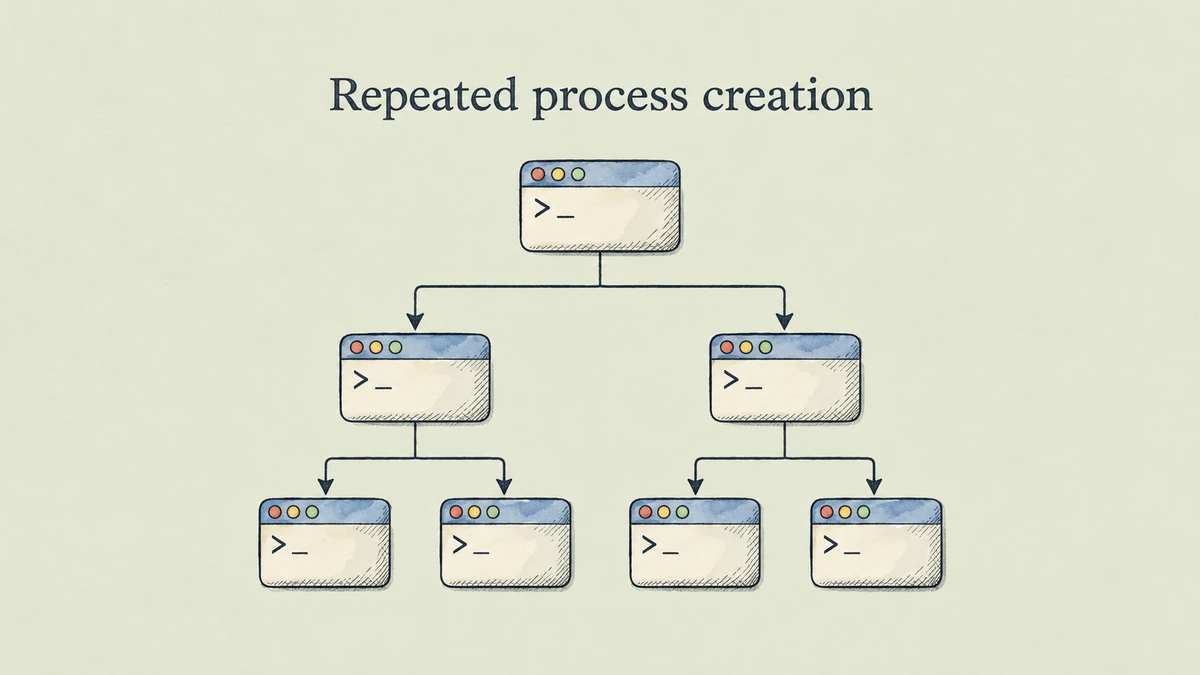
A computer can become so crowded with running programs that it can't start the tool you'd use to investigate the problem. A fork bomb creates that crowd by making processes produce more processes, over and over.
A process is a running instance of a program. A fork bomb repeatedly creates new processes fast enough to exhaust resources and interfere with other work, whether the behavior was deliberate or caused by a programming mistake.
Used as an attack, it's a form of denial of service: preventing legitimate users from getting the computing service they need.
Creating a child process is normally useful
On systems such as Linux, fork is an operation that creates a child process from a parent process. The Linux fork manual describes how the two then run separately.
Programs use child processes for ordinary work. The problem is uncontrolled creation: new processes keep appearing, and those processes can create still more.
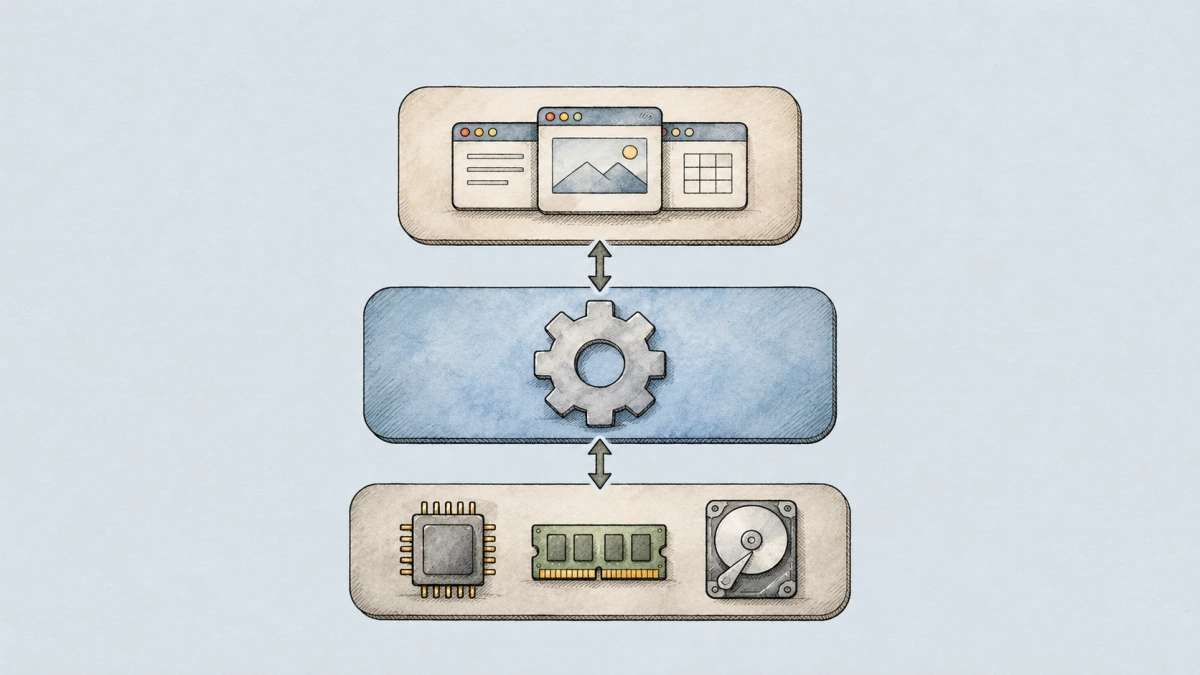
It isn't a copier filling the disk with new program files. The growing population consists of running processes that need space and attention from the operating system, the software that manages the computer.
Linux in 100 Seconds
A short script—a set of instructions for another program to run—can trigger this behavior. Its length says little about how much work it can cause.
The computer can hit a limit before memory fills
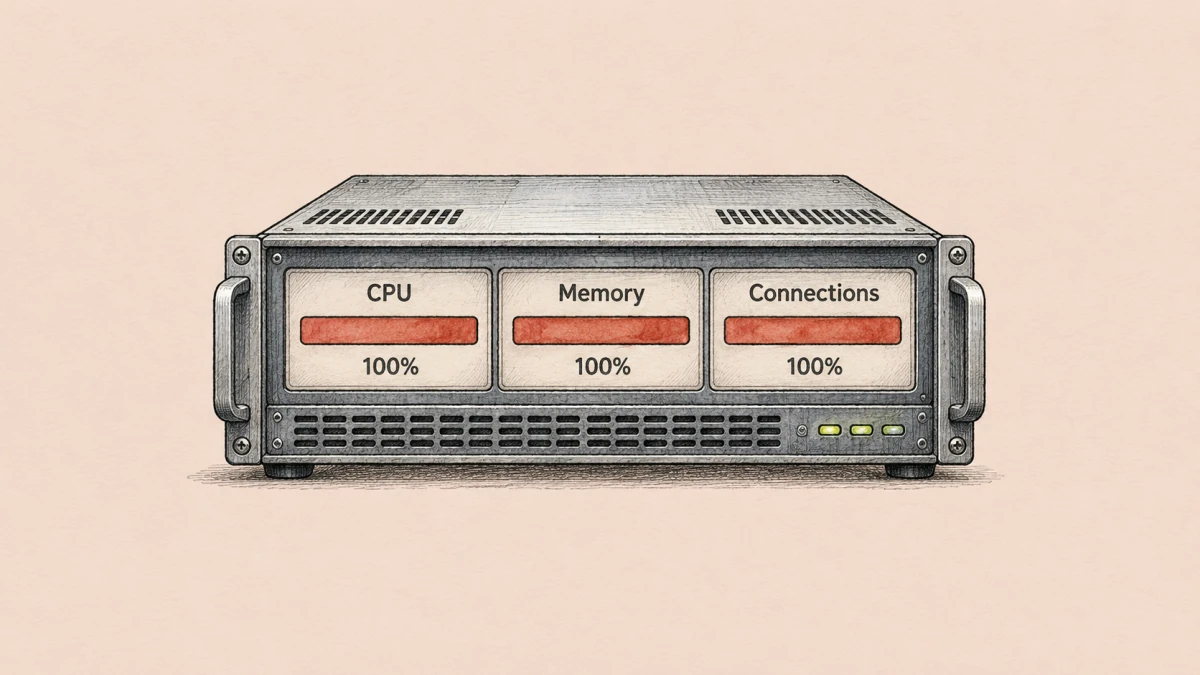
Each process needs an identity and system records, and running work competes for processing time. The machine can also reach a limit on how many processes or related tasks it can have.
The Linux kernel's resource-control documentation specifically notes that a fork bomb can exhaust the task count before hitting a memory restriction. The kernel is the core of the operating system.
That's why adding memory or setting only a memory limit may leave the problem unresolved.
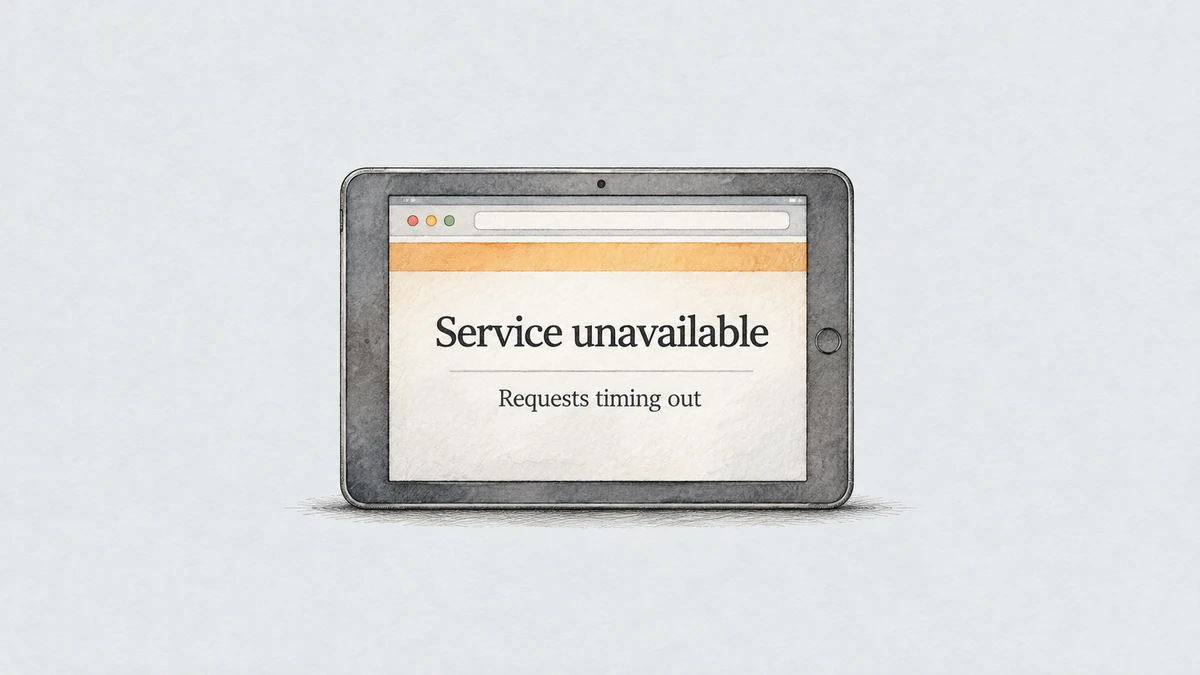
The visible result might be an application that won't open, failed sign-ins or a service that stops responding. A server, a computer providing a service, can be overwhelmed locally and leave remote users unable to use it.

- Stop fearing the terminal: start from your first command and build from there.
- Automate boring tasks with shell scripts you write yourself.
- Understand what each command does instead of copying it blindly.
Put a boundary around the workload
Administrators can limit process creation for an account or a group of programs. The useful question is which workload the limit covers, including the new processes it creates.
Linux control groups, often called cgroups, group processes so the system can account for and limit their resource use. Their process-number controller can refuse new task creation once the applicable limit is reached.
On systems using systemd, software that starts and manages services, the TasksMax setting can cap a service's task count. That count includes individual threads, paths of execution within processes, so it isn't simply a count of visible application windows.
An account-level limit has different rules and scope. The Linux resource-limit manual documents exceptions for certain highly privileged processes, which is one reason a single setting shouldn't be assumed to contain everything.
Limits need enough room for legitimate work while leaving capacity for other services and administration. Setting them too low can create the very failures they're meant to prevent.
Stopping the crowd is only part of recovery
Ending one process may leave others continuing to create replacements. Recovery needs to address the whole runaway workload and whatever started or keeps restarting it.
Once capacity is available again, check the affected services and interrupted work. The fork bomb's core action is resource exhaustion, but that doesn't make the resulting outage or loss of unsaved work harmless.
Resource Exhaustion: The Missing Capacity That Stops the Work
Denial of Service: How an Attack Makes a System Unusable
The Kernel: How Programs Share One Computer
QUOTE:
"Amateurs hack systems, professionals hack people."