Pen Testing: Turning a Warning Into Evidence
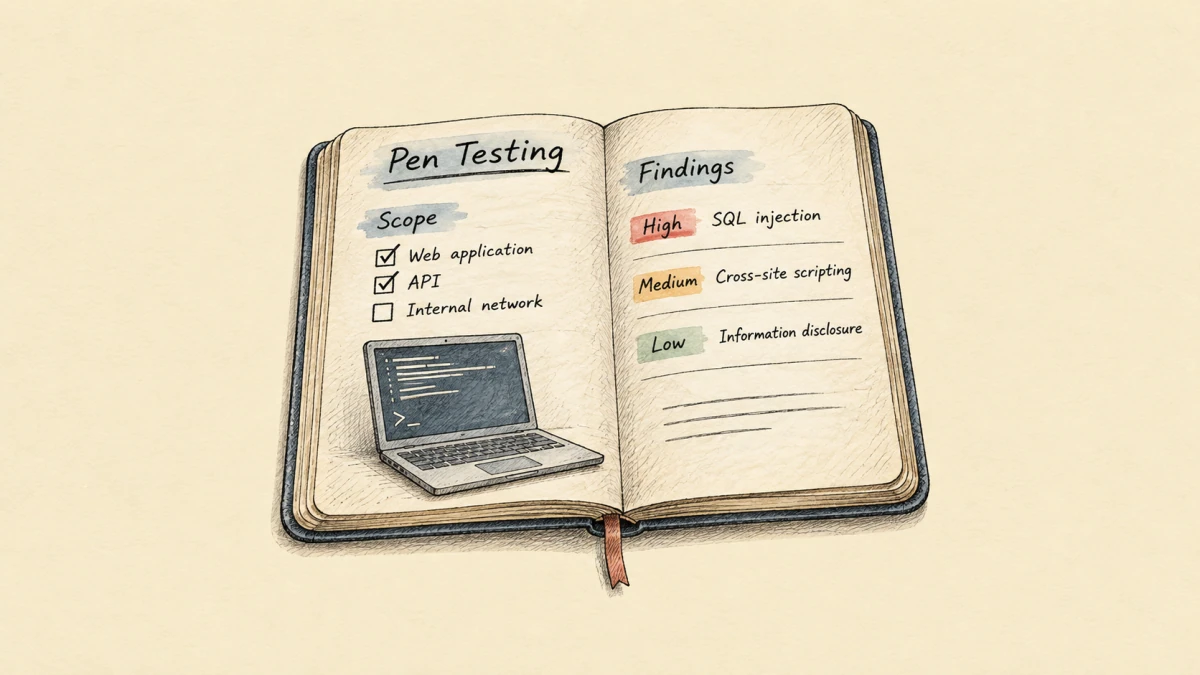
A security scan can produce a long list of possible weaknesses. The harder question is what someone could actually do with them. Pen testing takes that question into a controlled investigation, with permission to try agreed attack techniques.
Pen testing is short for penetration testing. A tester looks for weaknesses in a computer system and investigates whether those weaknesses can be used to gain access or cause another unwanted result. The aim is evidence that helps the system's owner understand and correct the problem.
What Happens During a Penetration Test?
Following a warning
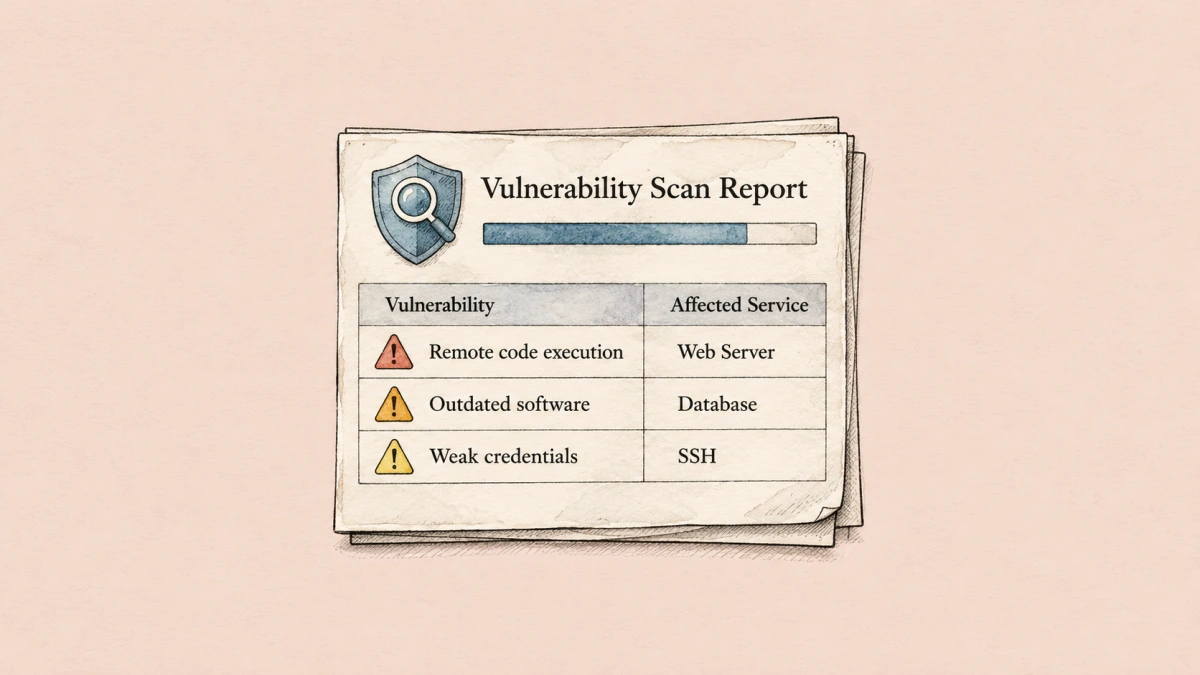
Suppose a security tool flags an old version of software on a company's file server, a computer that stores shared files. The alert suggests a known weakness may be present. A tester still has questions: Is this installation affected? Can the tester reach the vulnerable part? Do other protections prevent the attack?
An exploit is a method or piece of code that takes advantage of a weakness. Within the agreed test, a tester might use an exploit to check whether that warning leads to access the company didn't intend to allow.
This step changes the meaning of the finding. “This software may have a flaw” becomes something closer to “under these conditions, this flaw allowed this action.” The second statement tells the owner more about what needs attention.
The investigation can also connect weaknesses. One problem might expose information that helps the tester use another. The National Institute of Standards and Technology's guide to security testing describes this movement between discovering weaknesses and trying attacks. An individual alert can look less serious than the route it helps open.
Permission shapes the experiment
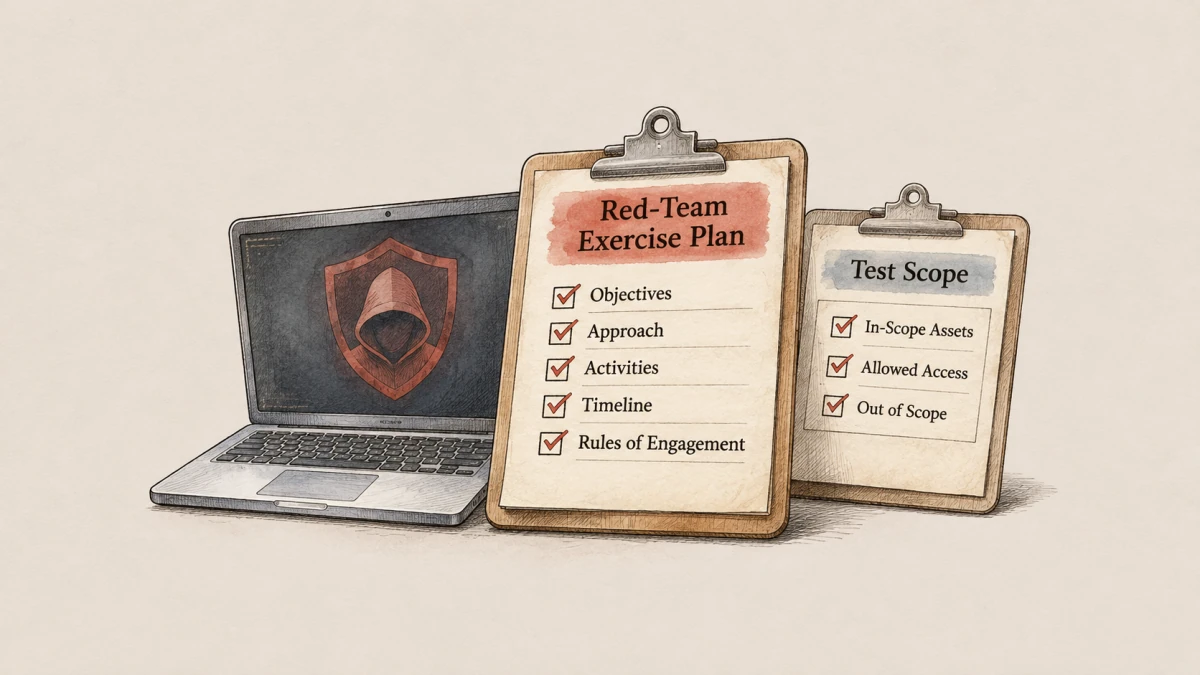
Before trying that route, the tester and the owner need to agree on its boundaries. Those include the systems to examine, techniques allowed, timing, exclusions and people to contact if something goes wrong.
Those details affect the investigation itself. Testing software that's serving real employees can interrupt their work. Permission to test one server doesn't extend to every computer it can contact. Attempts to trick employees into sharing information need their own place in the agreement; they aren't an automatic part of pen testing.
The starting position matters, too. A tester approaching from the public internet asks a different question from one supplied with an ordinary employee account. Giving the tester technical documentation changes how much time must be spent discovering the system before examining it.
More information can help focus that work, but it doesn't create unlimited time or make every possible attack part of the test. The report should make clear where the tester started and what was examined.

- Pick up networks your laptop's built-in Wi-Fi can't reach.
- Practice wireless security testing with an adapter Linux supports.
- Get a stronger, steadier signal from the built-in amplifier.
A finding someone can use
For the file-server example, a useful finding would explain the affected software, the conditions that allowed the attempt, what the tester achieved and how the problem might be corrected. That gives the owner something more useful than a red warning icon.
The UK's National Cyber Security Centre connects those details to corrective work in its penetration-testing guidance. A report can reveal a problem; someone still has to change the system.
If the correction involves installing a software fix, patch management carries that work through deployment. A later check can then establish whether the demonstrated route has been closed.
A test that finds nothing also has a boundary: it describes the systems, methods and time covered by that investigation. It isn't a promise about every route an attacker might try.
Vulnerability Scans: What Could the Scanner Actually See?
Test and Evaluation: What Does a Passing Result Establish?

Red Teams: Testing the Route Between Weaknesses
QUOTE:
"Amateurs hack systems, professionals hack people."