The Cybersecurity Jump Bag: Ready Before the Incident
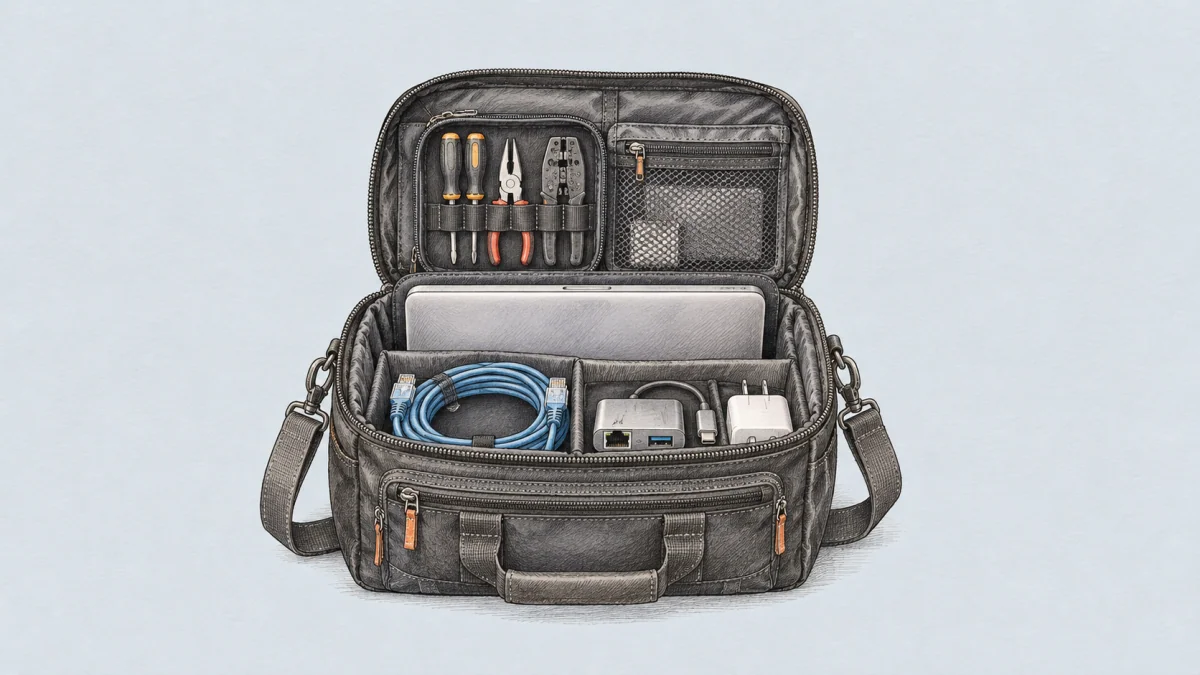
When company accounts are unavailable during an incident, a contact list saved behind the same login can be out of reach. Responders need equipment and information they can actually use under the conditions they are sent to investigate.
A cybersecurity jump bag, or jump kit, is a prepared, portable collection of tools and reference material for incident response. The idea is to have what the assigned responder needs ready to take to the affected location.
What to Do When a Security Incident Hits
Getting started when the usual tools aren't available
Suppose a responder arrives at an office to help investigate a security incident. Before examining a computer, they may need to contact the person responsible, understand the network and confirm what work they are authorized to do.
Preparation can include contacts, alternative ways to communicate and network diagrams. A baseline—a record of a system's expected condition—can help the responder recognize what has changed.
Some material may be kept in controlled digital copies rather than on paper. The practical test is whether those copies remain available when the normal account or network is not.
In its now-superseded 2012 incident-handling guide, the National Institute of Standards and Technology (NIST) described a jump kit containing investigation materials. Its examples included a laptop with suitable tools, backup devices, blank storage media, network equipment and cables. What belongs in a particular kit depends on the environment and the responder's role. The cable that connects to one system may be useless for another.
Leaving a record of the investigation
The responder also needs to record what they did and handle any collected data appropriately. That is part of the work, even when attention is focused on restoring a disrupted service.
NIST's 2025 incident-response guidance calls for protecting evidence and investigation records, preserving their integrity and provenance. In plain language, that means protecting them from improper changes and keeping track of where they came from.
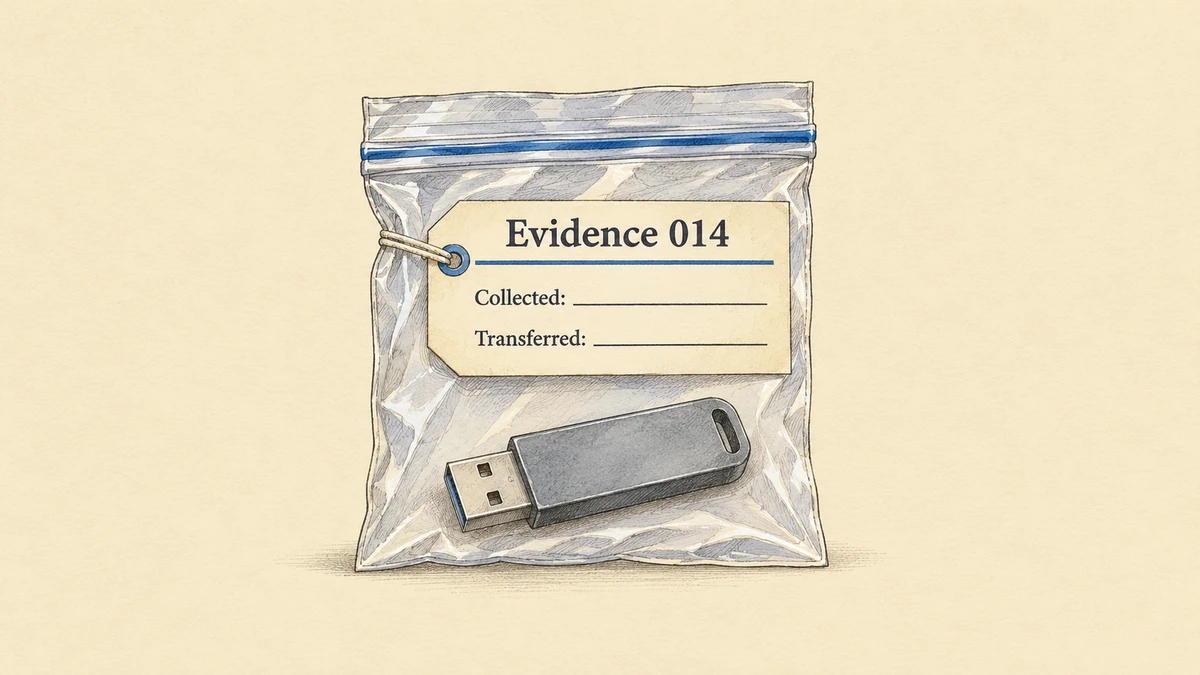
The organization's policies determine who may access those records and how long they are kept. Where a formal chain of custody is needed, records track the evidence's handling and transfers.
That gives storage and note-taking materials a job in the kit: preserve the data collected during a digital investigation and the record of how it was collected.
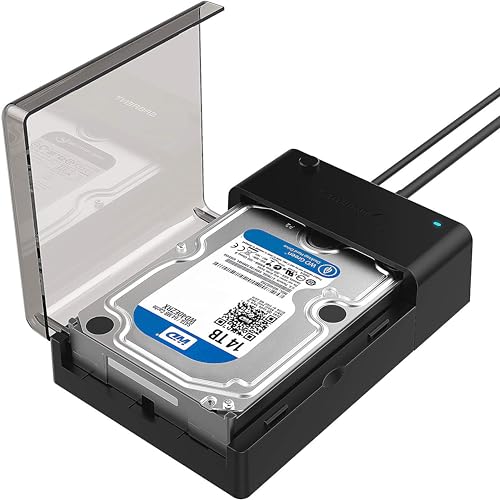
- Pull the drive from an old computer and read it on your laptop in a minute or two.
- Build a home practice lab for imaging and file recovery with free tools like Autopsy.
- Swap drives without tools or a reboot, so your time goes to the data and not the hardware.
A packed bag can become an unready bag
The 2012 guide warned about borrowing items from a jump kit and leaving it incomplete. Readiness can disappear through something as ordinary as a missing cable.
The same problem applies to information and access. A contact may have changed, a required account may no longer work, or the equipment a responder expects may have been replaced.
Someone should own the kit's upkeep and arrange checks suited to the organization. Those checks should include working equipment, usable access, current references and practice with the tools. The point is to discover the missing cable or failed login while there is still time to correct it—before the responder is standing beside the affected system.
Incident Response Plan: Who Can Act, and When?

Chain of Custody: Can You Account for Every Copy of the Evidence?
Digital Forensics: How Investigators Reconstruct What Happened
QUOTE:
"Amateurs hack systems, professionals hack people."