Multicast: One Stream, With Copies Where They’re Needed
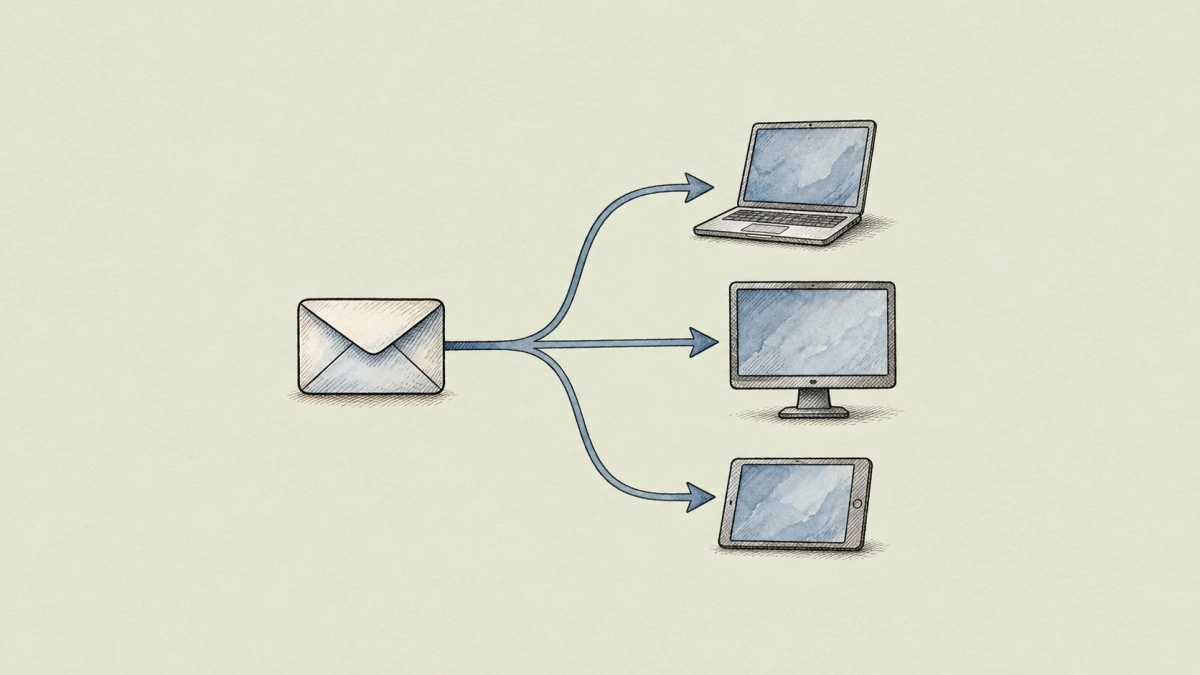
Suppose a company wants to show the same live presentation in several meeting rooms. Sending a separate video stream to every room repeats work along the parts of the network they share. Multicast offers another arrangement: send the stream once, and let the network copy it where the routes divide.
Multicast delivers data to a group of interested receivers. In Internet Protocol, or IP, multicast, the sender addresses each packet—a small unit of network data—to the group. It doesn't have to address a separate copy to every screen.
The receivers join the group, and the network carries its traffic toward them.
The screens ask for a group
A multicast group has its own address. A screen that wants the presentation joins that group; when it no longer wants the feed, it can leave. A device can belong to several groups, and a group can exist with no receivers in it.
This gives multicast a different destination from two other forms of delivery. Unicast addresses one destination. Broadcast reaches every host within a defined part of a network. Multicast addresses a selected group, which lets receivers express interest in particular traffic.
One Receiver, a Group, or Everyone?
The foundational IP multicast specification describes this group model. In its basic form, the sender doesn't even have to join the group it sends to. Sending and listening are separate roles.
The network needs to learn where the listeners are. On an IPv4 network, IGMP, short for Internet Group Management Protocol, lets devices report group membership to a nearby router. Multicast routing then guides the traffic toward the parts of the network where receivers want it.
Copy at the fork
Suppose the meeting rooms share the first part of the route from the video source, then separate into different branches.
Along that shared part, multicast can carry one copy of each packet. At the point where the paths split, a router sends copies down the branches that need them. Each room can then receive the same content without a separate stream traveling all the way from the source.
That is where multicast can save bandwidth, the capacity a network has to carry data. It avoids sending identical traffic repeatedly over a shared link. The branches still carry packets, and copies still exist; the network simply makes them where they are needed.
Cisco's multicast routing guide explains this distribution model. Equipment along the route must support and be set up for it. Giving an application a group address alone doesn't establish the whole delivery path.

- Keep work, guest and smart-home gear apart with up to 32 VLANs on one small switch.
- Copy any port's traffic to your laptop with port mirroring and see what is on the wire.
- Set it up from a web page instead of learning a command line.
The video app still has work to do
IP multicast provides best-effort delivery. It tries to deliver packets, but doesn't guarantee that each one arrives, that they arrive in order or that every room receives them at precisely the same moment.
An application that needs reliable delivery or synchronized playback must handle those needs beyond the basic multicast service. Sharing a stream solves the problem of repeated traffic; it doesn't solve every problem involved in showing a video.
A large audience doesn't reveal how a streaming website works. Many people can watch the same program without the underlying network using IP multicast. Multicast describes a particular delivery method, not the fact that lots of people are watching.
Joining tells the network what you want
A group-membership request says, in effect, “Send me this traffic.” It doesn't prove that the receiver has permission to read it.
Source-specific multicast lets a receiver select a particular source as well as a group. That narrows which traffic it asks for, but an apparent source address can be forged. The source-specific multicast standard warns that a source address alone doesn't prove who sent the traffic.
The presentation's organizers therefore need separate protections if its contents are confidential or its audience restricted.
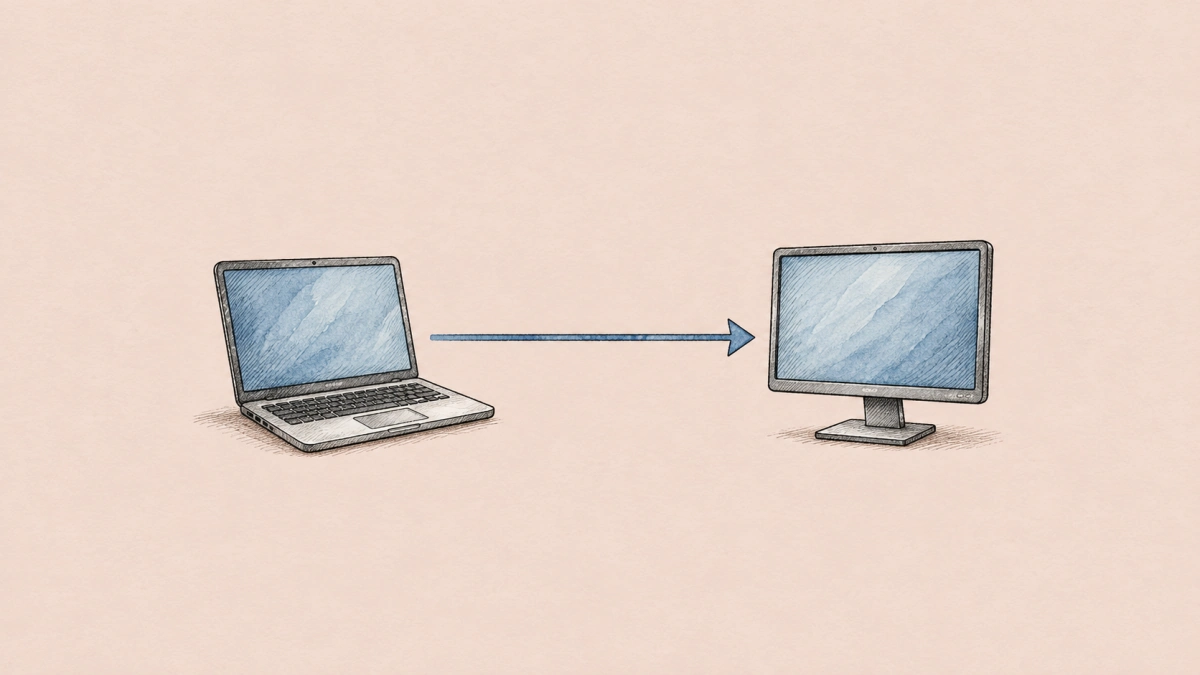
Unicast: One Destination, Several Possible Stops
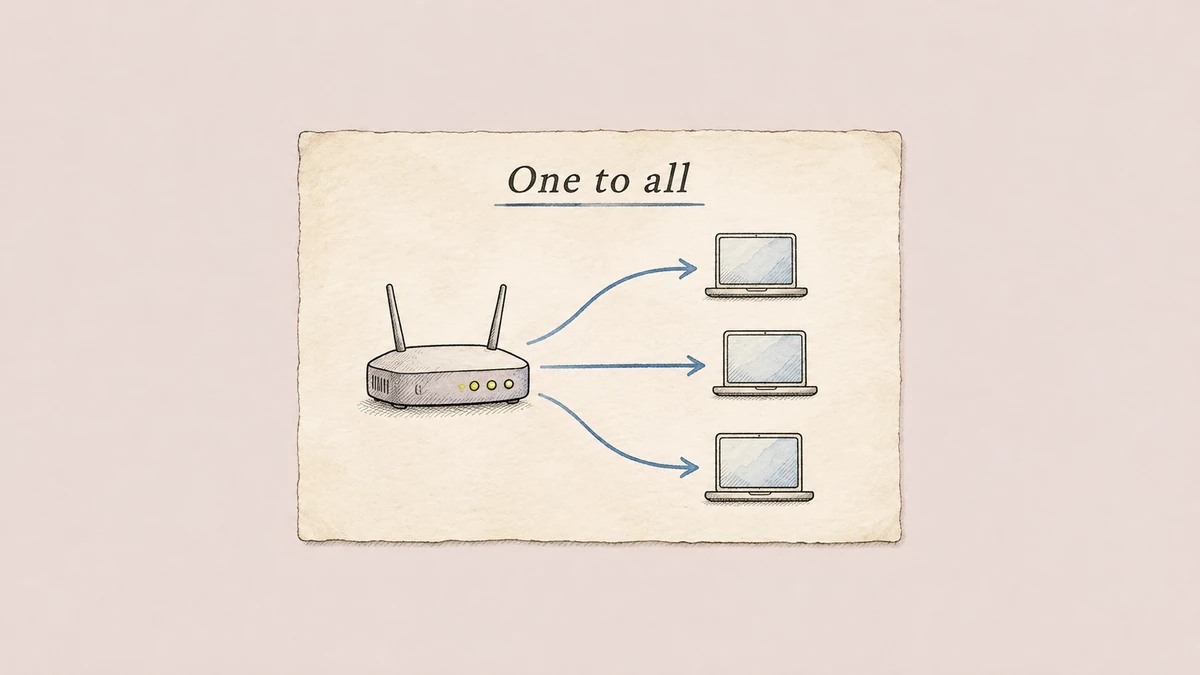
Network Broadcasts: Why One Device Asks the Whole Group
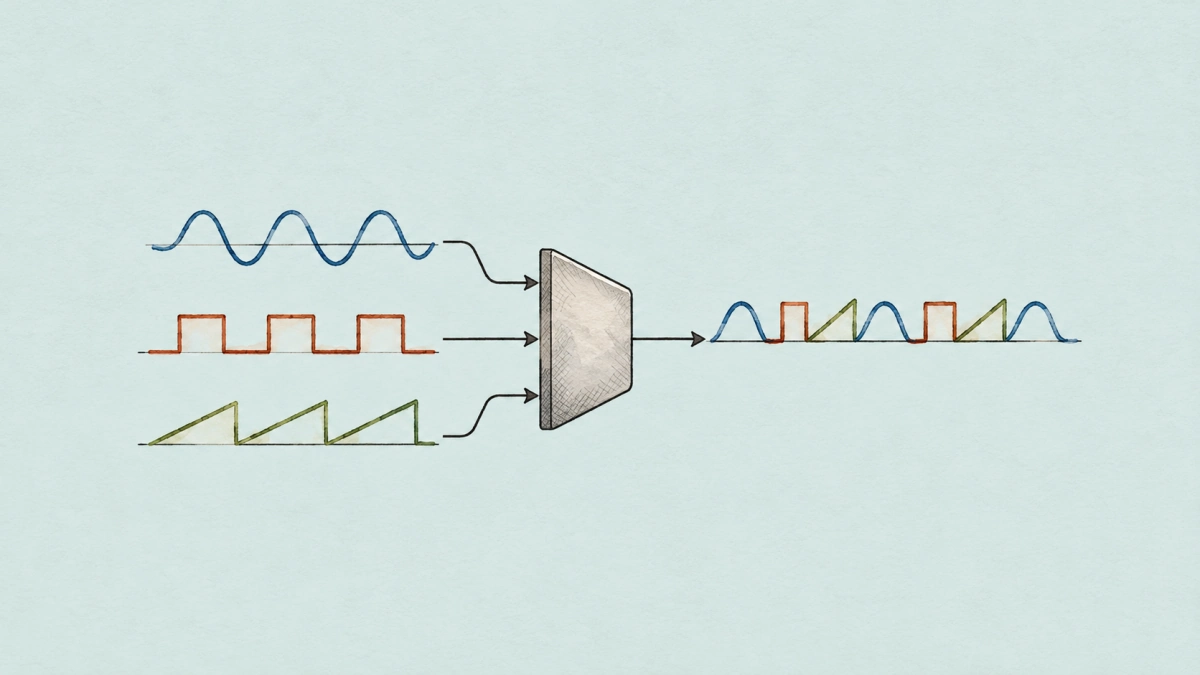
Multiplexing: How Several Conversations Share One Path
QUOTE:
"Amateurs hack systems, professionals hack people."