Mitigation: Why Reduced Risk Can Still Leave a Flaw
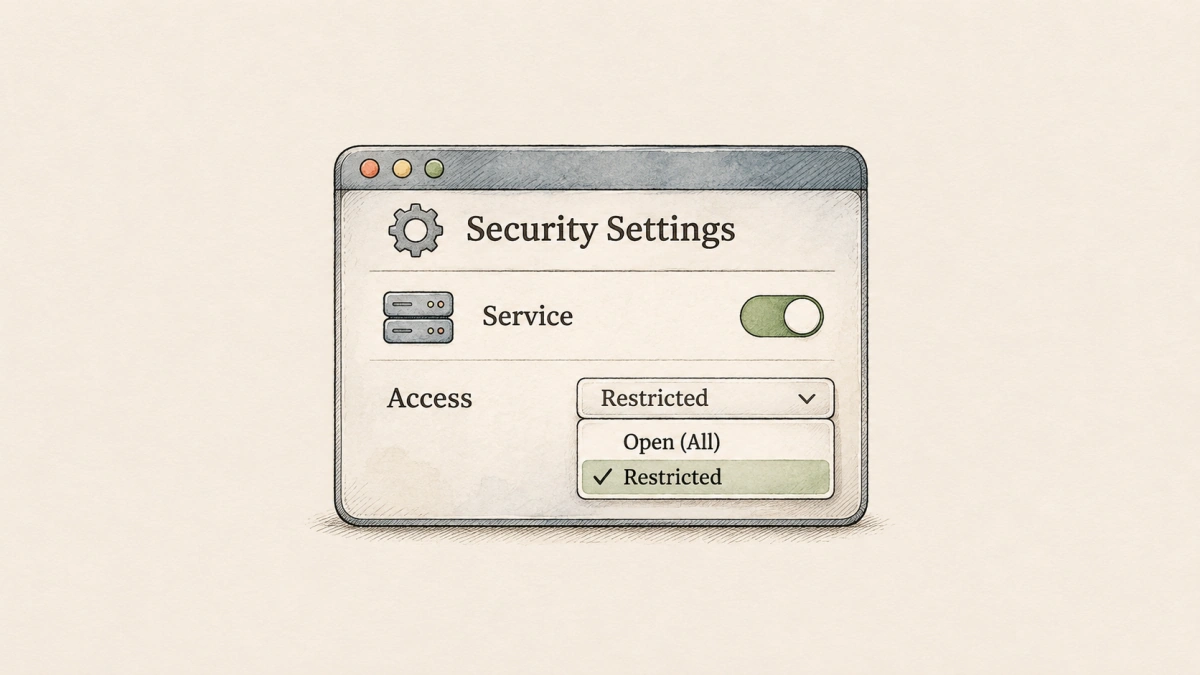
Suppose a website stops accepting file uploads on its software vendor's advice about a security flaw. Customers lose a useful function while the operator waits for a repair. The interruption is deliberate: leaving uploads available would leave the warned-about attack route open.
That temporary restriction is a mitigation. In security, mitigation means taking action to reduce an identified risk. It can reduce the chance of a problem, the harm it causes or both. The National Institute of Standards and Technology (NIST) places it within risk response: deciding what to do about a risk and applying the chosen controls.
An issue marked “mitigated” in a status report may therefore still need a software fix. The status describes a change in exposure, without necessarily describing a repair.
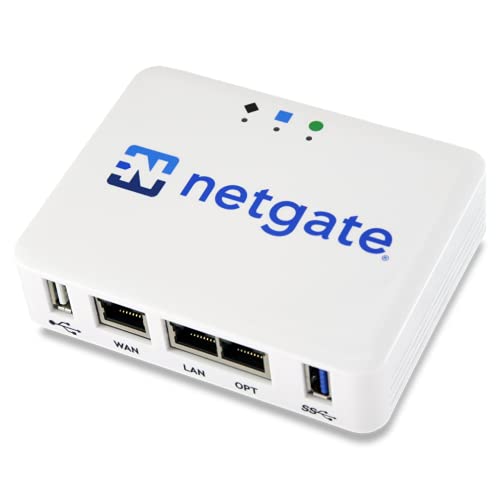
- Skip the install: pfSense Plus comes preloaded, so you can start writing rules right away.
- Get a firewall, router and VPN in one silent box that sips power.
- Keep receiving pfSense Plus updates for the life of the product.
What turning off uploads achieves
In our example, the operator has shut off the vulnerable upload feature. The underlying vulnerability, or software weakness, is still present in the installed program. If the feature returns before the flaw is repaired, the same exposure can return with it.
Vendor advisories often use mitigation in this narrower sense: a workaround that reduces exposure while a complete fix is unavailable. The Canadian Centre for Cyber Security describes these temporary measures in its guidance on software updates. A corrective patch addresses the flaw itself. In broader risk-management discussions, patching can also count as mitigation because it reduces risk.
Why That Update Is Worth Installing
The upload restriction comes at a real cost. Customers who need to send a file can no longer do it through that feature. The operator has traded some of the website's usefulness for reduced exposure while waiting for the repair.
That cost gives the temporary measure a reason to stay on someone's work list. The workaround can be doing its security job while people are still waiting for normal service to return.
Bringing the feature back
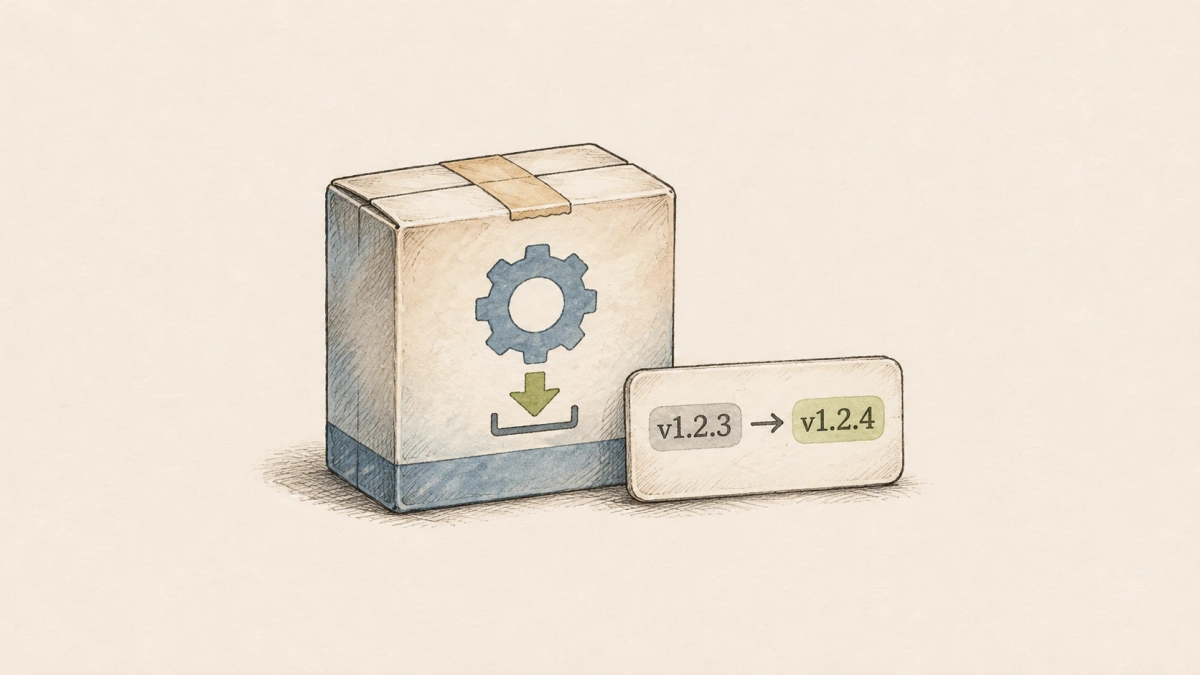
When the vendor releases a corrective update, the company still has to apply it to the affected systems. A patch available on a download page has not yet repaired the website's running software.
The operator tests the update where possible, installs it and verifies the result. Updates can cause compatibility problems or require restarts, so the change itself may affect service.
After confirming the repair, the operator can decide whether the restriction can come off and customers can send files again.
Software Patches: How a Flaw Becomes a Fix You Can Install
Vulnerability Management: Getting From a Finding to a Verified Fix
Risk Mitigation: Fewer Ways In, Less Damage Afterward
QUOTE:
"Amateurs hack systems, professionals hack people."