List-Based Access Control: Who Can Change the File?
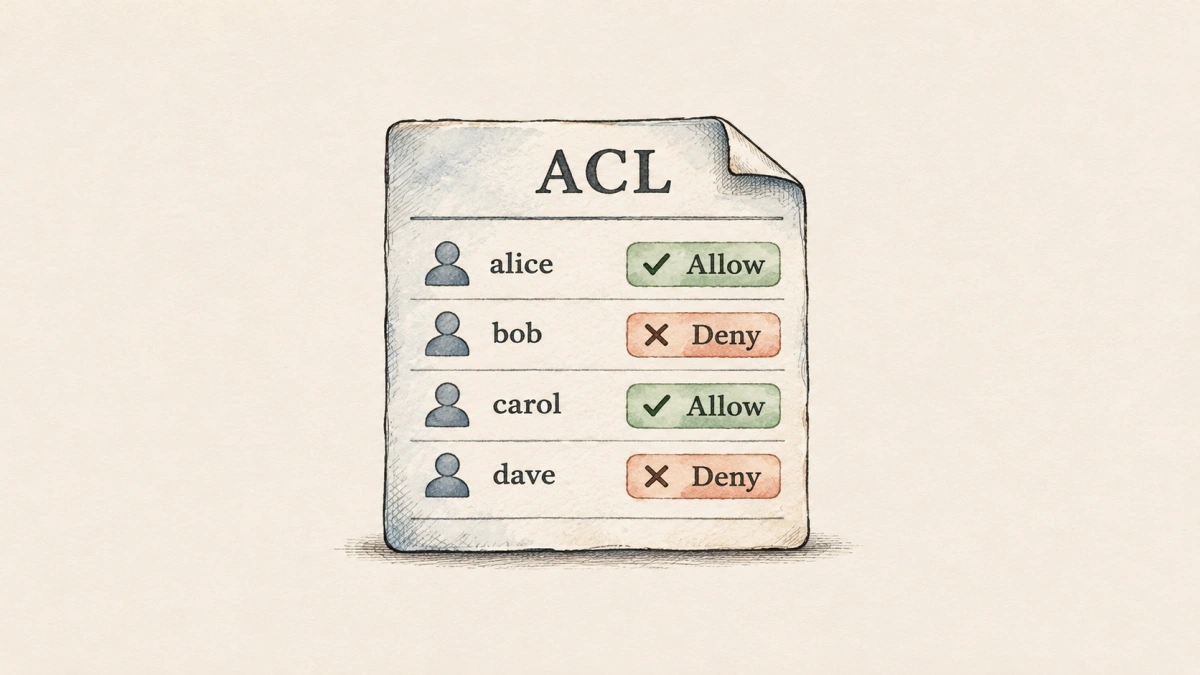
A document can be shared with several people without giving them all the same powers. One person can read it, another can revise it, and a third can manage its permissions. List-based access control makes those differences part of the document's rules.
The established name for such a set of rules is an access control list, or ACL. It records which accounts or groups may perform which actions on a resource, such as a file or folder. The National Institute of Standards and Technology's definition includes both the entity and the permitted form of access.
The Many Ways to Decide Who Gets In
What Happens When Someone Presses Delete
Suppose a project document gives a reviewer permission to read it. The reviewer signs in, opens the document and later attempts to delete it. The same account makes both requests, but they need different answers.
Signing in supplies identity information through authentication. The permission check then asks whether that identity may perform the requested action on this document. Being allowed to read it does not give the reviewer permission to delete it.
The software handling the deletion must enforce that decision. Hiding the Delete button might keep the screen tidy, but someone could send the same request another way. The system still needs to reject the request. A spreadsheet naming approved users likewise has no protective effect unless the software applies its rules.
The application-security organization OWASP recommends checking permissions on every request and denying access by default. Under its authorization guidance, an operation needs a reason to be allowed, even when the requester has already signed in.
A Group Entry Can Cover Many People
A permission entry can refer to a group as well as an individual account. Rather than adding every project reviewer to the document's list, an organization could give read access to a reviewer group. Membership in that group would then give each reviewer the same permission.
This saves repeating an entry for every person, but it adds another place to look when checking someone's access. Reviewing only the accounts named on the document's list may miss a permission received through a group. And a group called “reviewers” could have permission to edit or delete files if someone configured it that way.
As assignments change, old permissions can accumulate. OWASP calls this privilege creep and recommends periodic checks against the access people are supposed to have. The aim is least privilege: grant what the work requires and revisit it when the work changes.
If a former reviewer remains in the group after leaving the project, the list can continue granting read access exactly as configured. The obsolete membership is what needs attention.

- Keep every photo and file on a box you own, and reach them from anywhere.
- Let backups run on their own so one dead laptop doesn't take your files with it.
- Add two drives and a failed disk no longer means lost files.
When an Empty List Blocks Everyone
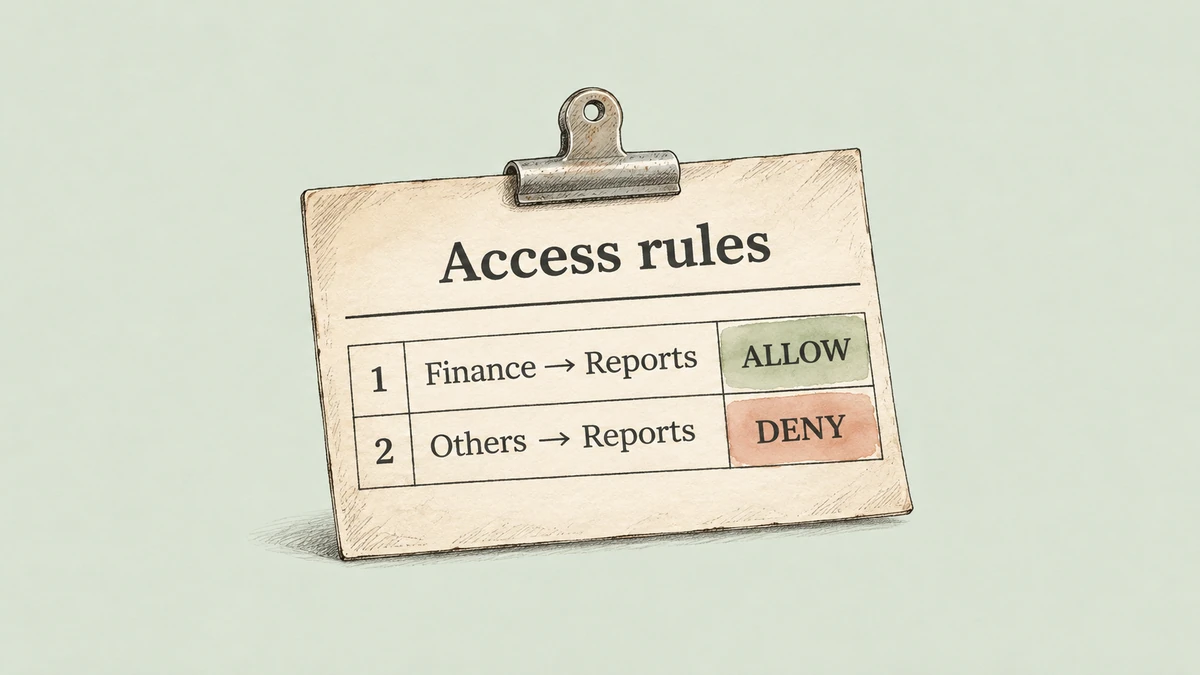
Windows provides a striking example of why a list's exact meaning matters. It uses a discretionary access control list, or DACL, to decide access to a protected object, such as a file. Windows examines the entries in order until the requested rights are granted or denied.
According to Microsoft's documentation, a missing DACL and one that is present but empty produce opposite results. A missing DACL permits full access in this check. A DACL containing no entries denies access. In Windows, removing the list entirely is very different from removing everyone on it.
Access Control Lists: The Rules That Let Requests Through
Discretionary Access Control: Who Gets to Share the File?
Access Matrix: A Table That Shows Who Can Do What
QUOTE:
"Amateurs hack systems, professionals hack people."