JWT: The Readable Token a Service Still Has to Check
The string of letters and numbers in a signed JSON Web Token can look like a secret code. Decode it, though, and its contents may be perfectly readable. The protection is meant to reveal unauthorized changes, not necessarily to hide the message.
A JSON Web Token, or JWT, is a compact way to carry claims between systems. Claims are named statements: who issued the token, whom it concerns, which service should receive it or when it expires. JSON is a format for organizing those statements as names and values that software can read.
What Is Hiding Inside a JSON Web Token?
What the dots divide
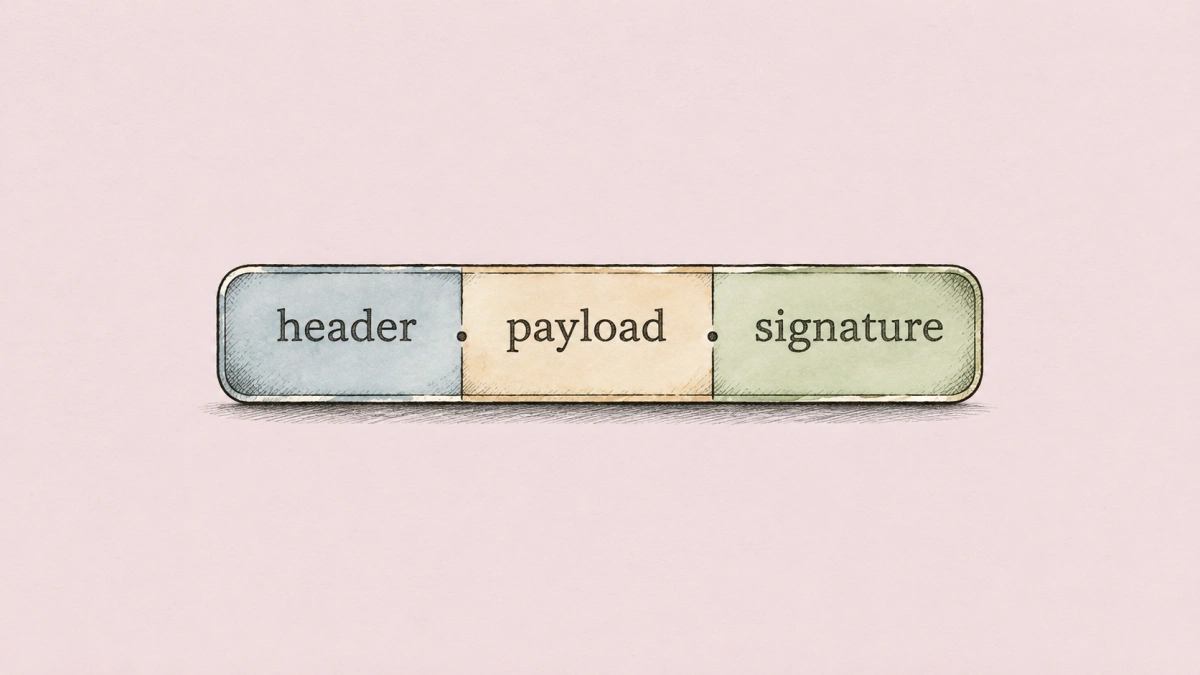
A familiar protected form has three pieces separated by dots:
header.payload.signature
These words illustrate the layout; they aren't a working token. The header contains details about the protection method. The payload carries the claims. The last part supplies a cryptographic check covering the protected header and payload.
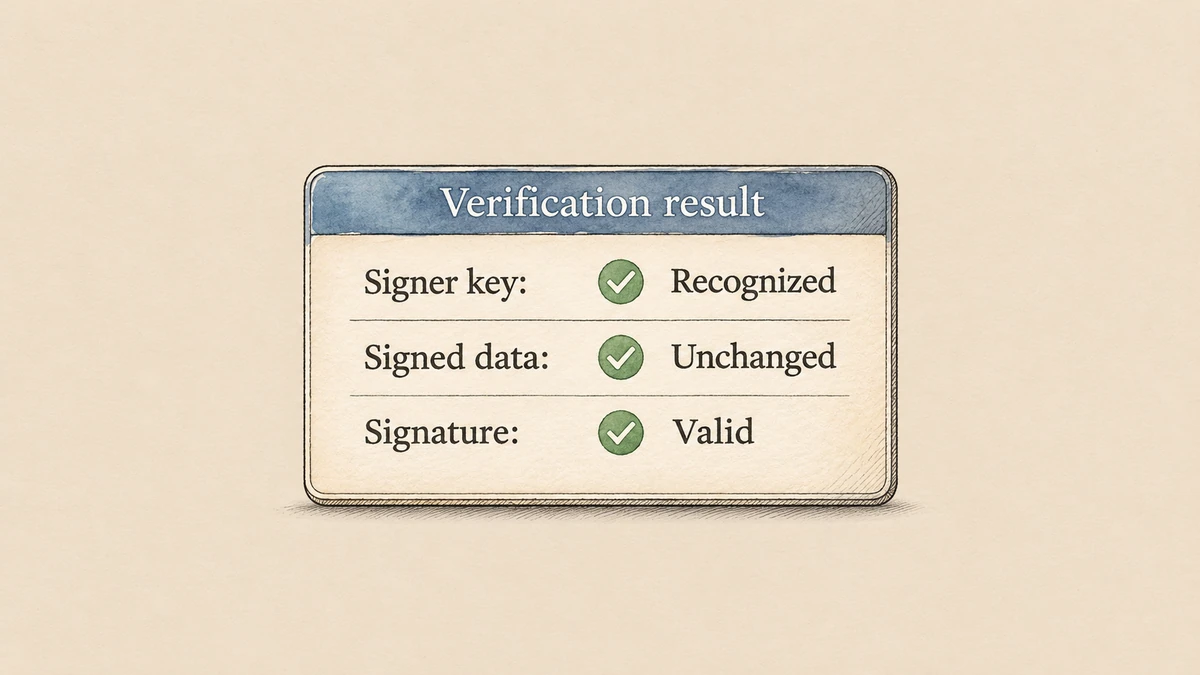
Keys are the values used to create or verify that check. With a public-key digital signature, a private key creates that check and a corresponding public key verifies it. Another option is a message authentication code, or MAC, which uses a shared secret key. Discussions may loosely call the last part a signature even when it is a MAC.
The pieces are encoded with base64url, a way to represent data as text suitable for transport. Anyone able to decode that representation can read the header and payload. Changing a claim, however, will break a correctly verified cryptographic check unless the person can also create valid protection for the changed data.
The JSON Web Signature specification describes this compact form. JWT also supports encrypted forms, so three readable pieces aren't the shape of every JWT. Encryption provides the confidentiality that encoding alone doesn't offer.
Following a token into a service
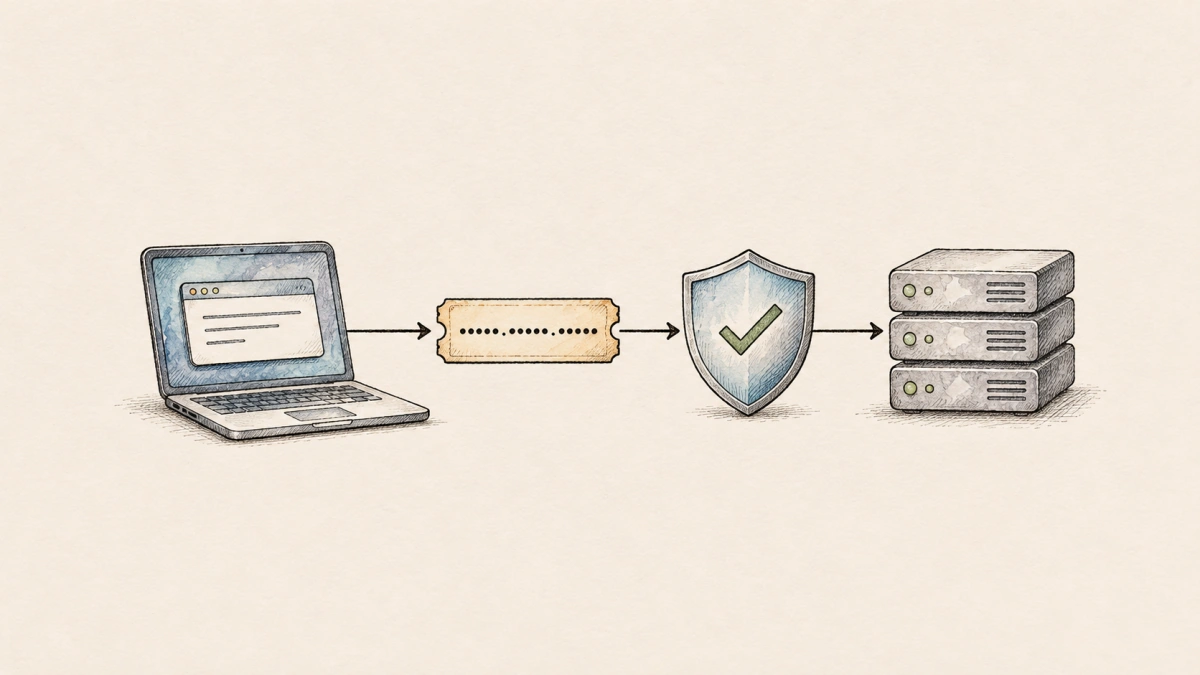
Suppose a document service receives a token naming an employee. The service can decode the text immediately, but that only tells it what the token says. It must validate the token before accepting those claims.
First, it checks the cryptographic protection with a trusted key and a method it is configured to allow. The token's header cannot be allowed to choose any key or method and declare itself trustworthy. Failed protection checks require rejection.
Then the service checks whether the token belongs in this exchange. Several short claim names help express that:
issidentifies the issuer, the system that created the token.subidentifies the subject, such as the employee the token concerns.audidentifies the audience, the recipient or recipients meant to accept it.expgives the expiration time, at or after which the service must stop accepting the token, apart from any permitted clock difference.
These names come from the JWT specification. The application determines which claims its tokens must contain and how to check them.
A genuine token issued for another service can still be the wrong token for the document service. Likewise, a token intended for one purpose shouldn't be accepted for another just because its signature is valid. The JWT security guidance explains why cryptographic checks, issuer, recipient and purpose have to fit together.
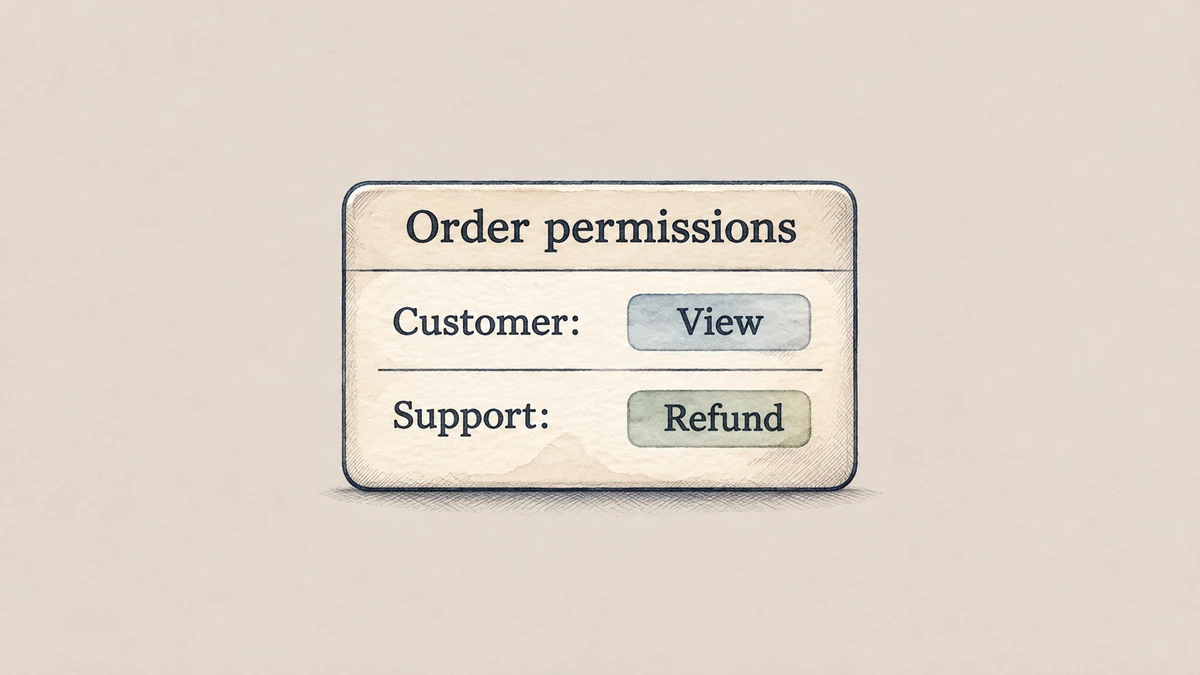
After accepting the token, the document service must still decide whether the employee may open the requested document. That is an authorization decision.

- Learn to find the flaws in a web app before someone else does.
- Understand injection, broken logins and logic bugs well enough to fix them.
- Build the skills that web security jobs ask for.
The thief may want an unchanged token
If a JWT is used as a bearer credential, possession is enough to use it. A thief with a still-acceptable copy may not need to alter its contents or discover the signing key. The genuine token is what they want.
The OAuth bearer-token guidance therefore calls for protecting bearer tokens while they are stored and while they travel between systems. HTTPS protects the connection carrying them. Putting bearer tokens in page URLs can expose them through browser histories and logs. Encrypting the claims doesn't stop someone from presenting a stolen bearer token unchanged.
Access Tokens: Permission an App Can Carry
Digital Signatures: What a Verified File Actually Tells You
Authorization: Who Can Do What With Which Data?
QUOTE:
"Amateurs hack systems, professionals hack people."