IT Assets: Finding the Computers That Need a Fix
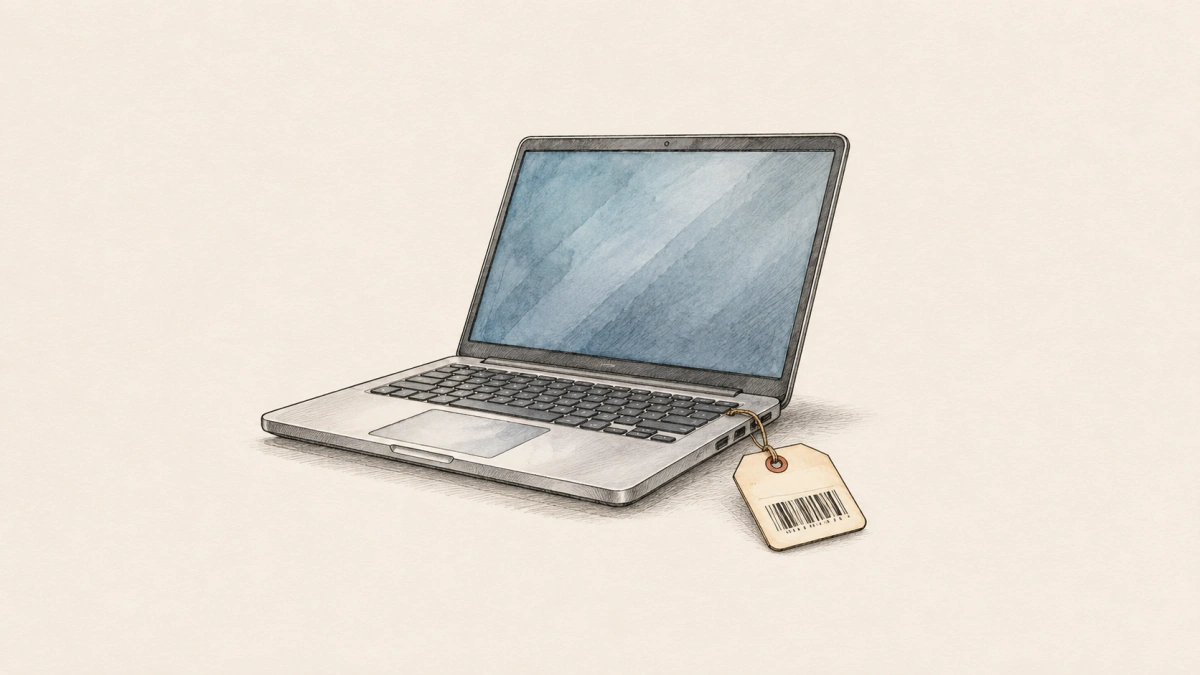
Suppose a software supplier announces a security flaw in one version of its application. A company needs to find which computers run that version and who can fix them. The answer depends on records that go well beyond purchase dates and serial numbers.
IT means information technology. In cybersecurity, an IT asset is a technology resource an organization uses or needs to manage. Devices, software, systems, data and technology services fit that practical definition.
These resources include more than equipment the organization owns. A cloud service may run on another company's computers while remaining essential to the customer's work. Data can need protection without having a serial-number sticker attached to it.

- Know which cable goes where the next time something stops working.
- Tag laptops, drives and chargers so nothing in the office goes missing unnoticed.
- Reprint your most-used labels in seconds from the built-in memory.
The laptop after it leaves the box
Consider a laptop the company has bought for an employee. Recording its serial number and location helps the company keep track of the physical machine. But those details won't explain which operating system it runs, how it is configured or which applications have been installed.
Configuration means the settings and components that determine how a system operates. In this case, the installed software version helps the team find computers affected by the warning. An inventory is the record of the company's assets; including software details makes it useful for this search.
The National Institute of Standards and Technology (NIST) demonstrates this connection in its IT Asset Management project. Its financial-sector example combines physical tracking with information about software, configuration and vulnerabilities—weaknesses that an attacker could exploit.
Records can connect a device with its owner and location, helping the team work out who can act on an alert. That person can then arrange a fix through patch management and check the result.
What else belongs on the map?
The laptop is only part of the picture. Its applications, the data they handle and the services they rely on can each need their own records and care.
NIST's Cybersecurity Framework 2.0 includes inventories of hardware, software, systems, services and relevant data. It explicitly includes supplier services, so the inventory doesn't stop at the office door.
Why That Update Is Worth Installing
Consider the same employee using a cloud application. Knowing who supplies it helps, but the company also needs to understand who is responsible for the service internally and what work depends on it.
The record should also help explain how much the resource matters. NIST calls for prioritizing assets according to factors such as their importance to operations and the organization's mission. Purchase price alone is a poor guide: the cost of replacing equipment doesn't tell you what work stops when it becomes unavailable.
That context helps an incident-response team decide where to focus during a disruption.
Keeping up with the life of an asset
Over time, the laptop may get new software, move to another employee or leave service. Its records need to follow those changes. Asset management covers the resource's life, including retirement, rather than ending when it is bought.
An old software entry might send a security team looking for a version that has already been removed. Missing a newly installed application could have the opposite effect: the team overlooks a computer that needs a fix.
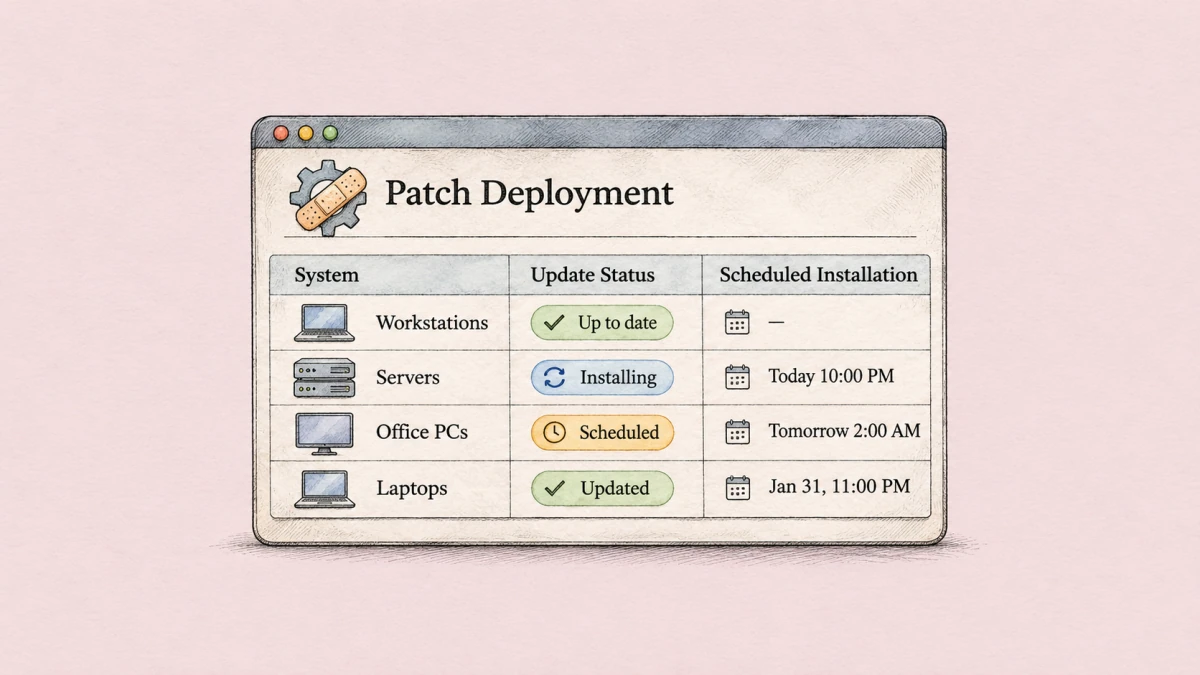
Patch Management: Getting a Security Fix Onto Every System That Needs It
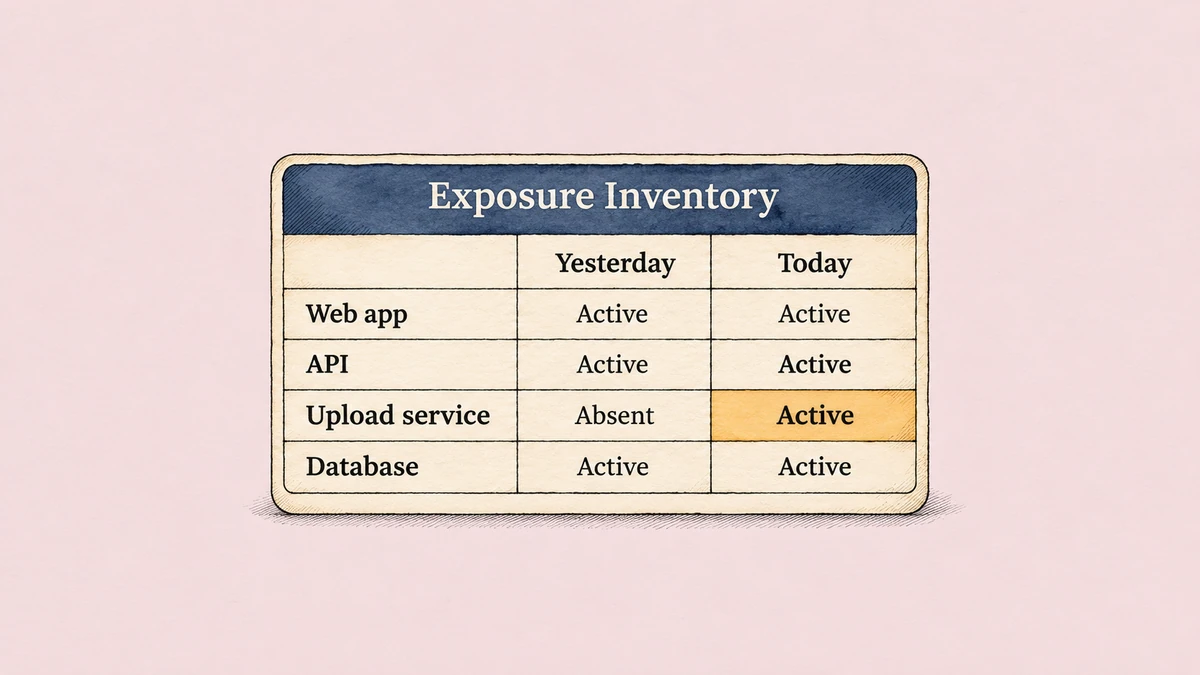
Dynamic Attack Surfaces: What Changed Since Your Last Check?
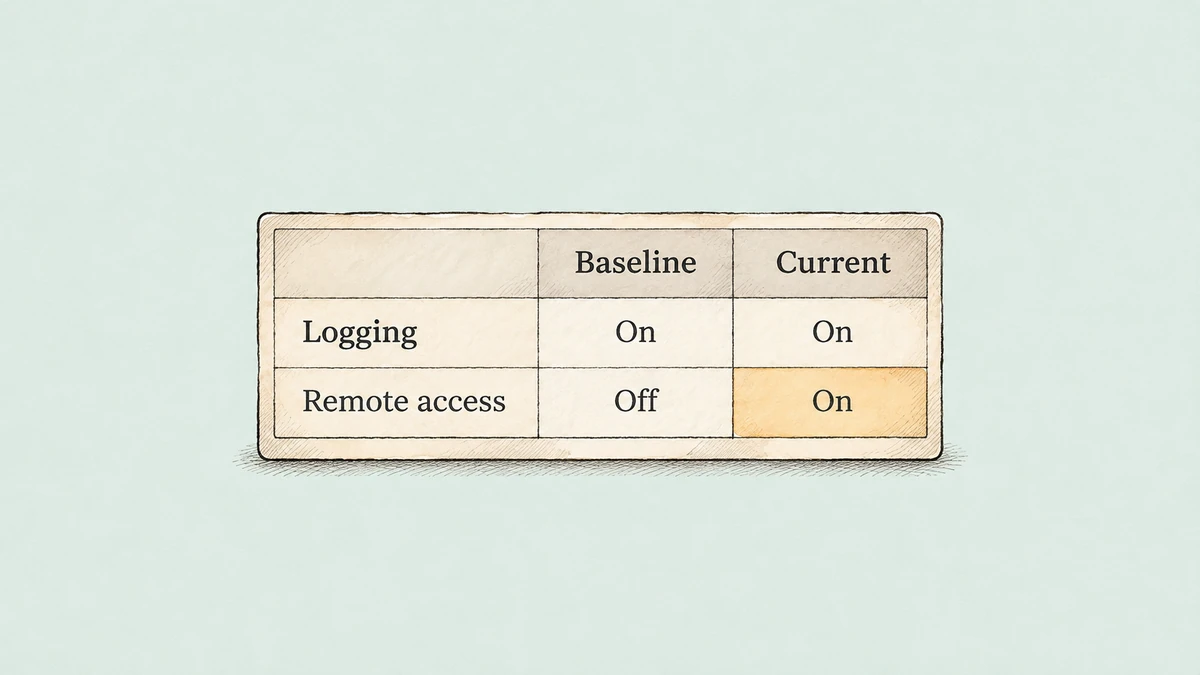
Configuration Management: Stop Losing Track of System Changes
QUOTE:
"Amateurs hack systems, professionals hack people."