What Is an Intranet? A Workplace’s Shared Internal Space
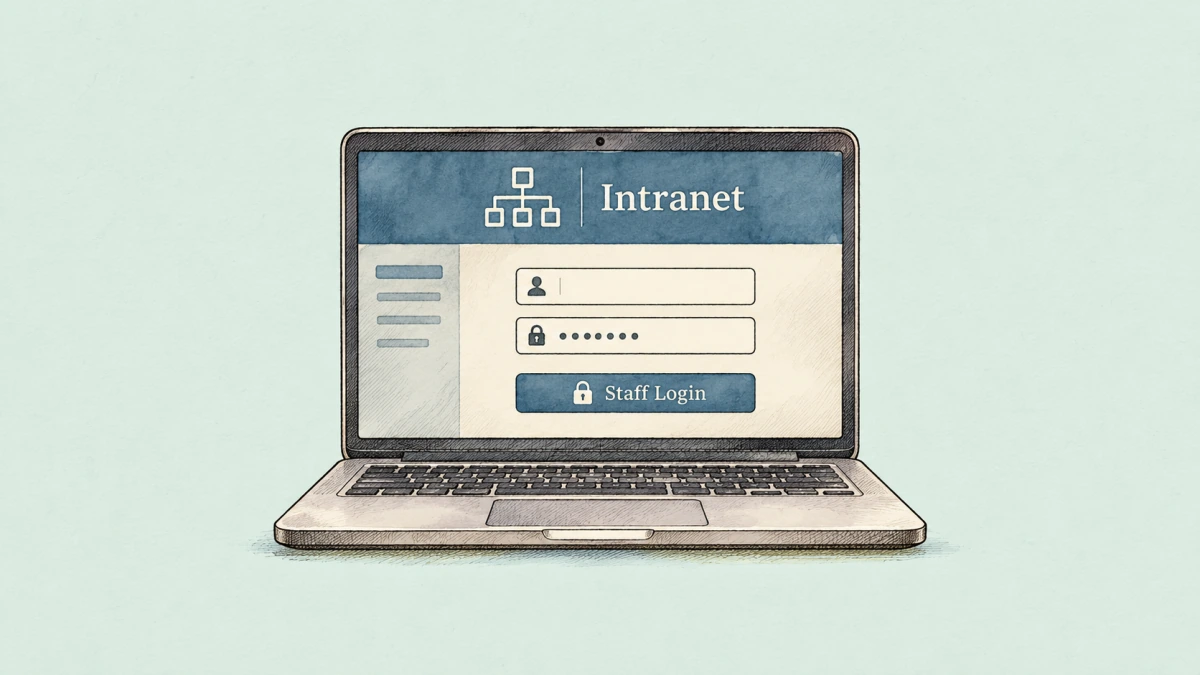
An intranet gives an organization's authorized users access to shared internal resources. Employees might use it to find a policy, submit a request, read company news, or open a team workspace.
The word can describe the organization's private network or, in everyday workplace use, the internal website that brings those resources together. That website is often called a portal, a starting page with links to information and tools.
The National Institute of Standards and Technology defines an intranet as a network using internet technology for an organization's internal purposes.
How One Switch Becomes Several Networks
Internal doesn't have to mean inside the building
An intranet uses familiar technology, including web browsers and web pages. Its intended audience sets it apart from a public website: access is restricted to authorized people.
Some organizations run the supporting systems on their own equipment. Others use cloud services, software and computing resources hosted by a provider and reached over a network.
For example, Microsoft's SharePoint home-site guidance describes an internal starting point for organizational news, portals, and searches across sites and files. That's a concrete example of a workplace intranet delivered through a hosted service.
A remote employee can be an authorized user too. The access method depends on the organization's setup, rather than the employee's desk location.
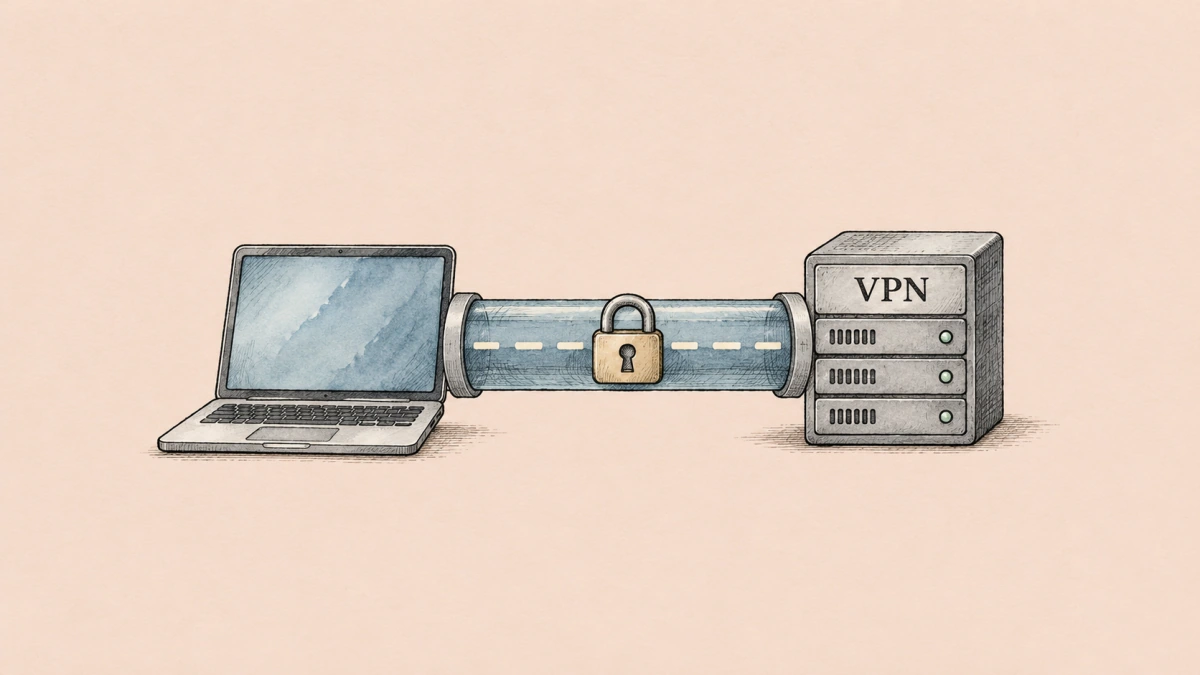
Some setups use a virtual private network, or VPN, which creates a protected connection over another network. Others provide access directly to selected hosted applications after the required identity and device checks.
Internet, intranet, and extranet describe different audiences
The internet is the worldwide collection of connected networks. An intranet serves an organization's internal needs, even when a connection to it travels over the internet.
An extranet extends selected private resources to approved outsiders, such as suppliers or project partners. Giving a supplier access to order information doesn't have to give it access to employee records.
Mozilla's explanation of intranets and extranets describes both their shared technology and their different intended audiences.

- Keep every photo and file on a box you own, and reach them from anywhere.
- Let backups run on their own so one dead laptop doesn't take your files with it.
- Add two drives and a failed disk no longer means lost files.
A staff login shouldn't open every door
Authentication checks who a user is. Authorization decides which resources and actions that user is allowed to access.
Those decisions serve different purposes. An employee who can read the handbook may have no business opening payroll files or changing the handbook's official text.
Being on an internal network shouldn't automatically establish trust. The National Institute of Standards and Technology makes that point in its zero-trust guidance, which focuses protection on users, devices, and specific resources instead of assuming location makes them safe.
Permissions also need attention when someone changes roles or leaves. Keeping the site private requires maintaining those access rules.
The useful page is the current one
Suppose a new employee finds three versions of an expense policy. The intranet has helped locate documents, but the employee still needs to know which version applies.
A practical design gives official pages a clear owner, an update date, and links to the current forms. It also separates published guidance from working drafts.
For someone using the intranet, that makes the next action clear: follow the current approved instructions, or contact the named owner when the information is uncertain.
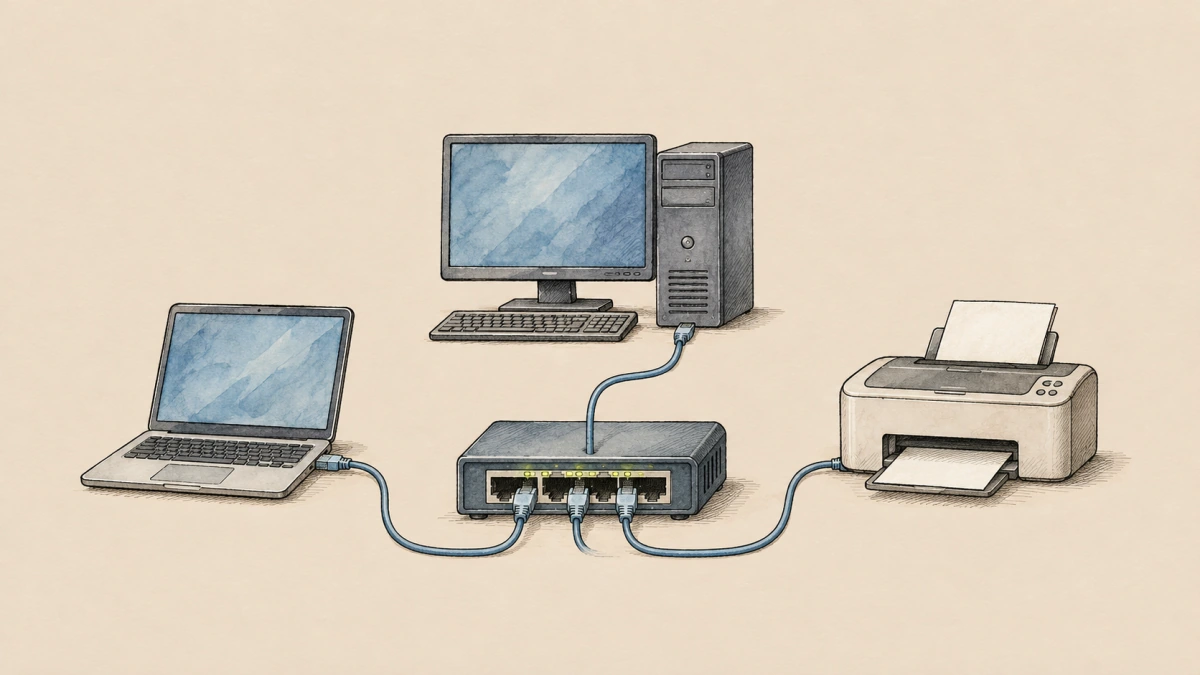
LAN: The Local Connections Behind Shared Devices
Access Control: Why One Login Doesn't Open Every Door
VPNs: Follow the Protected Connection to Its Exit
QUOTE:
"Amateurs hack systems, professionals hack people."