Information System Resilience: Keep Essential Work Going
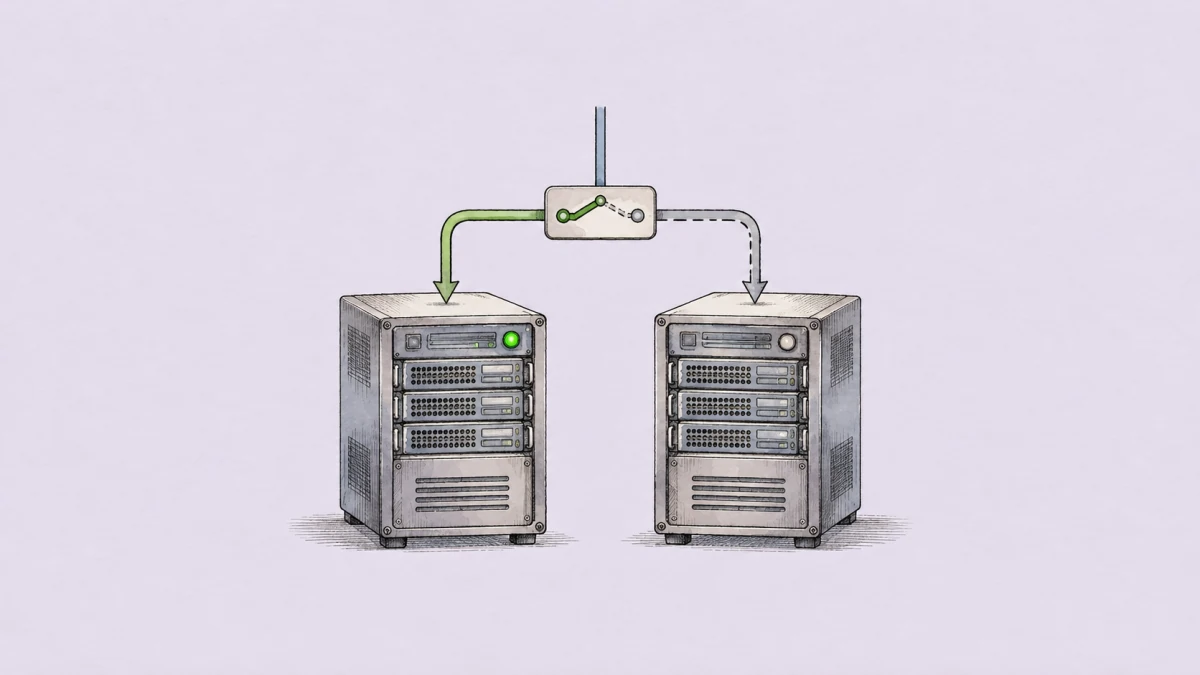
A resilient system may keep its essential work running while less important features are unavailable. Information system resilience is the ability to cope with disruption and recover useful operations within the time the organization needs.
It isn't a promise of uninterrupted service. The National Institute of Standards and Technology's definition explicitly allows reduced operation, provided essential capabilities remain and recovery meets the mission's needs.
Decide what must keep working
Consider a fictional public-service website where people can submit applications and watch explanatory videos. Losing the video service shouldn't necessarily prevent an application from being submitted.
Designing the site to keep that essential function available is an example of graceful degradation: providing a reduced but still useful service when part of a system fails.
The reliability guidance from Amazon Web Services (AWS) recommends identifying core functions and planning how they behave when systems they rely on are unavailable.
The reduced service still has to be safe and honest. If an application can't actually be saved, the site shouldn't display a message claiming it was successfully submitted.
A spare has to escape the same failure
Redundancy means having additional resources that can take over or share the work. Failover is the switch from a failed resource to a healthy one.
Two servers can help if one server breaks. They won't solve an outage caused by the only database both servers need, or by a power failure affecting both.
A dependency is another component or service needed to complete a task. Mapping dependencies helps reveal where apparently separate resources still share a point of failure.
AWS's failover guidance covers moving work to healthy resources and unaffected locations, checking their condition, and testing the switch. Adding equipment is only part of that design.

- Stay online through short outages with battery power for your router and computer.
- Save your work and shut down cleanly instead of losing it to a flicker.
- Charge your phone from the built-in USB port even while the power is out.
Recovery needs data you can use
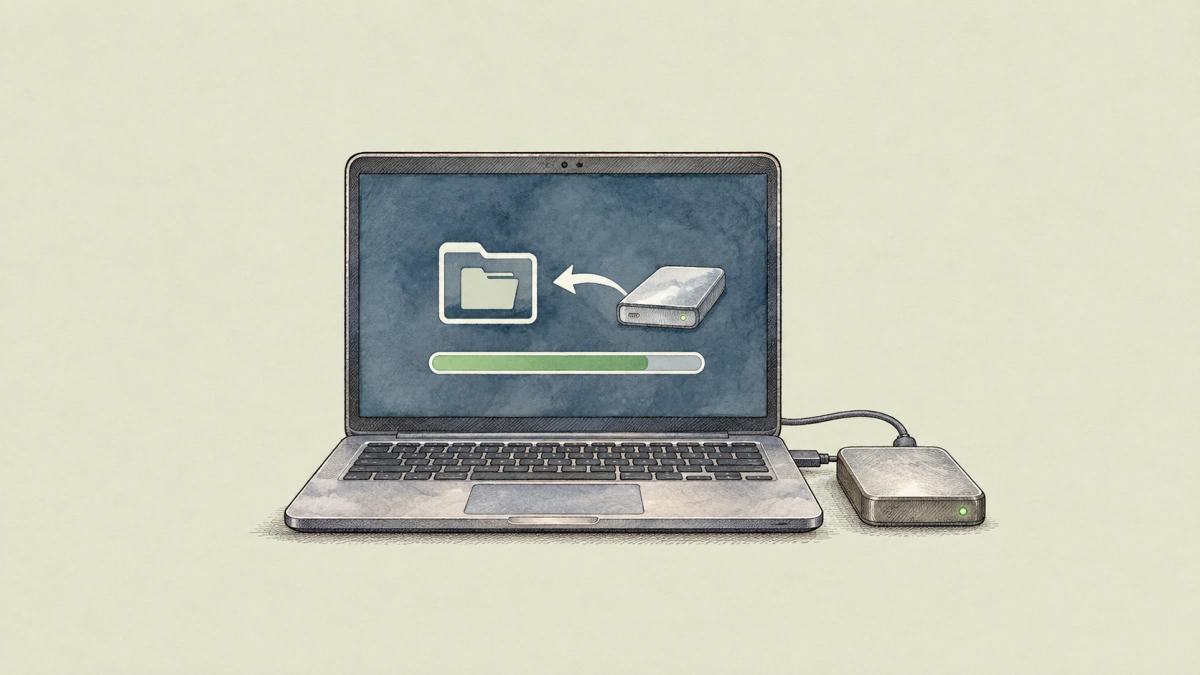
A backup is a saved copy that can help restore lost or damaged information. It isn't automatically a working replacement service, and bringing up a spare server doesn't automatically recover the right data.
The recovery plan needs to answer two separate questions: how long can the essential work be unavailable, and how much recent work could the organization afford to lose?
A system that comes back quickly with yesterday's records may miss the second requirement. A complete recovery that takes several days may miss the first.
AWS recommends restoring backups and checking the recovered data, including whether it's accessible and whether the recovery meets the intended time and data-loss limits.
Backup or Disaster Recovery: What's the Difference?
Test the whole task
For the public-service website, a meaningful exercise would check whether a user can submit an application, receive an accurate result, and have that application reach the staff who process it.
That can reveal a broken dependency that a simple “server is running” check would miss. Include the people making decisions, the instructions they use, and the communications needed during recovery.
Tests should be planned and controlled, with clear limits and a way to stop if they cause unexpected harm.
After an exercise or a real disruption, use the findings to improve the design and repeat the relevant checks. Resilience is demonstrated by essential work continuing or recovering—not by the number of spare machines on an equipment list.
Redundancy: What a Second System Can Keep Running

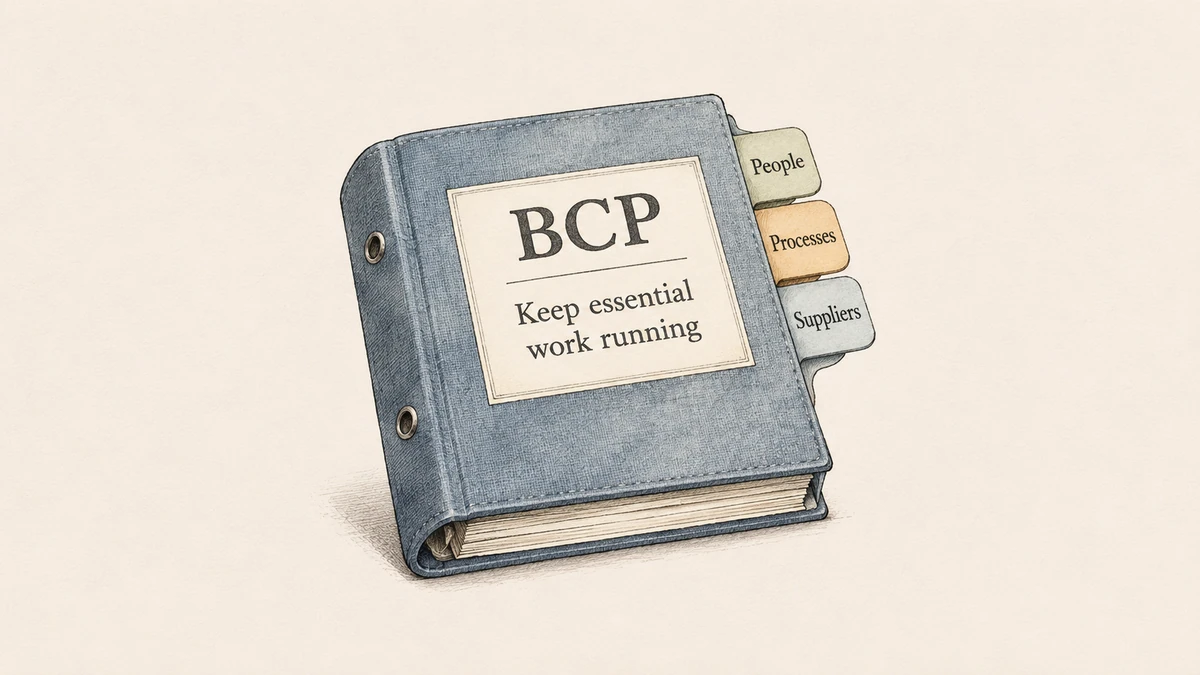
Business Continuity Plans: Keep Working While Systems Recover
Cybersecurity Recovery: Returning Services to Useful Work
QUOTE:
"Amateurs hack systems, professionals hack people."