Hybrid Malware: When One Infection Has More Than One Job
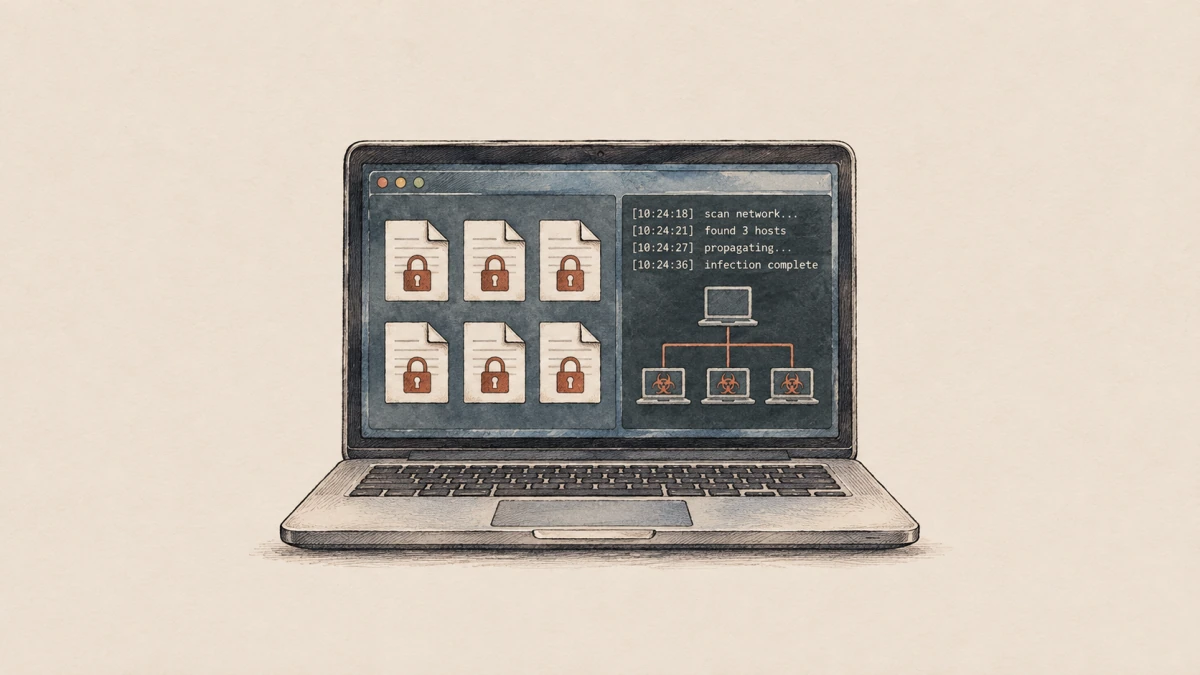
WannaCry didn't just hold files for ransom. The malware that spread in May 2017 also behaved like a worm, seeking vulnerable computers so it could infect the next machine.
That combination illustrates hybrid malware: malicious software that brings together different harmful behaviors, such as damaging files and spreading itself. The term describes a mixture of capabilities, not a promise that the program is new or unusually sophisticated.
The Cooperative Cyber Defence Centre of Excellence's malware-analysis handbook describes hybrid malware in terms of combined actions, including how it spreads and what it does after arrival.
A Virus, a Worm, or a Trojan? The Difference Matters
One name can describe only half the problem
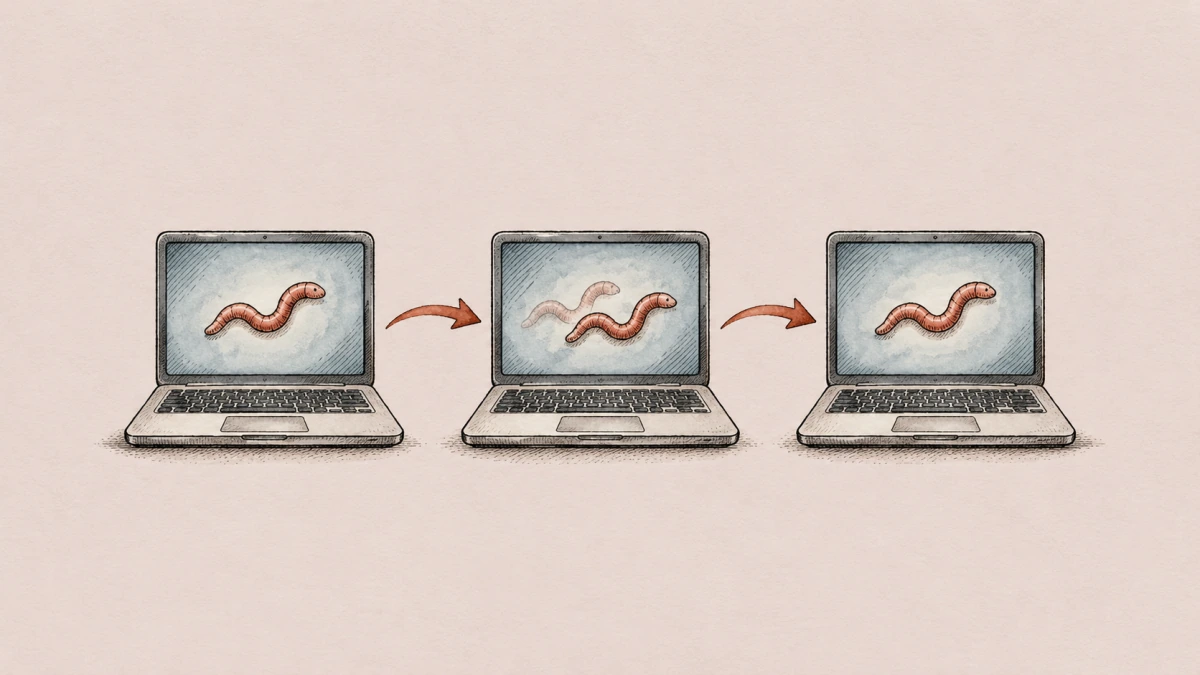
Malware labels often answer different questions. A Trojan disguises its harmful purpose behind something apparently useful, while a worm is a self-contained program that replicates to spread.
Ransomware describes an extortion function: it may encrypt files or block access and demand payment to restore them. Encryption scrambles the information so it can't be read without the appropriate key, a secret value needed to recover it.
Those characteristics can coexist in the same attack. Knowing how a program arrived doesn't tell you everything it'll do once it runs.
The National Institute of Standards and Technology made a related point in its 2013 malware-handling guide: malware can mix characteristics, making rigid categories less useful for handling an incident.
The label alone also doesn't tell you whether a particular security tool will detect it. That requires evidence about the actual program and behavior.
WannaCry's two connected jobs
In Microsoft's analysis of WannaCry, also called WannaCrypt, one component encrypted files and displayed a ransom demand. Another attempted to exploit a flaw in Windows networking to spread to unpatched computers.
A vulnerability is a weakness that can be used to break a system's expected protections. A patch is a software update that fixes a problem; Microsoft had released a fix for the exploited flaw before the outbreak.
The spreading component searched for vulnerable machines on local networks and the internet. Once another susceptible computer was infected, it could become another source of infection.
That combination changes the response: recovering files on one computer doesn't, by itself, stop a different infected computer from continuing to spread the malware.

- Stop ransomware and malware before they reach your files.
- Bank and shop in a browser built to keep transactions private.
- Cover five devices, from Windows and Mac to phones.
Match the response to the behavior
For an organization facing a suspected outbreak, the useful questions are concrete: which systems are affected, what information has changed or left the network, and how can the attacker or malware reach other systems?
The joint StopRansomware Guide from federal cybersecurity agencies and their partners recommends isolating affected systems. It also calls for software updates, protected backups, and limits on movement between parts of a network.
Network segmentation means dividing a network into sections and controlling traffic between them. It can limit spread, though it doesn't remove malware already present.
Backups serve a different purpose: restoring data after damage. Keep protected copies that malware on working computers can't simply rewrite or erase, and test that you can restore them.
A successful recovery has to address the combination of behaviors actually found. Getting files back is valuable, but the infected systems and the route used to spread still need attention.
Trojan Horses: When Useful Software Has a Hidden Job

Computer Worms: How One Infection Can Copy Itself Onward
Computer Viruses: The Harmful Code That Copies Into a Host

QUOTE:
"Amateurs hack systems, professionals hack people."