HoneyMonkey: The Browsers That Visited Dangerous Websites
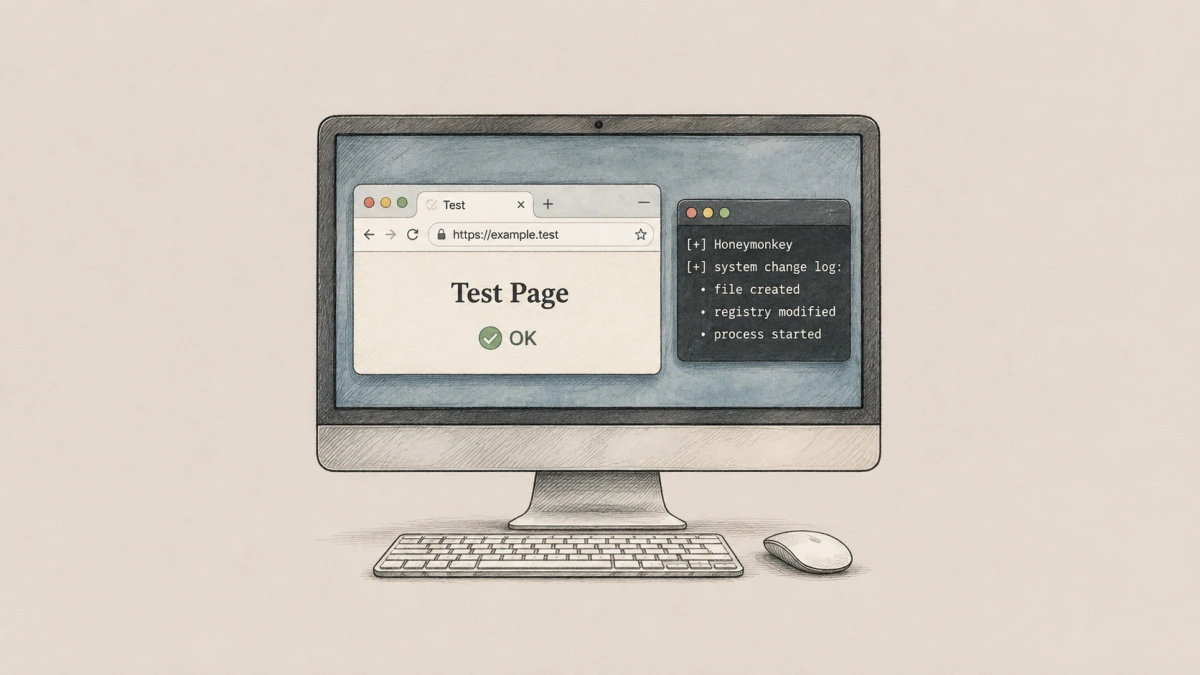
HoneyMonkey was Microsoft's answer to a disturbing question: what could a website install merely because someone visited it? The research system sent automated browsers into potentially hostile pages and watched for changes on the test computers.
Microsoft described its Strider HoneyMonkey project in a 2005 research report. The name belongs to that research effort, not to a security feature every website or browser includes.
The browser was the test subject
The system used virtual machines: software-created computers running inside a physical computer. Each could have its own operating system, the software managing the computer, plus a browser and security patches, the updates that fix software flaws.
Automated browser visits let researchers compare what happened on machines with different patch levels, rather than trusting how harmless a page looked.
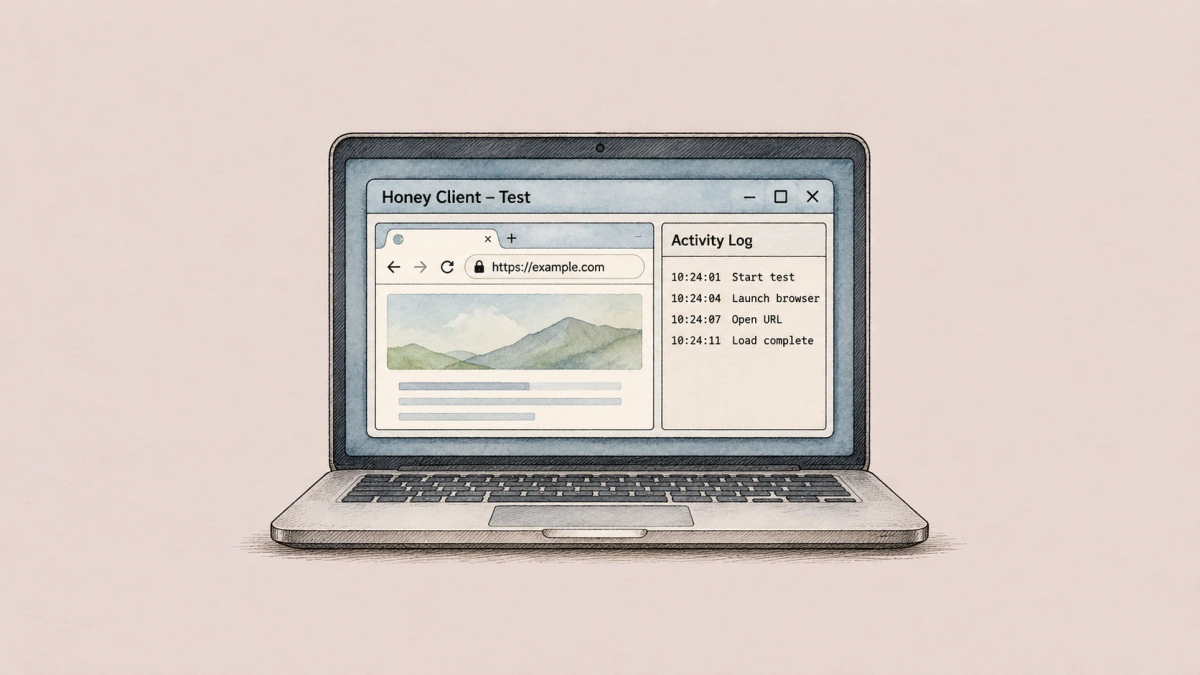
This makes HoneyMonkey a kind of honey client, a monitored test client that actively approaches suspicious content. A traditional server honeypot works in the other direction, offering a decoy for other systems to contact.
The Trap Built to Be Attacked
The threat under study was a browser exploit: an attack that takes advantage of a software weakness. A successful exploit could run unwanted code without the visitor agreeing to install a program.
Look for what changed after the visit
The researchers' 2006 conference paper describes watching for unexpected program files and system-setting changes. The browser wasn't instructed to approve installation prompts, making an unapproved installation especially revealing.
The system also followed redirects, instructions that send a browser to another address. That helped connect an initial page with other sites involved in an attack; a redirect itself wasn't proof of wrongdoing.
Compromised test environments could be returned to a clean state. Otherwise, changes left by one visit could confuse the findings from the next.
The work concerned Windows XP-era browsers and attacks. Its historical detection results shouldn't be read as a score for today's browsers or as proof that the same setup would find today's threats.

- Run a test server or a home lab without giving up desk space.
- Start right away with 16GB of memory and a 500GB SSD already inside.
- Drive two 4K screens when it doubles as an everyday desktop.
A research visit can miss the attack
The paper also discussed ways an attacker could avoid detection, including recognizing the research machine or requiring interaction the automated browser didn't perform. A page that stays quiet during one test hasn't earned a safety certificate.
More generally, the National Institute of Standards and Technology's malware guidance calls for isolated systems when researchers run malicious software for analysis. It also notes that some malware changes behavior when it detects a virtual environment.
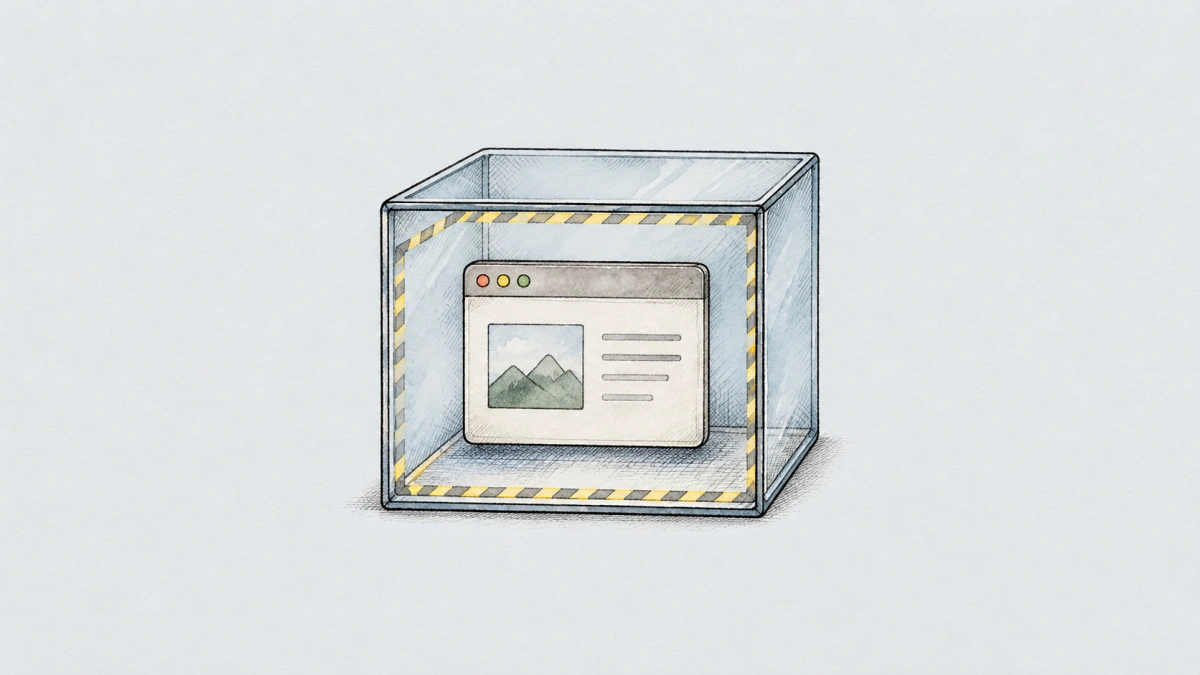
Isolation requires deliberate limits on what the test system can reach. A virtual machine isn't, by itself, a promise that an experiment can't affect anything outside it.
HoneyMonkey's useful idea was to observe consequences, not just appearances. The evidence could guide investigation and defenses, but discovering a harmful page didn't automatically repair the website or protect everyone who visited it.
Honey Clients: The Test Browsers That Go Looking for Trouble
Drive-by Downloads: Can a Web Visit Infect Your Device?

Sandboxing: Deciding What a Program Can Reach
QUOTE:
"Amateurs hack systems, professionals hack people."