Dynamic Attack Surfaces: What Changed Since Your Last Check?
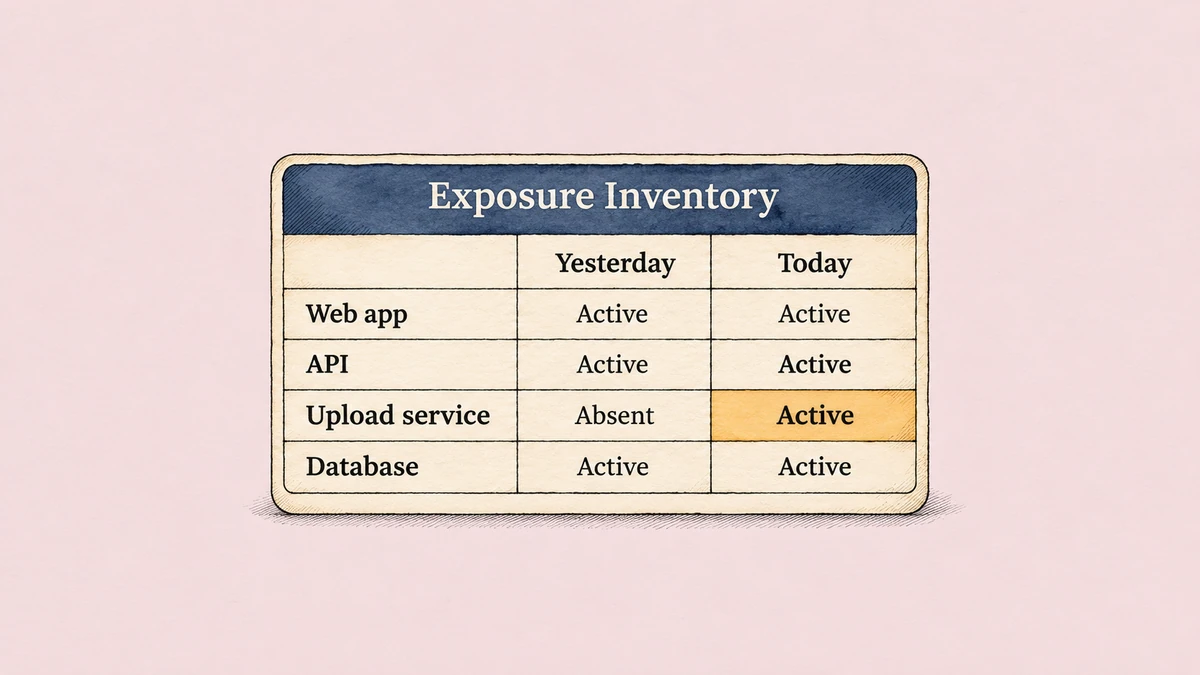
A security check from last month won't show a service that appeared this morning. A dynamic attack surface is the changing set of places where someone could try to enter a system, disrupt it or take information from it.
“Dynamic” means those points change over time as services, accounts and connections are added, removed or altered. The National Institute of Standards and Technology's definition includes possible interactions, so a feature doesn't need a known flaw to belong on the attack surface.
The same storage, a different audience
Consider a team keeping draft customer reports in cloud storage, meaning storage on a provider's computers. Initially, only named team members can read the files.
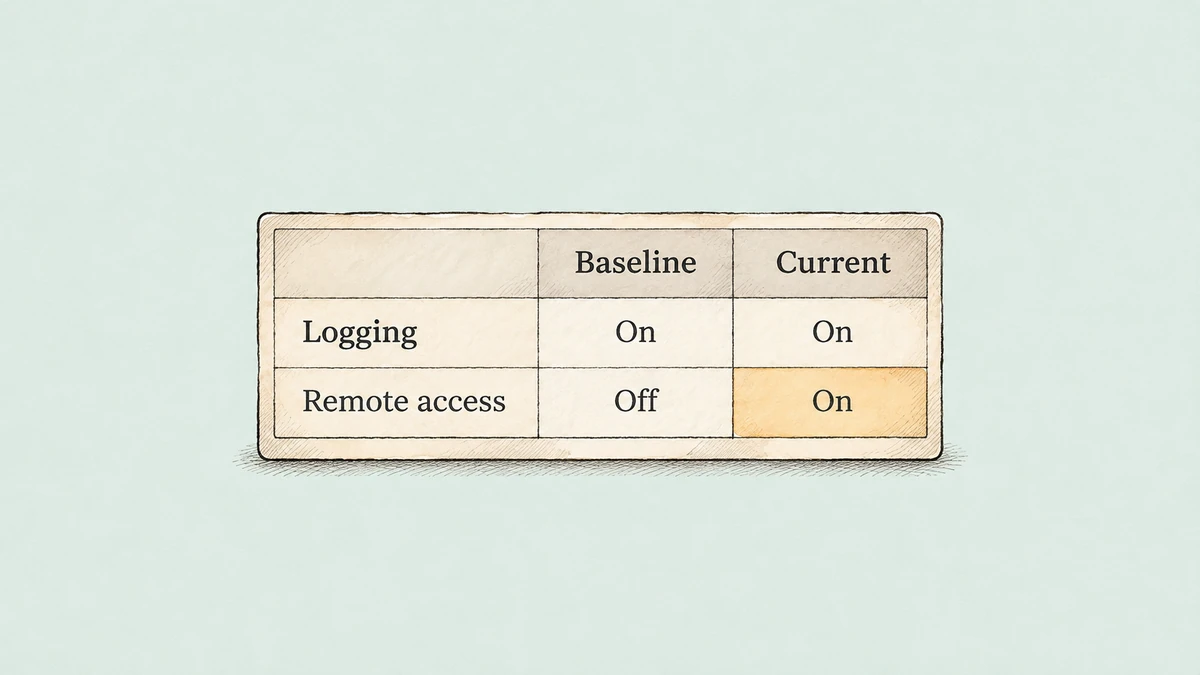
If someone changes the access rules so the files become publicly readable, the audience changes dramatically. The important difference is who can retrieve the records, even if the team hasn't bought another computer or added another file.
The reverse can happen, too: removing unnecessary public access reduces exposure. Changes don't always make the attack surface larger or more dangerous.
Amazon's S3 cloud-storage documentation describes settings that block public access even when other permission rules would allow it. This illustrates why reviewing the effective combination of settings matters more than looking at one switch in isolation.
What Is Threat Modeling, and Why Bother?
Uploading another report doesn't necessarily create a new entry point. It can still increase the amount or sensitivity of information exposed through an existing one.
A change can alter access without adding hardware
A new connection between applications deserves attention. An application programming interface, or API, lets one program request information or actions from another; a new API can expose functions that weren't previously reachable that way.
Changing an account's role can matter just as much. Giving a support account permission to change customer records increases what someone using that account can do.
OWASP, a nonprofit focused on application security, recommends reviewing changes to access rules, user roles and application connections. The review should consider which people or systems can reach a function and what protections apply.
A patch—a software update that repairs a problem—can fix a weakness while leaving the feature available. It's useful to record that improvement without pretending the feature has disappeared from the attack surface.
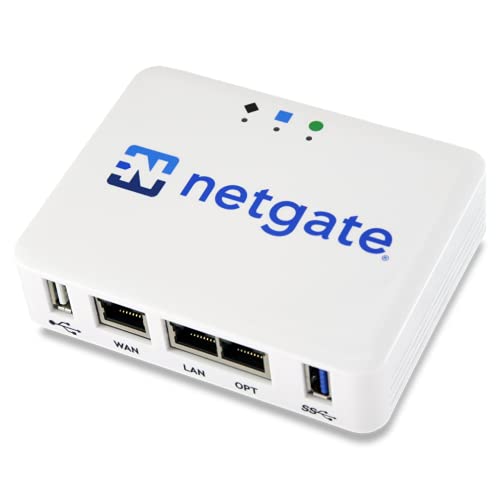
- Skip the install: pfSense Plus comes preloaded, so you can start writing rules right away.
- Get a firewall, router and VPN in one silent box that sips power.
- Keep receiving pfSense Plus updates for the life of the product.
Keep the map connected to real changes
An inventory records the systems, services and accounts an organization uses. It needs enough detail to identify their purpose, owner and relevant access settings, rather than just counting devices.
The United Kingdom's National Cyber Security Centre recommends regular or continuous discovery of new, changed and removed assets. It also recommends updating records in response to changes where practical, instead of relying entirely on later scans.
A scan is an automated examination, and its view has limits. A check from the public internet won't necessarily reveal access available only to a signed-in employee or another internal system.
Combine discovery results with information from the people who build and operate the services. A temporary system that never entered the inventory still needs someone responsible for its access and eventual removal.
Prioritize what the change allows
For each significant change, establish who can now connect, what they can do and which information or work could be affected. Those answers help distinguish an intended new service from an unintended exposure.
For the customer reports, the practical check is whether the intended people can read them and outsiders can't. Repeating that check after permission changes keeps the security decision tied to the system people are actually using.
Attack Surface: What an Attacker Can Reach
IT Assets: Finding the Computers That Need a Fix
Configuration Management: Stop Losing Track of System Changes
QUOTE:
"Amateurs hack systems, professionals hack people."